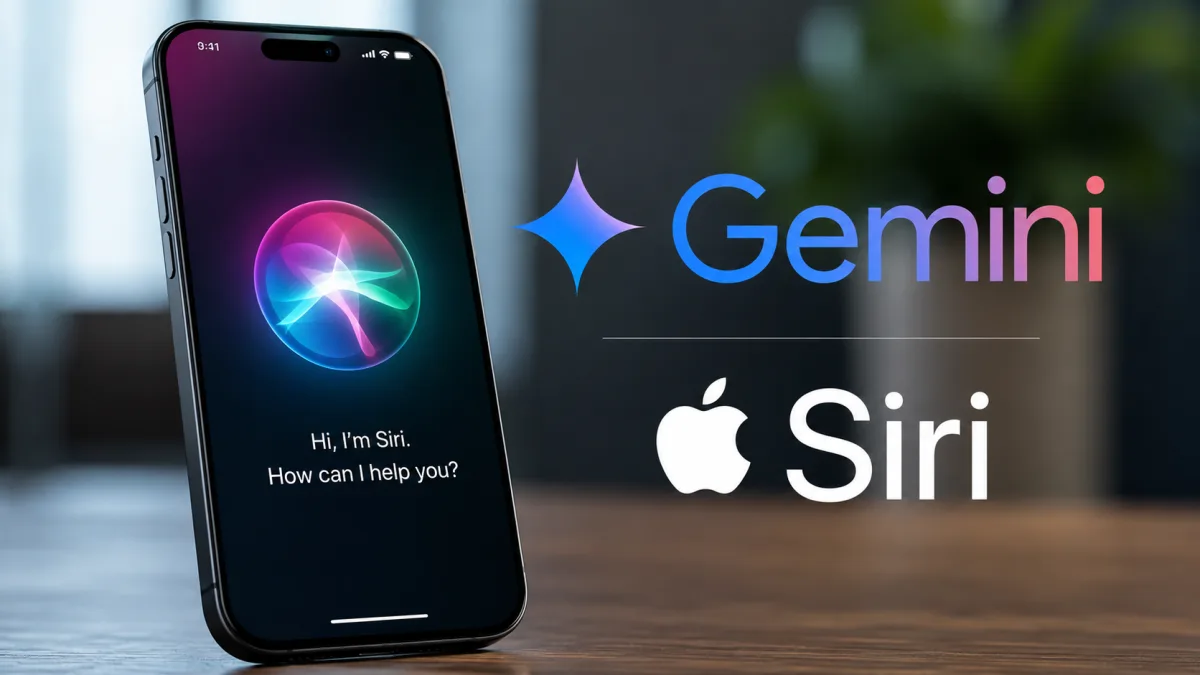
At the Worldwide Developers Conference on June 8, 2026, Apple officially introduced its rebuilt assistant. The new Apple Gemini-powered Siri AI is a complete overhaul of how we interact with our devices. The assistant does more than set timers or play music. It handles complex tasks and understands what's on your screen, plus it uses Google's models when you need detailed web information. For Indian users, this means a smarter assistant that actually understands local context and UPI workflows.
The two-tier intelligence engine
Basically, the system splits your requests into two. It depends on complexity. Siri handles the easy stuff on your device, like opening apps or setting reminders, by running a small language model Apple developed. That means your personal texts and daily schedule don't leave your phone. But when you ask a complex question that needs broad web knowledge, Siri routes the query to Google's servers.
Apple made this clear during the WWDC keynote.
So, if you ask Siri to plan a trip from Mumbai to Goa, it asks for permission to use Gemini. You can allow it once. Or, you can set it to run without asking. The local model handles the image recognition and text parsing first. Then, it passes only the text query to Google. Google gets the query through a secure connection that masks your IP and doesn't share your name. Honestly, it keeps your queries private while still giving you Gemini's smarts. If you ask me, this strikes a good balance between privacy and utility.
It prevents Google from building a profile about you based on your Siri requests.
Supported iPhones and system updates
This assistant is part of the new iOS 27 update. Apple announced it alongside macOS 27 Golden Gate. Now, even though 29 iPhone models support the update, only a handful can run the new Siri features. Standard older models don't have the muscle for the local model. So, Apple limited the features to newer hardware.
You'll need a newer device like the iPhone 15 Pro or the iPhone 15 Pro Max, or anything released after them. Standard older models, like the regular iPhone 15, don't have the required 8 gigabytes of RAM. That's a bummer. If you have a supported device, you'll see a glowing border around the screen edges when Siri wakes up. This glow replaces the old circular icon at the bottom. Honestly, this hardware limitation is going to annoy a lot of people who bought expensive phones just a few years ago. But Apple claims that running a local model demands this kind of speed.
The update will roll out slowly over the next few months.
US users get access first. But the Indian English version is scheduled for late 2026. You can follow our recent tech announcements page for the exact launch dates in India. If you have an older iPhone, you can still use the standard Siri features, but you won't get the Gemini integration or the on-screen awareness.
How the integration works on your screen
For me, the coolest part of this rebuilt Siri is on-screen awareness. It reads whatever is on your display. Then it acts on that context. Say you're looking at a flight confirmation email. You can just ask Siri to add it to your calendar. The assistant grabs the flight details and departure time, then makes the entry. No copying and pasting needed. It's that simple.
Here is how you actually use it.
- Open a message or email containing information you want to save.
- Press and hold the power button or use the voice command to activate the assistant.
- Say a command like, add this address to my contact list.
- The assistant highlights the text on the screen to show what it is reading.
- Siri opens the Contacts app, fills in the address fields, and asks you to tap confirm to save.
This works across most native Apple apps. Right now, they're expanding it to third-party apps with new developer tools.
Comparing Siri AI with other mobile assistants
To see if this update is actually worth the hype, we have to compare it with Android. Google Assistant has been around forever, and the ChatGPT app is super popular too. But Apple is doing things differently. They run as much processing as they can on the device itself. Let's look at how they stack up.
| Feature | Siri AI | Android Gemini | ChatGPT App |
|---|---|---|---|
| Primary processing | On-device first, cloud for complex tasks | Cloud-based for most queries | Entirely cloud-based |
| On-screen awareness | Reads active screen context naturally | Can take screenshots to analyze | No direct screen integration |
| System control | Can open apps and edit settings | Can change settings and run routines | Cannot control device settings |
| Data privacy | Masks IP and removes identifiers | Linked to your Google account | Linked to your OpenAI account |
Clearly, Apple is focusing on privacy and integration. But Google's assistant is still way more useful if you use Docs or Sheets daily. (I use them constantly, so I know.) If you need coding help or long-form writing, ChatGPT is still the better choice. Check out our AI writing assistants review page to learn more.
Pricing and what you actually pay in India
If you have a supported iPhone, the core features won't cost you a paisa. Apple doesn't charge a subscription fee for Gemini. It's free. But if you want the beefiest Google models, you'll have to pay.
Google sells this through their Google One AI Premium plan. It costs 1,950 rupees a month in India. Once you link this paid account to your iPhone, Siri can tap into the bigger Gemini models. Honestly, for most of us, the free version is more than enough. In my experience, you don't need the paid tier unless you're a freelancer or coder doing heavy work. Apple doesn't even take a cut of this fee. You just pay Google directly through your App Store billing.
Privacy and data handling under the hood
Apple is pitching privacy as its big weapon against Google. When Siri can't handle a request on your phone, it sends the data to Apple's new Secure Cloud Cluster servers. These run on Apple silicon. They process everything in a secure virtual environment. The system doesn't write anything to permanent storage, and it wipes the data the second your task is done.
This stops Apple from storing your habits.
When Siri needs Google's help, the connection goes through a privacy gateway. Apple strips your IP and swaps it for a generic location marker. I'm not sure exactly how they mask it, but your Apple ID isn't shared with Google. Honestly, it's a much safer approach. It gives you Gemini's power without letting Google track your history. For more info, check our privacy explainers section.
Limitations and the verdict
Look, the system has some serious flaws that Indian users need to think about. The hardware wall is the biggest problem. Because the local model needs a newer iPhone with 8GB of RAM, millions of Indians with older iPhones won't get it. If you own an iPhone 13 or 14, you're out of luck, even if you install the update.
Also, you'll need fast internet for complex queries.
If you're traveling in rural areas with sketchy network, Gemini queries will fail. You'll be stuck with basic voice commands. Siri also won't support regional Indian languages at launch, although English with an Indian accent works fine. But if you want Siri to understand Hindi or Tamil, you'll have to wait. In my opinion, this update is nice, but it's not a reason to buy a new phone today.