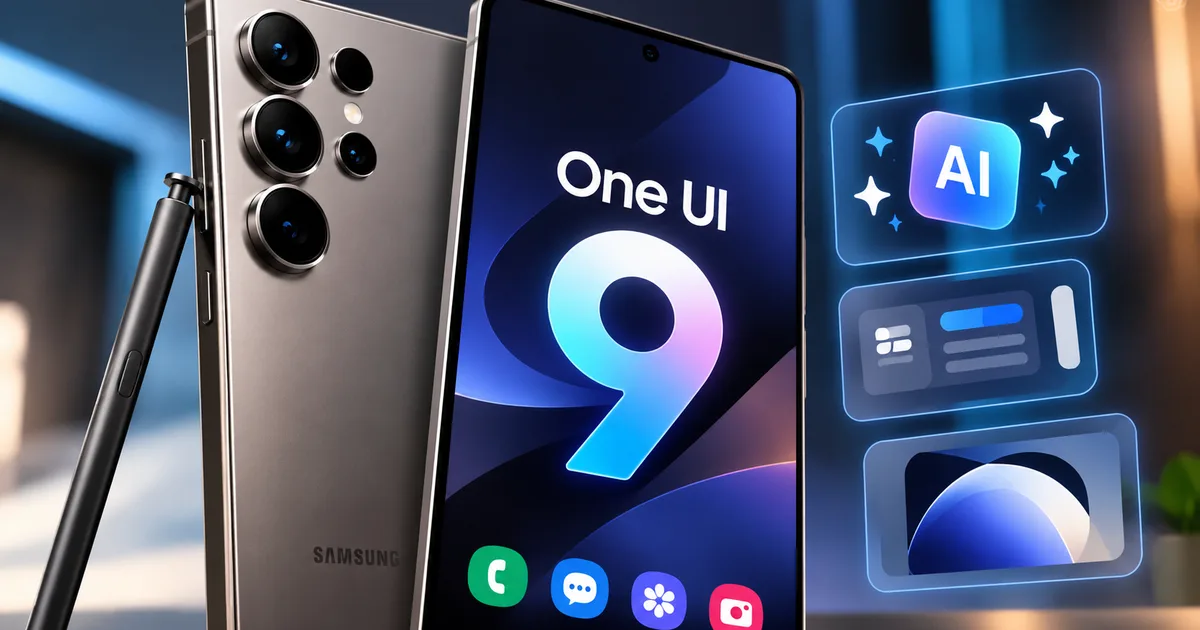
Samsung phone owners have been waiting for this one. The Samsung Galaxy S25 Ultra One UI 9.0 update 2026 is just around the corner. If you're sitting with an S25 in your pocket, you probably noticed that the previous 8.5 update skipped a few big things. It was annoying. Samsung gave the newer S26 some really good camera tools and left the S25 users hanging.
But that's changing. We now have leaked beta builds. So we have a pretty clear picture of what One UI 9 has to offer. I've spent time looking through the developer leaks and checking out what Samsung is pushing to these phones. Honestly, this is one of the most useful updates I've seen them plan in a while.
What to expect in the Samsung One UI 9.0 update 2026
The beta 2 version is already out there for testing. We know exactly what's coming. And the big news is that Samsung is finally fixing their messy software fragmentation. They're bringing back features that should have been on the S25 months ago.
You're getting new additions too. Expect some very specific camera upgrades and security options that make a ton of sense for users in India. We constantly cover the Latest Tech News and this update is something you should definitely care about.
Horizontal lock is finally here for S25 users
This is the big one. Horizontal Lock is a camera stabilization feature. It keeps your video level even if you tilt the phone while recording. It's incredibly helpful for handheld walking shots or taking videos when you travel.
When Samsung launched One UI 8.5, they restricted this feature to the S26 series. They claimed it was a hardware issue (which makes sense, actually, if you buy their spin). But maybe they just wanted to sell more new phones. People were annoyed. The S25 Ultra has a perfectly capable camera system. There was no good reason to keep Horizontal Lock away from it.
Now they are adding it in, according to the leaked One UI 9 build for the Galaxy S25+. You'll get smooth, professional-looking videos without a gimbal. I think it's about time. If you spend over a lakh on a premium smartphone in India, you expect it to have the best video stabilization.
My FanCam and AI video tricks
My FanCam is a brand new feature. It actually sounds genuinely helpful. It is an AI-powered camera tool built right into the editing software.
Here's the deal. You record a video with a few people in it. Then you select your main subject. The software tracks that person as they move around the frame and generates a new clip focused entirely on them. It's basically a smart cropping tool that does the hard work for you.
This is going to be great for concerts or school plays. Sometimes there's a lot going on and you only care about one person. It uses the phone's built-in processing. It is exactly the kind of practical AI tool that makes sense on a phone. For more details on what else the newer models have, check out our guide on the Samsung Galaxy S26 Ultra 2026: Expected AI Features, Price, and Camera Upgrades Explained.
New security and care features in One UI 9
Samsung is adding a couple of practical system tools. One UI 9 introduces a dedicated Warranty and Care section in the settings. This is a single place for device health and warranty information.
You won't have to dig through five different menus. And you won't need to download a separate Samsung Members app just to check your battery health or warranty. It's right there in the settings. I really like this change. It just makes maintaining the device simpler.
There's also a new Secure Locking feature. This is something I've wanted for a long time. It allows you to instantly lock down your phone and pause all biometric unlocking. Once you trigger Secure Locking, the phone only opens with your PIN or pattern. Face unlock and the fingerprint scanner just stop working until you type your code.
Think about why this matters. Sometimes you're in a situation where you feel unsafe. Or someone might force you to unlock your phone with your fingerprint. You can just tap Secure Locking. Your data stays safe behind your PIN. In India, phone snatching and coerced UPI transfers are real problems. Having a quick lockdown button is a very good idea for users here. We cover these kinds of security issues often in our Tech Explainers section.
Looking ahead to the Samsung One UI 9.5 release
We're just getting ready for One UI 9. But leaks are already talking about One UI 9.5. This version will be based on Android 17. It is expected to launch alongside the Galaxy S27 series in early 2027.
One UI 9.0 is mostly about catching up and adding specific tools. But One UI 9.5 looks like it brings bigger visual changes. Reports suggest Samsung is adding more semi-transparent interface elements. They already added a pill-shaped floating tab bar to some stock apps in One UI 9.0. The 9.5 update will probably expand this transparent look across the whole system.
We're also hearing that stock apps like Calendar and Samsung Notes will get deeper integration with Gemini. This could mean more advanced automation. For example, Bixby might actually become useful if it gets backed by Gemini.
Samsung usually opens the beta program for these big updates in the fourth quarter. So if you have an eligible device, you might see the beta for One UI 9.5 around late 2026. Then the stable release hits in the first quarter of 2027. You can read more about how Samsung handles these big rollouts in our Samsung One UI 9 Update 2026: AI Features & India Rollout article.
How the update changes your daily usage
Let's break down what this actually means for how you use your phone every day. Most software updates promise a lot. Then they change very little. You download a massive file, restart the phone, and everything looks exactly the same. One UI 9 has a bit of that familiar feeling. But the changes under the hood are large.
The addition of the Warranty and Care hub is a good example. Before this, if your phone started acting up, finding diagnostic tools was a chore. You had to dig into sub-menus. Now, it's a core part of the phone's settings. This is a subtle shift. But it shows Samsung is taking device longevity seriously. If you're keeping your phone for three or four years, having easy access to battery health and hardware diagnostics is very handy.
The performance tweaks in the beta builds suggest Samsung is cleaning up their code. Users are reporting smoother animations and faster app switching. Samsung's software is often a bit heavy. They pack in a lot of features. Sometimes that slows things down. If One UI 9 can deliver a smoother experience without removing those features, that's a clear win.
Understanding the AI integration
We need to talk about the AI stuff. Everyone is pushing AI right now. Some of it is useful. A lot of it is just marketing nonsense. Samsung has pushed Galaxy AI hard for the last couple of years.
With One UI 9, the AI tools feel a bit more mature. The My FanCam feature is a perfect example. It isn't trying to generate fake images or write emails for you. It is just using machine learning to track a person in a video. It solves a specific problem. That's exactly how AI should be used on a smartphone.
The leaked information about One UI 9.5 suggests this integration will go deeper. Having Gemini power things like the Calendar could be interesting. Imagine if your phone could automatically pull appointment details from a messy WhatsApp message. And then accurately schedule it without you doing anything. That's the kind of practical AI that people actually want in India (where WhatsApp is basically everything). We aren't quite there yet with One UI 9.0. But the foundation is clearly there.
Why Samsung skipped horizontal lock in 8.5
I want to circle back to the Horizontal Lock issue. It highlights something annoying about modern smartphones. When Samsung released the Galaxy S26 with One UI 8.5, Horizontal Lock was a major selling point. It uses the camera's gyroscope and software cropping to keep the horizon level.
The hardware in the Galaxy S25 Ultra is more than capable of doing this. The processor is fast enough. The camera sensors are large enough. So why did Samsung leave it out of the 8.5 update for older phones?
The reality is that companies often hold back software features to make their new hardware look better. It is an artificial limitation. They want you to feel like your one-year-old phone is obsolete. Then you go out and buy the new one. It's a common tactic. But it still feels bad when you realize what's happening.
The fact that Samsung is finally bringing Horizontal Lock to the S25 series in One UI 9 is good news. It shows they're willing to listen to user complaints. Or maybe they just ran out of reasons to keep it exclusive. I'm not sure exactly why they changed their minds. Either way, S25 users are getting a great feature that they should have had months ago.
Preparing your phone for the update
When the stable version of One UI 9 drops, you should take a few minutes to prepare your device. Don't just hit download and hope for the best.
- Free up storage space because major updates need room to download and unpack. Keep at least 10GB free.
- Charge your battery completely because your phone will refuse to install the update if the battery is too low. Ensure you have a solid charge.
- Back up your important data using Samsung Cloud or a computer. If the update gets stuck, you might have to factory reset the phone.
Look, I know it's tempting to jump on the beta release as soon as you see the notification. You get the new toys early. But if your Galaxy S25 Ultra is your daily driver, I advise against it.
Beta software is unfinished software. You'll experience battery drain, and certain banking apps might refuse to open because they detect an uncertified operating system. Wait for the stable release.
The smartphone market is no longer just about who has the biggest battery or the most megapixels. It's about who offers the best software experience. Samsung has done a good job over the last few years of cleaning up One UI. It used to be a bloated interface. Now, it's one of the more capable versions of Android. One UI 9 continues that trend. It adds useful tools without making the system harder to use. We'll keep tracking the beta releases. And we'll let you know when the stable update officially starts rolling out in India.