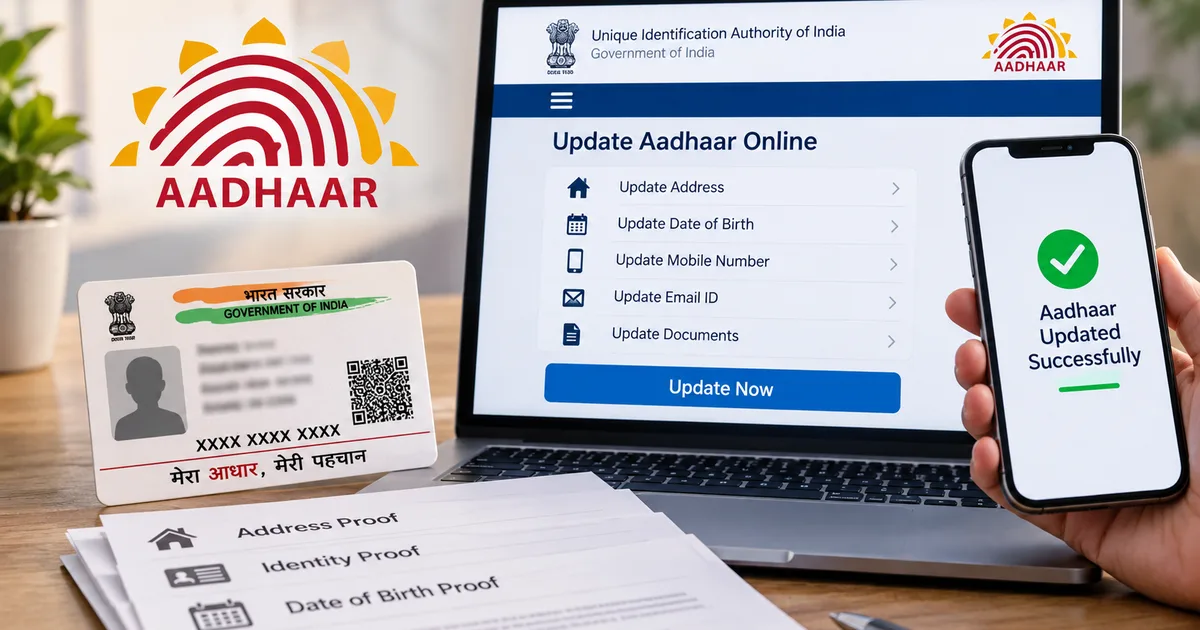
Imagine you're trying to open a new bank account or maybe sorting out your passport renewal. Everything is going fine until the bank teller points out a mismatch in your address. It happens. Your Aadhaar card still has that old rented flat address from five years ago. You sigh. Bracing yourself for another bureaucratic headache is exhausting.
Look, getting your documents straight doesn't have to be a nightmare anymore. And the government just gave us a massive breather. If you've been putting off fixing your details, you need to read this UIDAI Free Aadhaar Update Deadline 2026: Step-by-Step Guide to Update Documents Online.
Paperwork is boring. It's the last thing anyone wants to spend their Sunday doing. But ignoring this usually leads to bigger problems down the line. We're talking delayed subsidies and blocked banking transactions. And the best part? You can do this entirely from your phone or laptop. For absolutely zero rupees.
So, grab your chai. Let's fix this together.
Why the free Aadhaar document update matters right now
You might be wondering why there's so much chatter about this lately. Honestly, the Unique Identification Authority of India (UIDAI) has been urging citizens to keep their demographic details fresh. If your Aadhaar was issued more than ten years ago and you haven't updated it since, they really want you to upload recent proof of identity and proof of address. (Which makes sense, actually).
People move cities and change jobs. Our lives don't stay static. So our primary ID shouldn't either. Keeping your Aadhaar updated ensures you don't face sudden roadblocks when verifying your KYC for a new SIM card or dealing with your bank. It also helps with government schemes like PM-Kisan.
The big news recently is about the deadline. Originally, the free online update window was supposed to close much sooner. But just a few days ago, UIDAI decided to be generous. They extended the deadline for the free online Aadhaar document update facility until June 14, 2027.
That's a lot of extra time. I wouldn't wait until June 2027 to get this done. The moment you actually need your updated Aadhaar for something urgent like linking your PAN before the December 31, 2025 deadline, the server will probably be down. That's just how the universe works.
How the online update actually works and what it costs
Here is a very specific thing you need to know. The update is only free if you do it online through the myAadhaar portal.
If you physically walk into an Aadhaar enrollment centre to get your address or documents updated, they still charge you INR 50. In my experience, plenty of people go to a CSC (Common Service Centre) expecting a free service and get annoyed when asked for money. The offline process takes up their staff's time and resources. I'm not sure exactly why some folks miss the online-only part, but the fee stays.
Online is free. Zero rupees. Just your time and a decent internet connection.
This push for digital self-service is part of a broader trend we see in our tech explainers. The government wants you to handle your own data. It cuts out middlemen. And it reduces the chances of someone else messing up your spelling.
Things you need before starting the update process
Don't just jump into the portal yet. Let's get your tools ready. You need a few things.
- Your 12-digit Aadhaar number.
- The mobile number linked to your Aadhaar. This is non-negotiable. The portal will send an OTP to this number. If you lost that old SIM card, you can't do this online. You will have to visit a physical centre first to update your mobile number.
- Scanned copies or clear photos of your Proof of Identity (POI) and Proof of Address (POA).
Make sure the documents you upload match the exact spelling you want on your Aadhaar. If your electricity bill says "Rahul Kumar" and your PAN says "Rahul K", things might get stuck. Keep the file size under 2MB. PDFs and JPEGs work fine.
Step-by-step guide to update documents on the myAadhaar portal
Okay, you have your documents scanned. Your phone is nearby for the OTP. Let's get this done.
Step 1: Log in to the myAadhaar portal
Open your browser and go to myaadhaar.uidai.gov.in. Don't Google it and click on a random link. Scammers love building fake government websites. Stick to the official URL. A mess waiting to happen if you don't.
Click on the "Login" button. Enter your Aadhaar number and type in the captcha code. Click "Send OTP".
Step 2: Enter the OTP
Check your phone. You should get an SMS from UIDAI with a 6-digit code. Enter that code on the website and hit login.
Step 3: Select the document update option
Once you're logged in, you'll see a dashboard with a bunch of different services. Look for the box that says "Document Update". It usually has a little red text next to it about the free deadline of June 14, 2027. Click on it.
Step 4: Verify your current details
The next screen shows your current demographic details like your name and address. Read them carefully.
If everything is correct and you just need to re-validate them because your Aadhaar is 10 years old, check the box that says "I verify that the above details are correct". Click next.
But if you actually need to change your address, this specific "Document Update" button isn't what you want. You need to go back to the dashboard and select "Address Update" instead. The document update feature is just for keeping your existing records fresh with new proof.
Step 5: Upload your proof documents
Now comes the upload part. You'll see two sections. One is for Proof of Identity (POI) and the other is for Proof of Address (POA).
From the dropdown menu, select the type of document you're uploading. For identity, a PAN card or voter ID works well. For address, a recent electricity bill or a bank statement usually does the trick.
Click on "View Details & Upload Document". Select the file from your computer or phone. Do this for both POI and POA.
Step 6: Submit and get your URN
Once both documents show a green progress bar at 100%, check the consent box at the bottom. Click "Next", and then "Submit".
You won't be asked for payment. The screen shows a success message and gives you a Service Request Number (SRN) or Update Request Number (URN). Save this number. Take a screenshot. You need it to track the status of your application.
That's it. You're done. The backend team at UIDAI reviews your documents. If everything looks good, your Aadhaar database gets updated. The exact numbers here are a bit fuzzy regarding backlog delays, but it usually takes a few days. Sometimes it takes a couple of weeks.
What about updating other details like email or phone numbers?
So, we just covered document updates and address changes. What if you want to update your email ID or phone number?
For mobile numbers, you still have to visit an Aadhaar centre. You can't change your mobile number online. It is a security measure to prevent fraudsters from taking over your Aadhaar identity.
But there is some good news about email IDs. UIDAI recently started allowing users to add or update their email ID directly through the Aadhaar App. They're offering this service for free for six months. Having an email linked is actually quite handy for getting digital copies of your Aadhaar. Or receiving update notifications without relying solely on SMS. (Annoying to wait for texts, I know).
Just be aware that the older mAadhaar app is apparently set to retire soon, according to recent reports in the latest tech news. UIDAI is likely pushing users towards newer interfaces. Always download apps directly from the Google Play Store or Apple App Store. Never from sketchy APK links on WhatsApp.
Free biometric updates for children
While we're talking about free updates, I should mention something important for parents. If you have kids with a 'Baal' Aadhaar (the blue coloured card for children under 5), you need to update their biometrics when they turn 5. And again when they turn 15.
UIDAI is currently offering free biometric updates for children below 15 years old until September 30, 2026.
This is a physical update. You have to take the child to an Aadhaar centre so their fingerprints and iris scans can be captured. Kids grow and their fingerprints change. The system needs the new data to keep their Aadhaar functional. If you miss this, their Aadhaar might get deactivated. This becomes a huge headache during school admissions. If your child is hitting those age milestones, get it done before the free window closes.
Don't fall for WhatsApp Aadhaar scams
I have to bring this up. It happens every single time a government deadline is announced.
The moment news breaks about Aadhaar updates, scammers go into overdrive. They send you a WhatsApp message saying your Aadhaar will be blocked tonight unless you click a link and download an app to update it. This is exactly how the fake Aadhaar APK scam works. They panic you into installing malware that steals your OTPs. Honestly, it's wild.
Warning signs include poorly written messages and threats of immediate deactivation. Links that don't end in gov.in are bad news. Do not click those links. Do not download those APK files.
UIDAI will never send you a WhatsApp message asking you to download an app to update your details. They won't call you and ask for an OTP over the phone. If you get a message like that, ignore it. It's just criminals trying to get remote access to your phone so they can wipe out your bank account. If you want to stay updated on these tricks, keep an eye on our scam alerts section.
If you do fall victim to a scam, report it immediately at cybercrime.gov.in. Or call the 1930 national helpline to freeze the transaction.
If you're applying for a government job like the upcoming UIIC AO recruitment, having mismatched Aadhaar details can actually cause your application to be rejected during document verification. It is simply not worth the risk.
Final thoughts
Dealing with government documents is nobody's idea of a fun time. But the system has improved over the years. The myAadhaar portal is surprisingly robust most of the time. The free update window extending to 2027 is a rare piece of good administrative news.
Just take twenty minutes this weekend. Gather your PAN card and an electricity bill. Sit down at your computer and log in.
You'll thank yourself later when you're trying to open a fixed deposit. Or buy a property without having to scramble to fix a ten-year-old address error. If you ask me, last-minute updates are the worst. I tried doing a last-minute address update a few years back while applying for a passport. The stress was entirely unnecessary.
Keep your documents sorted and protect your OTPs.