If you've ever sat in a sub-registrar's office with a folder full of photocopies, waiting for hours while someone stamps things in triplicate, you'll understand why Aadhaar-based DigiLocker for property registration is genuinely worth knowing about. Multiple states are moving toward paperless property registration right now, and the process is faster and a lot cheaper than the old way. When it works, anyway.
Delhi announced plans to make property registration fully paperless. Karnataka's 2026 budget explicitly pushed for remote property registration and digital land records. And nationally, the Registration Bill, 2025 is working its way through the system. Live Law reported it proposes a sweeping overhaul of how documents get registered in India. So this isn't a future thing anymore. It's happening, state by state.
This guide walks you through exactly how to use DigiLocker, linked to your Aadhaar, to handle property registration. What documents you'll need. How the process actually works on the ground in 2026. And where things can still go sideways.
What DigiLocker actually does in a property transaction
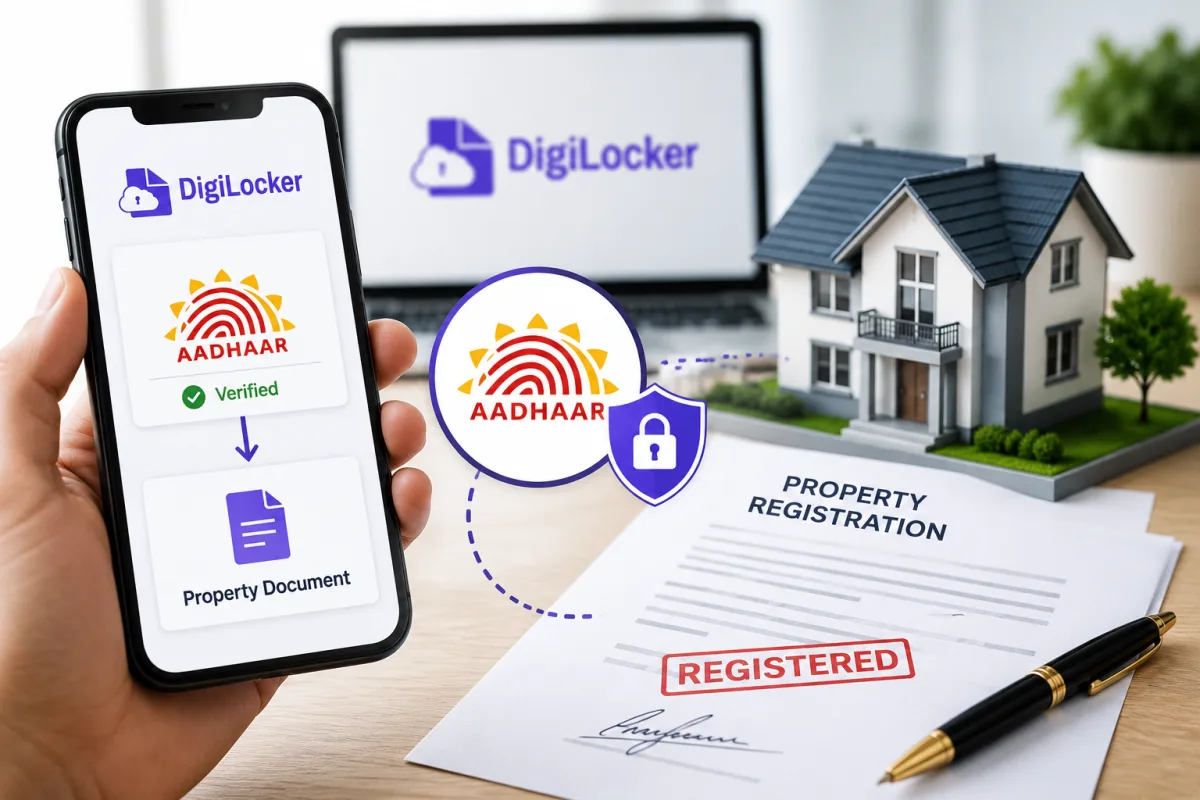
DigiLocker is a government-backed document wallet. Think of it as a locker where official documents live digitally, signed by the issuing authority. When you use it for property registration, it does a few things:
- Stores and shares your identity documents (Aadhaar, PAN) with the sub-registrar digitally
- Lets you access and share property-related documents like the previous sale deed, encumbrance certificate, or khata extract
- Enables e-signing of documents using your Aadhaar OTP or biometric, replacing the physical signature requirement at the office
- Creates a verifiable digital trail of the transaction
It doesn't replace the stamp duty or registration fee payments. You still pay those, just online now (which makes sense, actually).
Before you start: what you'll need
Get these ready before you touch any portal:
- Aadhaar number (both buyer and seller need their own)
- Mobile number linked to Aadhaar (for OTP)
- PAN card
- Property documents: title deed, previous sale deed, property tax receipts
- Encumbrance certificate (you can get this from the state land records portal)
- Passport-size photos in digital format (JPEG, under 1MB usually)
- A working email address
One thing worth flagging upfront: the Registration Bill, 2025 lists five documents as mandatory for a legally valid sale. These are the title deed, identity proof, property tax clearance, encumbrance certificate, and a no-dues certificate from the society or local authority if applicable. Some states have slightly different lists, so always check your state's registration portal before you assume anything.
Step-by-step: setting up DigiLocker and linking Aadhaar
- Download the DigiLocker app from the Play Store or App Store, or visit digilocker.gov.in on your browser. The app is around 25MB.
- Tap Sign Up and enter your mobile number. You'll get an OTP. Enter it.
- You'll be asked for your Aadhaar number. Enter it. Another OTP goes to your Aadhaar-linked mobile. This is the step that links your identity.
- Set a 6-digit PIN for your DigiLocker account. Don't use your Aadhaar PIN here. Keep them separate.
- Once inside, your Aadhaar-verified name, date of birth, gender, and address will appear automatically under My Profile. This is the information that gets shared with government departments.
If your mobile number isn't linked to Aadhaar, you'll hit a wall here. You'd need to visit an Aadhaar enrollment centre first to update it. That's a separate process entirely. But honestly, it's worth doing for a lot of government services anyway, not just this one. Check our step-by-step guides for Aadhaar updates if needed.
Adding your property documents to DigiLocker
DigiLocker has two sections: Issued Documents (fetched directly from government databases, automatically trusted) and Uploaded Documents (things you scan and upload yourself, treated as self-attested copies).
For property registration, pull from Issued wherever you can. Those documents carry a digital signature from the issuing authority and are considered legally equivalent to originals under the IT Act, 2000. That matters if anything ever ends up in a dispute.
- Inside DigiLocker, go to Search Documents.
- Type in the name of the document or the issuing department. For example, search for your state's Revenue Department or Land Records department.
- If your state has integrated with DigiLocker (most major states have by 2026), you can fetch documents like the Record of Rights (RoR or 7/12 extract in Maharashtra, pahani in Karnataka, jamabandi in north India) directly by entering your survey number or plot number.
- Tap Get Document. It appears in your Issued Documents section with an Ashoka emblem seal, meaning it's digitally verified.
For documents that aren't on the system yet, like an older unregistered power of attorney or a society NOC, upload them under Upload Documents. Scan them clearly, save as PDF, and upload. Label them properly so you can find them later.
How the actual property registration works with Aadhaar e-sign
This is where things differ by state, and I'll be upfront: the exact portal varies. Karnataka uses Kaveri Online Services. Maharashtra has IGR Maharashtra. Delhi has the DORIS system. Each has its own interface but the underlying flow is roughly the same in 2026.
- Go to your state's property registration portal. Search for "[state name] online property registration 2026" and look for the official government domain (.gov.in or .nic.in).
- Create an account or log in. Many states now allow login via Aadhaar OTP directly.
- Fill in the property transaction details: type of deed (sale, gift, lease, etc.), property details, consideration amount, buyer and seller information.
- The portal will calculate stamp duty and registration fees automatically. In most states this is 5-7% of the property value for stamp duty plus 1% for registration fees. For example, in Karnataka, stamp duty is 5% for properties above Rs 45 lakh. Delhi recently revised its rates. Check your specific state before finalising.
- Pay the stamp duty and registration fee online via net banking, UPI, or NEFT. You'll get a challan number. Keep it.
- Upload or share documents from DigiLocker. The portal will have a DigiLocker integration button. When you tap it, it redirects you to DigiLocker, you authorise sharing, and the documents come across automatically. Much smoother than it sounds.
- Schedule an appointment at the sub-registrar's office if your state still requires biometric verification in person. Some states let you complete the e-sign remotely using Aadhaar OTP. Others (Karnataka triggered some concern around their paperless push, per The New Indian Express, around identity verification gaps) still require at least one physical visit for biometric thumb impression.
- On the appointment day, both buyer and seller (or authorised representatives with a registered POA) appear. The sub-registrar verifies identity against Aadhaar. You do a biometric scan or OTP-based e-sign on the document.
- The registered document is digitally issued and should appear in your DigiLocker Issued Documents section within a few working days. In some states it's instant.
Honestly, steps 7 and 8 are where most of the variation is. Remote registration without any physical visit still isn't universally available in 2026. Karnataka's budget talked about enabling it. But the ground reality as of this writing is that most districts still need you there for the final biometric step.
Common problems and how to handle them
A few things trip people up.
Name mismatch between Aadhaar and property documents. This is extremely common. Your Aadhaar might say "Rajesh Kumar" while your old title deed says "R. Kumar" or "Rajesh Kumar S/O Ramesh Kumar." The system flags it as a mismatch (annoying, I know). Get an affidavit from a notary declaring both names refer to the same person. Some portals accept this; others need you to first update the name in Aadhaar to match exactly.
Aadhaar mobile OTP not arriving. If your registered mobile is old or you've changed numbers, DigiLocker's Aadhaar step will fail. You'll need to update your mobile number in Aadhaar first. Visit the nearest Aadhaar enrollment center or a post office with biometric-based update service.
Documents not available on DigiLocker. Older properties sometimes have title deeds that predate digitisation. You'll need certified copies from the sub-registrar's office physically. These can be uploaded as self-attested documents.
Portal downtime. This happens more than it should, if you ask me. If the state portal is down, don't panic. Your draft is usually saved. Try off-peak hours. Early morning tends to be better.
For any technical issues with DigiLocker specifically, the support email is support@digilocker.gov.in and there's a helpline at 1800-3000-6969. For property registration issues, contact your state's revenue department helpline. See our explainers section for more on how DigiLocker works generally.
Is it actually safe? The security question
DigiLocker uses 256-bit encryption and Aadhaar-based two-factor authentication. The documents aren't actually stored in the app itself. They're accessed from issuing authority servers in real time. So even if someone got into your DigiLocker account, they couldn't download and fake a document because it's fetched fresh each time from the source.
That said, protect your Aadhaar OTPs. Never share them with anyone, including someone claiming to be from the sub-registrar's office or a property agent. Property registration fraud using fake Aadhaar e-signatures has been reported, though the numbers here are a bit fuzzy. If you get an OTP you didn't request, report it immediately at cybercrime.gov.in or call 1930. Read more about staying safe with Aadhaar-linked services in our scams section.
States with the most developed paperless registration as of 2026
Maharashtra, Karnataka, Telangana, Andhra Pradesh, and Tamil Nadu have the most mature systems. Delhi is actively building it out. If you're in a smaller state or rural district, the portal might exist but district-level integration may be incomplete. Call your local sub-registrar's office to confirm what's actually functional before you spend time uploading documents. Seriously.
The BMC housing lottery that came up recently (426 flats in Mumbai for EWS and LIG categories) went through a digital-first allotment process. That tells you how mainstream this is becoming in Maharashtra specifically. These aren't niche experiments anymore.
The tools section on this site has direct links to major state property registration portals if you need them.
The Registration Bill, 2025 proposes allowing registration of documents by video conference and making electronic documents fully equivalent to physical ones. Once passed, this will significantly reduce the need for in-person visits across all states. (Source: Live Law)
For now, the system works best if you go in prepared. Have your documents ready in DigiLocker before you start the registration portal. Know your property's survey or plot number. And check your name spelling across every document before the appointment day. Not on it.