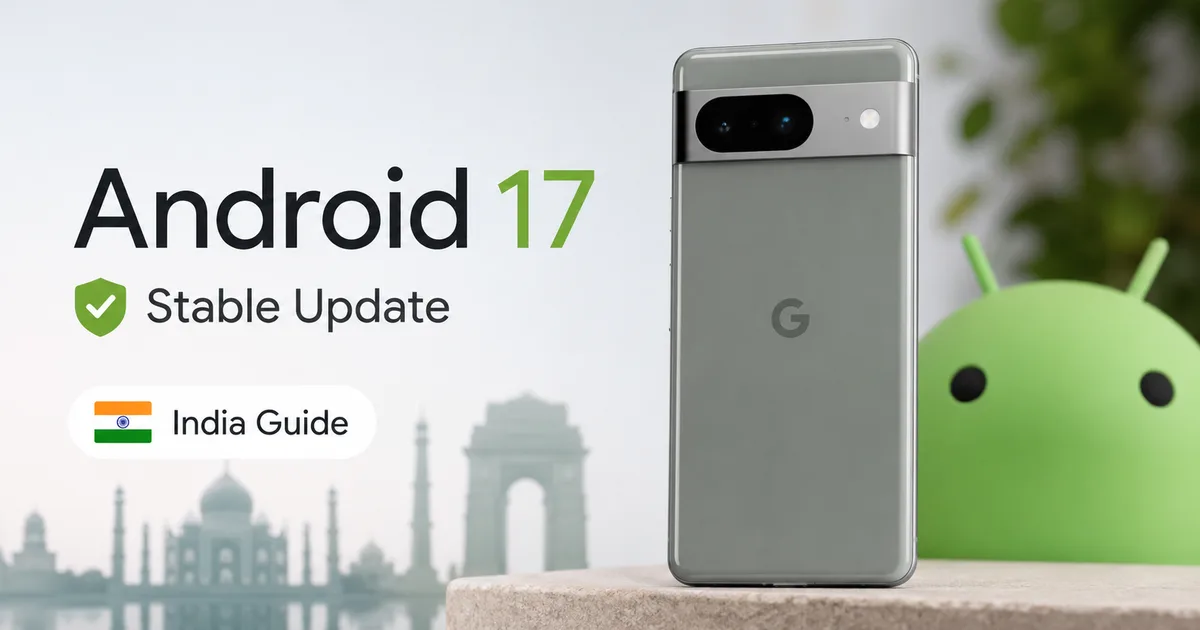
Google just surprised the tech community by pushing the Android 17 stable update to Pixel devices much earlier than expected. If you own a Pixel, you might see the notification on your screen today. This early release is a shift in how Google plans its software rollouts. They're moving away from the traditional autumn cycle to match summer hardware launches. It's an unexpected move, but it gets new features into your hands much faster.
You're probably wondering if your phone is on the compatibility list. Honestly, I think it's time to check what this update actually has, and how you can get it running on your device in India.
Understanding the early release timeline
For years, Google followed a predictable routine. New Android versions always arrived in September or October. But that schedule changed. Google wants its latest software to be ready when its newest smartphones launch. By shifting the release date to mid-year, they're preventing a messy situation where new devices ship with older software. I'm not sure exactly why they made the jump this year. But honestly, in my view, it's a logical change. Even if developers got caught off guard.
This early rollout meant testing had to speed up. Fast. The beta versions progressed quickly over the last few months, and that led to this stable build. Some people feared this rushed schedule would lead to a buggy release. But it didn't. Early reports show the software is surprisingly stable (thank goodness).
If you've been holding off on installing beta builds, now's the time to check for the official download. Let's see which devices can actually run this update. In my experience, it's always better to wait for the stable build anyway.
Supported Pixel devices for the new update
Google's been offering long-term support for its devices. But there's always a cutoff point. If you bought a Pixel in the last couple of years, you're likely safe. However, older models are finally reaching the end of the line. For instance, the Pixel 7 series has officially missed out on this release. They're stuck on the older system. You can read our Android lifecycle guides to see why older models get dropped and how support timelines are calculated.
- Pixel 8
- Pixel 8 Pro
- Pixel 8a
- Pixel 9
- Pixel 9 Pro
- Pixel 9 Pro XL
- Pixel 9 Pro Fold
- Pixel 10
- Pixel 10 Pro
- Pixel 10 Pro XL
If your device is on that list, you can go ahead and install it.
Refinement through the beta cycle
According to reports from PhoneArena and Moneycontrol, Google rolled out Android 17 Beta 4 to polish the core platform before release. Then, they ran a surprise final beta phase. It focused entirely on system stability and smoother animations. If you ask me, this extra testing is why it feels so smooth. This process made sure the final stable release arrived with fewer performance glitches than previous versions.
Indian developers really had to scramble because of this fast schedule. Many local utilities and government portal services had to adjust to the early mid-year deadline. It's a massive shift. Developers usually had until October to optimize their apps for the new Android runtime. But now they don't. Everyone has to keep up with Google's quicker pace so users don't face issues. This change shows that mobile software cycles match hardware timelines more closely now.
Major features in Android 17
The main addition in this update is the system-wide integration of Gemini Intelligence. Google didn't just build a basic helper app. Instead, they've baked the assistant deep into the core system resources (which makes sense, actually). It understands context across different apps now. So you can manage notifications or write drafts without constantly copying and pasting text. Honestly, it's one of the most useful changes they've added in years.
Another big change is the introduction of desktop-style App Bubbles. This feature lets you keep any application open in a small, floating window while you do other things. It's a massive boost for productivity. Especially on larger screens like the Pixel 9 Pro Fold, where multitasking is a regular necessity.
They've also completely overhauled the emoji engine. Now, you get 3D emojis across the board. While some might dismiss this as a minor cosmetic upgrade, it makes chat feel much more modern.
Security is getting a big boost under the hood. The CERT-In advisory team regularly warns about system vulnerabilities in mobile operating systems. And this update fixes several loopholes. Google's introduced a special isolated sandbox for digital payment transactions. This is fantastic news for Indian users who rely on UPI apps like GPay or PhonePe every day. By isolating banking data, the operating system stops malicious apps from stealing transactional SMS codes or recording your banking details. In my opinion, this security upgrade fits the latest digital privacy expectations in India perfectly.
Under the hood: Performance and battery optimizations
How to install Android 17 in India right now
Aside from design changes, the update focuses heavily on system efficiency. Google's rewritten parts of the resource scheduler. This makes sure background tasks don't drain your battery at all. On older devices like the Pixel 8, you'll see smoother animations and better standby times. It really helps when you're traveling without a charger.
Storage management also got an upgrade with smarter system file compression. If you own a base model with 128GB of storage, you'll notice the operating system takes up less space. This frees up room for more photos and local videos (which is a lifesaver on 128GB models). Honestly, I think it shows that Google is paying attention to the details that affect daily usability. They aren't just adding flashy options.
Google has prioritized device-level isolation in this update, ensuring that digital payments and personal documentation remain secure against emerging threats.
How to install Android 17 in India right now
Updating your phone is straightforward, but you should take a few precautions first. First, check that your power's stable and your internet's good. Indian mobile networks can sometimes drop connections when you're downloading a huge file. So, use home fiber. If you ask me, it's the only way to avoid a corrupted download. Make sure you've backed up your photos, WhatsApp chats, files, and local documents before starting. Just check our safe update guides for instructions. Finally, check if your device has enough storage space left.
- Open your device settings and navigate to the system update section.
- Tap on system update to search for the latest build manually.
- Ensure your Pixel is connected to Wi-Fi and has at least 50% battery charge.
- Tap download and install, then let the phone complete the process without interruption.
If you run into an error during the download, try clearing the cache of the Google Play Services app and restarting your phone. Honestly, this quick step's usually enough to fix connection issues with the update servers.
Once the download's done, your phone will reboot to apply the changes.
Should you update immediately?
While the new features're tempting, early adopters sometimes run into annoying glitches. Indian banking apps, like SBI YONO or HDFC MobileBanking, occasionally need updates to run smoothly on new Android versions. So, check our news section first. If you depend on your phone for daily work and UPI, I think waiting a week's going to save you from a major mess.
Ultimately, it's all about your tolerance for minor bugs. If you love trying new software and have a backup device, go ahead and install it today. Otherwise, just wait for the first patch to roll out next month.