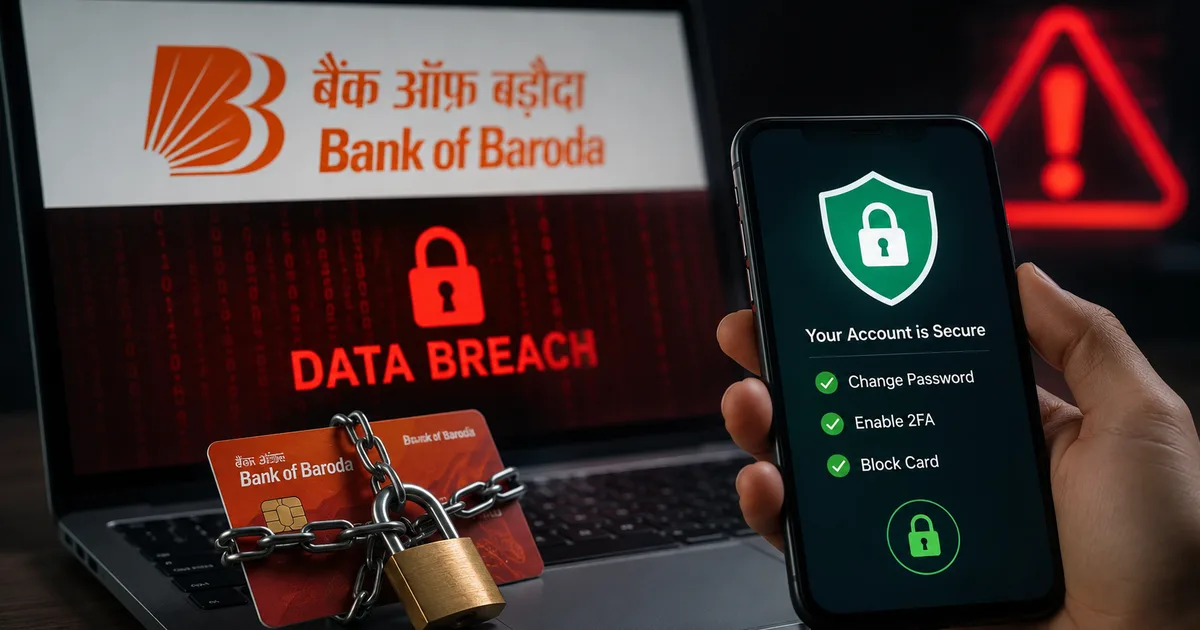
If you bank with Bank of Baroda, you need to pay attention right now. The Bank of Baroda Data Breach 2026 is real, and it's a mess. We're hearing reports about a massive 1TB customer record dump floating around the dark web. An employee's email account got hacked. The bank claims their core systems are untouched. But your personal details might be out there.
Look, I get it. This stuff is stressful. You check your phone. Read a headline about your bank. Panic about your savings. But panic won't fix anything. Action will. I spent the morning digging through reports from CERT-In and news outlets to figure out exactly what happened. And I mapped out exactly what you need to do to lock down your money.
What actually happened in the BoB data breach?
Here's the deal. A hacker group calling themselves TripleX published around 1TB of data online. Reuters and major outlets picked this up fast. The bank launched a forensic probe immediately.
"The bank confirms an employee email account was compromised, but core banking systems remain secure."
So, your actual bank balance? Probably safe for now. The core banking system that holds the rupees isn't breached. I'm not sure exactly why they targeted an employee email first, but your personal information might be compromised. We're talking phone numbers and email addresses. Maybe KYC details like your PAN or Aadhaar. If scammers have that information, they can target you with highly specific phishing attacks.
The scary part is the volume of data. One terabyte is a massive amount of text files and spreadsheets. It means millions of records. And while Bank of Baroda is investigating, you can't sit and wait for a formal letter or an SMS telling you what to do. You have to assume your data is in that leak. Act accordingly. I've seen this happen with other platforms. Honestly, the people who act fast rarely lose money.
Immediate steps to secure your net banking
Don't wait for a text message from the bank. Take control of your account right now. Grab your phone or laptop. Follow these steps. I know it takes a few minutes, but it's worth the peace of mind.
Change your Bob World password
Your first line of defense is changing your login credentials. Do this from a secure home Wi-Fi network. Avoid doing this on a public network at a cafe or airport.
- Open the official Bob World app on your phone. If you prefer the browser, go directly to the Bank of Baroda net banking website. Do not click links from SMS or WhatsApp. Type the URL yourself.
- Log in with your current details. You will likely need to enter an OTP sent to your registered Indian mobile number.
- Navigate to the 'Profile' or 'Settings' section. Look for the 'Security' tab.
- Select 'Change Login Password'.
- Enter your old password once, then your new password twice. Make it a strong one. Use a mix of letters and numbers. A password like "Ramesh@2026" is completely useless. Try a pass-phrase instead.
- Confirm the change. The system will log you out. You must log back in with the new password to verify it works.
While you're in the settings, check your transaction password too. Change it using the same process. Many people forget the transaction password exists until they try to transfer money (annoying, I know). Update both right now.
How to block and replace compromised debit cards
If you suspect your card details were part of the leak, blocking it is the smartest move. Getting a new card takes a few days. Losing your money takes seconds. You can do this without visiting a branch or standing in long queues.
Using the Bob World app to block your card
This is the fastest method if you already use the mobile banking app.
- Log in to your Bob World app using your newly updated credentials.
- Tap on the 'Cards' section at the bottom of the screen.
- Select 'Debit Cards'. You will see a digital picture of your active card.
- Tap on the card and look for the option that says 'Block Card' or 'Hotlist Card'.
- The app will ask you to confirm if you want to block it temporarily or permanently. Choose permanent if you are worried about the data breach. A temporary block is only good if you misplaced the card in your house.
- Enter your mPIN to authorize the action. Your card is now officially blocked.
Once blocked, you can apply for a new card directly from the app. It usually arrives via India Post in about a week. The replacement fee is minimal. Expect a charge of around INR 150 to 300 depending on your card variant. That's a very small price to pay for security.
Alternative: Call customer care
If the app is acting up, call them. Sometimes the servers get overloaded when news like this breaks. The toll-free numbers are 1800 258 44 55 or 1800 102 44 55. Be ready with your account number. They'll verify your identity by asking for your date of birth or the last four digits of your Aadhaar card before blocking the card. Write the complaint number down on a piece of paper just in case.
Watch out for secondary scams
This is the part that worries me most. The data breach itself is bad. But the scams that follow are often much worse. Scammers know you're scared. They buy the leaked data and start calling.
You might get a call from someone claiming to be a "Bank of Baroda Security Officer." They'll say they need to verify your account because of the recent leak. They'll already know your name and phone number (which makes sense, actually, given the breach). This makes them sound legitimate. Then, they'll ask for an OTP or your card PIN to secure the account. They are lying. Bank staff never ask for your PIN or OTP.
If you receive a sketchy call, hang up immediately. Don't engage. Don't try to outsmart them. Report the number to the national cybercrime portal at cybercrime.gov.in or dial the 1930 helpline. If you want to know more about how these frauds operate, check out our section on common banking scams in India.
Secure your Aadhaar and PAN details
KYC data is frequently targeted in these breaches. You should put a lock on your Aadhaar biometrics. It takes two minutes. And it stops a lot of fraud dead in its tracks.
- Download the official mAadhaar app or visit the UIDAI website on your computer.
- Log in using your Aadhaar number and the OTP sent to your linked mobile number.
- Find the 'Lock/Unlock Biometrics' option in the main menu.
- Enable the lock. This means nobody can use your fingerprint or iris scan for authentication until you unlock it. You can unlock it temporarily when you actually need to use it.
Also, keep an eye on your credit score using apps linked to your PAN. If you see loan inquiries you didn't make, someone might be using your PAN details to open credit lines. The numbers here are a bit fuzzy, but identity theft is a real risk. For a deeper understanding of digital identity security, read our detailed explainers on Aadhaar safety.
Use DigiLocker for document safety
Stop keeping photos of your PAN card and Aadhaar card on your phone's photo gallery. If your phone gets hacked, all your documents are gone. Instead, use the government-backed DigiLocker app. It fetches your documents directly from the issuing authority.
- Install the DigiLocker app from the Play Store or App Store.
- Sign up using your Aadhaar number and verify with an OTP.
- Search for the documents you need, like your PAN card from the Income Tax Department or your driving license from the Ministry of Road Transport.
- Save them securely within the app.
Most institutions accept DigiLocker documents as valid proof. You don't need physical copies or risky photos on your device anymore.
Enable two-factor authentication everywhere
If you use the same password for your bank and your email, change your email password right now. Scammers often try leaked passwords on other platforms. They use automated bots to test your email and password combination across hundreds of sites.
Turn on two-factor authentication for your primary email account. This is especially important if it's linked to your bank. I strongly suggest using an authenticator app rather than just SMS OTPs. SIM swapping is still a very real threat in India. And an authenticator app bypasses the telecom network entirely. You can find more detailed instructions on securing your digital life in our comprehensive privacy guides.
Review your account statements daily
For the next few weeks, you need to be paranoid. Log into your account every single day. Check the transaction history. Look for small debits, like INR 10 or INR 50. Scammers often do a small test transaction before draining an account.
If you see anything sketchy, take a screenshot. Call the bank immediately. Dispute the charge. Under RBI rules, if you report unauthorized electronic transactions within three days, your liability is zero. The bank has to refund your money. If you wait longer, you might have to bear some of the loss. Don't be lazy about this. Check your statements.
Update your contact information
Make sure the bank has your correct mobile number and email address. If they detect suspicious activity, they need a way to reach you. Sometimes, scammers will try to change your contact details so you don't receive alerts.
- Log into your net banking dashboard.
- Go to the profile section.
- Verify your email address and phone number are accurate.
- Check the communication preferences. Ensure you are opted in for SMS and email alerts for all transactions.
If the information is wrong, update it. You might need to visit a branch with your Aadhaar or PAN card to change your mobile number, but it's a necessary step.
A quick note on UPI safety
Your UPI is directly linked to your bank account. If your bank account details are compromised, your UPI could be at risk too. Change your UPI PIN through your preferred app, whether that's GPay or PhonePe. Do not share your UPI PIN with anyone. Remember, you only enter your UPI PIN when you are sending money, never when you are receiving it. This simple rule will save you from most UPI scams.
Final thoughts on keeping your money safe
Data breaches are unfortunately common these days. We trust these institutions with our entire financial lives. When they mess up, we're left cleaning up the mess. The Bank of Baroda situation is serious, but it's manageable if you act quickly.
Change your passwords. Block the card if you're suspicious. Lock your Aadhaar biometrics. Review your statements. And please, tell your parents or older relatives about this. They are often the primary targets for the follow-up phone scams. Just take half an hour this evening to get this sorted out for them.
Stay sharp. Verify everything. Keep reading our latest news updates to stay informed on this breach. And don't trust anyone asking for an OTP over the phone.