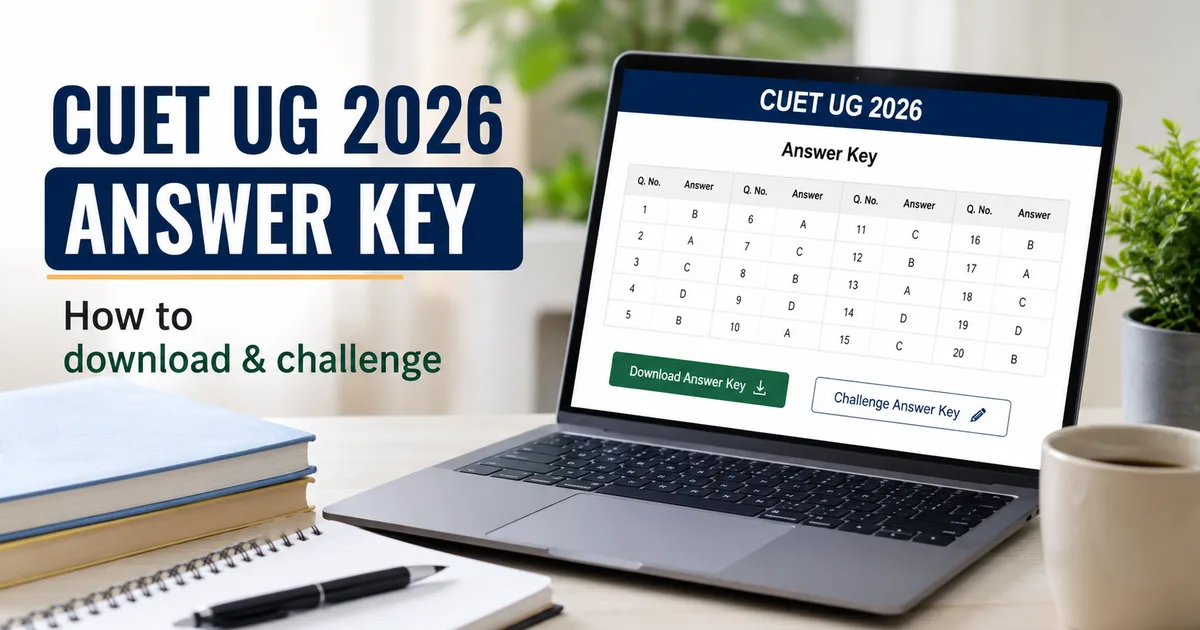
If you sat through the hot summer days of May writing the Common University Entrance Test, you've probably spent the last few weeks checking your phone every half hour. The wait is finally over. The National Testing Agency has released the provisional CUET UG 2026 Answer Key and student response sheets on the official website. But don't celebrate or panic just yet. You only have until June 11, 2026, at 10 PM to download your documents and check them for errors before you file objections. It's a tight window. The NTA server is already running slow, so you need to get your files downloaded before things freeze up entirely.
Yesterday, I talked to a few students who were confused about what they were actually looking at on the dashboard. It's easy to get overwhelmed when you see multiple PDF links and response sheets. Honestly, the portal isn't the most user-friendly piece of software in India (which is typical, I guess), but it gets the job done if you know where to click. In my experience, these government portals always feel like they were built in the early 2000s.
Look, this exam decides which central university you get into. Every single mark counts. It doesn't matter if you want a seat at Delhi University, BHU, Allahabad University, or other top universities. A difference of just one mark can push your rank down by thousands of positions. That's why checking this list is so important.
Understanding your response sheet versus the provisional key
Your response sheet is a copy of your exam. It shows the exact answers you selected during the computer-based test. The provisional answer key is the official list of correct answers decided by the NTA. If you ask me, comparing these two documents side by side is the only way to estimate your score accurately.
Sometimes there's a mismatch. The NTA might list option B as correct, while your textbook says it's definitely option A. That's why this draft key is called provisional. It's open to correction. If you find a mistake, you can challenge it. When you're right, they'll update the final list.
You can check out our tech explainers to see how database systems handle millions of student records during peak times. Honestly, it's a miracle the servers don't crash more often.
How to download CUET response sheet online
First, get your login details ready. You'll need the application number you got during registration and your password. If you forgot the password, don't worry. You can reset it using your registered email or mobile number. I think keeping them written down helps.
Just follow these steps to get your files:
- Go to the official website at cuet.nta.nic.in using a desktop browser. Mobile browsers often struggle with large PDF downloads.
- Find the active login link on the homepage and enter your credentials.
- Look for the tab that says View/Challenge Answer Key or View Response Sheet.
- Click on the subject-wise response sheet links to download them to your computer.
- Save these PDFs immediately. Once the window closes on June 11, they disappear from the portal.
In my view, saving copies on Google Drive or DigiLocker is smart. You might need them later when university counselling starts. Honestly, having backups is always a smart move (just in case the portal crashes again).
Common issues you might face on the portal
The NTA website is notorious for slow loading times during these releases. It's a mess with thousands of students logging in. If the page doesn't load, don't panic. Clear your browser cache or try using an incognito window. In my experience, switching to a different web browser helps bypass these load issues.
Sometimes the response sheet PDF shows up blank. Honestly, it's just a common glitch. If you see a blank page or a load error, log out of the portal. Then wait ten minutes and log back in. If you ask me, using a stable Wi-Fi connection instead of mobile data resolves most download interruptions.
Another issue is payment failures. When you pay the objection fee, the bank page might hang (annoying, I know). If your money gets deducted but the portal doesn't show the challenge as submitted, check your bank statement. I think the portal just takes some time to update payment statuses.
Calculating your expected score
Don't wait for the final results. You can get a rough score using the official marking scheme. It's simple math. But watch out for negative marking. Every correct answer gives you five marks, but every wrong answer deducts one mark. In my experience, students always forget to subtract those negative marks.
Here's the way to calculate it:
- Count your correct answers and multiply that number by five.
- Count your incorrect answers and multiply that number by one.
- Subtract the second number from the first number.
- Ignore any questions you left blank because they don't affect your score.
This will give you a realistic idea of your score before the final ranks are declared. Honestly, sharing this score with your parents helps you plan college choices early. It saves a lot of last-minute stress.
How to challenge CUET provisional answer key online
If you're convinced the official answer key has a mistake, you can challenge it. You must do this through the online portal before the deadline. NTA won't accept emails or letters. In my view, it's better to act fast.
Here's the process:
- Log back into your candidate dashboard on the portal.
- Click on the challenge option next to the question ID you want to contest.
- Select the option ID you believe is correct.
- Upload supporting documents, like scanned pages of standard NCERT textbooks, to prove your claim.
- Pay the processing fee to submit your objection.
Make sure your supporting documents are clear and readable. A blurry photo of a textbook page is the easiest way to get your challenge rejected by the NTA subject experts.
The challenge link is active only until June 11, 2026, at 10 PM. Don't wait until the last hour. Traffic spikes can easily crash the payment gateway.
Double-check all links. You can read our student guides to see how university admissions calculate cutoffs based on these scores. Honestly, it's best to be sure.
How to prepare your supporting documents
If you want NTA to accept your challenge, you have to provide solid proof. The agency only trusts official, standard sources. For most subjects, NCERT textbooks are the gold standard. In my experience, uploading notes from coaching classes or Wikipedia screenshots is a waste of time because they'll reject them immediately.
Take a clear photo or scan the page with the correct formula or fact. Highlight the specific sentence or diagram that proves your answer. Compile these pages into a single PDF. Make sure the file size is under the portal's limit (which is around one megabyte).
Also, write a brief explanation on paper and scan it with the textbook page. List the book name, edition, chapter title, and page number. This helps the subject experts verify your claim quickly.
Understanding the cost of raising challenges
Raising an objection isn't free. NTA charges a non-refundable fee of ₹200 for every question you challenge. If you want to contest five questions, that's a flat thousand rupees out of your pocket. In my experience, these fees add up fast.
You can pay this fee online using UPI, credit cards, debit cards, or net banking. Since the fee is non-refundable, you should think twice before challenging. Talk to your teachers or coaching mentors first. Don't waste money on questions when you've got only a slight doubt. Only pay if you've got solid textbook proof.
If multiple students challenge the same question, the fee applies to each student individually. NTA won't refund the money even if they accept the challenge. It's an expensive process. So choose your battles wisely.
What happens after the challenge window closes
Once the clock strikes 10 PM on June 11, 2026, NTA closes the challenge window. After that, a panel of subject experts reviews all objections. In my experience, they examine every single textbook reference uploaded by candidates across India.
If the experts agree there was a mistake, they'll update the key. Then they release a final answer key. NTA uses this final key to calculate the actual exam results. You can't challenge it. Whatever score you get from it is your permanent mark.
If a question is completely incorrect or ambiguous, NTA drops it. Then, five marks are given to everyone who attempted it. Check our site for updates on the results.