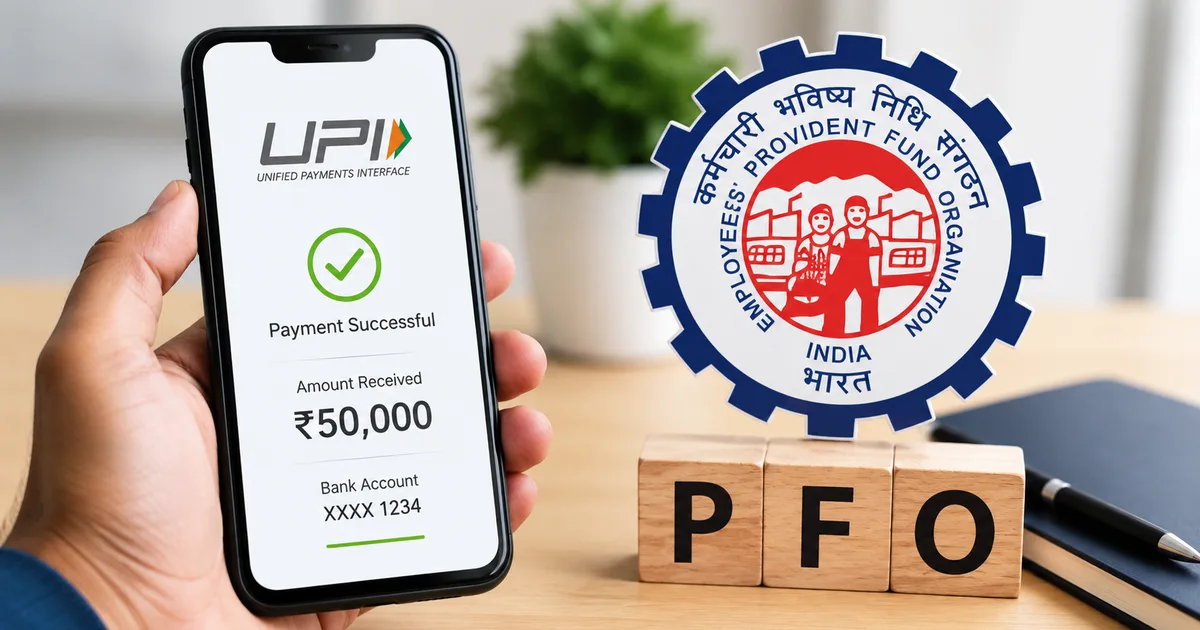
If you've ever tried withdrawing PF the traditional way, you know what it involves. Days of waiting, chasing HR, hoping your employer remembers to click approve on the EPFO portal. EPFO 3.0 UPI withdrawal is built to end exactly that. EPFO has completed testing for instant PF withdrawals via UPI and ATM in 2026, and a nationwide rollout is expected soon. This guide walks you through what's changing, who's eligible, and the exact steps to withdraw your PF money without needing your employer to do anything.
What is EPFO 3.0 and what actually changes?
EPFO 3.0 is the latest digital overhaul of the Employees' Provident Fund Organisation's systems. The headline is this: instant withdrawals via UPI, ATM-based cash access using QR codes, auto-settlement of claims up to Rs 5 lakh, and no employer approval needed for eligible withdrawals. Honestly, if you ask me, it's the most useful thing EPFO has shipped in years.
EPFO currently manages funds for over 7 crore active members across India. For most of those people, PF has always been money they technically own but can't quickly access. That's what this update is fixing.
"EPFO 3.0 introduces a fully digital system for EPF withdrawals, allowing members to access funds via UPI and ATMs, eliminating employer approvals and long waiting times." - Mint, 2026
If you want broader context on how India's digital payment infrastructure is evolving, our explainers section has good background reading on UPI and NPCI, and how they connect to government services like EPFO.
The three simplified withdrawal categories under EPFO 3.0
EPFO 3.0 consolidates all the old withdrawal rules (which honestly used to read like a government circular from 1995) into three clean categories. Worth understanding before you raise a claim.
- Partial withdrawal for specific needs: medical treatment, home loan repayment, house construction or purchase, higher education, or marriage.
- 75% withdrawal after job loss: if you've been unemployed for at least one month, you can withdraw up to 75% of your accumulated PF balance immediately.
- Full withdrawal: available when you retire, or after two months of leaving employment without joining a new job.
The 75% option after job loss is the most practically useful change here. You don't need to wait two months. And you don't need your previous employer to do anything at all.
Before you start: get your EPFO account ready for UPI withdrawal
The UPI withdrawal only works if your account is properly set up. This prep work is worth doing right now, even before EPFO 3.0 fully launches, because the same requirements apply to the existing online withdrawal system too. I'd honestly say this is the step most people skip and then regret later.
- Go to the EPFO member portal at unifiedportal-mem.epfindia.gov.in and log in with your UAN and password. Your UAN is a 12-digit number printed on your salary slip — or ask your HR if you've never used it. Once logged in, you'll see your account dashboard with your current PF balance and linked details.
- Link your Aadhaar. Go to "Manage" then "KYC" on the portal. Check if Aadhaar is listed with the status "Approved." If not, enter your 12-digit Aadhaar number and submit. EPFO verifies it against UIDAI's database, which takes 2 to 3 working days. Without Aadhaar linking, employer-free withdrawals are not possible.
- Confirm your mobile number is Aadhaar-linked. The UPI system sends OTPs to the mobile number registered with your Aadhaar. If you've changed your number since you first enrolled for Aadhaar, visit the nearest Aadhaar enrollment centre or Common Service Centre to update it. There is genuinely no shortcut here.
- Verify your bank account is linked and approved. On the same KYC page, check that your bank account with the correct IFSC code shows as "Approved." If you recently changed banks, update this and allow a few days for EPFO to verify it. They won't transfer money to an unverified account.
- Check that your name and date of birth on your UAN profile exactly match your Aadhaar card. Even a small difference, like "Ravi Kumar" vs "Ravi K. Kumar," can get your claim rejected. If there's a mismatch, go to "Manage" then "Modify Basic Details" and raise a correction request. This particular step still requires your employer to approve the change, so sort it before you actually need the money.
Step-by-step: how to withdraw PF via UPI under EPFO 3.0
Once your account is properly set up, here's how the UPI withdrawal process works once EPFO 3.0 goes live:
- Open the UMANG app on your phone — available free on Android and iOS from the Play Store and App Store respectively — or visit the EPFO member portal in a browser. UMANG is the Government of India's app that brings together services from multiple departments. Log in with your UAN and password.
- Go to "Online Services" and select "Claim (Form-31, 19, 10C and 10D)." This is the standard claims section. You'll see your linked bank account details and your current PF balance. Verify the last four digits of your bank account before going any further.
- Select your claim type. The portal will show what you're eligible for based on your service history and the reason you select. If you've been unemployed for over a month, the 75% withdrawal option should appear as available. For a specific purpose like medical treatment or home purchase, choose partial withdrawal and select the relevant reason from the dropdown.
- Choose UPI as your payment method. This is the new EPFO 3.0 option. Enter your UPI ID — the one linked to your bank account, like yourmobilenumber@paytm, yourname@okaxis, or similar. Check this very carefully. Once a UPI transfer is initiated, there is no recall mechanism.
- Complete Aadhaar OTP verification. EPFO sends a one-time password to your Aadhaar-registered mobile number. Enter it within 10 minutes. This single step replaces the employer approval process entirely for eligible claims. No chasing HR, no waiting for someone at your old company to log in and click a button.
- Review and submit. The confirmation screen shows your withdrawal type, the amount, and your UPI ID. Confirm everything looks correct, then submit. You'll receive an acknowledgement with a claim reference number. Write this down or screenshot it.
- Track your claim. In UMANG or the portal, go to "Track Claim Status" and enter your reference number. For auto-settlement claims up to Rs 5 lakh, EPFO expects the money to arrive within a few hours. Claims for larger amounts may take a few working days to process.
ATM-based withdrawal: how that works differently
The ATM option is designed for when you need physical cash fast. You initiate the withdrawal through the portal or UMANG, EPFO generates a QR code on your phone, and you take that to a participating ATM, scan it, and collect cash. Think of it like SBI YONO's cardless ATM withdrawal feature, but for PF money.
Specific ATM withdrawal limits haven't been officially confirmed yet. I couldn't find a clear number in any official EPFO release (annoying, but there it is). The details will be on EPFO's website at epfindia.gov.in once the feature goes live. Based on what's been reported, the ATM channel seems intended for smaller, urgent withdrawals rather than large lump sums.
Does withdrawing PF affect your EPS pension?
This part is worth slowing down on. Your PF account has two components. The EPF (Employee Provident Fund) is where the bulk of your money accumulates, built from your contributions and your employer's matching contribution. The EPS (Employee Pension Scheme) is a separate bucket where your employer contributes 8.33% of your basic salary each month. You don't contribute to EPS directly.
The 75% withdrawal under EPFO 3.0 comes from your EPF balance, not your EPS pension account. So if you're between jobs and withdraw 75%, your future pension is not affected, as long as you rejoin employment at some point and eventually complete 10 years of total service.
But a full withdrawal (Form 19 plus Form 10C) before completing 10 years of total service permanently cancels your EPS pension entitlement for that period. If you're 27 years old and temporarily between jobs, cashing out your entire PF means losing pension rights for those years of work. You can't get them back. Our step-by-step guides section covers EPS pension calculation in more detail if you want to understand how your service years add up.
Watch out for PF withdrawal scams
This needs to be said clearly before you start clicking around. Fraudsters are already running scams tied to EPFO 3.0 buzz. They pose as EPFO agents on WhatsApp and Telegram. The usual pitch is a fee to "process your withdrawal faster", while others send fake login pages to steal your UAN credentials.
Look, EPFO will never contact you on WhatsApp asking for your login details or your OTP. All legitimate EPFO interactions happen through the official portal or the UMANG app. The 1800-118-005 helpline is there too. Anyone approaching you otherwise is running a scam. For a detailed breakdown of how these scams work, read our guide on PF withdrawal and EPFO-related scams before you proceed.
If you receive a suspicious message, report it at cybercrime.gov.in or call the national cybercrime helpline at 1930.
What to do if something goes wrong with your claim
A few issues come up regularly with EPFO claims:
- Aadhaar OTP not arriving: your mobile number is likely not linked to Aadhaar. Visit an Aadhaar enrollment centre to update it first.
- Claim rejected for KYC mismatch: log in to the portal, check your KYC status, and raise a correction through "Modify Basic Details." Your employer will need to approve the name or date of birth change.
- UPI transfer failed: verify your UPI ID is active, the bank account is correctly linked to it, and there are no typos.
- Claim pending for more than 7 days: call EPFO's toll-free helpline at 1800-118-005 or raise a grievance at epfigms.gov.in.
When does EPFO 3.0 UPI withdrawal actually go live?
Reports from Business Today and Hindustan Times both indicated a May 2026 target for the ATM and UPI withdrawal rollout, and EPFO has confirmed that testing is complete. As of May 30, 2026, a formal nationwide launch date hasn't been officially announced. But testing is done, and the rollout is expected imminently.
Basically, the practical advice is simple: sort your KYC out today. If your Aadhaar isn't linked or your name doesn't match your PF profile, fixing it takes days to weeks. Don't discover the problem on launch day when you actually need the money. Keep checking our EPFO news updates for the confirmed rollout date once it's announced.