If you're an SBI customer and getting to a branch feels like a half-day project, DigiPay SBI doorstep banking is something you should actually know about. SBI runs one of India's largest networks of Business Correspondents (BC agents), and these agents carry the DigiPay SBI app on their phones to bring basic banking services to your home, office, or village. It's not a perfect system, but for senior citizens, people with mobility issues, or anyone stuck in an area with no nearby branch, it genuinely helps.
What is the DigiPay SBI app and how does doorstep banking work?
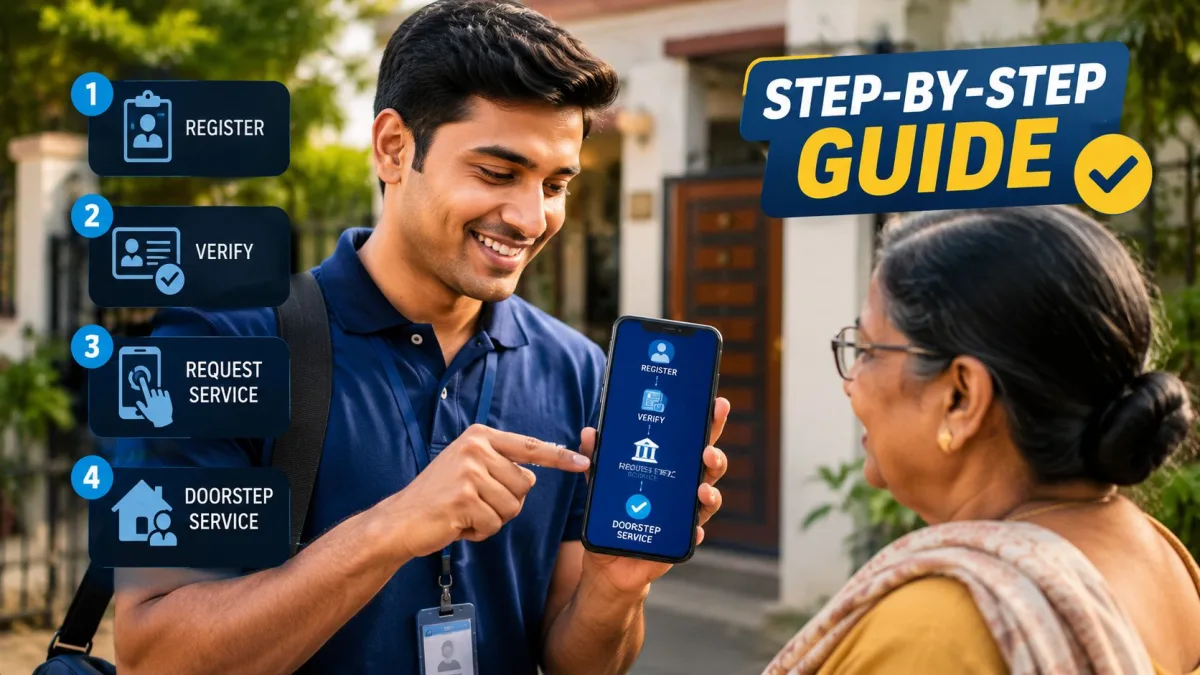
DigiPay SBI is a mobile app used by SBI's BC agents and Customer Service Point (CSP) operators. Think of a BC agent as a neighbourhood banking representative, someone authorised by SBI to carry out specific transactions on the bank's behalf. They're usually local shopkeepers, pharmacists, or dedicated CSP operators in your area.
The app connects to SBI's backend through a secure channel. Combined with a biometric fingerprint scanner (either a standalone device or one built into a tablet), it lets the agent verify your identity using your Aadhaar number and process transactions on the spot.
The "doorstep" part means they come to you. You request the service, an agent is assigned, and they show up at your location. You don't need to go anywhere.
Who is eligible for SBI doorstep banking?
SBI's doorstep banking is available to all regular SBI savings and current account holders. That said, SBI has clearly focused this service on a few specific groups:
- Senior citizens aged 70 and above
- Differently-abled customers
- Customers in areas with no SBI branch within 5 kilometres
- Customers with illnesses that make branch visits difficult
For everyone else, doorstep banking is still available, but you might get asked to visit the branch for certain things. Honestly, just try requesting it. The worst they can say is no.
What services are available through DigiPay SBI doorstep banking?
The BC agent with the DigiPay SBI app can handle these at your home:
- Cash deposit to your SBI account
- Cash withdrawal from your SBI account (via Aadhaar-based authentication)
- Balance enquiry
- Mini statement (last 5 transactions)
- Aadhaar seeding to your account
- PMJDY account-related transactions
- Pension disbursement for SBI-administered government schemes
What you can't do through doorstep banking: cheque deposits, demand draft issuance, loan applications, or anything requiring physical documents beyond what you already have at home. For those, a branch visit is unavoidable.
Transaction limits matter here. Cash withdrawals through Aadhaar-based AePS are generally capped at Rs 10,000 per day through BC agents. Deposits through the DigiPay SBI app can go higher, but this varies by your account type and the specific CSP's authorisation level (which, honestly, isn't always easy to find out in advance). Always confirm the limit before the agent visits.
Step-by-step: how to request SBI doorstep banking
Step 1: Contact SBI through official channels
You have three options to request doorstep banking:
- Call SBI's toll-free number 1800 1234 (works 24x7) or 1800 11 2211 or 1800 425 3800. Tell the IVR you want "doorstep banking" and you'll be connected to a representative.
- Use the YONO SBI app. Go to Services, then Customer Support, then Doorstep Banking, and raise a service request.
- Visit the SBI website at onlinesbi.sbi and raise a service request under "Doorstep Banking" from the customer portal.
The YONO route is the smoothest if you already have mobile internet. You get a reference number right away and can track the status. I think most people under 50 will find it easier than calling.
Step 2: Confirm your details and schedule the visit
When you raise the request, you'll need to give:
- Your SBI account number
- Your registered mobile number
- Your address for the visit
- The service you need (cash withdrawal, deposit, etc.)
- Preferred date and time slot
SBI typically confirms the appointment within 24 hours. You'll get an SMS on your registered number with the agent's name, mobile number, and expected arrival time.
Step 3: Keep your Aadhaar details ready
For Aadhaar-based transactions, you don't need the physical card. But you do need your 12-digit Aadhaar number memorised or written down somewhere handy. The agent will enter it into the DigiPay SBI app, and the system will ask for biometric verification.
Make sure your Aadhaar is already linked to your SBI account. If it isn't, the AePS-based transactions won't work. Call SBI or check your passbook. It usually says "Aadhaar seeded" if it's been done. And if it hasn't, sort that out before you book a doorstep visit, otherwise the agent comes for nothing.
Also check that your Aadhaar biometric lock is off. If you locked your biometrics on the UIDAI portal (good security practice generally, annoying when you forget), the fingerprint scanner won't authenticate. Temporarily unlock it at uidai.gov.in before the agent visits. Re-lock it right after.
Step 4: Verify the agent when they arrive
This is where most people get careless, and it matters. A real SBI BC agent will have:
- An official SBI BC ID card with their photo and BC registration number
- The DigiPay SBI app on their phone or tablet, showing the SBI logo and the agent's registered name
- A biometric fingerprint scanner device
- The same name and phone number that SBI's SMS gave you when confirming the appointment
Check all of this. Seriously. Call SBI's helpline if anything feels sketchy. Fake BC agent scams have been reported in several states, particularly in rural parts of UP and Bihar. Don't let anyone process a transaction at your door without checking their credentials first.
Step 5: Complete the transaction on the DigiPay SBI app
Here's what a cash withdrawal looks like from your end:
- The agent opens the DigiPay SBI app and selects "AePS Transaction" then "Cash Withdrawal".
- They enter your Aadhaar number and the amount you want.
- The app shows a confirmation screen with your name (partially masked) and the amount.
- You place your finger on the biometric scanner. The app reads your fingerprint and sends it to UIDAI for verification.
- On successful authentication, the app shows a success message. The agent hands over the cash.
- An SMS confirmation arrives on your registered mobile number immediately.
The whole thing takes under 3 minutes if the network cooperates. And network quality can genuinely be a problem in rural areas. The agent might need to reposition or wait for connectivity. Annoying, but normal.
Step 6: Take the receipt
The agent should give you a receipt. Some use a thermal printer attachment; others share a digital receipt via WhatsApp or SMS through the app. Either way, take it and check that the amount, account number (last 4 digits), and timestamp match what you expected.
Also cross-check the SMS from SBI. The transaction amount should match exactly what the agent processed. If there's a discrepancy, don't let the agent leave until you've sorted it out. This is not the moment to be polite and assume it'll work itself out.
Charges for SBI doorstep banking in 2026
SBI charges Rs 60 plus GST per doorstep banking visit for standard customers. Senior citizens and differently-abled customers may be eligible for waived or reduced charges. Check the latest SBI schedule of charges on the SBI website or call 1800 1234 to confirm, since these rates do get revised from time to time.
The BC agent doesn't charge you anything extra beyond what SBI authorises. If an agent asks for a cash tip or any additional fee, that's a red flag. Report it to SBI at the helpline right away.
When something goes wrong
Failed transactions happen. The fingerprint doesn't match, the network drops mid-transaction, the app throws an error. Here's what to do:
- If the biometric fails: try the other hand. Sweaty or very dry fingers cause issues. Some elderly customers find that gently moistening the fingertip helps.
- If the transaction shows "failed" but money was debited: call 1800 1234 right away and quote your transaction reference number. Reversals usually process within 24 to 48 hours.
- If the agent becomes unresponsive or leaves without resolving the issue: file a complaint on YONO SBI under "Raise Complaint" or call the helpline.
For any suspected fraud, report it to cybercrime.gov.in or call the national cyber helpline at 1930. Report fast. The sooner you report, the better your chances of getting your money back.
A few things worth knowing before you start
SBI's BC network is uneven across India. In metro cities, response time and service quality are generally decent. In some rural areas, the nearest active BC might be a few kilometres away, or confirmations just take longer. Don't be surprised if your first request takes two days to come through.
Aadhaar-based AePS transactions have come under scrutiny following the fingerprint cloning scams of 2024 and 2025. SBI has added extra verification steps in the DigiPay app for high-value transactions, but staying alert is still on you. Lock your Aadhaar biometrics when you're not actively using doorstep banking, and unlock only when needed. I'm not sure exactly why more people don't do this already, given how much noise there's been about it.
If you want to become a BC agent yourself and run the DigiPay SBI app as a CSP, SBI has an application process on its website under "SBI Kiosk Banking." It needs paperwork, a refundable security deposit, and training. Earnings are typically in the range of Rs 4,000 to Rs 15,000 a month depending on transaction volume and location.
For most people, doorstep banking is just a way to get basic transactions done without standing in a queue. And for elderly family members who struggle with smartphones or ATMs, having a government-backed option that comes to your door is genuinely useful.