Imagine you're walking through a crowded market like Gaffar Market in Delhi, and someone pockets your iPhone 15 Pro, which you bought for Rs 1,30,000. It's gone. You block the SIM and lock the device, then try to move on. But then, a few days later, you get a text message that seems to be from Apple Support saying your device has been located. This is the starting point of the
I4C lost iPhone phishing scam, a new cyber fraud threat hitting Indian mobile users in 2026.
In my experience, losing a premium phone is a gut-wrenching feeling. It hurts your wallet. (Which makes sense, actually). You think the thief is stuck because Apple's iCloud Activation Lock is virtually unbreakable. That's true. They can't reuse the phone. Also, they can't sell it, except for spare parts. So they need you to unlock it. They won't ask nicely, though. Instead, they use psychology and fake alerts to trick you into handing over password access.
So, the national cybersecurity agency CERT-In (https://www.cert-in.org.in/), along with the Indian Cyber Crime Coordination Centre, keeps issuing advisories about phishing links that target mobile operating systems. I think this hybrid cybercrime is pretty sketchy because it combines physical theft with digital deception. It's clever. And it's catching a lot of smart people off guard.
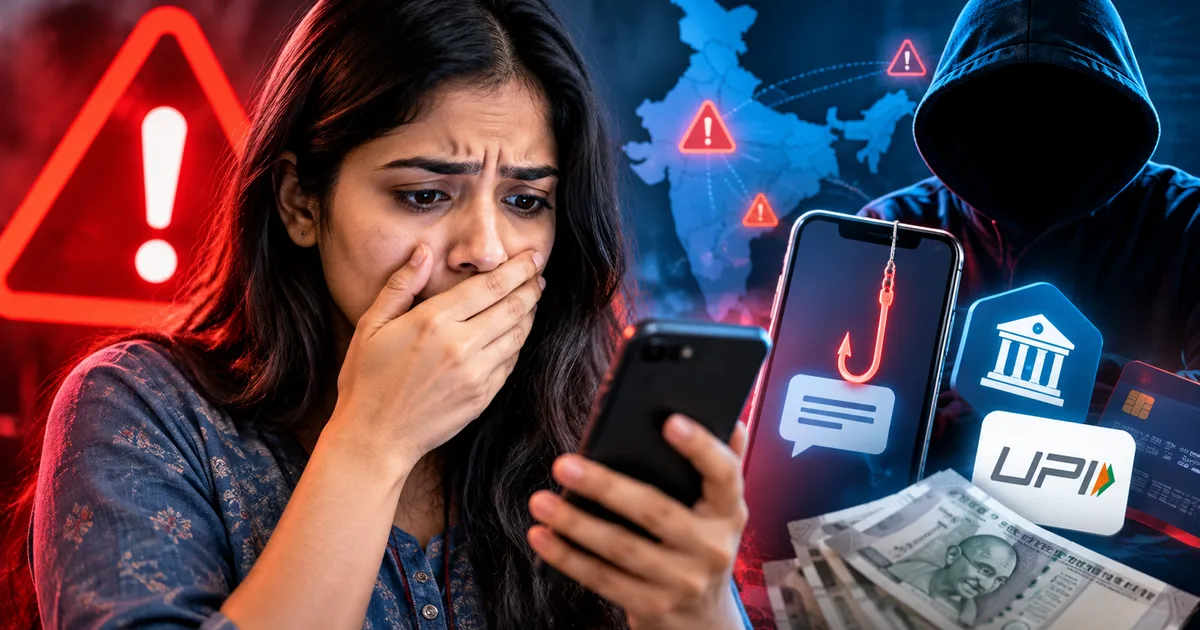
Once they unlock your phone, they don't just sell the hardware. They get into your UPI apps, like PhonePe or Google Pay, which is a total mess. They read your SMS OTPs. And they download personal documents from your DigiLocker.
How the fake Apple support SMS trick works
This isn't a random broadcast. Look, the scammers know who you are and what phone you lost. They even know your mobile number. Here's how this nasty chain of events plays out.
Step 1: The device theft or loss
First, your phone is stolen. Maybe it's swiped from your pocket in a metro station, or you leave it in an auto. Once the thief gets the device, they quickly realize they can't get past the passcode or the Activation Lock. But they don't give up. Honestly, they just take out your physical SIM card and put it into another phone. This is how they find out your phone number. Sometimes, they just search the lock screen for emergency contacts. Once they have your mobile number, the digital attack starts.
Step 2: The SMS arrival
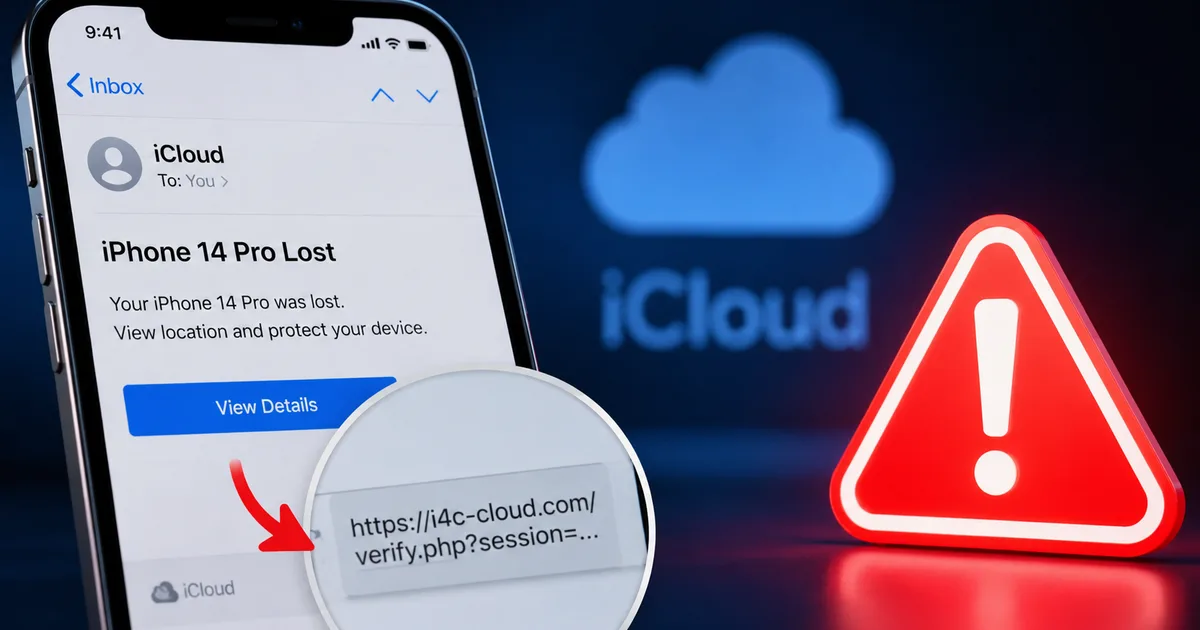
Within a few days, you get a text message. It looks official. It shows up under sender IDs like 'AD-APPLE' or 'INF-APL'. The text claims your lost iPhone is turned on and located. It might say your lost iPhone 15 Pro is located near Noida and ask you to check the link: icloud-security-in.com. Honestly, because you're desperate to get the phone back, your guard is down. You click the link.
Step 3: The phishing landing page
But the link doesn't go to Apple's official site. It goes to a cloned site. And it looks exactly like the iCloud login page. The fonts and colors are copied perfectly (which is really sketchy, if you ask me). If you aren't paying close attention, you'll enter your Apple ID and password. The scammers get your details right away. They might even ask for a one-time password if you have two-factor authentication turned on.
Step 4: Bypassing Activation Lock
Once the scammers get your iCloud credentials, they log in and unlink the stolen device from your Apple account. With the Activation Lock gone, the stolen iPhone is clean. The thief can now perform a factory reset and sell the phone on the grey market for a high price. You lose your data. And you lose any hope of tracking your device.
Why scammers use stolen iPhone phishing methods
Honestly, it's all about the money. A locked iPhone 15 Pro is only worth a few thousand rupees to a scrap dealer for its screen and battery. But you can resell an unlocked iPhone for Rs 80,000 or more in Gaffar Market or Manish Market. The numbers here are a bit fuzzy, but the cash incentive for thieves to get that lock removed is huge.
Since Apple's security is so tight, direct hacking is out of the question. Scammers know the weakest link is the human element. They exploit your hope. By sending an SMS right when you're feeling anxious, they increase the chances that you'll act without thinking. It's a highly organized system where physical thieves work hand-in-hand with digital hackers.
Warning signs of the Apple ID credential scam
You can spot these scams if you know what to look for. Look, here are the red flags to watch out for:
- The sender ID is generic or sketchy. Official Apple communications in India don't come from random mobile numbers or strange alphanumeric sender codes.
- The link URL isn't apple.com or icloud.com. Scammers use fake domains like 'icloud-find-in.com' or 'apple-support-india.net' to hide the real destination.
- The message creates a false sense of urgency. It might claim your location data will be deleted in 24 hours if you don't log in.
- The text asks you to type your passcode or verification codes on a web page. Apple will never ask for your password or OTP via SMS links.
If you get an SMS claiming your phone is found, don't click the link. Just open a web browser on another computer and go to icloud.com/find to check the status of your device.
How to protect yourself from lost iPhone scams
You can protect your data even if your physical phone is stolen. Here's what you need to do right away:
- Use eSIM instead of a physical SIM. If you use an eSIM, thieves can't easily remove it to find your number or intercept OTPs.
- Set a SIM PIN. This stops thieves from putting your physical SIM into another device to get calls or messages. Go to your settings and set a secure four-digit code.
- Turn off Control Centre access on the lock screen. This stops a thief from putting your phone into flight mode right after stealing it.
- Use the Find My app properly. Mark your device as lost right away from another Apple device or via icloud.com. This locks the screen and shows a custom message.
- Never remove the device from your account. Even if you've given up on finding it, keeping it linked to your Apple ID stops the thief from resetting and selling it.
It's a good idea to read our
safety guides so you can secure your accounts before an emergency happens. Also, keep your contact details updated so Apple can reach you.
Where to report cyber fraud in India
If you've fallen for this scam and entered your details, change your Apple ID password right away. If you can't log in, contact Apple Support to get your account back.
You must report this to the police. The Indian Cyber Crime Coordination Centre tells victims to report these cases online. Here is how you can do it:
- Go to the official government portal at cybercrime.gov.in and file a complaint with screenshots of the SMS and the fake site.
- Call the national cybercrime helpline at 1930 right away. The operators can guide you on what to do next to protect your identity.
- Report the loss of your physical device on the Central Equipment Identity Register portal. This helps block your phone's IMEI number across all Indian networks.
We cover more stories about these digital threats in our
latest scams section. I think you should share this with your friends. A little awareness goes a long way.