We need to talk about taxes. I know, not exactly the most fun topic for a July afternoon. But here we are. The deadline for ITR-1 e-filing 2026 is July 31, and if you haven't started yet, you're running out of time. I did mine last weekend.
Honestly, the income tax portal is getting better. It's not perfect, but it beats the old days of manual forms. The forms were opened up way back on May 15, so we've had plenty of time. Still. Most of us wait until the last minute. That's just how it goes, in my experience.
First things first. Make sure you even need to file ITR-1. If you're a salaried employee pulling in less than INR 50 lakh a year and you only have one house property and some interest income, this is your form. But if you sold mutual funds or stocks, you need ITR-2. Don't mix them up. The department will reject it.
Documents you need before you start
Don't log into the portal until you have everything sitting on your desk. Or in a folder on your laptop. Seriously. I can't stress this enough.
- Your PAN card and Aadhaar card. Make sure they are linked. If they aren't, you are in trouble.
- Form 16 from your employer. This is the big one. It has all your salary details and the tax they already cut.
- Bank statements for the whole financial year. April 2025 to March 2026.
- Investment proofs. If you are sticking to the old tax regime, you need your LIC receipts, PPF passbook, ELSS statements, and medical insurance papers.
- Home loan statement if you are claiming interest deduction.
Having these ready will save you from getting timed out on the portal. The session expires pretty fast if you just sit there (annoying, I know). I learned that the hard way.
Step-by-step instructions for the income tax portal
Okay, let's get into the actual process. Follow these steps carefully. I've broken them down so anyone can do it.
- Go to the official e-filing website. That is incometax.gov.in. Ignore any WhatsApp links that claim to help you file faster. Those are scams. Check our scam alerts if you want to know how bad those get.
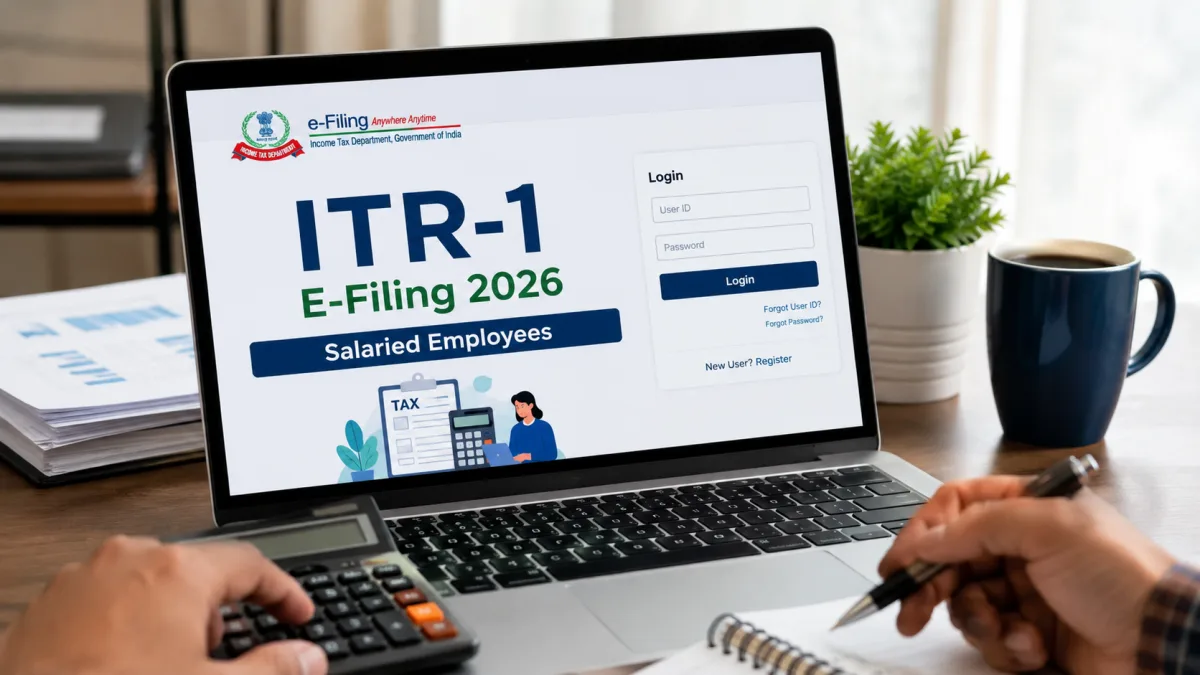
- Click on the login button. Enter your PAN as your user ID. Then type in your password. If you forgot your password, you can reset it using Aadhaar OTP. Your mobile number needs to be linked to your Aadhaar for this to work.
- Once you are in, click on 'e-File' in the top menu. Then go to 'Income Tax Returns' and select 'File Income Tax Return'.
- Pick the assessment year. You need to select '2026-27'. This trips people up. The financial year is 2025-26, but the assessment year is 2026-27.
- Choose the 'Online' mode of filing. Click continue.
- Select 'Start New Filing'. Then pick 'Individual' as your status.
- Now select ITR-1 from the dropdown list. The portal will ask you to confirm if you want to proceed with ITR-1. Click yes.
Filling out the actual form
This is where the real work happens. The portal will show you a page with different sections like personal information and gross total income. You have to go through them one by one. I think it's straightforward once you start.
Let's start with personal information. Open that tab. Most of your details will be pre-filled from your PAN and Aadhaar. Check your name and your Aadhaar number to be safe.
Here's a big change for this year. The income tax department has made the secondary address field mandatory for all ITR forms for AY 2026-27. You have to fill this out. It helps them communicate with you if your primary address mail bounces. Just put in your office address. Or a permanent home address if you live on rent.
Scroll down and check your bank account details. You need at least one bank account selected for a refund. Make sure it's pre-validated. If you changed banks recently, update this immediately. Then click confirm.
Next up is gross total income. The portal pulls data directly from your Form 16 and your Annual Information Statement. You'll see your salary breakdown. Compare it line by line with your physical Form 16. If your HR department messed up, this is where you catch it.
You also need to declare income from other sources. This means interest from savings accounts and fixed deposits. And yes, the interest on your tax refund is taxable too. Most people forget that.
Deductions and the old versus new regime
Now we hit total deductions. If you opted for the new tax regime with your employer, you won't see much here. The new regime doesn't allow deductions for Section 80C investments like PF or life insurance. It just gives you the standard deduction of INR 50,000.
But if you stuck with the old regime, you need to add your numbers. Enter your Section 80C total. Put in your health insurance premiums under Section 80D. If you donated to a recognized charity, add it to Section 80G. And if you put money into the National Pension System on your own, claim that extra INR 50,000 under Section 80CCD(1B).
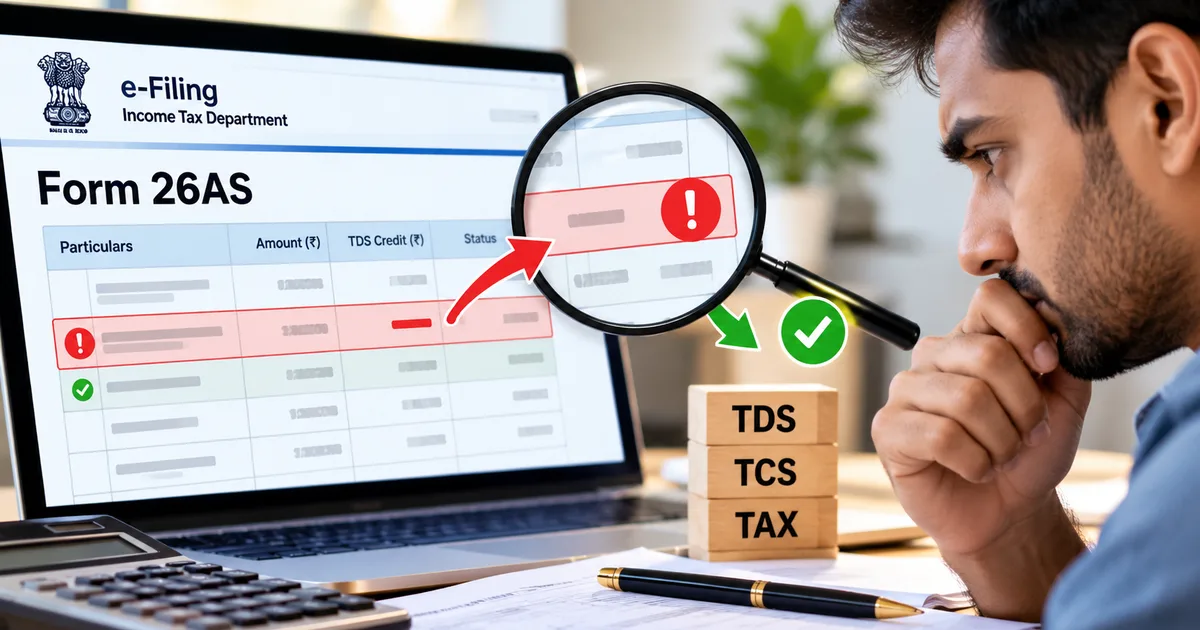
Check the tax paid section next. This shows all the TDS your employer and your bank deducted. It should match your Form 26AS. If the numbers don't match, don't submit the return. It's a mess if you do. You'll have to ask your employer to revise their TDS return first.
Once everything looks good, go to total tax liability. The system calculates how much you owe or how much you get back. If you owe money, you have to pay it right now using e-Pay tax. You can use UPI or net banking. If you're owed a refund, you'll see the amount in green.
The final step of e-verification
You aren't done just because you hit submit. A lot of people make this mistake. You have to verify your return. The rules have changed recently, if you ask me it's a bit strict. You only have 30 days to e-verify your return after submitting it. It used to be 120 days. If you miss this 30-day window, your return is invalid. It's as if you never filed it at all.
- After submitting, the portal will give you a prompt to e-verify. Click on 'e-Verify Now'.
- Choose the Aadhaar OTP option. It is the easiest way.
- The system will send a six-digit code to your registered mobile number.
- Enter the code and click submit.
You'll see a success message and get an email confirmation. That's it. You've officially filed your taxes. Save the ITR-V acknowledgement for your records. I usually throw it in a specific folder on DigiLocker just to be safe. It's always good to have digital backups.
Why Form 26AS and AIS are your best friends
Before you even start typing numbers into the portal, you need to download your Form 26AS and your Annual Information Statement. Think of these as your tax report cards. The government already knows what you earned. They just want to see if you admit to it.
Form 26AS shows all the TDS cut against your PAN. It shows the tax your employer deducted and the tax your bank took from your fixed deposits. If it isn't in your Form 26AS, the tax department doesn't know about it. Well, they didn't use to.
Now we have the Annual Information Statement. Or AIS. The AIS tracks everything. It tracks your mutual fund purchases and foreign currency transactions. Check your AIS before you file. If the income tax portal knows you earned interest on a fixed deposit, and you don't declare it in your ITR-1, you'll get a notice. It's practically guaranteed. The systems are automated now. No human is looking at your return until the computer flags it. Just declare the income and pay the tax. It's much cheaper than dealing with a penalty later.
Common mistakes to watch out for
I've seen friends mess this up year after year. The income tax department is getting smarter with their systems. They catch discrepancies fast. So here are a few things you really need to avoid.
"The income tax department has mandated a secondary address field in all ITR forms for AY 2026-27, requiring additional communication details from taxpayers."
Like I mentioned earlier, don't skip that new address field. It will throw an error when you try to submit.
Don't fake deductions. People used to claim fake rent receipts to get HRA benefits. But the tax department now cross-references your landlord's PAN. If your landlord doesn't declare that rent as income, you're getting caught. The penalties are heavy. Just pay the tax.
What happens if you switch jobs?
Switching jobs during the financial year makes filing slightly more annoying. But it's very common in the Indian IT sector. If you worked at two different companies between April 2025 and March 2026, you'll have two Form 16s. You have to combine the income from both. The portal will usually pre-fill the salary from your current employer. But it might miss the previous one. Or it might pre-fill both, but mess up the standard deduction. Remember, you can only claim the INR 50,000 standard deduction once, no matter how many jobs you had.
You also need to check your EPF contributions. When you change jobs, you should transfer your PF online. If you withdrew it instead, and it was before five years of continuous service, that withdrawal is taxable. You have to declare it under 'Income from Other Sources'. Don't try to hide it. The EPFO database is fully linked with the income tax systems now. We have detailed explainers on PF rules in our finance explainers section if you need more help with that.
Dealing with stock market gains
I get asked this a lot. A salaried employee starts dabbling in the stock market, makes a few thousand rupees on a trading app, and then gets confused about which form to use. I'm not sure exactly why it's confusing, but ITR-1 is strictly for salary, one house property, and interest income.
If you sold even a single share of a company, or redeemed a mutual fund, you can't use ITR-1. You have capital gains. You have to file ITR-2. It doesn't matter if you made a profit of INR 100 or a loss of INR 10,000. Capital gains means ITR-2. It's a more complex form. But all the brokers now provide a tax P&L statement that you can upload directly. Filing ITR-1 when you have capital gains is a defective return. They'll send it back to you.
What happens if you make a mistake?
Look, mistakes happen. You might forget a bank account or type in the wrong medical insurance premium. Don't panic. The income tax rules allow you to file a revised return. You can revise your return anytime before December 31 of the assessment year. That means for AY 2026-27, you have until December 31, 2026, to fix any errors.
Filing a revised return is exactly like filing the original one. You go through the same steps, but you select 'Revised Return' under section 139(5) instead of 'Original'. You'll need the acknowledgement number of your original return. Just make sure you fix the error and submit it again. And yes, you have to e-verify the revised return too. The 30-day rule applies every single time you hit submit.
Why you should not wait for the deadline
July 31 is the absolute last day. Don't wait until July 30. The servers handle millions of hits in the last 48 hours. They always slow down. Sometimes they crash completely. If the portal goes down and you miss the deadline, you have to pay a late fee. That's INR 5,000 if your income is above INR 5 lakh. Why throw away five thousand rupees just because you procrastinated?
Plus, if you're expecting a refund, filing early means you get your money early. The department processes returns on a first-come, first-served basis. File in May or June, and you might see the refund in your bank account within three weeks. File on July 31, and you could be waiting until October. It's your money. Don't let the government hold onto it longer than they have to (which makes sense, actually). We have more tips on managing your finances in our personal finance guides section. Read up on those if you want to optimize your savings for next year.
So get your Form 16, log in to the portal, and get this done. The ITR-1 form is designed for regular salaried folks. It's straightforward if you just follow the prompts and double-check your numbers against your documents.