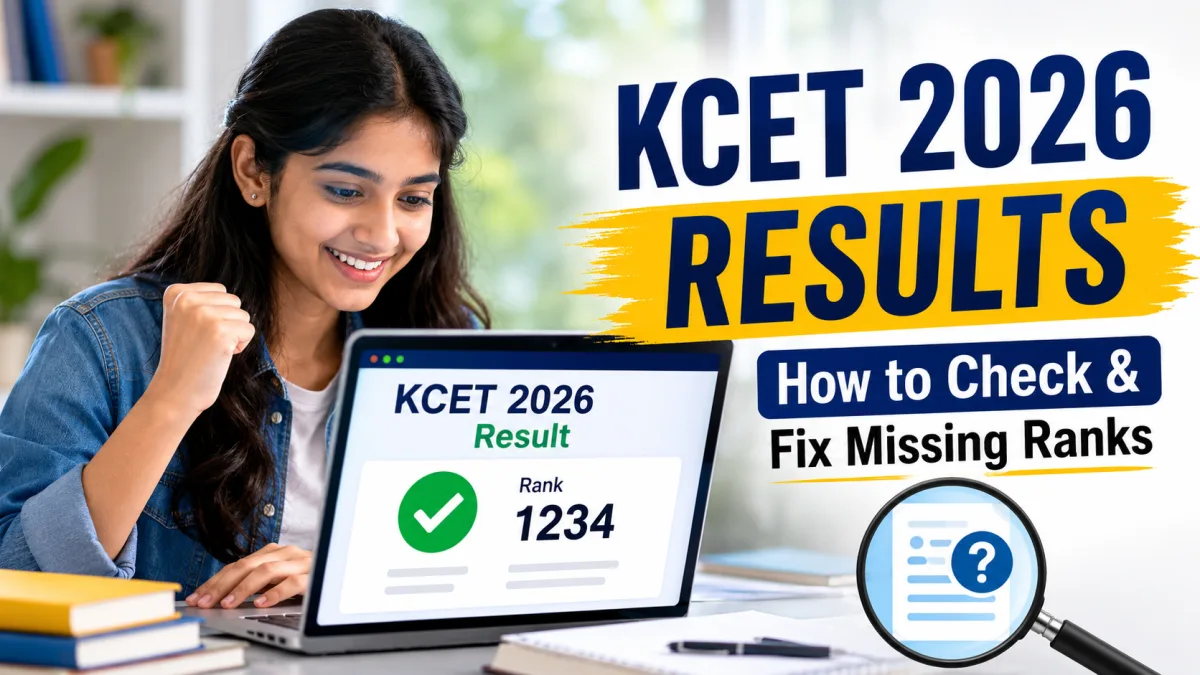
To check your KCET 2026 results, you follow a simple process. First, you enter your registration number and select your program. Then you see your rank. But this year, thousands of students logged into the official Karnataka Examinations Authority (KEA) website only to find a blank space where their rank should've been. It's frustrating. Honestly, I know the feeling. You study for months and months. You sit for the entrance exam, and then you face a technical wall. KEA clarified that many CBSE, CISCE, or state board students didn't receive their ranks because their Class 12 marks were missing from the database.
Here's the deal. If KEA's system doesn't have your Class 12 marks, they can't calculate your rank. The rank list depends equally on your entrance exam score and your board marks, so it's a 50-50 split. So, no board marks means no rank.
Luckily, KEA's opened a five-day window to fix this. Just upload your marks online to get your rank. But you've got to act fast.
Why some candidates are facing missing KCET ranks
Every year, KCET rankings cause a lot of stress. I think the main reason for the missing KCET ranks is simply that KEA and national school boards don't share a database. While the Karnataka state board sends 2nd PUC marks directly to KEA, boards like CBSE or CISCE don't share any automatic link with them.
Basically, you have to give them these marks yourself. KEA opened a marks-fetching portal before the results came out, but a lot of students missed the deadline. Others tried uploading their scores, but the system didn't save anything.
The Times of India reported that CBSE students didn't get their ranks because of this gap. KEA officials clarified that they need Class 12 marks to compute the 50% board weightage. Without these marks, the system just leaves the rank field blank.
I think KEA should automate this. A direct link with CBSE and CISCE systems would save everyone a lot of trouble. But until they do that (which might take forever), you've got to fix the issue yourself.
How to download your KCET 2026 scorecard
Don't panic just yet. Double-check your scorecard first. In my experience, the portal sometimes loads slowly or shows cached data, so follow these steps to get a fresh copy of your results.
- Open your web browser on your phone or computer. Type the official URL cetonline.karnataka.gov.in into the address bar. (Screenshot: The KEA homepage, showing a blue navigation bar at the top and a list of links under the latest announcements section).
- Scroll down to the admissions tab and click on UGCET 2026. You will see a new list of notifications. Click on the link that says KCET 2026 results. (Screenshot: The login portal with text boxes for registration number and date of birth).
- Enter your 12-character registration number in the first text box. This number is on your hall ticket. Select your date of birth from the dropdown menus. Select your discipline, like engineering or agriculture. (Screenshot: A user entering their details, with the registration number filled in and the date of birth selected).
- Click on the submit button. The page will reload and show your KCET 2026 scorecard. It displays your name, roll number, subject marks, and rank. (Screenshot: The final scorecard screen showing ranks for different streams like engineering, B-Pharma, and agriculture).
If you see your scores but the rank column is blank, then you've got this missing rank issue. Don't worry. You can fix it in a few minutes.
Step-by-step guide to resolve missing ranks on KEA portal
If your rank is missing, you've got to submit your Class 12 marksheet right away. Do it now. KEA's launched a specific link just for entering these marks, so follow this guide to get it done.
- Go to the KEA portal at cetonline.karnataka.gov.in and find the link to upload marks of non-state board students. (Screenshot: The homepage showing a dedicated link to upload CBSE and CISCE marks).
- Log in with your application number and password. If you forgot your password, click on the reset password link and enter your registered Indian mobile number to get an OTP. (Screenshot: The login screen for marks entry with a forgot password option).
- Choose the option to fetch marks via DigiLocker. You will need to verify your identity. Enter your 12-digit Aadhaar number and the OTP sent to your Aadhaar-linked mobile phone. (Screenshot: The DigiLocker authorization screen that asks for consent to share Class 12 marksheet).
- If DigiLocker fails, choose the manual upload option. Enter your theory and practical marks for physics, chemistry, and mathematics individually. Upload a PDF copy of your Class 12 marksheet. The file size must be under 200 KB. (Screenshot: The manual marks entry form with input fields for marks and a file upload button).
- Verify all entered numbers against your physical marksheet. Click the submit button to save your details. (Screenshot: A confirmation pop-up stating that your marks have been submitted successfully).
Make sure your PDF is clear. Really clear. If KEA officials can't read your marksheet, they won't update your rank. If you ask me, you should scan the original marksheet instead of uploading a sketchy, low-quality photocopy.
How DigiLocker simplifies the process
DigiLocker is an Indian government platform for storing digital academic documents. It's simple. Honestly, it's the easiest way to send your Class 12 marks to the KEA portal because the system verifies them automatically.
To use this method, you need an active DigiLocker account. Don't have one? Just download the app on your phone. You'll need your Aadhaar card and your registered Indian phone number to get started, and then you can link your CBSE or CISCE roll number to your account so the board can issue your digital marksheet. Once it's in your DigiLocker, KEA can fetch it in seconds.
Honestly, it's the safest option. In my experience, manual uploads are just a mess. If you type a 95 instead of a 59, you could face disqualification later (which would be a nightmare, obviously).
What are spot ranks and when will you get yours
Once you submit your marks, KEA won't generate your rank instantly. In my experience, they take some time. Instead, they'll calculate what they call spot ranks.
KEA announced that they will publish spot ranks for all affected candidates within five days after they receive your marks. These ranks are placed between existing ranks without changing the positions of other students who already received their ranks.
For example, if your scores place you between rank 10,000 and 10,001, you'll get a spot rank like 10,000 G1. It's pretty simple. This way, other students don't lose their seats or ranks because of updates.
But you've got to submit your marks within that five-day window. Miss it, and you're in trouble. Your rank might not be ready before JoSAA counselling or KEA's seat allotment starts. Check our student guides to get all the details about the counselling process.
KCET 2026 statistics and toppers
This year's exam saw a massive turnout. Over 3.3 lakh registered. If you ask me, that's a huge jump in engineering and pharmacy aspirants in Karnataka, and it shows how crazy the competition is.
Interestingly, female candidates dominated registrations. Girls outnumbered boys by over 41,000, though the numbers here are a bit fuzzy. That's huge. Tanisha Karthik topped the exam and got the first rank in engineering, while CBSE students performed well, though many must wait for their ranks to get sorted.
We cover these trends all the time in our latest education news section. Want to compare cut-offs? Just check out our free online tools to get quick college predictions based on your score.
What to do if the portal fails
Sometimes the KEA website crashes because of high traffic. Don't panic. If you ask me, you should just try these quick fixes instead of stressing out.
First, clear your browser cache. It helps. The KEA site uses old server scripts, and local cache can block new forms. Also, try using the website late at night or early in the morning when traffic is low.
If the online portal continues to fail, visit the KEA office in person. The office is in Malleshwaram, Bangalore. Bring your KCET admit card, Class 12 marksheet, a printout of your scores, and your Aadhaar card. KEA staff can update your marks manually at their helpdesk.
Don't delay this. Ranks are essential for seat allocation, and you don't want to miss out on your preferred college options.