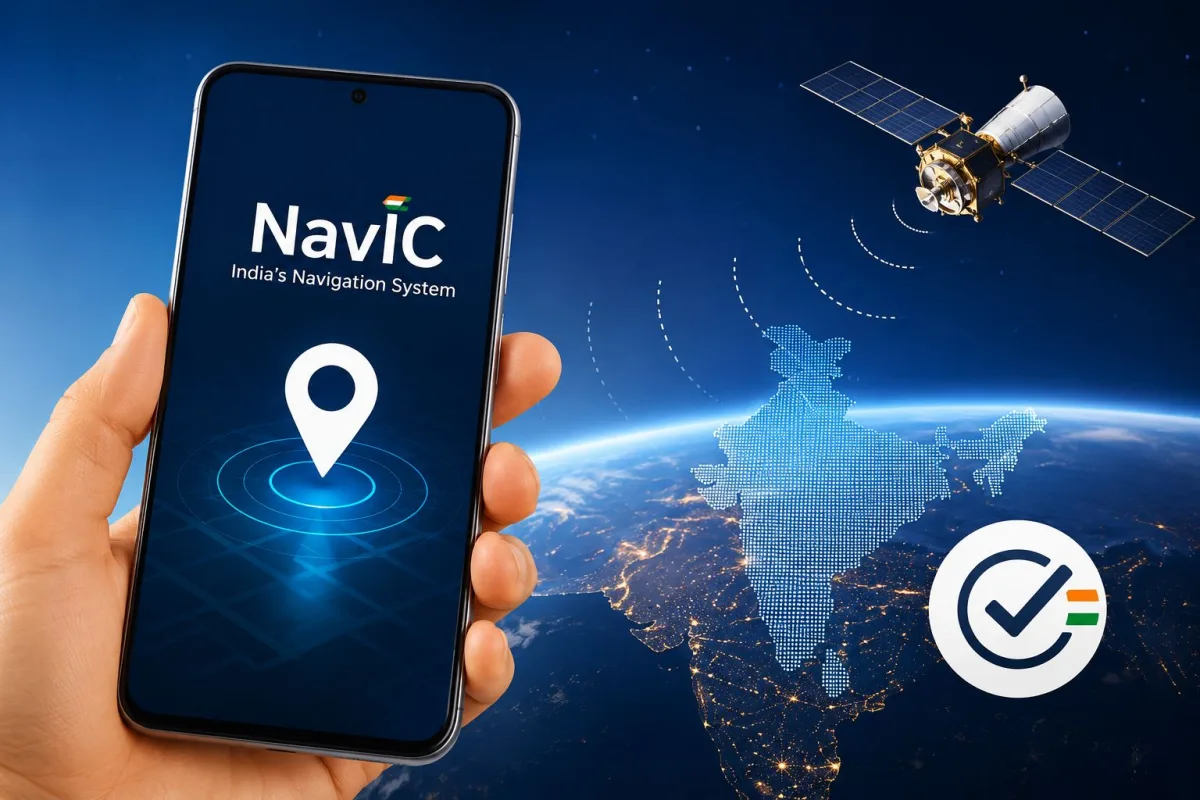
Almost every time you book a cab or order food online, your phone relies on American satellites. That system is the Global Positioning System, commonly known as GPS. The Indian Space Research Organisation (ISRO) spent years building an Indian alternative. If you are using a recent device, you need to know about NavIC navigation in smartphones and how to check if your phone supports India's GPS in 2026. The Indian government mandated that all new smartphones sold in the country must include NavIC hardware by the end of 2025. Now that we are well into 2026, the market is full of devices that connect directly to Indian satellites.
What Exactly is NavIC and Why Do We Need It?
NavIC stands for Navigation with Indian Constellation. ISRO designed this system specifically for India and the region extending 1500 kilometers past our national borders. Standard GPS works fine most of the time. It struggles when you drive under a concrete flyover or walk through dense neighborhoods with tall buildings. Your map app often jumps around, placing you on the wrong side of the road.
NavIC solves this problem by broadcasting on dual frequency bands. The primary frequency is the L5 band. This specific signal cuts through physical obstacles far better than the older L1 frequency used by standard civilian GPS. Because the satellites are constantly positioned directly over the Indian subcontinent, your phone does not have to wait for a satellite to pass overhead.
NavIC provides location accuracy up to 5 meters for civilian smartphones. This means navigation apps can pinpoint your exact lane on a highway, reducing the usual 20-meter margin of error found in standard GPS.
This accuracy changes how daily apps function. Delivery drivers find exact apartment blocks faster. Ride-hailing apps match your pickup location without asking you to walk across a busy intersection. The time it takes for your phone to find your location when you open Google Maps drops from several seconds to almost zero.
The Smartphone Rules for 2026
The transition to NavIC did not happen overnight. In recent years, the Ministry of Electronics and Information Technology instructed manufacturers to integrate this technology. Former Minister of State Rajeev Chandrasekhar stated that all smartphones would have to support NavIC by the end of 2025.
Manufacturers complied with this requirement. Apple added NavIC support starting with the iPhone 15 Pro models. Samsung updated its entire Galaxy lineup to include the necessary hardware. Brands like Xiaomi launched the Xiaomi 17 and Xiaomi 17 Ultra in India with full integration. The chipmakers also upgraded their hardware. If you buy a phone with a newer processor like the MediaTek Dimensity 9500s or recent Qualcomm Snapdragon chips, the hardware is already inside your device.
You still need to verify if your specific phone actually connects to these satellites. Many phones manufactured in 2023 or 2024 lack the proper antennas. Checking your phone requires a specific process because Android and iOS do not show satellite connections in the standard settings menu.
How to Check NavIC Support on Android Phones
You cannot simply open the Android settings app and search for NavIC. The operating system hides raw satellite data from the user interface. You must download a specialized application to read the hardware sensors directly.
Follow these exact steps to check your Android device:
- Download a satellite testing app: Open the Google Play Store and search for an app called GPSTest. The app developed by barbeauDev is free and open-source. You can also use other apps like GNSSTest or GPS Status & Toolbox.
- Go outside under a clear sky: Satellite signals cannot penetrate thick concrete roofs easily. Step out to your balcony, terrace, or a nearby park. You need an unobstructed view of the sky for the most accurate test.
- Turn on location services: Swipe down from the top of your screen and ensure your location or GPS toggle is turned on.
- Open the testing app: Launch GPSTest. The app will immediately ask for location permissions. Grant the app permission to access your location while using the app.
- Wait for the scan to complete: The screen will fill with numbers and colored bars. Your phone is actively searching for every satellite it can see. Wait at least 60 seconds for the app to gather complete data.
- Look for the Indian flag or IRNSS label: Check the 'Status' tab. You will see a list of satellites grouped by country. Look for an Indian flag icon. Some apps label these satellites as IRNSS (Indian Regional Navigation Satellite System) instead of NavIC.
- Check the U flag: Seeing the satellite on the screen means your phone detects the signal. Look at the data columns next to the Indian flag. If there is a 'U' next to it, your phone is actively using NavIC to calculate your location.
If you stand outside for five minutes and do not see the Indian flag or the IRNSS label, your Android phone does not support the system. You will only see American flags for GPS, Russian flags for GLONASS, or European flags for Galileo.
How to Verify NavIC on iPhones
Apple completely locks down raw satellite data on iOS devices. You cannot download GPSTest or any similar app from the App Store because Apple does not allow third-party developers to access the internal GPS antenna data.
You have to rely on Apple's official hardware specifications to check your iPhone.
- Find your exact model number: Open the Settings app on your iPhone. Tap General, then tap About. Look at the Model Name field to confirm your exact device version.
- Visit the official Apple website: Open Safari and go to Apple's official tech specs page for your specific iPhone model.
- Navigate to the Location section: Scroll down the specifications page until you find the category labeled 'Location' or 'Cellular and Wireless'.
- Look for the NavIC keyword: Read the list of supported location systems. If your phone supports it, the text will explicitly list NavIC alongside Precision dual-frequency GPS, GLONASS, and Galileo.
If your model is an iPhone 14 or older, you will not find NavIC on the list. Apple integrated the hardware starting with the iPhone 15 Pro and iPhone 15 Pro Max models, expanding it to the standard lineup in subsequent generations.
Why a Software Update Cannot Fix Your Old Phone
People often ask if they can download a software patch to enable NavIC on older smartphones. The answer is a strict no. Connecting to an Indian satellite is a hardware requirement, not a software feature.
Satellites broadcast information on specific radio frequencies. Most older smartphones only contain antennas designed to receive the L1 frequency band used by standard GPS. NavIC operates primarily on the L5 frequency band. If your phone's internal antenna is physically incapable of receiving the L5 radio waves, no software update can change that fact. It is exactly like trying to tune an AM radio to an FM station. The physical receiver simply does not match the broadcast signal.
When you read our general smartphone buying guides, you will notice we always emphasize hardware capabilities over software promises. You must buy a phone with the correct physical chip to utilize the Indian satellite network.
The Impact on Battery Life
Using multiple satellite systems simultaneously actually improves your smartphone battery life in the long run. This sounds contradictory at first. You might assume that connecting to more satellites drains the battery faster.
The reality is different. The most battery-intensive task for your phone's location chip is the initial search. When you open a maps app, the phone works extremely hard to find its location from a cold start. This is called the Time to First Fix. Because NavIC satellites are always positioned over India, a phone with NavIC hardware locks onto the signal almost instantly. The phone spends less time searching and hunting for a signal. Shorter search times mean less power consumed from your battery.
If you regularly use tracking features for fitness apps or delivery services, you will notice your phone stays cooler and retains more charge compared to older devices relying solely on American satellites.
Final Checklist Before Buying a New Phone
The smartphone market in 2026 provides plenty of options for Indian consumers. Before you make your next purchase, you should treat NavIC support as a non-negotiable feature. Check the retail box or the manufacturer's website. Read the spec sheet carefully. Look for mentions of dual-band GPS, L5 frequency support, and explicit NavIC branding.
Do not assume a phone has the feature just because it is new. While the government mandate covers devices sold in India, some imported grey-market phones or highly budget-restricted devices might still try to bypass the hardware requirement. Using network testing tools on a display unit in a retail store is a smart way to verify the hardware before you hand over your money.
Tracking tech developments can feel overwhelming. Staying updated with latest tech news helps you understand which features actually matter. ISRO's satellite network is not just a point of national pride. It is a highly practical technology that stops your maps app from getting confused in heavy traffic. Take two minutes to check your current device today.