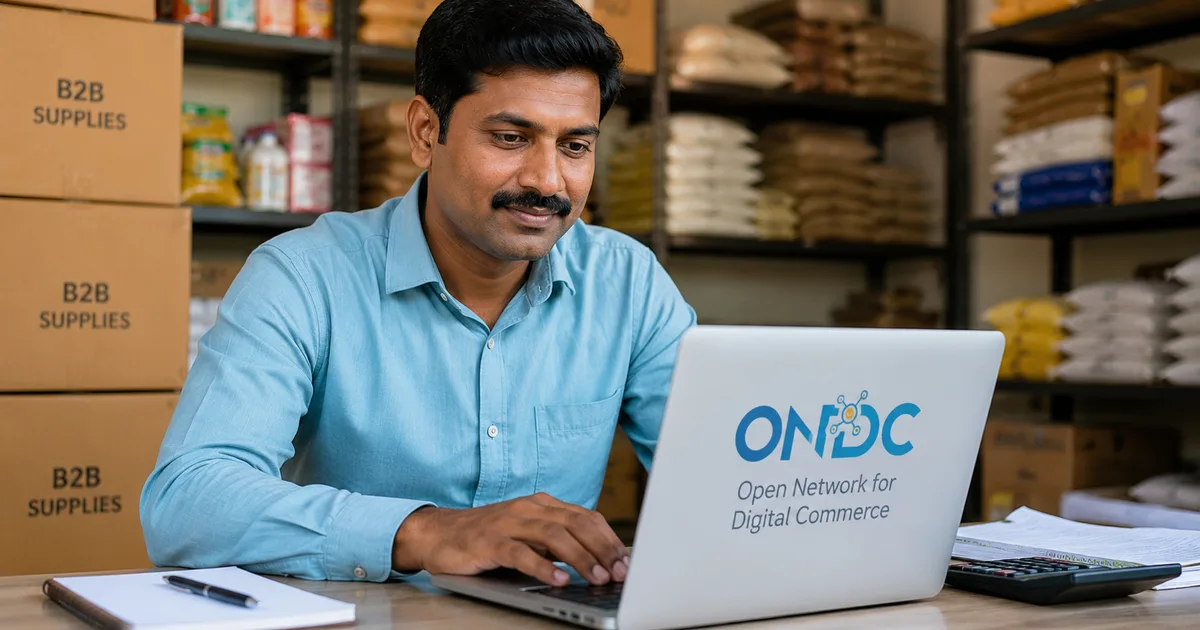
If you run a kirana store or a small manufacturing unit somewhere in India, your procurement costs probably eat into your margins more than they should. You're either buying from a local distributor at whatever price they quote, or you're on IndiaMART trying to figure out if a seller is even legitimate. ONDC B2B procurement is trying to fix this, and in 2026, it's actually gotten good enough to be worth your time.
ONDC (Open Network for Digital Commerce) isn't a single app. Think of it like UPI for shopping, a government-backed open network where multiple buyer and seller apps connect. For B2B, this means a wholesale buyer in Pune can discover a manufacturer in Surat on one app and a trader in Ludhiana on another, all within the same network. A 2025-2026 ecommerce market report puts ONDC on the same list as Reliance Retail, Tata Digital, Amazon India, and other major players as a driver of seller inclusion and scale in Indian commerce. The seller inclusion angle is the pitch for suppliers. For buyers (that's you), the pitch is transparency and real price competition.
According to EY's analysis of ONDC's potential, the network's open architecture is its main differentiator: sellers aren't locked into a single platform's terms, and buyers get genuine price discovery across multiple competing suppliers simultaneously.
Before you get started, it helps to understand how open digital networks work in India. Our explainers on India's open digital infrastructure give useful background on ONDC, UPI, and the broader infrastructure they're part of.
What you need before setting up ONDC B2B buying
B2B transactions on ONDC require GST registration. That's non-negotiable. Here's what you need to have ready:
- A valid GSTIN (15-digit GST Identification Number)
- A business bank account linked to your GSTIN
- A UPI ID on a business account, or net banking access
- Your business phone number (ideally the one registered with your GST profile)
- Trade name, registered address, and the category of goods you're procuring
If your business is below the GST threshold (Rs. 40 lakh annual turnover for goods in most states), you might get limited access on some buyer apps. But for full access and ITC-eligible invoices, GST registration is the way to go. Udyam registration helps too. It identifies you as an MSME, it's free at udyamregistration.gov.in, takes about 20 minutes, and some buyer apps surface preferential pricing or embedded credit for Udyam-registered businesses. Honestly, worth doing if you haven't already.
Which apps support ONDC B2B buying in 2026
This is where people get confused first. There's no app called "ONDC" you can download. You use a buyer app that's connected to the ONDC network. For B2B procurement specifically, the apps worth checking in 2026 include:
- Bharat Vyapar: focused on wholesale and bulk buying, with decent coverage across FMCG, electronics, packaging, and more
- eSamudaay: strong for local supplier discovery, particularly in tier-2 and tier-3 markets
- ONDC-enabled Shiprocket Commerce: useful if you need procurement and logistics handled together in one workflow
- Zoho Commerce's ONDC integration: worth checking if your business already runs on Zoho's tool suite
The landscape changes fast. Shiprocket publishes regular roundups of active ONDC buyer and seller apps, so check those before committing to a platform. And you're not locked in. You can use multiple buyer apps on the same ONDC network, which is the whole point of open architecture.
Step-by-step: getting started as a B2B buyer on ONDC
The exact screens differ between apps, but in my experience the core flow is consistent across all of them.
- Download a B2B buyer app
Search your app store for your chosen app. Check the developer name before installing. Fake versions of popular apps do show up on the Play Store (sketchy, but it happens), so look at the developer's listed website and read recent reviews carefully before you tap install. - Register with your mobile number
Enter your business phone number and verify with OTP. Use the number your team actually monitors, since order notifications and seller messages come here. - Add your GSTIN
Most B2B buyer apps ask for this during onboarding. Enter your 15-digit GSTIN and the app auto-fetches your business name and registered address from the GST portal. Check that both match your records exactly. Errors here cause invoice mismatches that take real time to sort out. - Add Udyam Registration if you have it
Enter your Udyam Registration Number if available. Some apps unlock better seller visibility or embedded credit features for Udyam-registered buyers. If you don't have one yet, get it at udyamregistration.gov.in before setting up your buyer profile. - Set your delivery address
Add your business address as the default delivery location. If you have a warehouse or manufacturing unit at a separate address, add that too. Most apps support multiple delivery addresses per account, which is useful if you run more than one outlet. - Browse or search for products
Use both specific searches (try "corrugated boxes 5-ply wholesale" or "refined sunflower oil 15L B2B") and category browsing. ONDC surfaces sellers from across India, so you'll often find options that your local distributor network never told you about. - Compare sellers and terms
This is where ONDC earns its keep. For the same product, you can compare per-unit price, minimum order quantity (MOQ), lead time, and seller rating side by side. A seller with 200-plus completed transactions and a 4.2-star rating is generally reliable. New sellers with zero history need more scrutiny before you commit to a large order. - Request a quote or add to cart
For bulk orders, some sellers use a quote request flow. You send your requirement and they respond with pricing within a set window. Others have fixed B2B pricing and let you add to cart directly. Both flows exist on ONDC and both are legitimate. Quote-based flows are more common for orders above roughly Rs. 50,000. - Review order details before paying
Before payment, check: product specifications, quantity, price per unit, GST rate applied, total GST amount, expected delivery date, and the seller's cancellation and return policy. ONDC mandates that sellers display their policies clearly. If something looks off, message the seller through the app before placing the order. - Pay via UPI or bank transfer
B2B payments support UPI (including business UPI accounts) along with NEFT and RTGS. For orders above Rs. 1 lakh, bank transfer is often more practical because of daily UPI limits. Some business accounts have higher UPI limits than personal ones, so check with your bank first. Some buyer apps also offer BNPL or short-term credit for procurement, powered by NBFC partners on the ONDC network. - Track delivery through the buyer app
After payment, you get an order confirmation and a tracking link. ONDC's logistics layer routes delivery through network-connected providers. Track it through the buyer app. You don't need a separate logistics app for most orders. - Confirm receipt and download your GST invoice
When the goods arrive, inspect them before confirming delivery in the app. Once you mark delivery received, the app generates your GST invoice automatically. Download it immediately and file it by month in a dedicated folder. Your CA needs it for GSTR-2B reconciliation and your input tax credit claim.
GST invoices and ITC claims — the part everyone skips
Honestly, this is where most small business owners leave money on the table. An ONDC B2B invoice should have your GSTIN as the buyer, the seller's GSTIN, the correct HSN code for the goods, and the applicable GST rate. Check all four before confirming delivery.
If any detail is wrong, raise a dispute through the app before you confirm delivery. After you mark delivery received, getting an invoice corrected is a back-and-forth that takes days and involves your CA and the seller's accounting team.
There's another issue worth knowing about. Your ITC gets reconciled against the seller's GSTR-1 filing. If a seller hasn't filed their returns, your claim can get flagged or rejected. This is a known problem with smaller suppliers on any platform, not just ONDC. I'm not sure exactly why some sellers stay active on the network while being behind on their filings, but it happens. A seller's high transaction count and consistent ratings is an indirect indicator they're operating legitimately and filing regularly. Not foolproof, but something to factor into your supplier selection. For tools that help with invoice management and GST filing workflows, check our business tools section.
Making the most of ONDC B2B after your first order
A few things worth doing once you're past the basics:
- Save top suppliers and enable repeat orders. Most apps let you reorder from a saved supplier in two taps. Once you've vetted someone for a core product, use it consistently.
- Re-run price comparisons every quarter. New sellers join the network regularly, and the deal that made sense six months ago may not be the best available today.
- Use the dispute mechanism fast. If goods arrive damaged or short-shipped, raise it within 48 hours. ONDC has a dispute resolution framework that sellers are bound by. It's not instant, but it works better than calling a distributor and hoping for goodwill.
- Explore embedded credit carefully. Several buyer apps now offer 30-60 day working capital credit through NBFC partners. Read the interest rate terms before committing, but for seasonal businesses that need inventory before cash comes in, it can be genuinely useful.
One thing I'd add. Don't abandon your local suppliers entirely just because ONDC shows lower prices on paper. Delivery reliability matters. So does returns handling. And the relationship-based credit from a distributor you've worked with for years has real value that a star rating doesn't capture. Use ONDC to benchmark your current pricing and supplement your supply chain. Let it keep your existing suppliers honest. That's probably its best use for most Indian small businesses right now.
For more on how India's open digital networks fit together, including ONDC, OCEN, Account Aggregator, and related systems, our small business digital guides cover each in plain language.