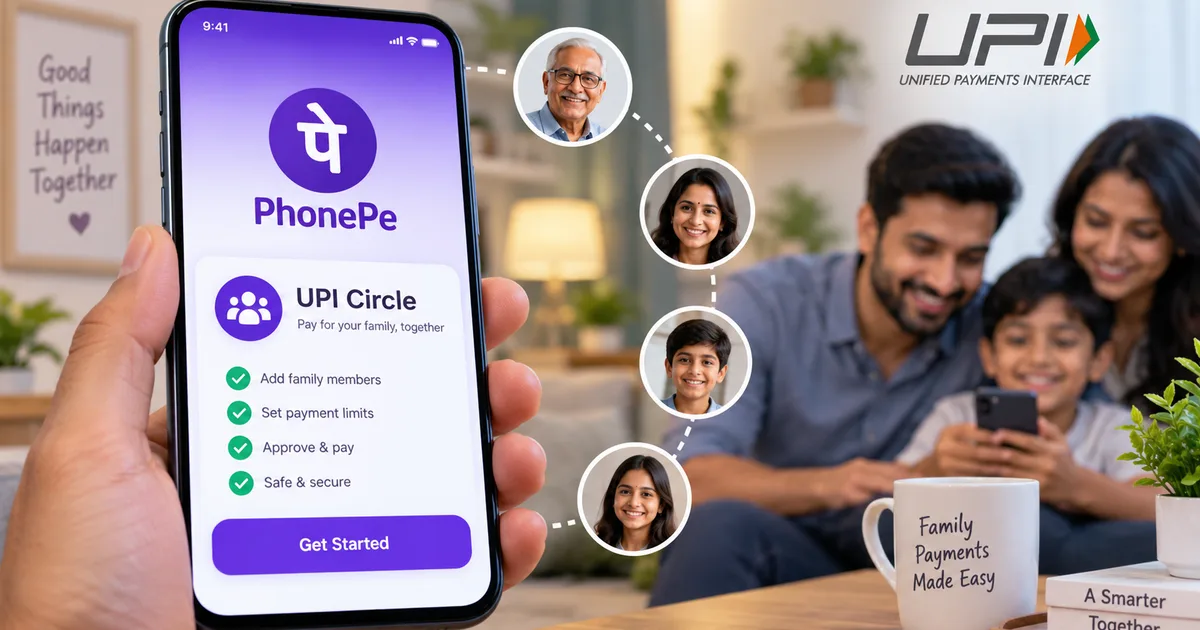
For years, families in India have dealt with a very specific, annoying problem. You have the bank account. Your teenager or your house help needs to buy something. You either give them cash. Nobody wants to carry cash anymore, and it requires you to constantly find a working ATM. Or you do the terrible thing we all secretly do. You share your UPI PIN. That's a security nightmare. We all know we shouldn't do it. But when your kid needs to pay the tuition tutor and you're stuck at work, you text them the four-digit code. Now, there's a proper fix. PhonePe UPI Circle launched recently, and it finally solves this mess. I tried setting this up for my mother last week, and it works exactly how you'd want it to.
India runs on digital payments today. From the local vegetable vendor to the auto driver, everyone expects you to scan a QR code. The volume of digital transactions is massive. But access to digital money usually depends on having a bank account. Look, a lot of people simply don't have one. Or they prefer not to link their life savings directly to a smartphone app. Older generations often worry that one wrong tap will wipe out their retirement funds (which makes sense, actually). Giving them physical rupees is annoying. Giving them your PIN means they could accidentally send 50,000 INR to a stranger. We needed a middle ground. That's what delegated payments provide. You keep the bank account. And they get a controlled digital wallet tied directly to it.
What delegated payments actually mean
The National Payments Corporation of India (NPCI) introduced the concept of delegated payments back in August 2024. PhonePe integrated this system into their app in April 2025. Basically, it allows two people to share one bank account for UPI transactions. There is a primary user and a secondary user. I'm not sure exactly why it took them a few months to roll it out. But it's here now.
The primary user is the person who actually owns the bank account. The secondary user is the person who gets permission to spend from that account. The beauty of this system is that the secondary user doesn't need to go to a bank or complete a KYC process. They don't even need to use DigiLocker to pull documents. If you've ever tried setting up a bank account online and ended up reading a DigiLocker for ITR Filing 2026: Step-by-Step Guide just to understand how to fetch your Aadhaar, you know how frustrating that process gets. With this new system, the secondary user just needs the PhonePe app on their phone. That's it.
You can add up to five secondary users to your circle. This means you can cover your spouse and your kids all from your single salary account. In my experience, keeping a close eye on where the money goes is a huge relief.
Full delegation vs partial delegation
Before you open the app, you need to understand the two different ways you can set this up. PhonePe gives you two choices for how much freedom you want to give the secondary user. They call these full delegation and partial delegation.
How full delegation works
Full delegation is like handing someone a prepaid debit card. You set a strict monthly limit. Let's say you set it to 3,000 INR for your college-going kid. Once you approve this limit, your kid can scan QR codes and make payments up to 3,000 INR a month without ever asking you for permission. They don't need your PIN. The money deducts automatically from your account. And you get an SMS alert for the transaction. If they try to spend 3,001 INR, the payment fails. Honestly, this is perfect for daily allowances or giving household expense money to a trusted worker.
How partial delegation works
Partial delegation is much stricter. It's like giving someone a credit card where they have to call you for approval before every single swipe. Under this setup, the secondary user scans the QR code at the shop and enters the amount. But the payment doesn't go through. Instead, you get a notification on your phone. You open your PhonePe app. You check the amount and the merchant name. Then you enter your own UPI PIN to approve the payment. The secondary user never knows your PIN (a huge relief, honestly). I think this option is great for older parents who want you to handle the final approval. Or for large occasional expenses.
Both options are heavily monitored by the NPCI. They require the secondary user to secure their app with a passcode or a fingerprint lock. So a thief can't simply pick up their phone and buy a television.
Step-by-step setup guide for the primary user
If you have the bank account, you have to initiate the process. Honestly, you hold all the power here. If you're comfortable reading How-to Tech Guides, you'll find this extremely straightforward. Grab your phone and follow these exact steps.
- Open your PhonePe app and make sure you are on the latest version from the Google Play Store or Apple App Store. An outdated app will not show the new features.
- Look at the main home screen. Right under the main transaction buttons, you will see a banner or an icon labeled UPI Circle. Tap on it.
- You will see a screen explaining the feature. Tap the button that says Invite Secondary Contact.
- PhonePe will ask you to identify the person. You have two options here. You can either scan their personal PhonePe QR code, or you can manually type in their UPI ID. The NPCI prefers scanning for security reasons, so do that if they are sitting next to you.
- Select the delegation type. The app will ask you to choose between Full Delegation and Partial Delegation. Tap your choice.
- If you chose Full Delegation, a number pad will appear. Type in the maximum monthly limit you want to authorize. Be reasonable here. Do not authorize 50,000 INR if they only need milk money.
- The app will ask you to confirm the details. Review the name and the limit.
- Enter your UPI PIN to authenticate the invitation. PhonePe will send a secure invite link directly to their app.
That's all you have to do. Now you just wait for them to accept.
Step-by-step setup guide for the secondary user
The person receiving the money has an even simpler job. They just need a basic smartphone with an internet connection. They don't need an Aadhaar card linked to a bank account. They don't need a PAN card. Basically, it's effortless.
- Open the PhonePe app. If this is a brand new account, they will need to register with their phone number. That is the only requirement.
- Look at the notifications bell icon in the top right corner, or check the home screen for a pop-up banner. It will say you have received a UPI Circle invite.
- Tap the notification. The screen will show the name of the primary user and the type of delegation they offered.
- Tap Accept. The app will process the request for a few seconds.
- Set up an app lock. If the phone does not already have a screen lock, PhonePe will force the user to create a passcode or set up a fingerprint. This stops random people from opening the app.
Once accepted, the secondary user is ready. When they go to a shop and scan a QR code, the app will show the primary user's bank account as the funding source. It looks and feels exactly like a normal payment.
Handling security and stolen phones
Security is the biggest worry people have when dealing with digital money. What happens if your teenager drops their phone on the bus? Or what if someone steals your house help's phone?
Honestly, you don't need to panic. The system is built with physical phone loss in mind. Because the money is in your bank account and not in a mobile wallet on their device, nobody can drain an offline balance. If their phone goes missing, you open your PhonePe app. You go to the UPI Circle settings. You tap their name and hit Revoke Access. The connection dies instantly. Even if a thief bypasses their lock screen, the app will reject any payment attempts because the primary account has cut the cord.
If you ever suspect an actual fraudulent transaction went through before you could revoke access, you should immediately call the 1930 cybercrime helpline and report it via cybercrime.gov.in. But the biometric locks make this highly unlikely.
Tracking expenses digitally
Tracking is a huge benefit here. When you hand out 5,000 INR in cash at the start of the month for household expenses, you have no idea where it actually goes. It just vanishes into thin air (annoying, I know). With this system, every single transaction made by the secondary user shows up in your PhonePe history. You see the date, the time, the exact amount, and the name of the merchant. It makes budgeting so much easier. You don't have to interrogate your kids about where their allowance went, because it's all sitting right there on your screen.
Common setup issues and how to fix them
While the process is mostly smooth, you might hit a few bumps. I've seen a few common errors pop up when people try to set this up for the first time. Here's how you get past them.
First, the invite simply doesn't arrive. You send the request, and the secondary user sits there refreshing their app. Nothing happens. Thing is, nine times out of ten, this happens because the secondary user is running a very old version of the app. They need to go to their app store and hit update. Once they update and restart the app, the notification usually pops up instantly.
Second, the payment fails at the shop for the secondary user. If they are on a partial delegation setup, this almost always means the primary user missed the notification. The primary user has a limited time window to open their app and enter the PIN. If you're stuck in a meeting and ignore the ping, the transaction drops. The secondary user will have to scan the code and send the request all over again. If this happens frequently, you might want to switch them to a full delegation setup with a small monthly limit instead.
Third, bank server downtime. Because the money is moving from the primary user's bank, any server issues at that specific bank will stop the secondary user from paying. The numbers here are a bit fuzzy, but outages happen. If State Bank of India is having a server outage, the secondary user can't buy groceries. Even if their own app is working perfectly. You just have to wait it out or use cash as a backup. To understand more about how these background systems connect, you can browse through some of our Tech Explainers. They break down how bank servers communicate with these apps.
If you're already managing household finances through tools like WhatsApp UPI Autopay: Set Up Recurring Payments in 2026, adding this feature to your routine just makes sense. You stop running to ATMs and sharing your PIN. And you finally get a clear digital record of where the household money is actually going. If you ask me, it's a solid upgrade.