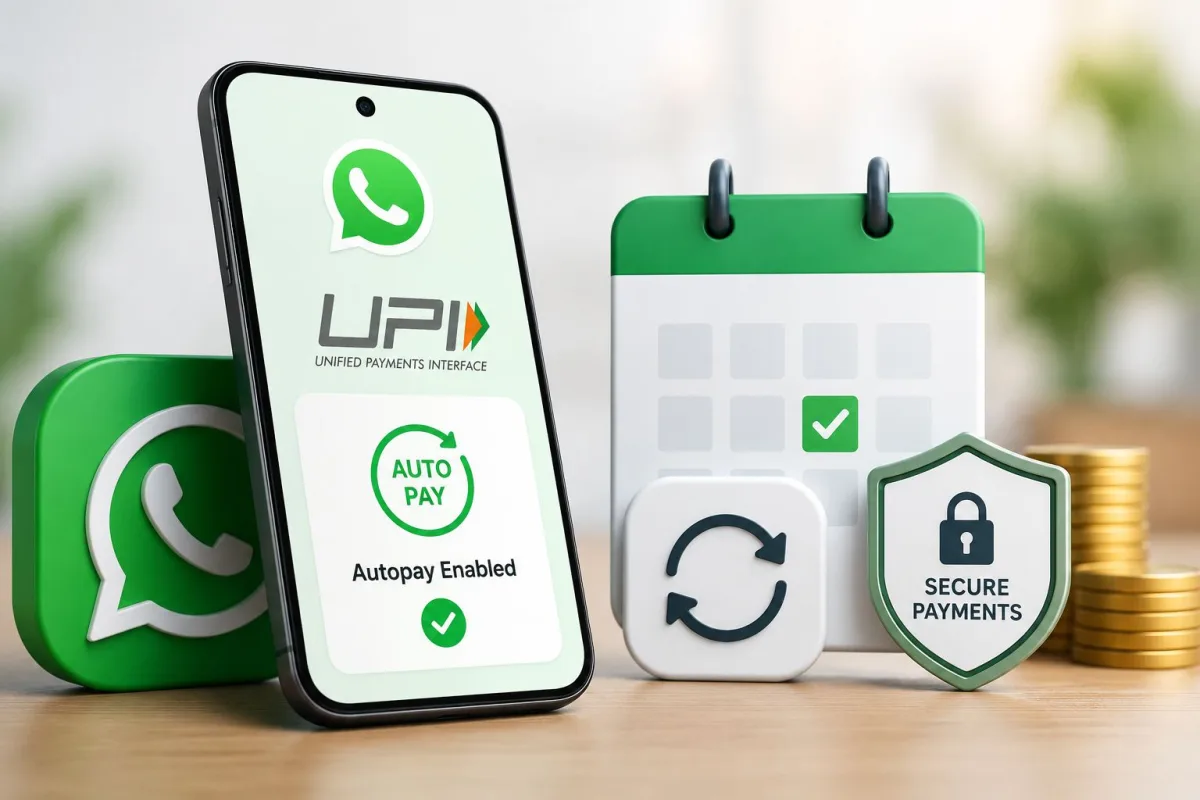
If you use WhatsApp Payments for everyday UPI transfers, there's one feature worth knowing about in 2026: UPI Autopay. It lets you approve recurring payment mandates through WhatsApp, so your OTT subscription, monthly SIP, insurance premium, or electricity bill gets deducted automatically on schedule, without you doing anything each time. According to the Economic Times, UPI Autopay volume doubled in a single year. NPCI launched a dedicated portal for managing these e-mandates. And WhatsApp Payments, with Meta now actively competing against Google Pay and PhonePe, supports the full autopay flow.
What UPI Autopay actually is
UPI Autopay is a standing instruction. A merchant sends you a mandate request through the UPI network, you approve it once in your UPI app, and from then on they can deduct money on a fixed schedule without asking for permission each time. No OTP every month, no logging in to renew, no forgotten payments.
The rules around this come from RBI's e-mandate framework:
- For amounts above Rs 15,000 per transaction, you get a notification 24 hours before each deduction and can cancel if needed.
- For amounts up to Rs 15,000, the deduction happens automatically after your initial mandate approval.
- Frequencies available: daily, weekly, fortnightly, monthly, quarterly, half-yearly, and yearly.
- Each mandate has a maximum amount ceiling set by the merchant at registration time.
This is quite different from old ECS or NACH mandates, which required physical paperwork and took days to process. UPI Autopay is instant, fully digital, and you can cancel it from your phone any time you want.
How to set up UPI Autopay on WhatsApp Payments
Here's what trips people up: you don't create an autopay from scratch inside WhatsApp. The mandate request comes from the merchant's side. You review and approve it. So the process starts wherever you're subscribing to a service, not inside WhatsApp itself.
What you need before starting
- WhatsApp updated to the latest version from the Play Store or App Store
- WhatsApp Payments activated with a linked Indian bank account
- Your UPI PIN set and ready to use
- A service that supports UPI Autopay, such as Hotstar, SonyLIV, Zerodha Coin, LIC, or select electricity boards
Step by step: approving a mandate on WhatsApp
- Go to the app or website where you want recurring payments. Select the UPI Autopay or auto-debit option at checkout.
- Enter your UPI ID linked to WhatsApp Payments. Depending on your bank, this looks like yourname@ibl for ICICI or yourname@ybl for Yes Bank.
- You will receive a mandate approval notification in WhatsApp, visible in the Payments section.
- Review all the details carefully: merchant name, amount per cycle, frequency, validity period, and the maximum amount ceiling.
- Tap "Approve", enter your UPI PIN, and the mandate is active.
The whole thing takes around 30 seconds once you know what you're looking at. The field that confuses most people is "maximum amount." That's a ceiling the merchant registers at setup, not what they charge every time. Your actual deduction matches your subscription or bill amount (which makes sense, actually).
What you can actually use WhatsApp UPI Autopay for in 2026
Quite a lot, as it turns out. SonyLIV formally partnered with NPCI to bring UPI Autopay to their subscription renewals. Zerodha and Groww support it for SIP mandates. Most major insurers now accept it for monthly or quarterly premiums. Several electricity boards across Maharashtra and Karnataka have added e-mandate support.
Common use cases right now:
- OTT subscriptions: Hotstar, SonyLIV, Amazon Prime
- Mutual fund SIPs through Groww, Zerodha Coin, and Paytm Money
- Insurance premiums for LIC, HDFC Life, SBI Life, and others
- Electricity and gas bills from boards that support e-mandate
- Loan EMI payments through select banks and NBFCs
- Gym memberships and subscription services that have integrated UPI Autopay
Not everything supports it yet. Your local cable operator almost certainly doesn't. Some smaller platforms haven't integrated it either. But the number of supported services has grown fast over the past year. Check our latest tech news for newly added services.
Managing and cancelling mandates: what the NPCI portal changes
NPCI launched a dedicated e-mandate management portal, and it's genuinely one of the more useful things they've added in a while. Before this, you had to dig into each UPI app separately just to see what recurring payments were running. Now you get everything in one place.
The portal is accessible through NPCI's official website at npci.org.in. Log in with your mobile number and you get a full list of all active mandates across every UPI app you use, plus the ability to pause or cancel any of them and view the history of past deductions.
You can also manage mandates directly inside WhatsApp without visiting the portal. Open WhatsApp, go to Payments via the three-dot menu, and look for "Manage UPI Mandates" or "Autopay" depending on your app version.
To cancel a mandate on WhatsApp specifically:
- Open WhatsApp and go to Payments through the three-dot menu.
- Find "Manage UPI Mandates" in the settings area.
- Select the mandate you want to stop.
- Tap "Cancel Mandate" and confirm with your UPI PIN.
Cancellations go through instantly. Cancel before a scheduled deduction and that payment won't happen. Cancel the same day or after, and that particular deduction has already processed. So timing matters.
RBI e-mandate rules that actually affect you
RBI's e-mandate framework has been revised multiple times, and as of 2026 these are the parts worth knowing:
- Mandatory pre-deduction notification for any transaction above Rs 15,000, at least 24 hours in advance, with an option to cancel.
- First-time mandate registration always requires your UPI PIN. No merchant can silently sign you up for autopay.
- Your bank is required to give you a simple mechanism to pause or revoke mandates. WhatsApp's Payments section satisfies this requirement.
- Mandates have a defined validity period. If a merchant needs to continue billing beyond that, they need a fresh mandate from you.
Honestly, India's e-mandate rules are more consumer-friendly than what you'd find in many Western markets, where subscription cancellations are often made deliberately painful (annoying, I know). The NPCI and RBI have kept control in the user's hands here. I think that's worth appreciating. Our guide on RBI's e-mandate framework has the full policy breakdown if you want it.
Is it safe? What to watch out for
Yes, as long as you're approving mandates from services you actually signed up for. A few warning signs to know:
- Phishing pages that look like legitimate merchant checkouts but generate fake mandate requests. Always read the merchant name carefully before approving anything.
- Suspiciously high maximum amount ceilings. A Rs 199 per month subscription registering a Rs 50,000 mandate cap is a red flag worth investigating before you tap approve.
- Mandate requests arriving without you initiating a subscription or payment anywhere. If you get a UPI mandate notification out of nowhere, do not approve it.
Here's a genuinely reassuring thing: approving a mandate doesn't move money immediately. The first deduction happens on the scheduled date. So if you approved something by mistake, there's a window to cancel before any money leaves. But don't rely on catching it later. Be careful at the approval step. Read about common UPI scam patterns to understand what scammers actually do in this space.
UPI Autopay volume doubled in a single year, according to the Economic Times, with strong adoption across OTT platforms, insurance premium renewals, and investment mandates. NPCI's new e-mandate portal gives users a single dashboard to view and cancel all recurring payment instructions across every UPI app they use.
WhatsApp vs other UPI apps for autopay: honest take
Honestly, WhatsApp isn't the most feature-rich interface for managing autopay mandates. Google Pay has a cleaner dedicated view, and PhonePe surfaces mandate details more prominently. WhatsApp's real advantage is that you're in the app constantly anyway, so mandate approval notifications are hard to miss.
The underlying UPI infrastructure is identical across all apps. A mandate you approved through WhatsApp can be cancelled through Google Pay if needed, and the other way around too. NPCI's new portal makes this even easier since it's entirely app-agnostic.
If you already use WhatsApp Payments for merchant payments, bill splits, or small transfers, keeping autopay in the same app makes sense. One less place to check. Our explainer on UPI app differences goes deeper if you want a proper comparison before settling on a primary payments app.
One thing to be clear about: WhatsApp Payments only works with Indian phone numbers and Indian bank accounts. Non-residents trying to set this up with a foreign account won't be able to. That's an NPCI and RBI restriction, not something WhatsApp controls independently.
Bottom line: if you're still manually renewing subscriptions each month or occasionally missing SIP investment dates because life gets busy, UPI Autopay through WhatsApp is worth setting up. First time takes a couple of minutes. After that, it just runs.