So the wait is finally over for engineering graduates hoping to land a job in the Indian Railways. The RRB JE 2026 notification is officially out, and it brings 4,098 vacancies for Junior Engineer, Depot Material Superintendent, and Chemical & Metallurgical Assistant posts across various zones.
I know filling out government forms is a total mess. Websites lag. The document rules are brutally strict, and a tiny typo gets you rejected fast. But honestly, it isn't that bad if you prep your papers first. The online application starts on August 14. If you ask me, waking up early to fill it out saves a lot of server trouble.
Here's exactly how you navigate the whole registration process step by step.
What you need before you start
Before you even open the browser, you need to grab your documents. It saves so much time later. The Railway Recruitment Board website session times out super fast when you're inactive. So you don't want to be digging through drawers for your Aadhaar card while the clock ticks down (annoying, I know).
- Your Aadhaar number. If you don't have one, keep a valid government ID like a PAN card, driving license, or passport ready.
- A working email address and mobile number. You will get OTPs on these, so make sure they are active.
- Scanned passport-size photograph in JPEG format.
- Scanned signature in JPEG format.
- Your Class 10 mark sheet for date of birth proof.
- Engineering degree or diploma certificates.
- Caste certificate if you are applying under SC, ST, OBC, or EWS categories.
According to the short notification CEN 04/2026, the application window opens on August 14. Make sure you apply early to avoid the last-minute server crashes that happen every single year.
Step 1: Create an account on the RRB portal
The Railways now makes you create an account before you apply for any specific post. It's a one-time thing. If you made an account for the ALP or Technician exams earlier this year, you can probably just log in with those same details. But if you're new here, follow these steps.
- Go to the official website of the RRB region you want to apply for. For example, if you want to apply for the Mumbai zone, go to rrbmumbai.gov.in.
- Look for the link that says "Apply for CEN 04/2026" and click it.
- Click on "Create an Account" on the login page.
- Enter your basic details like your name, father's name, mother's name, and date of birth exactly as they appear on your Class 10 certificate. Even a small spelling difference can cause problems during document verification.
- Enter your Aadhaar number. This is highly recommended because it speeds up the verification process later. If you use Aadhaar, your basic details are fetched automatically.
- Type in your active mobile number and email ID.
- Click "Generate OTP". You will receive two different OTPs, one on your phone and one on your email.
- Enter both OTPs to verify your contact details.
- Set a strong password and hit "Submit". You now have your registration number. Write this down somewhere safe.
Step 2: Fill out the application form and select your zone
Now you have an account. The real work begins.
Log in using your new registration number and your password. The dashboard shows the active notifications right there. Pick the RRB JE 2026 exam and click "Apply".
First, you have to type in your personal details. Most of this is already filled out from when you made the account. Just double-check everything. And if you spot a mistake, fix it right now. Changing it later is a massive hassle. Sometimes they even charge a fee for corrections, which is wild.
Next up is the educational qualification section. Here you enter your degree or diploma details. Put in your passing year and your university name. Then add your percentage. Make sure you pick the exact right branch of engineering. The system automatically shows the posts you're eligible for based on what you studied.
Then comes the big choice. You have to select your RRB zone and give your post preferences. You can only apply to one single RRB zone. So if you pick RRB Chennai, you're locked out of RRB Chandigarh. Take some time to study the vacancy table in the full notification before deciding on a zone. Look at the number of vacancies for your specific engineering branch in each area. And check your category too.
Once you select a zone, rank the posts by preference. Put the job you want the most at number one. Also, pay close attention to the medical standards for every post. Railway medical tests are seriously tough. They are especially strict about eyesight. If you wear glasses, check the medical standard required for your preferred post before you hit apply.
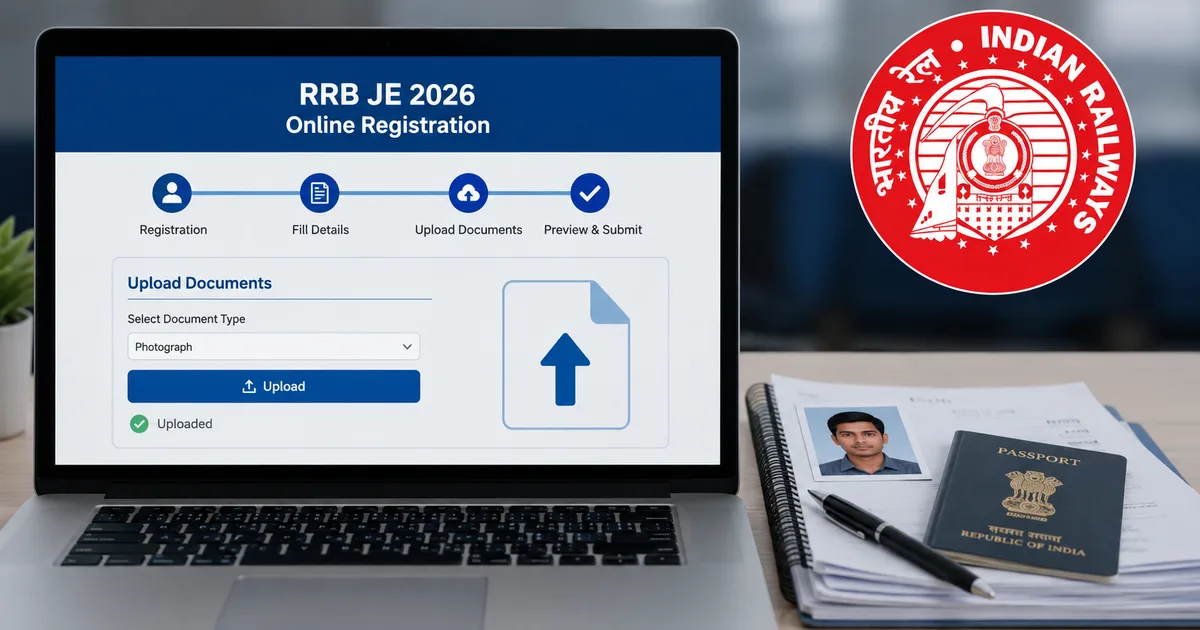
Step 3: Upload your documents correctly
This is where most people get completely stuck. The RRB website is incredibly strict about file sizes. If your photo is one kilobyte over the limit, it just throws an error at you. A lot of applications get rejected every single year just because of bad photos. In my experience, spending five extra minutes getting the crop right saves you weeks of anxiety.
- Photograph: It should be a recent color passport photo with a plain white background. The file size must be between 30 KB and 70 KB. Do not wear sunglasses or caps. If you wear spectacles, make sure there is no glare on the lenses. Your face should cover about 80 percent of the frame.
- Signature: Sign on a blank white paper with a black ink pen. Scan it and crop it. The file size should be between 30 KB and 70 KB. Never upload a signature in capital letters. It will be rejected immediately.
- SC/ST Certificate: If you want to claim free travel passes for the exam, you need to upload your caste certificate as a PDF file. The size should be up to 500 KB. This helps you get a free sleeper class train ticket to your exam center.
You can use free online image resizers to compress your files. Just make sure the compressed image is still perfectly clear. A blurry signature is a guaranteed rejection.
Step 4: Pay the application fee
You can't submit the form without paying the fee. The fee structure is pretty straightforward. But there's a catch about the refunds.
General and OBC category candidates have to pay ₹500. But if you actually show up for the first stage Computer Based Test (CBT 1), the Railways refunds ₹400 right to your bank account. They do deduct some small bank charges first. I'm not sure exactly why they do it this way, but it encourages people to actually take the test.
For SC, ST, Ex-Servicemen, PwBD, female, transgender, minorities, and economically backward class candidates, the fee is ₹250. This entire amount is refunded when you show up to write the exam.
Because of this refund policy, the form asks for your bank account details. Type in your correct account number and IFSC code very carefully. Lots of candidates just give their cyber cafe guy's account details. Then the refund goes straight to him.
The good thing is the RRB now supports almost all digital payment methods. You can pay with internet banking or cards or UPI. I strongly suggest using UPI on a stable internet connection. Sometimes card payments take a while to process. If the session times out during that wait, your money gets deducted but the form still shows as unpaid. It's a total headache to get that sorted out.
When you finish the payment, the page redirects back to the RRB website. It generates a payment receipt for you. Save a copy of this receipt.
Step 5: Final submission and printing
Once the payment goes through, your application is basically done. You get a preview of your entire application form. Read every single line. Check your name spelling and your date of birth. Look over your category and post preferences one last time.
If it all looks good, check the declaration box at the bottom. Click "Submit".
Download the final application PDF. Keep it safe on your laptop or phone. I also recommend taking a printout right away. You don't need to mail this printout anywhere today. But you will definitely need it when you get shortlisted for document verification later on. Every year candidates completely panic trying to find their old application forms when results come out (which makes sense, actually).
What happens next
After you submit the form, the RRB takes a few weeks to verify the details. They check the photos of all applicants. Then they drop a status link so you can see if your application is accepted or rejected. If your photo or signature is blurry, they usually give you a small window to upload a new one. But don't count on it.
Start preparing right now. The exam dates aren't out yet, but the competition is going to be insane for these 4,098 posts. The exam has two stages: CBT 1 and CBT 2. The first stage is basically a screening test with math and reasoning and general awareness. Plus some general science. You have 90 minutes to solve 100 questions. It's fast-paced. And there is negative marking. For every wrong answer, they deduct one-third of a mark. So random guessing totally ruins your chances. You can find more study materials and previous year question breakdowns in our guides section.
If you clear CBT 1, you sit for CBT 2. This is where your actual engineering knowledge is tested. CBT 2 has 150 questions. You have to solve them in 120 minutes. It covers basic computer applications and environment and pollution control. It also has general awareness and a massive 100-mark section focused entirely on your technical abilities based on your engineering branch. This score decides your final selection. So don't take the technical subjects lightly.
Watch out for sketchy WhatsApp messages promising direct jobs in the Railways for money. This is a common scam every time a big notification drops. You can read more about how these scams operate and how to report them to cybercrime.gov.in in our scams guide. Also, be super careful of fake links on Telegram asking for your login details. Stick to the official websites and official news sources for any updates on the exam date or admit card release. Check our news page regularly for genuine updates.