Losing a smartphone in India today is genuinely terrifying. A decade ago, losing a phone meant you lost some photos and had to buy a new piece of hardware. But today, your entire financial life is on that device. Your UPI apps like Google Pay and PhonePe are logged in. Your Aadhaar OTPs go directly to the notification screen, which is super risky. Your email and your DigiLocker documents are easily accessible. And probably a bunch of personal WhatsApp chats are all sitting right there in your pocket.
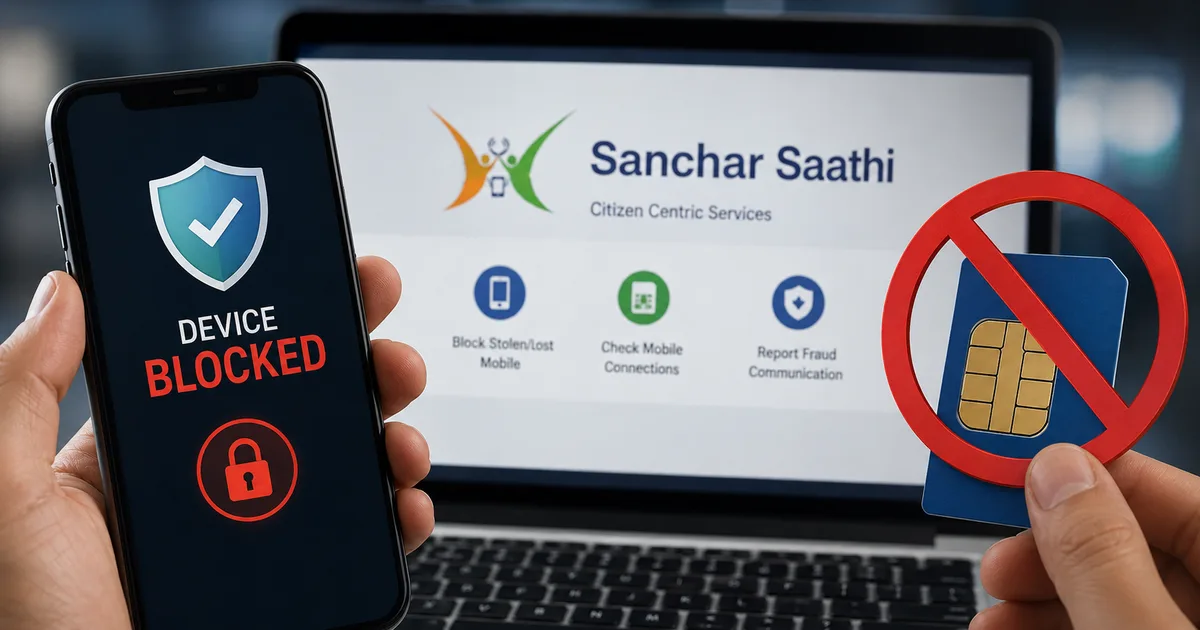
If a thief snatches your phone on a local train in Mumbai or while you're waiting for a rickshaw in Delhi, the clock starts ticking. But the government actually built something useful to help with this. The Sanchar Saathi Portal 2026 is a centralized system run by the Department of Telecommunications (DoT). It lets you completely block a stolen phone and track down fake SIM cards registered in your name. If you ask me, it's a game-changer.
Thing is, government websites in India have a reputation for being a mess. Clunky and slow. But this one works surprisingly well. The DoT recently reported disconnecting nearly 8.8 million mobile connections using their backend systems and AI tracking. That's a massive number of scammers getting booted off the telecom network. And they disconnected over 3.9 million connections specifically tied to cyber fraud.
I spent some time going through the processes. You need to follow these specific steps if your phone gets stolen. Or if you want to run a routine check on your Aadhaar number to make sure your identity is secure.
What actually is the Sanchar Saathi portal?
Think of the portal as a digital command center for Indian telecom consumers. It's divided into three main tools you need to care about.
First, you have the Central Equipment Identity Register, or CEIR. This is the module you use when your physical handset goes missing. It targets the phone itself.
Second, there's the Telecom Analytics for Fraud Management and Consumer Protection (which makes sense, actually), or TAFCOP. This is the module that lets you check how many mobile numbers are active under your Aadhaar or PAN card.
Third, they recently added a module called Chakshu. This is a reporting tool for suspected fraud communications. Like those fake WhatsApp messages pretending to be your bank.
I know the acronyms are terrible. Just remember CEIR is for lost hardware. TAFCOP is for checking SIM cards. And Chakshu is for reporting scammers.
A lot of people ask if using this system is mandatory. Recently, the government started pushing smartphone companies like Apple and Samsung to ensure the Sanchar Saathi app or a direct link to the portal is easily accessible on new phones sold in India. Opposition MPs raised concerns in Parliament that a centralized database could be used for unauthorized surveillance. The government pushed back hard on this. They stated it's strictly for consumer safety. The reality is this tool is for consumer protection. Given how common cyber fraud is right now, I think you really should know how to use it. You can follow our latest telecom news to see how these regulations develop.
Step-by-step: How to block your lost phone using CEIR
When you lose your phone, your first instinct is to panic. You immediately start calling it. Take a breath. If the phone is switched off, it's gone. But you can make that stolen phone completely useless to a thief. The CEIR system communicates with all telecom operators in India. If you block your IMEI number, and the thief tries to put a new Jio or Airtel SIM in the device, the network will completely reject it. The phone won't get a signal.
But you have to follow a specific sequence of events. You can't just log into the website and click a block button.
What you need before starting
You have to gather some details before you even open the portal. Getting this paperwork takes a bit of time (I know, super frustrating).
- A police complaint. You need a formal police report. Thankfully, you don't always have to visit a physical police station anymore. You can usually file an e-FIR online for a lost article through your state police portal. Save the PDF copy of the complaint.
- Your phone's IMEI number. If it's a dual SIM phone, you need both IMEI numbers. You can find this on the original cardboard box the phone came in, or on the purchase invoice. Pro tip: always email your phone bills to yourself when you buy a new device.
- The mobile number that was inside the stolen phone. If you lost the SIM with the phone, you need to go to your telecom operator's store and get a duplicate SIM first. You need this because the portal will send an OTP to that specific number to verify you actually own the device.
I know, sounds complicated. In my experience, it really isn't. Just get the duplicate SIM and the e-FIR first. The rest is easy.
The actual steps to block your phone
Once you have your paperwork and your active duplicate SIM sitting in a backup phone, the online process is straightforward.
- Go to the official Sanchar Saathi website on a laptop or a borrowed phone.
- Click on the block your lost/stolen mobile link. This takes you directly to the CEIR module.
- Fill out the device information form. You have to enter your mobile numbers, the 15-digit IMEI numbers, the device brand, the exact model, and upload a photo of your purchase invoice.
- Fill out the lost information section. They want the place where you lost it, the date, your state, your district, and the local police station name.
- Upload a copy of the police complaint PDF. Make sure the file size is under the limit mentioned on the screen.
- Enter your personal details. Provide your name, address, and upload a copy of an identity proof. Your Aadhaar card, PAN card, or driving license works fine here.
- Enter the mobile number for the OTP. This has to be the duplicate SIM you just activated. Enter the OTP you receive and hit submit.
After you hit submit, the system generates a Request ID. Save this ID somewhere safe. You can use it to track the status of your request on the portal. Once the DoT processes it, the phone is blocked across all networks in India. The thief is left with a very expensive paperweight. They might break it down and sell the screen or battery for spare parts. But they can't sell it as a working phone in India.
How to unblock it if you find it
Sometimes you just left the phone in an auto rickshaw. And the driver is kind enough to return it. Or maybe the local police actually recover it during a raid. If you get your phone back, don't just put your SIM in and try to make a phone call. It won't work. The network still thinks the phone is stolen.
You have to unblock it first.
- Go back to the CEIR section of the portal.
- Click on the option to unblock found mobile.
- Enter your Request ID and the mobile number you used while blocking it.
- Provide a reason for unblocking. Usually, you just select recovered by police or found by self from the drop-down menu.
- Submit the OTP.
The telecom networks will process the request and remove the block. Your phone will function normally again. For more guides on recovering digital accounts, check our detailed explainers section.
How to check for fake SIM cards using TAFCOP
This is the feature absolutely everyone should use right now, even if you haven't lost anything. Scammers often use stolen identity documents or manipulate biometric data at sketchy mobile shops to buy SIM cards. They then use those SIMs to commit financial fraud or send scam messages. In my experience, this happens more often than you'd expect.
You don't want the police knocking on your door at midnight because a scammer in another state used a number registered in your name to run a fake loan app scam.
I checked my own Aadhaar last week. Thankfully, only my actual numbers showed up. But a friend found three numbers he had never seen before. You should verify your details immediately.
The steps to check your Aadhaar linked numbers
It takes less than two minutes.
- Open the Sanchar Saathi portal and select the know your mobile connections link. This opens the TAFCOP system.
- Enter your current 10-digit mobile number.
- Type in the captcha code shown on the screen.
- You'll receive an OTP. Enter it to log in to your dashboard.
The portal will display a simple list of all mobile numbers registered using your ID. Look closely at the list. If you see a number you don't recognize, that's a massive red flag.
Right there on the screen, you can take action. Just check the box next to the suspicious number and click not my number. Then hit the report button.
The DoT takes these reports and investigates. They notify the telecom operator to re-verify that specific subscriber. If the user can't prove their identity, the operator disconnects the number. I'm not sure exactly why it took so long for this to exist, but the government recently cut off nearly 4 million connections specifically over cyber fraud concerns using this exact feedback loop. This system actually works to clean up the telecom mess in the country.
Reporting scams using the Chakshu module
While the portal is great for tracking hardware and auditing SIMs, scammers are always changing tactics. Recently, we've seen a massive rise in SMS and WhatsApp scams targeting Indian users.
You probably get these every week. A fake message claiming your HDFC or SBI bank account will be blocked unless you click an APK link to update your PAN card. Or a fake job offer on WhatsApp from someone claiming to be an HR recruiter for Amazon (we've all seen them). I think it's getting out of hand.
If you receive a suspicious message, don't engage. Don't click the links. Report the number on the Chakshu module, which is built right into the Sanchar Saathi platform.
Chakshu is designed to collect data on suspected fraud communications. By reporting a number here, you help the government track down the infrastructure scammers are using for phishing attempts. And when a number gets enough reports, the DoT orders the telecom company to block it and trace the owner.
Just click on the report suspected fraud communication link on the homepage. You can upload a screenshot of the message and select the type of fraud. Then provide the scammer's number.
But remember, Chakshu is only for reporting the attempt. If you've actually lost money to a scam, don't just report it on Sanchar Saathi. You need to call the national cybercrime helpline at 1930 immediately or file a formal complaint at cybercrime.gov.in.
You can read more about staying safe from these threats in our latest scam alerts or check out our privacy tools recommendations for a deeper dive into securing your online presence.
Privacy concerns and the road ahead
Whenever the government rolls out a mass tracking tool, privacy advocates get nervous. That makes perfect sense. Opposition MPs raised concerns in Parliament that a centralized database of all mobile devices and connections could be used for unauthorized surveillance. The government pushed back hard on this during parliamentary sessions this year. They stated that the architecture simply doesn't allow for snooping on private communications.
For everyday users, the benefits currently outweigh the hypothetical risks. Having a reliable way to blacklist stolen hardware makes smartphone theft far less profitable for criminal gangs. Being able to audit your own ID against telecom databases is a basic security right we should have always had. Before TAFCOP, you literally had no way of knowing if someone took out ten SIM cards in your name (annoying, I know).
The push to have the app or portal access pre-installed on phones in 2026 might annoy some tech purists who hate bloatware (I'm a bit fuzzy on the exact rollout dates). But for non-technical users in smaller towns, having the tool right there on the home screen could be a lifesaver when they lose their device. In my experience, most people won't mind it.
Take five minutes today and check your Aadhaar on the portal. It costs nothing, and it gives you peace of mind. And if you ever lose your phone on a crowded train, remember you actually have a way to fight back now.