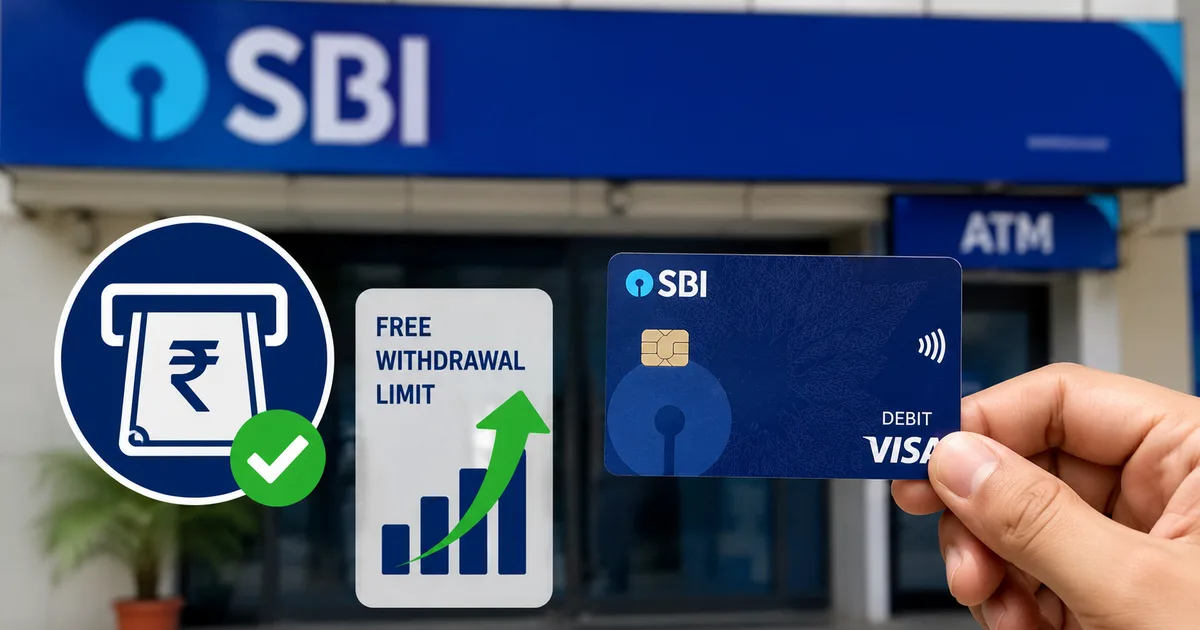
If you have an account with the State Bank of India, you might want to check your next bank statement closely. The SBI Free Withdrawal Limit Changes 2026 are officially rolling out on October 1, and they're going to cost you if you aren't paying attention. Honestly, bank fees are the worst kind of surprise. You think you have a certain amount of money, you go to the ATM, and suddenly you're Rs 15 lighter just for getting your own cash.
I get it. Banks need to make money. But hitting people who have Basic Savings Bank Deposit (BSBD) accounts is a mess if you ask me. These are meant to be zero-balance accounts for people who can't maintain high minimums. So let's break down exactly what's happening. And let's look at how you can dodge these new fees.
What the October 1 cash withdrawal rules actually mean
Here's the deal: starting October 1, 2026, SBI is changing the rules for its BSBD accounts. If you have one of these accounts, you get four free cash withdrawals a month. That's it. Just four.
And I don't just mean ATM withdrawals. In my experience, this four-transaction limit covers everything. It includes ATM withdrawals and even taking cash out using the Aadhaar Enabled Payment System (AePS). Once you cross that line and make a fifth withdrawal, SBI will charge you Rs 15 plus GST. Every single time.
The new rule applies across all channels. If you withdraw cash twice at an ATM and twice at a branch in the same month, your free quota is over.
You can read more about how different banks calculate their fees in our banking explainers. But SBI's move here is pretty strict.
Are you actually affected?
Look, not everyone has to worry. If you hold a regular savings account with SBI, this specific Rs 15 fee change doesn't apply to you. Regular accounts have their own set of rules. Those are usually tied to your Average Monthly Balance (AMB). The people getting hit by this are specifically those with BSBD accounts.
BSBD accounts were originally launched as no-frills accounts. They don't require you to keep a minimum balance. A lot of students and seniors rely on them. So a Rs 15 fee, plus the 18% GST which brings it to Rs 17.70, actually stings when you're pulling out a small amount like Rs 500 (which makes sense, actually).
Step-by-step: how to check your SBI account type
Not sure if you have a BSBD account or a regular one? You can find out without standing in a massive queue at the branch. I highly recommend doing this from your phone right now.
- Open the YONO SBI app on your smartphone. (If you don't have it, you'll need your internet banking login to set it up).
- Log in using your MPIN or password. Screenshot description: the main dashboard of the YONO app showing the Accounts card.
- Tap on the Accounts section at the top of your screen.
- You will see your account number and balance. Tap directly on the account number.
- Look for the Account Type or Variant description on the next screen. If it says Basic Savings Bank Deposit Account or BSBDA, these new rules apply to you.
If you prefer the old-school method, just grab your physical passbook. The first printed page with your photo and address will clearly state if it's a BSBD account.
Step-by-step ways to avoid the SBI cash withdrawal charges
Okay, so you have a BSBD account.
You don't want to pay the bank Rs 17.70 every time you need cash. Here's how you can completely avoid the fee.
1. Switch to UPI for everything small
This is the most obvious fix. India runs on UPI now. From the local sabzi mandi to the auto rickshaw driver, almost everyone accepts a QR code payment. If you're withdrawing Rs 200 just to buy groceries, stop.
- Open GPay, PhonePe, or the UPI section of your YONO app.
- Link your SBI account if you haven't already. Screenshot description: PhonePe Add Bank Account screen showing SBI selected.
- Verify your mobile number. Make sure it is the one linked to your bank account.
- Set your UPI PIN using your SBI debit card details.
- Scan and pay for your daily expenses. UPI transactions do not count towards your cash withdrawal limit.
You can check our full list of recommended apps in our privacy tools section if you're worried about data sharing.
2. Consolidate your cash needs
If you absolutely need cash, stop treating the ATM like a piggy bank you visit every other day. You get four free visits. Plan them.
- Sit down on the first of the month and calculate how much hard cash you actually need for things that don't take UPI. Paying the house help, buying milk from a local dairy, and so on.
- Go to the ATM once or twice a month and withdraw larger amounts.
- Keep the cash safe at home and use it slowly.
It sounds simple. But I think you'd be surprised how many people withdraw Rs 1000 five times a month instead of Rs 5000 once. Just changing this one habit saves you money.
3. Use swipe machines when shopping
When you buy clothes or groceries at a larger store, don't pay in cash. Give them your SBI Rupay debit card. Paying by swiping your card at a Point of Sale (POS) machine doesn't count as a cash withdrawal. Your four-transaction limit stays safe.
4. Consider upgrading your account
If you constantly need cash and make 10-15 withdrawals a month, a BSBD account is going to bleed you dry with these new fees. It might be time to switch. I'm not sure exactly why they push these fees so hard, but it's happening.
- Visit your home SBI branch. You can't do this upgrade completely online yet.
- Ask the desk officer for a regular savings account conversion form.
- You will need to submit a fresh set of KYC documents. Take your Aadhaar card, PAN card, and a recent photograph. Screenshot description: A standard SBI account opening form showing the KYC section.
- Sign the declaration agreeing to maintain the Average Monthly Balance.
Before you do this, make sure you can actually maintain the minimum balance. For rural branches, it's usually lower. But in metro cities, it can be Rs 3000. If your balance drops below the AMB, they hit you with a different set of penalty charges. Pick your poison, basically.
Understanding AePS and why it is included
One of the more surprising parts of the new SBI rules is the inclusion of AePS. That's the Aadhaar Enabled Payment System. If you live in a big city, you might not even know what this is. But in rural India, AePS is a lifeline.
AePS lets you withdraw cash using just your Aadhaar number and your fingerprint. You do this at a micro-ATM or with a business correspondent. It was designed to bring banking to villages where building a full ATM just doesn't make financial sense.
By counting AePS transactions in the four-free limit, SBI is directly impacting rural customers. A farmer who pulls out small amounts of cash weekly using their fingerprint is now going to hit that limit very quickly. And paying Rs 15 plus GST on a Rs 500 withdrawal is effectively a 3% tax just to get your money. That's wild.
If you rely on AePS, the strategy has to change. You can't use it for tiny, frequent withdrawals anymore. You have to treat the Bank Mitra just like a regular ATM. Go once, pull out what you need for the month, and keep it safe.
What happens if a transaction fails?
This is a question I see popping up on forums already. What if you try to withdraw cash and the ATM makes that sketchy grinding noise? No money comes out. But you get an SMS saying your account was debited.
First, don't panic. Failed transactions at an ATM due to technical errors or network issues don't count towards your monthly free limit. The RBI is very clear on this. If the bank accidentally counts a failed withdrawal and charges you the Rs 15 fee, you have every right to complain.
- Wait 24 hours. Most failed ATM debits are reversed automatically.
- If the money isn't back, go to the SBI branch or use the YONO app to file a complaint.
- Keep the ATM slip if the machine printed one. Screenshot description: The complaint portal inside the SBI internet banking dashboard showing the ATM transaction dispute option.
- Once the bank reverses the failed transaction, they must also reverse any withdrawal fees associated with it.
It's a hassle, sure. You have to actively monitor your statement to catch these things. But let's be honest, you should be doing that anyway.
Final thoughts on the fee structure
It feels like we're constantly being nickel-and-dimed by the banking system. First, it was SMS alert charges. Then, debit card annual maintenance fees. Now, even tighter restrictions on basic accounts (annoying, I know).
The official line is always about recovering operational costs. ATMs cost money to run (or so they say). Cash handling is expensive. But the unsaid truth is that the government and the RBI want you off cash entirely. They want every transaction tracked and digitized.
When cash becomes costly to access, people naturally default to scanning a QR code. I have mixed feelings about this. Yes, digital payments are incredibly convenient. I haven't carried a thick wallet in years. But cash is also privacy. Cash is independence. When the servers are down, cash still works. Charging the lowest-income bracket for getting their own money feels like a penalty for not being digital enough.
If you want to read more about how to protect yourself online now that you're forced to use digital apps, check out our digital security guides.
Thing is, October 1 is coming up fast. Don't let this catch you off guard. Check your account type today. If you have older relatives, check for them too. A lot of seniors have basic accounts because they don't have regular income streams. And they're exactly the people who prefer using branch tellers for cash.
Sit down with them. Explain that they can't just go to the bank every week anymore. Maybe help them set up a UPI app if they're comfortable with a smartphone. If they aren't, you'll need to help them calculate their monthly cash needs so they can withdraw it all in one or two trips.
The rules of the game are changing. The days of free, unlimited access to your money are long gone.
The banks make the rules, but you don't have to pay the fees if you play smart. Just count your ATM visits and rely on digital where you can.