If you checked your Google Play Store updates this week, you probably noticed a weird new addition. It's called the Android Pulse App 2026 update. And it just appeared out of nowhere. I know because my uncle immediately called me in a panic, convinced he clicked a bad WhatsApp link and downloaded a virus. Honestly, I don't blame him for worrying. We see enough digital fraud in India every day to make anyone suspicious of sudden changes on their phone.
But relax. This isn't malware. It's actually an official Google system diagnostic tool that just crossed 10 million installs worldwide. The company just pushed it to our phones silently as part of their background updates.
So what does it actually do? And do you even need it? I spent the last few days testing it on my daily driver and a cheap backup phone. The results were surprising. Setup takes barely two minutes.
What exactly is this new app?
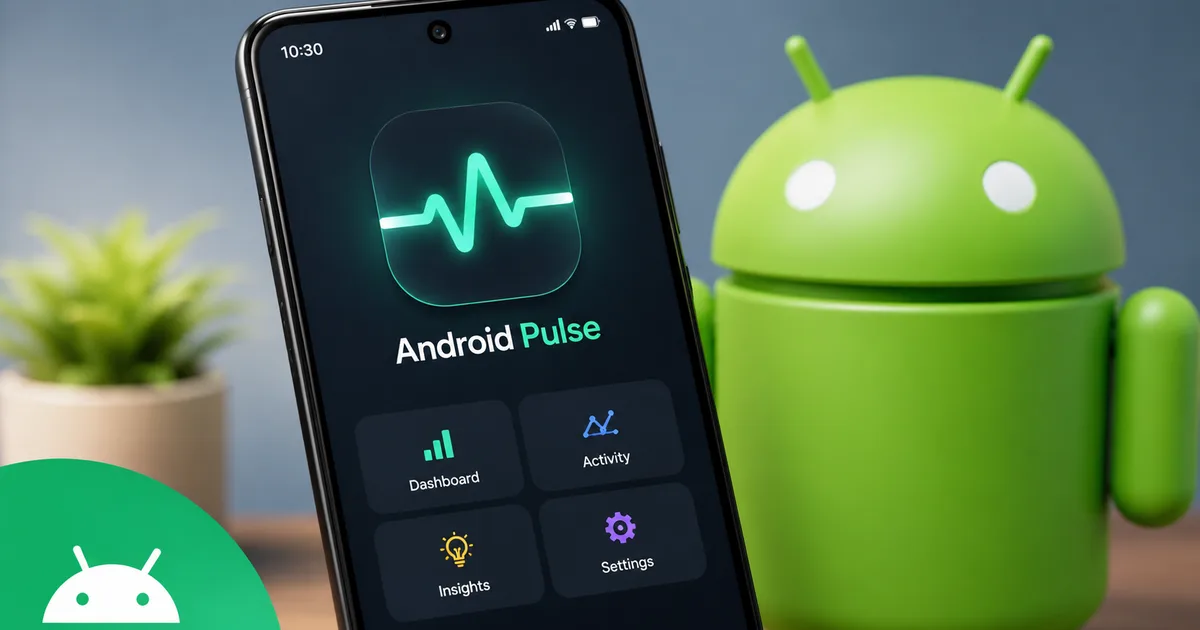
The Android Pulse app is basically a health monitor for your phone. Think of it like a mechanic running a computer check on your car. Before this, you just had to guess why your phone got ridiculously hot. Like when using UPI apps like PhonePe or GPay at a crowded local market. Now, Google gives you a dashboard to see exactly what is draining your battery or eating up your memory.
And yes, this is a legitimate app.
The 9to5Google team confirmed it recently rolled out as part of the broader Google System Updates for April 2026. It's entirely free, and you don't need to link your Aadhaar or verify your identity to use it.
"Android Pulse acts as a system-level diagnostic tool that offers handheld performance controls and deep battery insights."
You might be wondering why Google didn't just announce this loudly. I'm not sure exactly why. Tech companies often do these quiet rollouts (which makes sense, actually, to avoid server crashes). Having a built-in way to check battery degradation without downloading sketchy third-party apps is a huge relief. Especially in Indian summers. Phones here overheat just from sitting on a car dashboard or navigating through heavy traffic in Bangalore.
How to find and install the app
You probably don't even need to download it manually. For most people, it installs in the background while you sleep and your phone is plugged in. But if you want to force the update or check if you already have it, follow these steps.
- Open the Google Play Store on your Android phone.
- Tap your profile picture in the top right corner of the screen.
- Select Manage apps and device from the popup menu.
- Tap on the Updates available section.
- Scroll through the list of apps and look for Android Pulse. If you see it listed, tap the Update button next to it.
If it isn't there, don't worry. Google rolls these things out in phases across different regions. You'll probably get it by the end of the month. You can also manually check your system settings. Go to Settings, then About Phone, and tap on Android Version. Sometimes checking for a Google Play system update manually triggers the download.
Setting up the diagnostic tools
Once you have it installed, you need to turn on a few permissions. The app is buried in your system settings. It doesn't have a regular app icon on your home screen like WhatsApp or Instagram.
- Open your phone Settings app.
- Scroll down and tap on Battery and Device Care. The exact name changes depending on whether you use a Samsung, Xiaomi, Motorola, or OnePlus device.
- Look for a new menu option called Pulse Diagnostics and tap it.
- The app will ask for usage data access. Tap Allow. This sounds scary, but it just lets the app see which other apps are draining your battery in the background.
- Agree to the standard terms and conditions on the screen.
That's it. You're in.
The dashboard is clean. It's mostly white or dark grey if you use dark mode. You'll see circles at the top showing your battery health and background memory usage.
Best features explained in detail
I played around with every single button and menu in this app. Most of it is boring technical stuff. In my experience, only software developers care about that part. But a few features are genuinely helpful for everyday use.
Real battery health percentage
Apple users have had this for years. Now Android finally has a native way to check battery degradation. The app tells you the maximum capacity of your battery compared to when it was brand new out of the box. If your phone is two years old and the health shows 78 percent? That explains why you have to charge it twice a day just to survive office hours.
It's a good way to know if you should pay around ₹1500 to ₹3000 for a battery replacement at a local service center, or if you should just buy a completely new phone. Knowing the exact number takes away the guesswork.
Rogue app killer
We all have that one app that quietly runs in the background and ruins our battery life. Usually, it's a shopping app sending constant sale notifications or some random puzzle game. Pulse has a dedicated section called Background Drainers. It lists every single app eating your battery while your screen is off and the phone is in your pocket.
Look, you can tap a button to aggressively restrict those apps. I used this on an old food delivery app that kept searching for my location. My phone lasted an extra hour and a half yesterday. It's a very practical fix for a total mess of a problem.
Thermal throttling alerts
This is honestly my favorite feature.
If you play heavy games on your phone in the middle of a hot afternoon, your phone naturally gets warm. When it gets too hot, the processor intentionally slows down to prevent permanent hardware damage. This is called thermal throttling.
Pulse will actually notify you when this happens. It gives you a clear text warning that your phone is throttling performance due to heat. It even tells you the exact internal temperature. If you see this warning, it means you should probably take off your phone case for a while. Or step into an air-conditioned room to let the device cool down.
How it impacts different types of users
Not everyone uses their phone the same way. The usefulness of this app varies widely depending on who you are. I talked to a few friends to see how they experienced the new update, and the results were pretty interesting.
For gamers who spend hours on multiplayer titles, the thermal tracking is incredibly useful. One friend noticed his device hit 44 degrees Celsius during an intense match. Knowing that exact number helped him realize he needed a cooling fan attachment rather than just blaming the phone for being slow. Before Pulse, you had to guess if the phone was too hot or if the internet connection was just bad.
For older users, like my parents, the rogue app killer is a lifesaver. They often download random utility apps that run silently and drain the battery. Every time I visit, I end up deleting three or four flashlight or cleaner apps they don't need. Now, the Pulse dashboard highlights exactly which apps are causing trouble. It makes troubleshooting their devices over a phone call much easier.
For standard office workers who mostly use their phones for emails and WhatsApp, the battery health percentage is the main attraction. It helps you decide if that ₹30,000 upgrade is actually necessary this Diwali. Or if a simple battery swap will keep your current phone alive for another year. If you ask me, it's a tiny bit of transparency that saves real money.
Should you use the performance controls?
Some users might see a section at the bottom called Performance Controls. Especially those with high-end gaming phones. This menu lets you manually adjust how much power the processor uses. I strongly recommend ignoring this entire section.
Unless you know exactly what you're doing, messing with processor limits can make your phone lag terribly. I tried setting my backup phone to an extreme battery saver mode through Pulse, and opening my camera to scan a QR code took a full five seconds. The person behind me at the chai stall wasn't impressed. Just stick to the diagnostic tools and leave the performance tuning alone.
Troubleshooting common issues
Because this is a new tool, it has a few bugs. Some people on Reddit forums have complained about the app crashing. If Android Pulse freezes or refuses to open from your settings menu, try this quick fix.
- Go back to your main phone Settings.
- Tap on Apps or App Management.
- Select See all apps.
- Tap the three dots in the top right corner and select Show system apps.
- Scroll down to Android Pulse and tap on it.
- Tap on Storage and cache, then hit Clear Cache.
Basically, this simple trick fixes most of the problems. If it still doesn't work, just wait a few days. Google usually pushes minor bug fix updates silently in the background.
Privacy concerns and data sharing
Whenever a big tech company pushes an update silently, people immediately get suspicious. Given the number of digital privacy issues we face today, it makes perfect sense. I read through the privacy policy documents so you don't have to (annoying, I know).
The app does collect data about how your phone performs. It tracks software crashes and battery drain rates. It explicitly says this data is anonymized. It doesn't read your WhatsApp messages or track your bank details. It only cares about the hardware numbers.
If you're still uncomfortable, you can go into your Google Account settings on your phone and turn off Usage and Diagnostics sharing. The app will still work locally on your phone, but it won't send reports back to the company servers. You can read more about keeping your data safe in our explainers section.
Final thoughts on the update
This update won't completely change how you use your phone. It's just a solid, practical addition to the Android ecosystem. We finally have a reliable, built-in way to check battery health without jumping through hoops or watching endless YouTube tutorials.
If your phone feels sluggish lately or you constantly run out of battery before the evening commute, open up the Pulse dashboard. You might find out that a random app you forgot about is the culprit. Or maybe it's just time for a battery replacement. It gives you actual facts about your device.
Just do yourself a favor and don't obsess over the numbers. Your phone battery degrades naturally over time as you use it. Check it once every few months, fix any obvious background issues, and then forget about it.
There are better things to worry about than a battery dropping from 95 to 94 percent capacity.
And one last warning. If you get a strange SMS or WhatsApp message asking you to click a link to install or upgrade Android Pulse, ignore it completely. It's just another phishing attempt. The app is completely free and comes directly through the official Play Store. You can read our scam alerts to see what these fake messages usually look like. Stay safe out there.