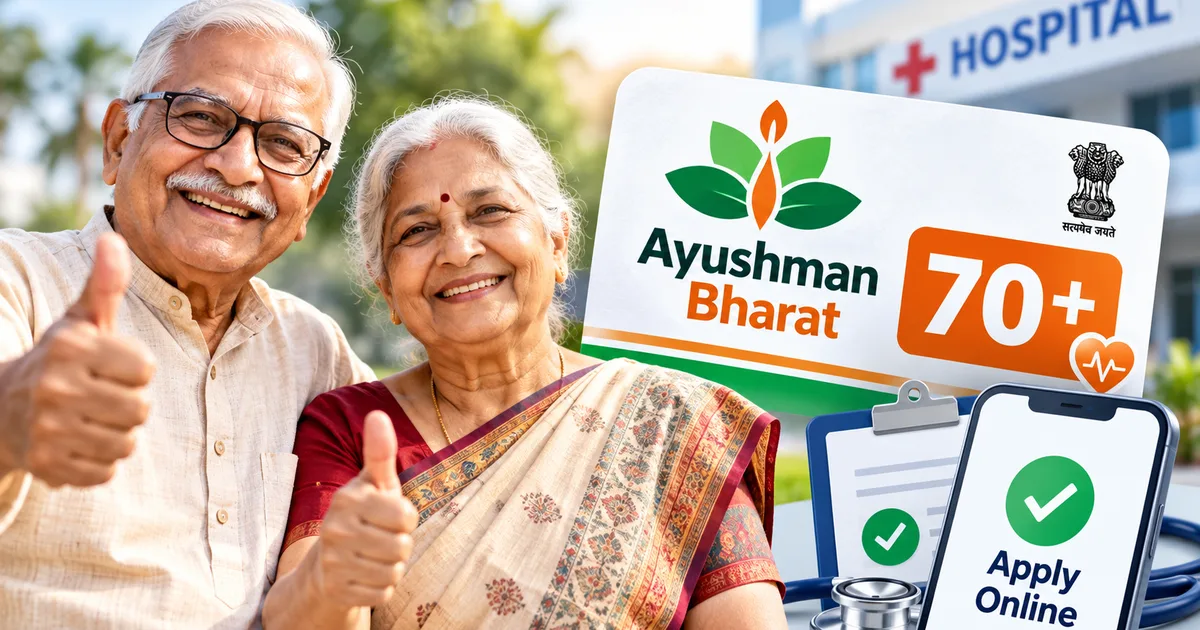
Getting medical insurance for parents or grandparents once they cross 70 is usually a nightmare in India. Private insurers either reject the application outright, demand eye-watering premiums running into ₹80,000 to ₹1,20,000 every single year, or pack the policy with so many waiting periods and exclusions that it feels practically useless. That is why the government expanding coverage under the Ayushman Bharat 70+ health cover via the Ayushman Vaya Vandana Card is genuinely one of the most practical healthcare decisions in years.
Here is the deal: every single Indian citizen aged 70 or older qualifies for up to ₹5 lakh annual hospitalisation cover, irrespective of income. Wealthy, middle class, or poor, it does not matter. If your Aadhaar says you are 70 or above, you get it.
I helped my uncle register on his Android phone last week. The entire setup took barely ten minutes once we sorted out the Aadhaar OTP. But like many government tech portals, the interface can trip you up if your phone number is not linked properly or your camera angle ruins the live selfie verification. This walkthrough covers every screen, requirement, and hiccup so you can complete the registration without running around common service centres.
What the Ayushman Vaya Vandana card actually gives you
Before jumping into the app, let us clarify how this cover works because there is some genuine confusion about family caps.
Under the broader Ayushman Bharat PM-JAY framework, eligible low-income families already receive ₹5 lakh per family per year. If your household is already enrolled in PM-JAY and has a member aged 70 or above, that senior gets an additional, distinct top-up cover of ₹5 lakh exclusively for themselves. They do not have to split the family pool with their children or grandchildren.
If your family was never eligible for PM-JAY due to income limits, you still get the senior citizen cover. In this case, seniors aged 70 and older in the family receive up to ₹5 lakh cover on a family floater basis between themselves. For instance, if both your father (72) and mother (70) apply, they share a ₹5 lakh annual pool.
The Ayushman Vaya Vandana Card provides ₹5 lakh annual health coverage to every Indian citizen aged 70 and above, regardless of income, with zero waiting periods for pre-existing diseases.
The best part? Pre-existing diseases are covered from day one. Anyone who has ever bought a commercial policy knows that getting diabetes, hypertension, or heart ailments covered without a three to four year waiting clause is impossible. Here, there are no waiting periods. If you want a refresher on the broader portal rules, check our general Ayushman Bharat card download and application guide.
Documents you need before starting the application
You do not need a mountain of paperwork. No income certificates. No property papers. No medical fitness tests.
You only need two basic things:
- Aadhaar card of the senior citizen (the birth year on the Aadhaar card determines eligibility).
- Mobile number linked to that Aadhaar card to receive the one-time password (OTP).
If the senior's current phone number is not linked to their Aadhaar, you will hit a wall. In that situation, you must visit a local Aadhaar Seva Kendra to update the mobile number first, or choose the biometric face-authentication route using the AadhaarFaceRD app. I strongly recommend sorting the Aadhaar mobile link because it makes all digital services vastly simpler across our other how-to tech guides.
Step-by-step guide to apply for Vaya Vandana card online
You can apply using a desktop browser on the official beneficiary portal, but the official Ayushman mobile application is far smoother because you must capture a live photo of the applicant during verification.
- Install the official Ayushman app: Open Google Play Store on your Android phone and search for "Ayushman App" published by the National Health Authority (NHA). Install it. Do not download random APK files from WhatsApp groups or untrusted websites.
- Log in as a beneficiary: Open the app, choose your preferred language (Hindi, English, or regional languages), and tap Login. Select the "Beneficiary" radio button. Enter your active 10-digit mobile number and tap "Verify". Enter the OTP received via SMS along with the captcha code shown on screen.
- Locate the senior citizen banner: Once inside the dashboard, you will see a prominent banner stating "Senior Citizen 70+" or "Apply for Ayushman Vaya Vandana Card". Tap on that banner. If you do not see it, use the standard search form and select your state, PMJAY scheme, and search by Aadhaar number.
- Enter Aadhaar details for age validation: Enter the senior citizen's 12-digit Aadhaar number. The system queries the UIDAI database instantly. If the date of birth indicates the person is 70 years old or more, the screen displays a green confirmation message.
- Complete Aadhaar OTP authentication: Select "Aadhaar OTP" as the authentication method and tap "Verify". Check the consent declaration box. An OTP arrives on the mobile number linked with UIDAI. Enter it. If the senior citizen is sitting right beside you, you can also select "Face Auth", which uses the front camera to scan their facial features.
- Capture a live e-KYC photograph: The app opens the camera. You must take a live photo of the senior citizen against a plain, well-lit background. Avoid backlighting from windows behind their head. Glasses with heavy glare should be removed for five seconds. A green circle appears when the face alignment matches UIDAI records.
- Fill in basic personal details: Most fields (name, father or husband's name, gender, date of birth) populate automatically from Aadhaar. You only need to provide their active mobile phone number, relationship with the family head, pin code, rural or urban classification, district, and village or town name.
- Declare existing government health coverage: The portal will ask whether the senior citizen already benefits from other central or state government health schemes, such as CGHS, ECHS, or railway health services. Be honest here. Beneficiaries under CGHS or ECHS must choose whether they want to retain their existing scheme or migrate to PM-JAY. You cannot claim double benefits for the same treatment.
- Submit the application: Review the summary screen carefully. Tap "Submit". You will receive an immediate acknowledgement message with an Application Reference Number on screen.
Downloading and printing the Ayushman Vaya Vandana card
In most straightforward cases where Aadhaar details match cleanly, approval is almost instantaneous. Within 15 to 30 minutes, the status flips to "Approved".
To download the physical card file:
- Log back into the Ayushman app using your phone number.
- Go to the Senior Citizen 70+ section and enter the Aadhaar number again.
- Tap on the senior citizen's approved profile name.
- Tap the "Download Card" icon.
- Save the PDF document to your device or DigiLocker account.
Print this PDF in color on standard cardstock, or get it laminated at a local stationery shop for ₹20. While hospitals accept the digital version shown on a smartphone, having a laminated physical copy tucked into a parent's wallet gives immense peace of mind during emergency admissions.
Important things to watch out for at empanelled hospitals
Having the card in hand is step one. Using it smoothly during a hospital admission requires knowing how hospital desks operate.
First, this coverage applies at any PM-JAY empanelled hospital across India, whether public or private. When you reach the hospital, do not go to the regular billing counter. Ask specifically for the "Ayushman Mitra" desk. Every empanelled hospital has a dedicated kiosk staffed by an Ayushman Mitra who verifies the card, checks bed availability, and initiates the pre-authorisation request with the insurance trust.
Second, the hospitalisation must generally involve at least 24 hours of admission, though day-care surgeries like cataract procedures and dialysis sessions are covered under predefined procedure packages. Routine outpatient consultations (OPD visits) and pharmacy bills without hospitalisation are not covered under the PM-JAY card.
Beware of fake registration links and cyber fraud
Whenever a major welfare scheme expands, scammers show up immediately. Over the past few months, fake WhatsApp forwards have circulated claiming you can activate an Ayushman card by paying ₹250 via a UPI QR code or by clicking suspicious web links. We track these persistent patterns constantly in our scam alerts and online safety updates.
Remember three cardinal rules:
- Government registration for the Ayushman Vaya Vandana Card is 100% free. No official fee exists.
- Never install third-party APK files sent through WhatsApp or Telegram. Use only the Google Play Store or the official beneficiary.nha.gov.in website.
- Never share Aadhaar OTPs with strangers calling over phone calls claiming to be health department officials.
If you encounter anyone demanding money or suspicious portals posing as the health ministry, report them immediately at the National Cyber Crime Reporting Portal (cybercrime.gov.in) or call the 1930 emergency helpline.
Taking an hour this weekend to get your elderly parents or relatives registered is well worth the effort. In a country where healthcare inflation routinely tops 12% annually, having a guaranteed ₹5 lakh emergency safety net in their name is about as practical as tech gets.