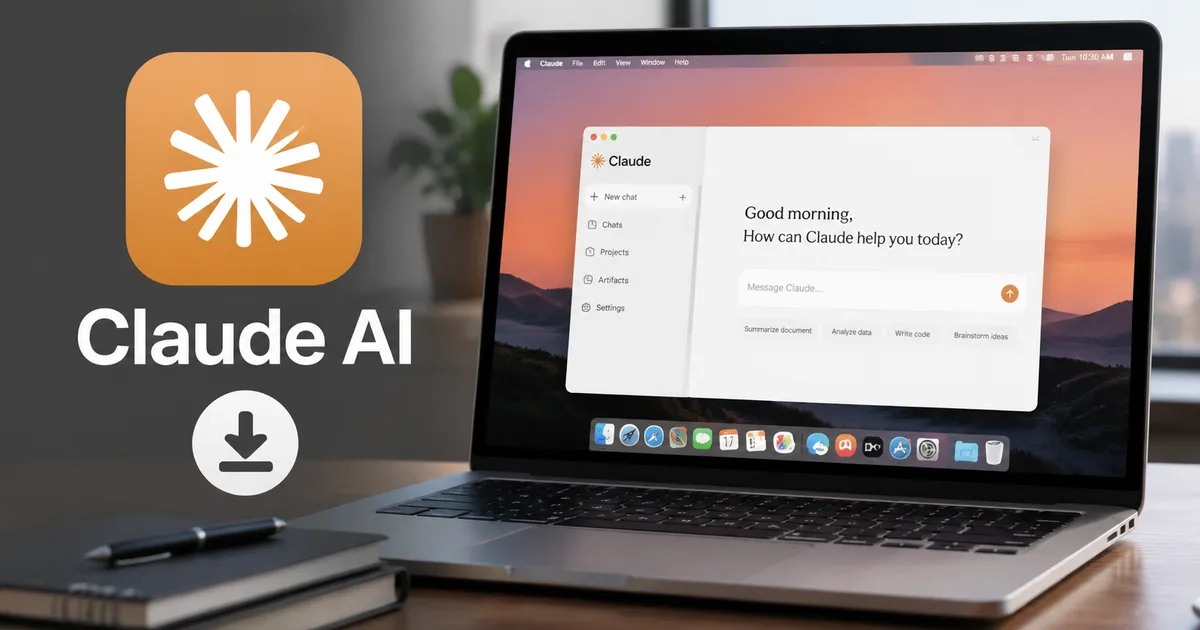
Anthropic just rolled out the Claude AI desktop app in India, and honestly, this update matters a lot if you write code, draft emails, or analyze data for a living. I've been testing the beta for a few weeks. Having Claude sit right on my desktop instead of buried in a browser tab changes how I work completely. They also finally introduced local INR pricing. Which means no more foreign transaction fees on your HDFC or SBI credit cards.
I'll explain how the installation works. I'll show how new features like Claude Cowork actually function, and whether you should bother upgrading to paid plans.
Why you actually need the Claude desktop app
Look, I know what you're thinking. Why download another app when the web version is fine? I thought the exact same thing. But having a dedicated app means you can trigger Claude with a quick keyboard shortcut. You just press Option + Space on a Mac or Alt + Space on Windows. It pops up instantly over whatever you're working on (which makes sense, actually). No tab hunting.
If you're a freelancer in Bengaluru juggling three different client Slack workspaces, or a CA filing an ITR-1, you don't want to switch tabs constantly. Yes, professionals are actually using Claude to help with tax filings now. You want the AI right there. So with the 2026 update, Anthropic added Computer Control. This allows Claude to physically browse apps on your desktop to automate repetitive tasks. It's wildly futuristic. It's a bit buggy right now, in my experience.
The convenience factor is massive. Instead of copying an email, opening Chrome, navigating to the Claude website and pasting the text, you just highlight the text. Hit your shortcut. Ask Claude to draft a reply. It cuts friction down to zero.
The new India pricing structure explained
This is the biggest news for Indian users. Anthropic finally introduced local pricing for India. You no longer have to pay in US dollars and guess the conversion rate on your next bank statement. You can finally use standard Indian payment methods without jumping through hoops. Honestly, it's about time.
Here is the pricing breakdown:
- The free version is still available, but you hit usage limits fast during peak hours (usually after 9 PM IST). You get access to the basic models, which handle simple questions and translations perfectly fine.
- The Pro plan costs ₹1,650 per month. You get 5x more usage, access to the smarter Claude 3.5 Sonnet model, and priority access when the servers are busy. This is the best option for professionals.
- The Max tier targets power users and developers, giving you massive context windows and API access. It is overkill unless you are building custom AI tools for your own company.
For most Indian college students and small business owners, the free tier is a great starting point. But if you code for a living, you'll probably want the Pro plan. Mostly to avoid the annoying usage limit warnings right when you're debugging a critical error.
Step-by-step: How to download the Claude app in India
Getting the app installed is straightforward. You need to make sure you get the official version. There are already fake versions floating around on WhatsApp and Telegram offering free lifetime Pro access. These are malware scams. They are designed to steal your bank details. Don't fall for them, it's a mess.
- Go to the official Anthropic website at claude.ai/download. Do not download it from third-party software sites or random APK links.
- Click the download button for your operating system (Windows or macOS). The Windows app is finally out of beta and fully stable.
- Run the installer. On Windows, it is a standard .exe file that takes about two minutes to install. On a Mac, drag the app icon into your Applications folder.
- Open the app and log in. You can use your Google account or a standard email address.
- Set up your keyboard shortcut. By default, it is Alt + Space on Windows, but you can change this in the settings menu to whatever feels comfortable.
Once you're in, the interface looks exactly like the web version. It's just cleaner. And it is without the browser clutter.
New features: What makes this update different
The desktop app isn't just a web wrapper anymore. Anthropic packed the 2026 release with features that genuinely change how you interact with your computer. This is especially true for Indian knowledge workers.
Claude Cowork: The agent taking over your desktop
Anthropic recently launched Claude Cowork. And this is where things get interesting. Think of Cowork as a tiny assistant that lives on your computer. You can ask it to summarize a heavy PDF document you just downloaded. It can read the file directly from your local drive without you uploading it manually.
It's completely integrated across platforms now. Your Cowork sessions sync between your desktop and mobile phone. If you start analyzing a spreadsheet on your Windows laptop at the office, you can pick it up on your phone during your metro ride home. It's incredibly fluid. If you ask me, it's the best part.
Computer control: When AI browses for you
This feature sounds a bit terrifying at first. Claude can now take control of your mouse and keyboard to perform tasks. You type a command. Something like "Open my email and save the latest Amazon invoice to my Desktop". Claude will literally open your browser and save the file.
I tried this last week. It's incredibly cool to watch the mouse move on its own, but it's slow. It clicks. It waits a second to see what changed on the screen, and then clicks again. If you have a slow internet connection, the AI can get confused. It might click the wrong thing. I wouldn't let it manage my SBI bank accounts just yet. But for organizing files or scraping data from a website into an Excel sheet, it's a massive time-saver.
Claude vs. ChatGPT Work: Which is better for Indian users?
OpenAI didn't just sit back and watch. They recently launched ChatGPT Work to compete directly with Claude Cowork. I've used both extensively over the last few months. The choice really comes down to what you do for a living. I'm not sure exactly why one clicks for some people and not others.
| Feature | Claude Pro (₹1,650/mo) | ChatGPT Plus (₹1,950/mo) |
|---|---|---|
| Writing Quality | Extremely natural, less robotic sounding. Great for drafting emails and blog posts. | Can sound a bit repetitive and formal. Requires more editing. |
| Coding Abilities | Claude 3.5 Sonnet is arguably the best coding model right now. Fewer bugs, understands complex architecture. | Very good, but tends to forget context in long files. |
| Desktop Integration | Excellent with the new Computer Control and Cowork features. | ChatGPT Work is solid, but feels a bit more restricted by the OS. |
| Price in India | ₹1,650 (Local INR pricing) | ₹1,950 (Still billed in USD mostly, subject to conversion) |
If you write code or draft legal documents, Claude is the better choice right now. If you need image generation or heavy data visualization, ChatGPT still has the edge. You can read more about it in our detailed explainer on AI tools.
Privacy concerns: Who can read your chats?
You need to be very careful about your privacy. Recently, news broke that some Claude AI chats were showing up in Google Search results. This happens if you share a link to your chat publicly. When you create a share link, Google's crawlers can find it and index it.
Anthropic has clarified that individual user chats remain private by default, but any conversations manually shared via public links can be indexed by search engines like Google if not properly restricted.
If you don't want your private code ending up on Google, never click the Share button on a conversation. If you're using Claude for work, especially in Indian IT companies like TCS or Wipro with strict data security rules, you have to be careful. Make sure you go into your account settings. Turn off the option that allows Anthropic to use your data for training their models. You really don't want your client's proprietary code becoming part of Claude's brain. Always check your company's IT policy before pasting internal documents into any AI tool.
Server issues and API overloads
It isn't all perfect. Just last week, the Claude API was hit with massive 529 overloaded errors. These impacted coding tasks and the new Claude Code feature. If you rely on Claude to get your work done on a tight deadline, you'll occasionally run into error messages. They will tell you to try again later (annoying, I know).
During Indian working hours, the servers are usually fine. The slowdowns typically happen in the late evening, around 8 PM to 11 PM IST, when the US East Coast wakes up and starts logging on. If you're on the free plan, you'll almost certainly get locked out during these peak times. The Pro plan gives you priority access. But even then, I've seen the system struggle during massive traffic spikes. To stay updated on these outages, keep an eye on our news section.
How Indian students are using Claude
I've spoken to a few engineering students in Hyderabad and Pune. The way they use Claude is fascinating. Instead of just asking it for answers, they use it as a personal tutor. You can upload a 50-page PDF of your textbook. Ask Claude to explain specific concepts in simple terms or generate practice questions based on the material.
Because Claude's writing style is much more natural than ChatGPT's, the explanations feel less like reading a Wikipedia page and more like talking to a very patient professor. If you're preparing for competitive exams like JEE or NEET, you can upload previous years' question papers. Ask Claude to break down the step-by-step logic for the ones you got wrong. Just remember that AI hallucinates. The numbers here are a bit fuzzy sometimes. Always double-check the final math yourself.
Is the Pro plan worth ₹1,650 a month?
₹1,650 is a lot of money to spend on a subscription every month. That's more than you pay for Netflix and Amazon Prime combined.
If you're a student using Claude to help understand complex topics, stick to the free plan. It's enough. Just do your heavy work in the morning or early afternoon before the servers get busy. If you need help with your studies, check our study guides for more tips.
If you're a freelancer or a programmer, paying ₹1,650 makes sense. The amount of time Claude saves you on writing boilerplate code or drafting professional emails pays for the subscription in the first two days of the month. Plus, now that you can pay in INR directly, you don't have to deal with annoying international transaction failures on your RuPay card. Or figure out the exact markup your bank is charging.
Go download the app from the official site. Set up the keyboard shortcut and try it out for a week. You'll quickly see why the tech community in India is making the switch.