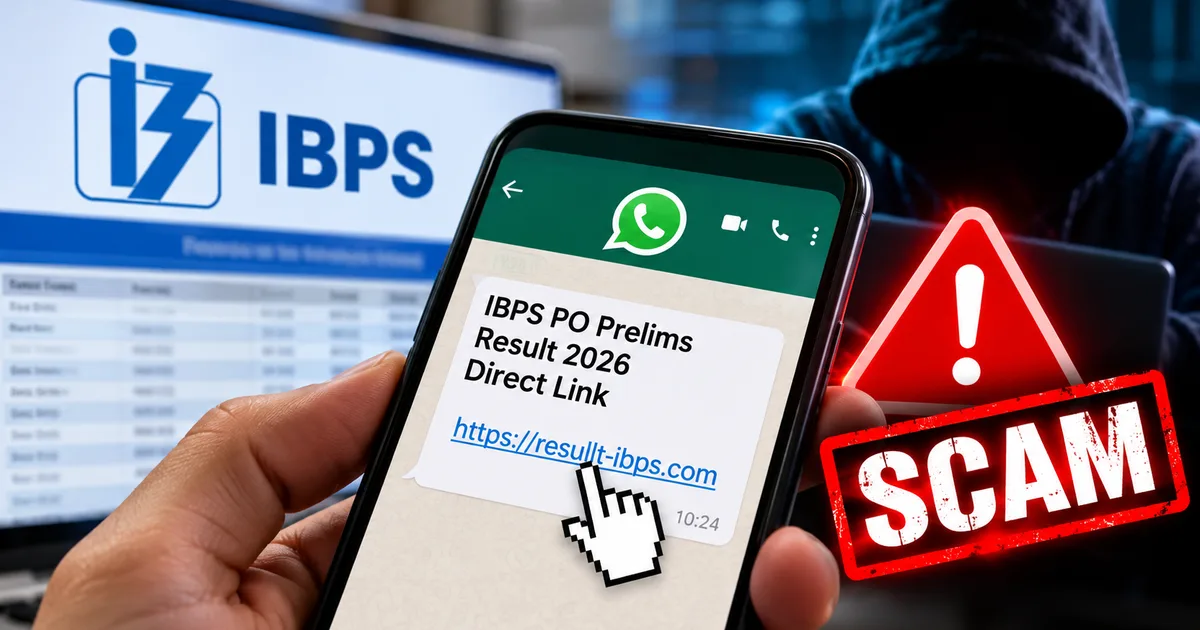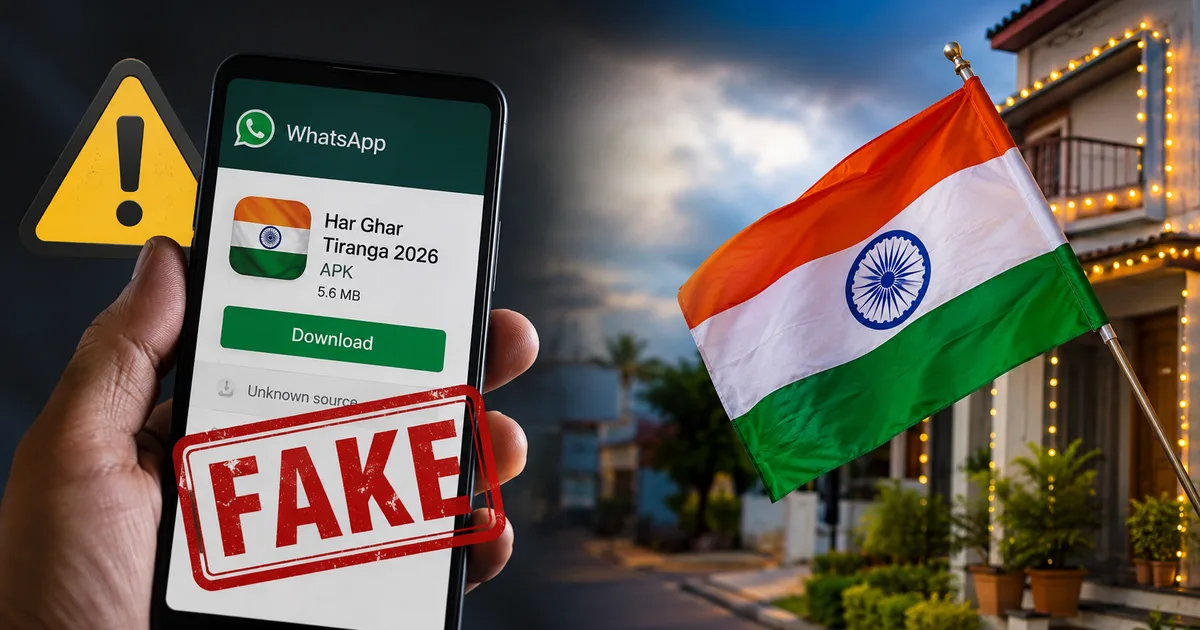
Look, August is always a chaotic month for cyber fraud in India. Independence Day is right around the corner. The whole country is feeling patriotic. The government is heavily pushing the Har Ghar Tiranga campaign again for 2026, urging citizens to bring the national flag home and hoist it proudly. And right on cue, scammers have found a sketchy way to weaponize our patriotism. I've been tracking a massive wave of financial frauds this week in our scam alerts section. Honestly, the fake Har Ghar Tiranga 2026 certificate download WhatsApp APK scam is easily the most dangerous one spreading right now. It specifically targets everyday people who just want to show their national pride and get a digital certificate. Before you click any link your uncle forwarded to the family WhatsApp group this morning, you need to understand exactly how this works and why it's draining bank accounts across the country.
What exactly is this Har Ghar Tiranga certificate scam?
Start with the basics. The government genuinely wants people to hoist the flag and get a participation certificate from the official portal. It's a nice gesture. Millions of Indians participate every year. But millions of internet users in India don't know the exact website address. They rely entirely on WhatsApp for their daily news and government links (which makes sense, actually, given how we use our phones). Scammers know this behavioral pattern perfectly.
They create a fake message that looks incredibly official. It usually has a photo of the Prime Minister, the national emblem, and some tricolor emojis. The text is written in Hindi, English, or regional languages. And it tells you to click a link to quickly get your free Har Ghar Tiranga 2026 certificate before a fake deadline.
But the link doesn't take you to a legitimate government website. Instead, it downloads a malicious file directly to your Android smartphone. This file is an APK, which stands for Android Package Kit. Basically, the fraudsters are tricking you into installing an unauthorized app outside of the secure Google Play Store ecosystem. And that hidden app has one specific job: stealing your money while you sleep.
This scam is particularly insidious because it preys on trust. In my experience, when someone in a smaller town or village gets a message in their family group about a government initiative, they don't question it. They assume their relative already verified it. The scammers exploit this deeply ingrained social trust. They aren't hacking into government servers. They are hacking human psychology. They understand that the average person is more afraid of missing out on a national event than they are of clicking a random link.
How the WhatsApp APK scam works step by step
I want to break this down clearly because the technical mechanics are actually quite simple. But they're absolutely deadly if you don't know what to look for. If you're confused by any of the tech terms here, we have simple tech explainers that break down exactly what APKs and OTPs are.
First, you receive the forward. It looks urgent and patriotic. It might say something like, "Download your certificate before August 15 to register your name in the national digital database for proud citizens." Something very official sounding.
You tap the link. Your phone might actually show a standard Android security warning about downloading files from unknown sources. But the scam message usually includes instructions telling you to ignore those warnings because it's a "secure encrypted government file". So you hit approve.
The file downloads to your local storage. It's usually named something like "Har_Ghar_Tiranga_2026_Certificate.apk" or "Official_Tiranga_App_V2.apk".
You open the file to install it. The app immediately asks for device permissions on your screen. The most dangerous one is SMS access. It aggressively requests to be your default SMS application or asks for permission to read your text messages.
Most people are in a hurry. They just tap "Allow" repeatedly to get it over with. They just want to see their certificate and share it on Facebook. Once you grant those permissions, the trap snaps shut permanently.
The app doesn't show you a real certificate. Often, the app icon just disappears from your home screen entirely right after installation. You might think the download failed. You shrug and go about your day.
But in the background, the malware is fully active. It's running silently. The scammers now have complete access to your text messages. They go to a banking app or a UPI platform like PhonePe or Google Pay on their own device. They enter your phone number to initiate a login.
Your bank sends a One Time Password to verify it's really you making the request. Since the malicious app is constantly reading your texts, it intercepts that OTP the second it arrives. It silently forwards the code directly to the scammers in some remote jamtara-style operation center. It then instantly deletes the message from your phone. You never even hear a notification ping.
The scammers use your OTP to link your bank account to their device. Then they drain everything. Five thousand rupees. Fifty thousand. Two lakhs. Whatever you have in your savings, they take it. All while your phone sits quietly in your pocket.
You might wonder why Android doesn't stop this automatically. I'm not sure exactly why Google hasn't found a foolproof block yet, but Android actually has excellent built-in security features designed to block malicious software. But scammers use social engineering to bypass these safeguards. The urgent language in the WhatsApp message specifically instructs the victim to override their phone's security settings. It's a psychological trick.
Once the scammers have your OTP, they move with terrifying speed. We're talking about seconds. They use automated scripts to process the bank transfers. By the time you realize your phone hasn't downloaded a certificate and you check your balance, the money is already gone. It's bounced through mule accounts and withdrawn from an ATM hundreds of kilometers away.
The warning signs you need to look out for
You can avoid this completely if you know the red flags. Honestly, they are quite obvious once you know what to check.
- First, the Indian government does not distribute apps or certificates directly via WhatsApp files. If you have to install an APK file from a chat window, it is a scam. Period. The official certificate is generated dynamically on a secure website.
- Second, closely examine the web address in the message. Official government websites in India end in .gov.in or .nic.in. If the link in the message says something strange like "tiranga-certificate-download-free.xyz", just delete the message immediately.
- Third, watch out for the app permissions. A simple photo or a digital certificate does not need access to your contacts, your microphone, your camera, or your SMS messages. If an app asks to read your texts, it is almost certainly a banking trojan trying to steal your financial OTPs.
- Fourth, look at the spelling and grammar. These scammers are getting much better at copying official language, but they still make silly mistakes. Weird formatting, strange Hindi translations, unnatural spacing, or overly dramatic threats about losing citizenship benefits are huge giveaways.
How to protect yourself and your bank account
This is the most important part of this whole guide. I can't stress this enough. Never install APK files sent through WhatsApp or random text messages. That single, simple rule will save you from ninety percent of mobile cyber frauds happening in India today.
If you want the real Har Ghar Tiranga 2026 certificate, open your web browser yourself. Type in harghartiranga.com or mygov.in. Do the process yourself on the official portal. Don't rely on random forwarded links from your neighbors. You can check our safety guides to learn more about identifying secure websites.
Turn off the ability to install unknown apps on your Android phone right now. Go to your phone settings, search for "Install unknown apps", and make sure it's completely disabled for Chrome, WhatsApp, Telegram, and your file manager. It takes thirty seconds. It adds a massive layer of security to your device.
CERT-In regularly issues serious warnings about these exact types of SMS forwarding trojans. They highly recommend keeping your phone operating system updated.
If your Android device starts acting strangely, freezing, or draining battery unusually fast after downloading an unknown file, you should assume it is compromised and take immediate action to secure your financial accounts.
And you must check your bank statements regularly. Don't just rely on SMS alerts for your transactions. As we just discussed, modern malware can hide those exact alerts from you. Open your actual banking app, log in securely, and look at your real account balance every few days.
You also need to educate your parents and older relatives about how OTPs work. Explain to them that a One Time Password is like the physical key to their front door. You'd never hand your house key to a stranger on the street, so you must never let an unknown app have access to your OTPs. If you ask me, the best approach is to sit down with them, take their phone, and manually disable the unknown sources installation setting. Don't just tell them to do it. Do it for them.
What to do if you clicked the link
If you're reading this and suddenly realizing you made a terrible mistake this morning, you need to act immediately. The clock is literally ticking.
First, disconnect your phone from the internet right this second. Turn off your WiFi and your mobile data. Put the device in Airplane mode. This physically stops the malicious app from sending your newly arriving OTPs to the scammers over the network.
Second, use a different, clean phone to call your bank immediately. Tell the customer service representative your phone is compromised with malware. Ask them to completely freeze your account and block your debit cards. Don't wait until tomorrow morning.
Third, you need to remove the malware from your device. Because these apps often hide themselves and operate invisibly, finding them can be a mess. Go to Settings, then Apps or App Management. Look for anything you don't recognize. Watch out for apps without a proper icon or apps pretending to be system settings. Uninstall them forcefully. If you can't find the hidden app, you might have to perform a complete factory reset of your phone. Yes, it's a huge hassle (annoying, I know), and you might lose some photos. But it's the only way to be one hundred percent sure your device is clean and safe to use for banking again.
Where to report the cyber fraud
If you lose money, you need to report it. Don't feel embarrassed or stay quiet. These scammers are seasoned professionals. They successfully trick thousands of smart, educated people every single day.
Immediately dial 1930. This is the national cybercrime financial fraud helpline. If you call them quickly enough, usually within the first hour or two, they can sometimes contact the receiving bank, freeze the fraudulent transaction, and recover your money. Speed is your only advantage here.
You also need to file a formal, detailed complaint online. Go to cybercrime.gov.in. It's the official portal run by the Ministry of Home Affairs. Register an account. Provide all the technical details. Give them the phone numbers the scammers used, the malicious link you clicked, and upload screenshots of the original WhatsApp message.
When you file your complaint on the cybercrime.gov.in portal, be as detailed as humanly possible. Don't just say "I was scammed." Provide the exact time of the transaction, the exact amount lost, the UPI transaction IDs, and the phone number that sent the initial WhatsApp message. The numbers here are a bit fuzzy, but the cyber police use these data points to find patterns and track down the large criminal syndicates running these operations. Your detailed report might not get your money back immediately. But it helps shut down the operation and saves the next victim.
Finally, report the message within WhatsApp itself. Long press the scam message, tap the three dots in the top corner, and select "Report". This helps WhatsApp ban the scammer's phone number faster.
Please share this information with your family groups and community chats. Older relatives and seniors are especially vulnerable to this specific scam. They genuinely want to participate in the independence day celebrations, so they implicitly trust the messages they receive from friends. A quick warning message from you today could literally save them their entire life savings. Be careful out there. Happy Independence Day.