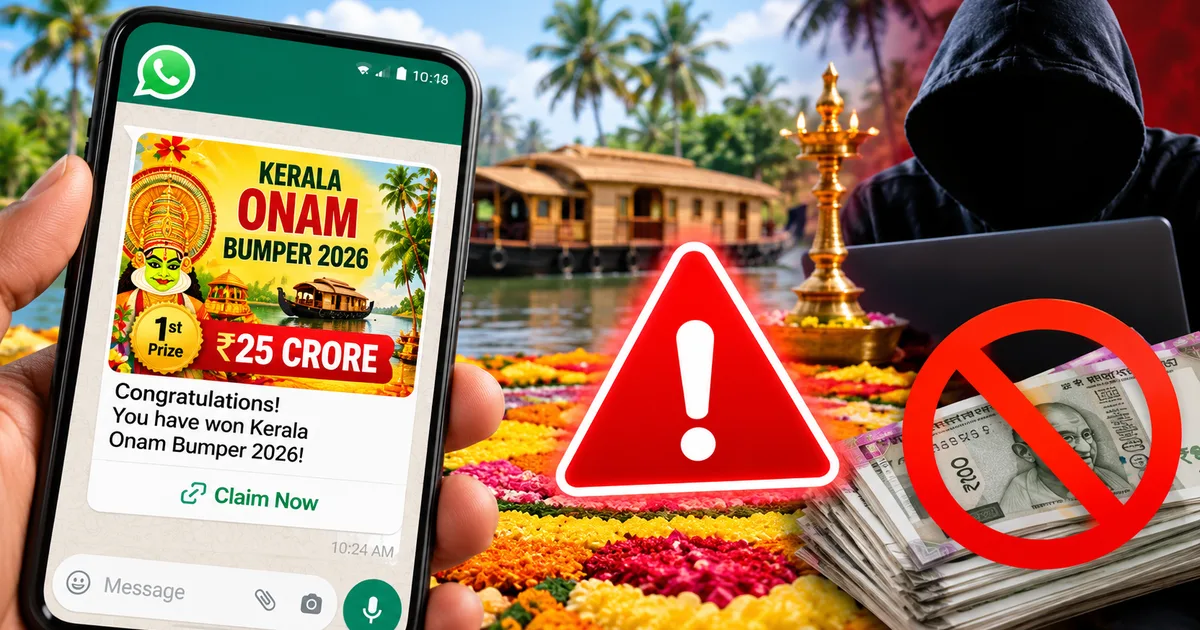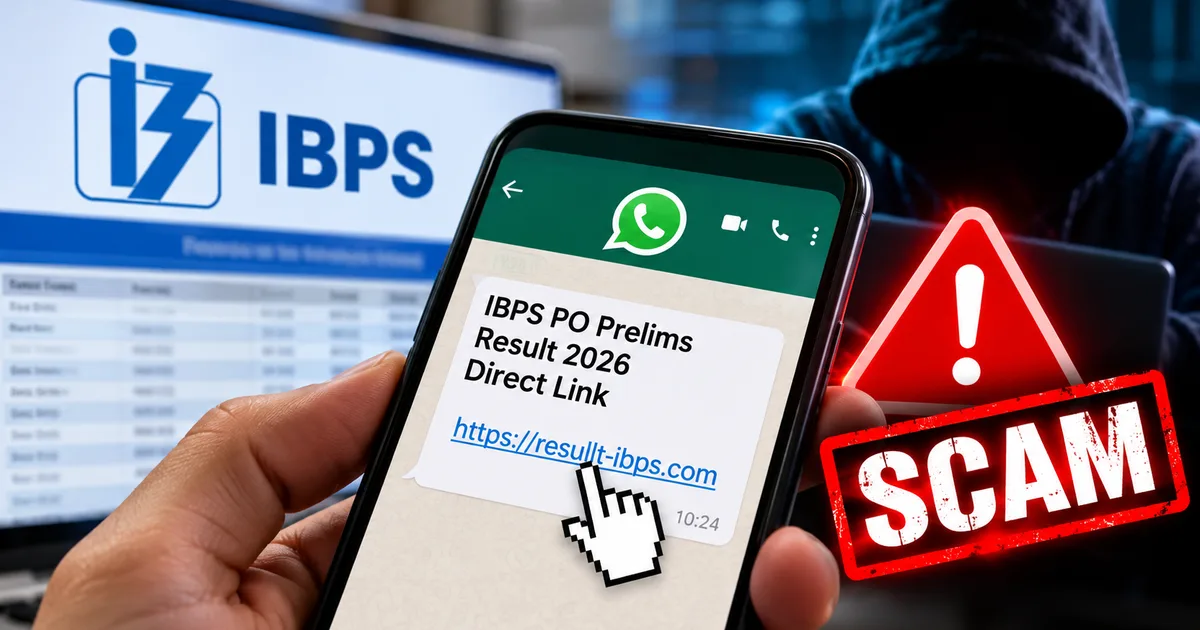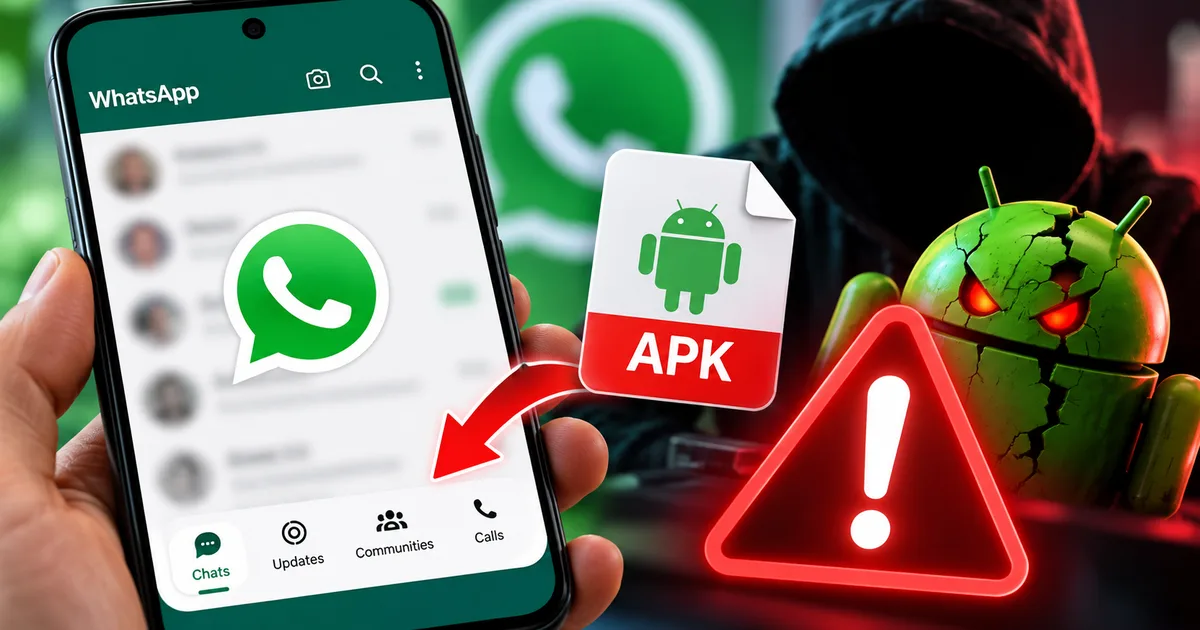
You've probably seen the news floating around lately. Real tech sites are reporting that WhatsApp is finally ditching its clunky old top menu and testing a sleek, iOS-style floating bottom bar for Android users. It even has a shiny new Meta AI tab built right in. Honestly, it's about time. But here's the deal, scammers read the news too. And they're using this exact update to drain bank accounts across India through the Fake WhatsApp Android Navigation Redesign Beta APK Scam 2026.
I get messages about these things every single day. Someone gets a WhatsApp forward from a friend (whose account was likely hacked) offering an exclusive link to download the new WhatsApp Beta to get the redesign early. It sounds completely harmless. You click the link, download an APK file, and then your UPI PIN is compromised. Next thing you know, seventy thousand rupees vanish from your HDFC or SBI account. This isn't a minor annoyance. It's a full-blown financial disaster (which makes sense, actually, given how fast UPI works).
What is this WhatsApp redesign scam?
Look, the underlying news is completely true. WhatsApp is really testing a cleaner Android navigation bar redesign. It's been covered by everyone from Gadgets 360 to Moneycontrol. But because it's a beta feature, regular folks can't just flip a switch in their settings to get it. You usually have to wait for the official rollout on the Google Play Store.
Scammers know you don't want to wait. They know Indians love being the first to show off a cool new feature to their family group chats. So they create malicious software and hide it inside an app disguised as the official update. They blast this out through hacked accounts and fake Telegram channels.
The moment you install that file, you aren't getting a new Meta AI tab. You're handing the keys to your digital life directly to cybercriminals sitting in a room halfway across the world. It's much like the fake BSNL 5G SIM upgrade trick we saw earlier this year. These criminals are highly organized. They track what's trending in tech news and immediately build a trap around it.
Why do people keep falling for this?
You might be sitting there thinking you'd never fall for a scam so obvious. But these scams are designed to bypass your logical brain. We use WhatsApp for absolutely everything in India. It's our primary way to talk to family and run small businesses. When an app is that deeply integrated into your daily routine, you just stop questioning things related to it.
Imagine your uncle sends you a message. The message has a little preview image showing a completely new WhatsApp design. The text says, "Hey, I just updated my WhatsApp to the new 2026 Beta version. It looks just like an iPhone now. Here is the special invite link to download it before they close the beta." You trust your uncle. You don't stop to think that his phone was compromised two days ago when he clicked on a fake shopping link. You just see a chance to get a cool new feature, and you click it. That's the psychology they exploit. In my experience, they weaponize our trust in our contacts to make these scams work.
The true danger of APK files
We need to talk about what an APK file actually is. Android Package Kit (APK) is just the file format Android uses to distribute and install apps. When you tap install on the Google Play Store, it downloads and processes an APK in the background. The Play Store has layers of security like Google Play Protect. These scan these files for viruses before they reach your phone.
When you download an APK directly from a website or a Telegram chat, you're bypassing all of that security. You're basically walking into a sketchy alleyway and buying a mystery box from a stranger. Sure, sometimes it's just a harmless modified version of a game. But more often than not, it's packed with data-stealing code.
In the past few months, the cyber security landscape in India has been hammered by these malicious files. We've seen fake banking apps and fake government scheme portals. The goal is always the same. They want to get into your phone and wait for you to do something involving money.
How the malware actually works
Let's break down exactly what happens when you fall for this scam. It's chilling how efficient they've become at this. They don't just guess your passwords anymore. They literally watch you type them.
Step 1: The bait
You receive a message that looks urgent and exclusive. It usually says something like, "Try the new WhatsApp iPhone Look on Android! Official Beta APK inside. Limited slots available." It includes a link to a website that perfectly mimics the Google Play Store. The page might even have fake reviews praising the new design to build trust.
Step 2: The malicious download
You click the link and download the APK file. Your Android phone will probably flash a warning saying that installing unknown apps is risky. But the fake website has instructions telling you exactly how to bypass that security feature. They convince you it's totally normal for beta software to trigger these warnings. They make you feel like an insider bypassing silly corporate rules.
Step 3: Handing over permissions
Once installed, the fake app asks for permissions. It asks for camera and contacts, but also Accessibility Services and SMS reading permissions. This is the fatal mistake. By granting Accessibility access, you let the malware read your screen and control your device. It can literally see what apps you open and what text you type.
Step 4: The silent robbery
The app runs quietly in the background. You might not even see the new navigation bar. The app might just crash and hide its icon. Meanwhile, the hackers are busy. They trigger a password reset on your banking app or UPI handle. When the bank sends the OTP via SMS, the malware intercepts it and forwards the OTP to the scammers. Before you finish your evening chai, your hard-earned money is transferred to a mule account.
Major warning signs you shouldn't ignore
I can't stress this enough. Official companies don't distribute massive updates via random APK files in chat messages. If you want to keep your money safe, watch out for these massive red flags.
- The APK file format: Official updates happen smoothly through the Play Store. If someone sends you a raw file and tells you to install it manually, it's almost certainly malware. Stop right there.
- Fake Play Store URLs: The link might look like play.google.store-update.com or whatsapp-beta-download.in. Real links start exactly with play.google.com or whatsapp.com. Check the address bar carefully before you click anything.
- Demands for weird permissions: A messaging app needs your contacts and camera. It doesn't need device admin rights or the ability to draw over other apps unless you explicitly know why. If a supposed chat update asks to read your SMS messages to verify something without a clear reason, delete it.
- Urgency and scarcity: "Only 50 beta spots left!" or "Update within 24 hours or your account will be deleted." Fraudsters always rush you so you don't have time to think logically.
We saw this exact same playbook used in the fake Ola electric battery subsidy scam recently. The packaging changes, but the poison is exactly the same.
How to protect your device and your money
You have to be proactive about your digital safety. A single bad click shouldn't wipe out your savings. Here's what you need to do today.
First off, go to your Android settings right now. Search for "Install Unknown Apps" or "Unknown Sources." Make sure this is toggled off for all your browsers and messaging apps. This simple step blocks most of these accidental malware installations because your phone will flat-out refuse to install the file.
Second, rely on official sources. If you genuinely want to try the WhatsApp beta, go to the official Google Play Store, find WhatsApp, and scroll down to see if the Beta program has open slots. Yes, it's usually full. That's just how it is (annoying, I know). Don't go hunting for third-party downloads just because you're impatient.
Third, secure your financial apps. Make sure your banking apps require biometric authentication to open. Keep your DigiLocker and Aadhaar details secured and never share your Aadhaar OTP with anyone calling you on the phone. Think of your phone as a digital wallet. You wouldn't just hand your physical wallet to a stranger on the street.
Fourth, educate your family. The weakest link in digital security is often an older relative who doesn't understand the difference between a Play Store app and a random file. Sit down with your parents or grandparents. Show them exactly what a fake message looks like. Explain to them that if something sounds too good to be true, it's probably a scam.
"Users must refrain from downloading applications from unverified sources and should stick to official app stores like Google Play Store or Apple App Store to prevent malware infections."
The Indian Computer Emergency Response Team (CERT-In) constantly warns about these side-loaded APK risks. They aren't joking around. The threat is very real, and the hackers are getting smarter. They use sophisticated trojans that can bypass standard antivirus scans. The numbers here are a bit fuzzy, but they adapt faster than security patches can be released.
The role of telecom providers and government
You might wonder why Jio or Airtel don't just block these messages. The reality is that WhatsApp messages are end-to-end encrypted. The telecom providers can't see what you're sending or receiving. They only see that data is moving. This encryption is great for your privacy. But it also creates a dark tunnel where scammers can operate without the network providers detecting the malicious links. The government and the Reserve Bank of India (RBI) are pushing banks to implement stricter fraud monitoring systems. The sheer volume of transactions happening on UPI every second makes it incredibly difficult to catch a fraudulent transfer in real time. The responsibility ultimately falls on you to be the gatekeeper of your own phone.
What to do if you've already installed the fake app
If you're reading this and suddenly feel sick to your stomach because you installed that file yesterday, don't panic. Act fast. You're in full damage control mode.
- Disconnect immediately: Turn on Airplane mode. This severs the connection between the malware on your phone and the scammers' servers. They can't steal data if your phone is offline. Don't just turn off Wi-Fi. Turn off mobile data too.
- Call your bank: Use another phone to call your bank's emergency number immediately. Tell them your device is compromised and ask them to freeze your account and block all UPI transactions instantly. Better safe than sorry.
- Remove the threat: While still offline, go to your phone's Settings and then Apps. Find the fake WhatsApp app. Uninstall it immediately.
- Format your phone: Honestly, to be totally safe, you should back up your important photos manually via USB to a computer and perform a complete Factory Data Reset. Malware is notoriously good at hiding tiny leftover files that can revive the virus later.
Where to report the cyber fraud
You can't just fix your phone and move on. You must report this so the authorities can track these syndicates. India has actually set up a pretty solid infrastructure for this now. I recommend checking our broader Scam Alerts & Safety hub for more resources. But here are the immediate steps.
Call the national cybercrime helpline at 1930. This number is monitored constantly. If you call them within the "golden hour" shortly after the money leaves your account, they have a much higher chance of freezing the funds in the scammers' accounts before they can withdraw it at an ATM.
Next, file a detailed written complaint on the official government portal at cybercrime.gov.in. Provide screenshots of the fake message and any bank statements showing the fraudulent transactions. It takes about twenty minutes to file, and it helps the cyber cell build a case against these networks.
These fake interface update scams are only going to get worse as companies keep pushing new features. WhatsApp's real floating navigation bar will reach your phone eventually. I think you just have to be patient. Rely on the Play Store. And keep your hard-earned rupees where they belong in your bank account.