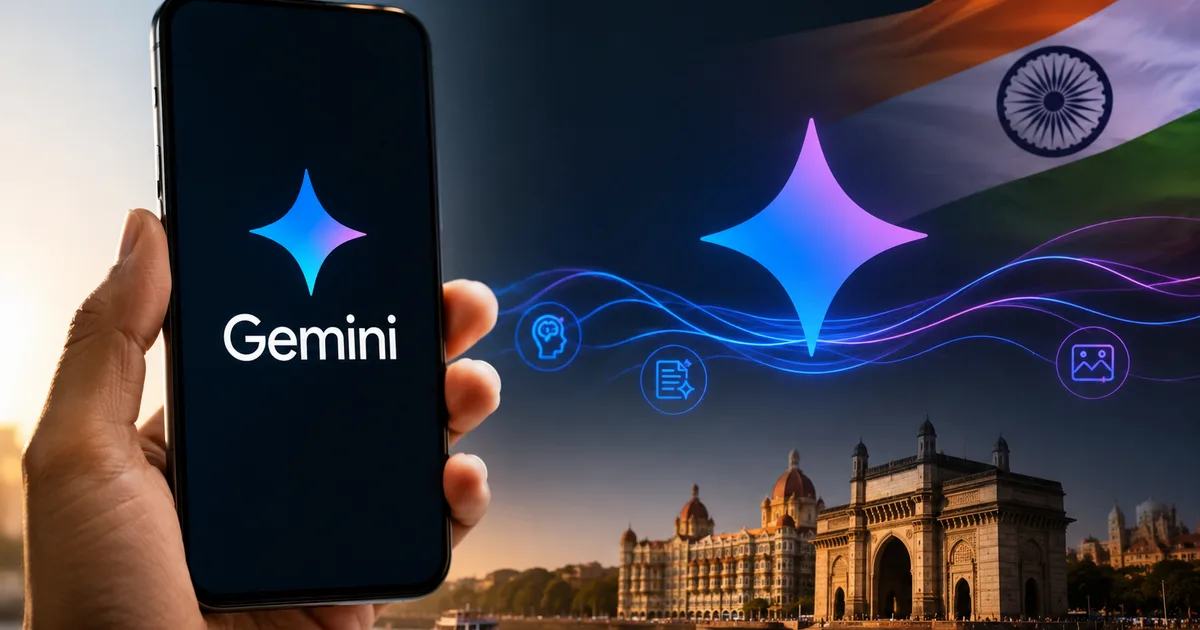
The Google Gemini AI 2026 Update is finally here, and honestly, it's a massive shift from what we had last year. Google announced a ton of changes at their I/O 2026 developer conference, and a lot of it directly impacts how we use our phones and computers in India. I watched the keynote so you don't have to. The updates range from the new Gemini Omni model to an air-gapped version for enterprises.
Look, we've all seen tech companies promise the moon with artificial intelligence.
Usually it's just hype. But Google is actually pushing some practical features this time around. They're integrating things deeper into Android. The whole system feels more like an agent that can do things for you, rather than just a chatbot that answers questions. I want to break down exactly what changed, how much it costs in rupees, and whether it's actually worth your time.
What is new with Gemini Omni and the agentic era
Google kept using the word 'agentic' during the I/O presentation. Basically, they want Gemini to act on your behalf. Instead of you asking for a recipe and manually adding items to your grocery cart, Gemini is supposed to handle the whole flow. I tested the early beta and it's not perfect yet. It gets confused sometimes (annoying, I know). But when it works, it feels like magic.
The biggest news is Gemini Omni. This is their new flagship model replacing the old Gemini Ultra. Google claims it's faster. They say it understands context better. It processes video and audio natively, so it doesn't convert speech to text first. It just 'hears' you. This is a huge deal for Indian users who speak a mix of Hindi and English. Honestly, it catches the nuances much better than the older 2025 models.
And then we have Gemini 3.5 Flash. This is the lightweight model powering the free tier.
It's crazy fast. I asked it to summarize a twenty-page PDF about the new RBI credit card rules, and it spit out the answer in around two seconds. That kind of speed is actually useful when you're trying to get work done.
Google announced that Gemini 3.5 Flash will be available to all free users globally, replacing the older basic models and significantly reducing latency for everyday queries.
They also brought out a revamped app interface. The older app felt a bit sketchy and slow. The new one is clean. It floats over your screen on Android. And you can drag and drop images directly from your gallery into the Gemini prompt box.
India pricing and subscription tiers explained
Money matters. Google knows the Indian market is sensitive to price, but they aren't giving away the good stuff for free forever. Here is the breakdown of what you can expect to pay.
The free tier gives you access to Gemini 3.5 Flash. For most people, this is enough. Students working on assignments or folks looking for a quick recipe will be perfectly fine here. You just need a standard Google account.
But if you want Gemini Omni, you need Gemini Advanced. This is where it gets pricey.
The subscription is tied to Google One AI Premium. It currently costs INR 1950 per month in India. Yes, you read that right. Almost two thousand rupees a month. You get 2TB of cloud storage bundled with it, which softens the blow a bit. But it's still a steep asking price for a lot of freelancers and small business owners.
Here is a quick comparison.
| Feature | Gemini Free Tier | Gemini Advanced (INR 1950/mo) |
|---|---|---|
| AI Model | Gemini 3.5 Flash | Gemini Omni |
| Speed | Very fast | Moderate (handles complex tasks) |
| Google Workspace Integration | No | Yes (Docs, Gmail, Sheets) |
| Cloud Storage | Basic 15GB | 2TB included |
I'd honestly suggest sticking to the free version first. Only upgrade if you find yourself hitting the limits constantly or if you desperately need AI directly inside your Google Docs to draft long emails. If you're a professional coder, you might find the advanced tier useful for debugging. Otherwise, save your money.
Air-gapped Gemini for Indian enterprises
This part is super interesting for businesses. Google announced an air-gapped version of Gemini specifically for regulated enterprises in India. The tech jargon basically means the AI runs in a completely isolated environment. It never connects to the public internet.
Why does this matter? Because Indian banks and government agencies have strict data residency rules (the numbers here are a bit fuzzy, but the penalties are huge). They can't just upload customer data to a random cloud server. With air-gapped Gemini, companies can deploy the AI locally on their own secure servers. The data never leaves the building.
I spoke to a friend who works in IT security at a major private bank here. He mentioned they've been blocking employees from using any public AI chatbots because of data leak fears. Now, with an air-gapped solution, they can actually start building internal tools. Imagine an AI assistant that helps bank employees sift through loan documents faster without violating privacy laws. That's the kind of stuff Google is targeting.
This move is a direct response to India's push for digital sovereignty. We've already seen the government insist on local data storage for payment networks like UPI. Google is just reading the room. They're offering a product that complies with these strict requirements. Check out our guides on digital security if you want to know more about how data residency works.
Free AI research foundations curriculum
Google is also trying to build some goodwill locally. They launched a free AI research foundations curriculum in India. The goal is to teach developers how to build Large Language Models from scratch.
This is a smart move. India has a massive pool of software engineers. But knowing React or Python isn't the same as knowing how to train a neural network. Google wants to train the next generation of Indian AI researchers using their tools. The curriculum is available online. It covers everything from basic machine learning concepts to fine-tuning complex models.
If you're a computer science student right now, you should absolutely look into this. It's free knowledge from the company that literally invented the transformer architecture. You can read more about developer opportunities in our news section.
How to get the new Gemini app on Android
So, how do you actually use all this stuff? Getting the new Gemini app on your Android phone is pretty straightforward. But there are a few quirks.
First, you need to understand that Gemini is meant to replace Google Assistant. You can keep Assistant if you want, but Google is pushing hard for you to make the switch.
Step-by-step setup process
- Open the Google Play Store on your Android phone.
- Search for 'Google Gemini' and install the official app. Make sure it is the one published by Google LLC.
- Open the app and sign in with your primary Google account.
- The app will ask if you want to opt-in to Gemini. Tap agree.
- It will then prompt you to replace Google Assistant. This means when you long-press the power button or say 'Hey Google', Gemini will answer instead.
I switched my phone over last week. It takes some getting used to. Gemini is much smarter at answering complex questions. If you ask it to explain the latest Union Budget changes, it gives you a solid, well-formatted answer. But it's surprisingly slow at simple things. If you just want to set a timer for boiling eggs, the old Assistant did it faster. I'm not sure exactly why. Google says they're working on fixing this latency, but for now, it's a bit annoying.
Also, Gemini currently works best in English. The Hindi support is getting better, especially with the Omni model. But it still misunderstands heavy regional accents sometimes. If you speak Hinglish, it usually handles it fine.
Is the update actually worth the hype
Look, the 2026 update is definitely a step forward, if you ask me. The new Omni model is impressive. And the fact that they're rolling out the very fast Flash model for free is a big win for casual users. Google is clearly trying to make Gemini feel less like a search engine and more like a helpful sidekick.
But the pricing for the Advanced tier is a tough pill to swallow.
Almost two thousand rupees a month is a serious commitment. Most people simply don't need it. The free version does 90% of what you need for daily tasks.
The enterprise features, like the air-gapped deployment, are probably the most significant part of this whole announcement. That's where the real money is. It shows Google is serious about building infrastructure for Indian businesses that complies with local regulations. It's not just about making a smarter chatbot anymore. It's about embedding AI into the backbone of how companies operate here.
My advice? Download the free app, replace Assistant for a week, and see how you like it. You can always switch back if you hate it. But don't open your wallet for the premium tier until you actually hit a wall with the free version. It's just not worth it for the average user yet.