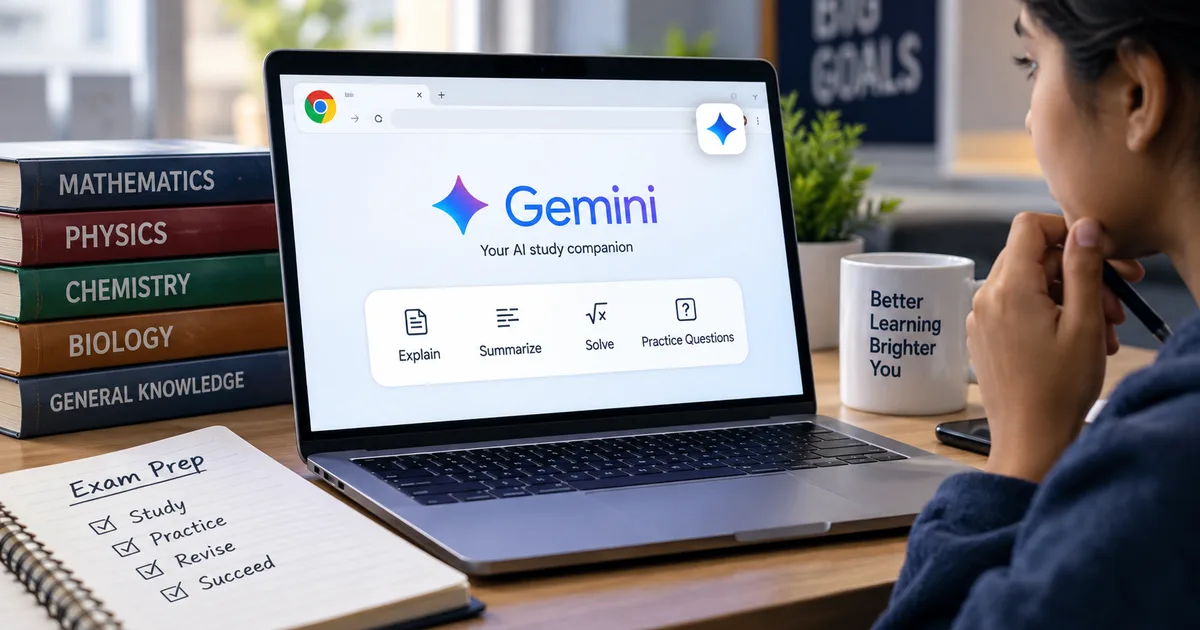
The new Google Gemini AI Chrome Extension 2026 is changing how Indian students prepare for NEET and JEE. I spent the last few weeks testing it out. Honestly, it's one of the more useful features they've added for the education space. You don't need a heavy desktop setup or expensive coaching subscriptions anymore. A basic laptop and this free extension get you access to full-length practice tests directly in your browser.
Coaching centers in Kota and Hyderabad charge lakhs of rupees. Now, students in tier-2 and tier-3 cities have a free alternative.
And that levels the playing field.
Google brought the Gemini integration directly inside Chrome for Indian users as of September 2026. India is actually one of the first markets, alongside Canada and New Zealand, to get this experience after the US launch. You can chat with it in over 50 languages (including Hindi and Gujarati). This is a massive shift for students who study in state board schools and prefer their mother tongue.
But the biggest change is how the tool interacts with what you're already doing online. It doesn't just sit in a side panel waiting for you to type a question. It actively reads the page.
What the Gemini AI Chrome extension actually does
Most students use the web to search for past papers or syllabus details. The extension turns the browser into an active study buddy. It can read a page's DOM and execute a multi-step sequence without you clicking anything. Basically, it sits on top of the standard Chromium engine but adds a massive automation layer. In my experience, this changes everything.
I found it surprisingly fast. You open a PDF of a past NEET biology paper. The extension instantly extracts the questions and grades your answers. It also explains the concepts you got wrong.
If you're preparing for college admissions abroad, you can take full-length practice SAT tests at no cost. Google partnered with The Princeton Review for these tests. The content is vetted and closely resembles what you see on test day.
When you complete a practice test in Gemini, you'll receive immediate feedback highlighting where you excelled and where you might need to study more. For anything you don't understand, just ask Gemini to explain the correct answer.
This matters for self-studying students. You get instant feedback without waiting for a teacher to grade your paper.
Setting it up for NEET and JEE prep
Getting started takes around two minutes. You install the extension from the Chrome Web Store. It links directly to your Google account.
Here are the steps to configure it for optimal exam prep:
- Pin the extension to your Chrome toolbar for quick access during study sessions.
- Set your primary language in the settings, especially if you prefer studying in Hindi or another regional language.
- Enable the Chrome Auto Browse feature to let the AI navigate educational websites for you.
- Create a dedicated workspace tab group for your mock tests and syllabus PDFs.
Once set up, the real magic happens when you start solving problems. Let's say you're stuck on a tough physics numerical from HC Verma. You don't have to copy and paste the question into a separate app. You highlight the text right on the page and ask the extension to explain the steps. It breaks down the formulas. Then it shows you the logic. I think this is super helpful.
The free tier is generous enough for most students. If you want more power, you can check out the Gemini Advanced free trial that Google recently announced. But for basic doubt clearing, the standard version is enough.
How it compares to other AI assistants
The browser automation space got very crowded this year. OpenAI launched ChatGPT Atlas in late 2025. They actually killed its browser functionality on August 9, 2026. Perplexity introduced Comet on August 19. They branded it as a mobile-first agentic browser. But Google baked Project Mariner right into Chrome back in May.
For Indian students, the choice usually comes down to cost and ease of use. If you want a deep dive on this, our guide on the best AI tool for Indian students breaks down the pros and cons in detail.
Here's a quick look at how the main tools stack up right now:
| Feature | Gemini Chrome Extension | Perplexity Comet | ChatGPT Atlas |
|---|---|---|---|
| Price | Free for basic use | Paid subscription needed | Discontinued |
| Language Support | 50+ including Hindi | Limited regional languages | N/A |
| Integration | Built into Chrome natively | Standalone mobile app focus | N/A |
| Practice Tests | Official SAT and JEE mocks | Relies on web search | N/A |
Thing is, the native Chrome integration makes a huge difference. You're already using Chrome to read NCERT textbooks online or watch YouTube tutorials. Having the AI right there saves time. The numbers here are a bit fuzzy, but I'd guess it saves hours per week.
The new voice transcription feature
Typing out complex math formulas or biology terms is a mess. Google fixed this with the Gemini 3.5 Transcribe update. This speech-to-text model replaced the older Chirp 3 engine. It's now live in Chrome's voice typing feature.
The best part is how it handles mistakes. Dictation software usually writes down exactly what you say, including false starts and filler words. Gemini 3.5 Transcribe handles corrections in real time. You say "explain covalent bonds, actually no, ionic bonds" and it outputs only the corrected intent. It tidies up while you talk (which makes sense, actually).
This is incredibly useful when you're tired after a long day of studying. You can just talk to the browser like a normal person.
Practical use cases for Indian students
Let's look at how you can actually use this every day. The trick is to be specific with your prompts.
Instead of asking "teach me biology", you tell it to "create a 10-question multiple choice quiz on human anatomy from the Class 11 NCERT syllabus". The results are highly targeted.
Generating custom mock tests
This is my favorite feature. The AI can generate practice questions based on the exact weightage of topics in the JEE Main or NEET exams. It uses historical data to figure out which chapters get the most questions. Then it builds a custom paper for you. So you don't have to buy expensive test series books from the local market anymore.
It can also time you. You set a two-hour limit, and it tracks your progress. When the time is up, it grades your paper and gives you a breakdown of your weak areas.
Instant doubt clearing for difficult subjects
Studying late at night is normal for Indian students. Teachers are asleep. Your friends are asleep. The extension is awake. If you don't understand a concept in organic chemistry, you ask it to explain the reaction mechanism step-by-step. It is like a 24/7 tutor.
And because it supports voice typing now, you can just speak your doubts naturally. It's very fast and has a low word error rate, even with Indian accents. (Which is a huge relief, honestly).
Translating study materials into regional languages
A lot of the best study material online is only available in English. But many students in India are more comfortable with their mother tongue. The extension can translate entire web pages or specific paragraphs into Hindi, Gujarati, Tamil, and other languages instantly. This removes a massive barrier for students from state board schools who are preparing for national level competitive exams.
Impact on the Indian edtech industry
Edtech companies in India are definitely feeling the pressure from these free AI tools. Why pay for a basic doubt-clearing app when Chrome does it for free? AI is coming for educational institutes by changing the way students learn at home.
If you ask me, companies that relied on selling expensive question banks are going to struggle. Google offering free exam prep for JEE and SAT forces the Indian edtech industry to adapt. They have to provide something AI can't do easily, like personalized mentorship or physical classroom experiences. You can browse our AI tools and software category to see how fast this space is changing.
Limitations you should know about
Look, I won't pretend this tool is perfect. It has flaws. AI can hallucinate facts. It might occasionally give you the wrong answer to a complex math problem. You should always double-check important formulas with your textbook.
Another issue is internet dependency. You need a stable connection. While 5G has expanded rapidly across India, students in rural areas with sketchy internet might find the extension sluggish. It relies on cloud processing to do the heavy lifting.
Also, don't use it to cheat on online assignments. It's very obvious when a student copies an AI-generated essay word for word. Use it as a learning aid, not a shortcut.
How to pay for premium features
While the basic extension is free, some advanced features might require a subscription later on. If you ever need to upgrade, Google supports local payment methods. You can easily link your UPI ID or use a standard debit card. A monthly subscription usually costs a few hundred rupees, which is still much cheaper than a traditional tutor.
The integration with Indian payment systems makes it very accessible for students who don't have credit cards. It's a small detail, but it shows Google is paying attention to the local market. I'm not sure exactly why others ignored this.
Final thoughts on using the extension
I think Google is clearly betting big on education. Giving students free access to high-quality practice materials builds brand loyalty early on.
If you're serious about cracking NEET or JEE, you should add this to your study routine. It takes five minutes to install and could save you hundreds of hours of frustration during your exam prep. Just remember that it is a tool. You still have to put in the hard work and study. But it sure makes the process a lot smoother.