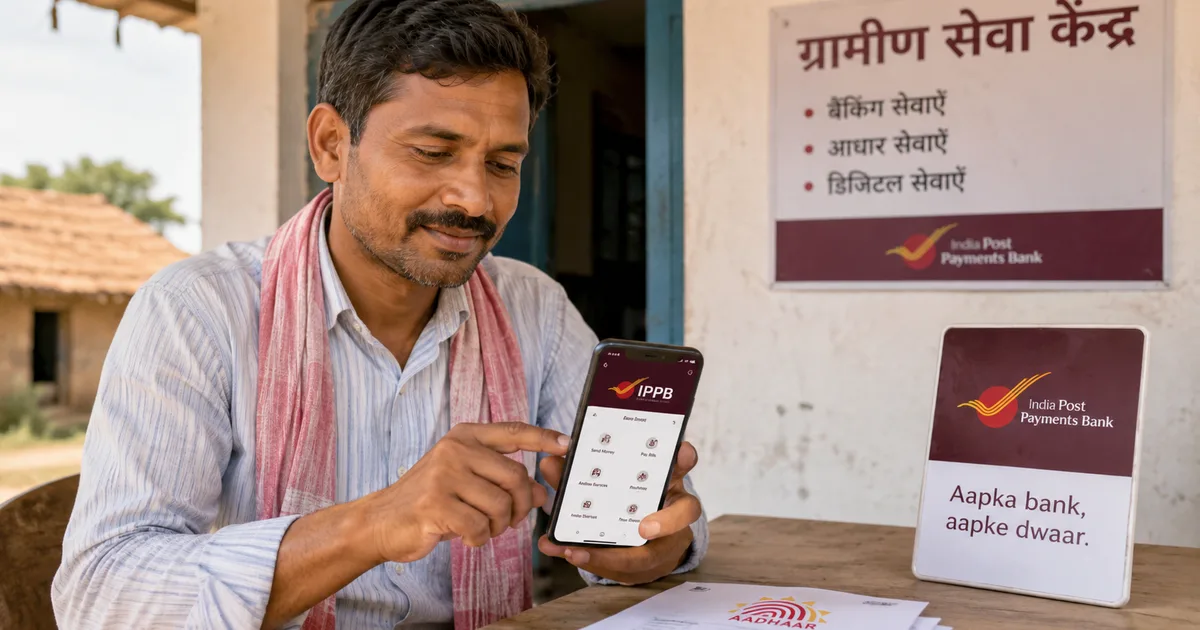
If you live in a village or small town and have been struggling with basic banking, the India Post Payments Bank (IPPB) app might genuinely be one of the more useful apps on your phone right now. Built on India's postal network, which covers over 1.55 lakh post office branches including more than 1.35 lakh in rural areas, IPPB was designed specifically to reach people that private banks rarely bothered with. And in 2026, the app has become considerably more capable, with Aadhaar-based face authentication and a new SHG savings account for women's groups. It's also got a fresh partnership with EPFO for doorstep Jeevan Pramaan submission.
This guide walks you through the full setup and the main features, including how to use the Aadhaar-linked services, step by step. No prior banking app experience assumed.
What IPPB is, and what it isn't
IPPB is a payments bank, not a full-service commercial bank. It can hold deposits up to Rs 2 lakh per customer, process UPI payments, handle remittances, and offer savings accounts. It can't give you a home loan or a fixed deposit directly. Think of it as a well-backed digital wallet connected to your local post office.
What makes it different from PhonePe or GPay is the doorstep banking angle. IPPB works through Gramin Dak Sevaks (GDS) and postmen who visit your home with a smartphone and biometric device. So even if you're not comfortable with apps yourself, banking gets done when your postman shows up. That's genuinely useful in villages where internet is patchy and older family members don't trust screens. If you want to understand how Aadhaar-based banking works at a deeper level, we have a full explainer on that.
How to download and set up the IPPB app
Before you start, you'll need your Aadhaar number and the mobile number linked to it. You also need an Android phone running version 5.0 or above. The app is on the Apple App Store too.
- Download the app: Search "IPPB Mobile Banking" on Google Play Store or Apple App Store. The official app is published by India Post Payments Bank. It's around 35 MB.
- Select your language: The app supports Hindi, English, and several regional languages including Tamil, Telugu, Marathi, Bengali, Gujarati, Kannada, Malayalam, Odia, and Punjabi. Pick what you're comfortable with.
- Enter your mobile number: Use the number that's linked to your Aadhaar. An OTP will come here.
- Verify with OTP: Enter the 6-digit OTP to confirm your phone for initial setup.
- Log in or open a new account: If you already have an IPPB account opened at a post office or through a GDS visit, enter your Customer ID and set an MPIN. If not, tap Open Account and follow the steps, or visit your nearest post office with your Aadhaar and mobile number.
- Set your MPIN: Choose a 4 or 6-digit MPIN. Avoid your birth year or 1234. Seriously.
- Link your Aadhaar: Go to Profile, then Link Aadhaar. Enter your 12-digit number and complete OTP verification. This unlocks Aadhaar-based services including face authentication.
Once inside, the home screen shows your account balance and quick send and receive options. There's a navigation bar at the bottom covering Payments, Services, and a handful of other options.
Aadhaar-based services on IPPB
This is where IPPB gets particularly interesting for rural users. In 2026, IPPB rolled out Aadhaar face authentication for digital transactions, using UIDAI's face auth API. Instead of an OTP or fingerprint, your face is the verification method. And yes, it works even if your fingerprints are worn from manual labour (which is a bigger problem than most people realise), especially for farmers and construction workers who've had repeated AePS authentication failures.
Setting up face authentication
- Go to Services, then Aadhaar Services, then Face Authentication.
- Read and accept the consent screen. IPPB is requesting UIDAI to match your live face against your Aadhaar record. Your photo is not stored by IPPB.
- Allow the app access to your front camera when prompted.
- Position your face inside the circular guide shown on screen. You need decent lighting, no heavy shadows, and your full face visible. Remove sunglasses or caps that cover your forehead.
- The app captures a live image and sends it to UIDAI for matching. This takes about 3 to 5 seconds.
- A green confirmation screen means it worked.
Face authentication is especially useful for people whose fingerprints don't register reliably. If you've had trouble with biometric scanners at ration shops or banks, or you're a daily-wage worker whose fingers are constantly rough, this is worth trying. In my experience, the face auth moves faster than most people expect it to.
Using AePS through IPPB
AePS (Aadhaar Enabled Payment System) lets you withdraw cash or check your balance using just your Aadhaar number and a biometric, without a debit card. You can use AePS through a GDS home visit or at a nearby IPPB banking correspondent. Cash withdrawal limit is Rs 10,000 per transaction and Rs 50,000 per month through AePS.
AePS fraud is a genuine risk in rural areas. We've covered it in detail in our guide to AePS fingerprint cloning scams. If you're worried, lock your Aadhaar biometrics through the mAadhaar app and only unlock them when needed. IPPB's face authentication is a safer option, particularly if your fingerprints have worn out or your area has seen AePS fraud cases.
The SHG savings account for women's self-help groups
One of the more notable updates from early 2026 is IPPB's launch of a dedicated savings account for Self Help Groups. If you're part of a mahila mandal or any women's savings circle, including DAY-NRLM groups, this is worth knowing about.
- Zero minimum balance, zero account maintenance charges
- Open to SHGs of any size, not just large federations
- Account opened at your doorstep by an IPPB GDS with a biometric device
- Group funds deposited and withdrawn through the local post office
- Eligible for direct benefit transfers under government schemes like DAY-NRLM
Account opening takes around 20 to 30 minutes during a GDS visit. You'll need the SHG's group details and a resolution letter, plus Aadhaar of the authorised signatories. Contact your nearest post office to schedule the visit.
If your SHG currently uses a cooperative bank or informal chit fund arrangement that's been unreliable, this is a more formal option backed by India Post and regulated by RBI. For more on zero-balance account options and digital banking tools suited to rural users, check our digital banking setup guides.
Sending money and paying bills on IPPB
Day-to-day payments are handled through the Payments section on the home screen.
UPI transfers
- Tap Payments, then UPI.
- Your IPPB UPI ID looks like yourphone@ippb. Share this with anyone to receive money.
- To send money, tap Send, then enter the recipient's UPI ID, phone number, or scan their QR code.
- Enter the amount and confirm with your UPI PIN.
IPPB's UPI is fully interoperable. Someone on GPay or PhonePe can send you money directly, and Paytm works too. It goes the other way just as smoothly. If you're comparing payment apps for rural use, our UPI tools and payments comparison page has a side-by-side breakdown.
Bill payments
Go to Payments, then Bill Pay. You can pay electricity bills, mobile recharges, water bills, LPG cylinder bookings, and insurance premiums through the Bharat BillPay (BBPS) system built into the app. Covers most state electricity boards and all major telecom operators. Handy if you've been paying a shop Rs 10 extra every month just to recharge your number.
Bank transfers
- Go to Payments, then Money Transfer, then IMPS or NEFT.
- Add the recipient's bank account number and IFSC code. You can save it for future use.
- Enter the amount and confirm with your MPIN.
- IMPS is instant, 24x7. NEFT transfers complete within 30 minutes during banking hours.
Checking your IPPB balance without the app
Three ways to do this, so pick what works where you are:
- Through the app: balance appears automatically on the home screen after login.
- Missed call: call 8424054994 from your registered mobile number. You'll get an SMS reply with your balance.
- SMS: type BAL and send to 7738062873 from your registered number.
The missed call option is a lifesaver in areas with slow data but working voice service. I've heard from people in hilly districts where the IPPB app keeps timing out, but the missed call balance check works fine every time.
EPFO doorstep life certificate for pensioners
Honestly, IPPB's partnership with EPFO to deliver doorstep Jeevan Pramaan (digital life certificate) is one of the more practical things to come out of a government bank tie-up in a while. Pensioners don't need to visit a bank branch or post office every November anymore to submit their annual life certificate. An IPPB GDS visits your home, authenticates the pensioner through Aadhaar fingerprint or face auth, and submits the certificate directly to EPFO's server on the spot.
To request this service:
- Go to Services, then Doorstep Banking in the IPPB app.
- Select Jeevan Pramaan or Life Certificate.
- Enter the pensioner's PPO number and EPFO member ID.
- Choose a preferred date and time slot for the GDS to visit.
- The GDS arrives, authenticates the pensioner via Aadhaar, and the certificate is submitted digitally. A confirmation SMS arrives on the registered number.
There's usually a service charge of Rs 20 to 70 for doorstep visits, though I'm not sure exactly why it varies so much by state. Confirm the current rate when booking. Still far cheaper than a round trip to the nearest EPFO office for most rural pensioners.
Important things to keep in mind
IPPB holds a maximum of Rs 2 lakh per account. If you're getting a large payment, anything above this limit is handled by IPPB's sweep facility to a partner bank. But be aware of this before using IPPB as your only account for significant sums.
If you lose your phone, call 155299 (IPPB helpline) immediately to block your account. Don't wait. Alternatively, walk into any post office with your Aadhaar. IPPB mobile banking is tied tightly to your registered mobile number, so a stolen or lost SIM is a real risk.
The app works best on a stable 3G or 4G connection. For very slow networks, use the missed call balance check and ask your GDS to handle transactions in person. The app does have a lightweight mode, but video-heavy tasks like face authentication need a reasonably decent signal.
India Post Payments Bank serves over 140 million customers through more than 1.55 lakh post office access points. In 2026, IPPB added Aadhaar face authentication for digital transactions and launched the SHG Savings Account to extend zero-balance banking to women's self-help groups across rural India.