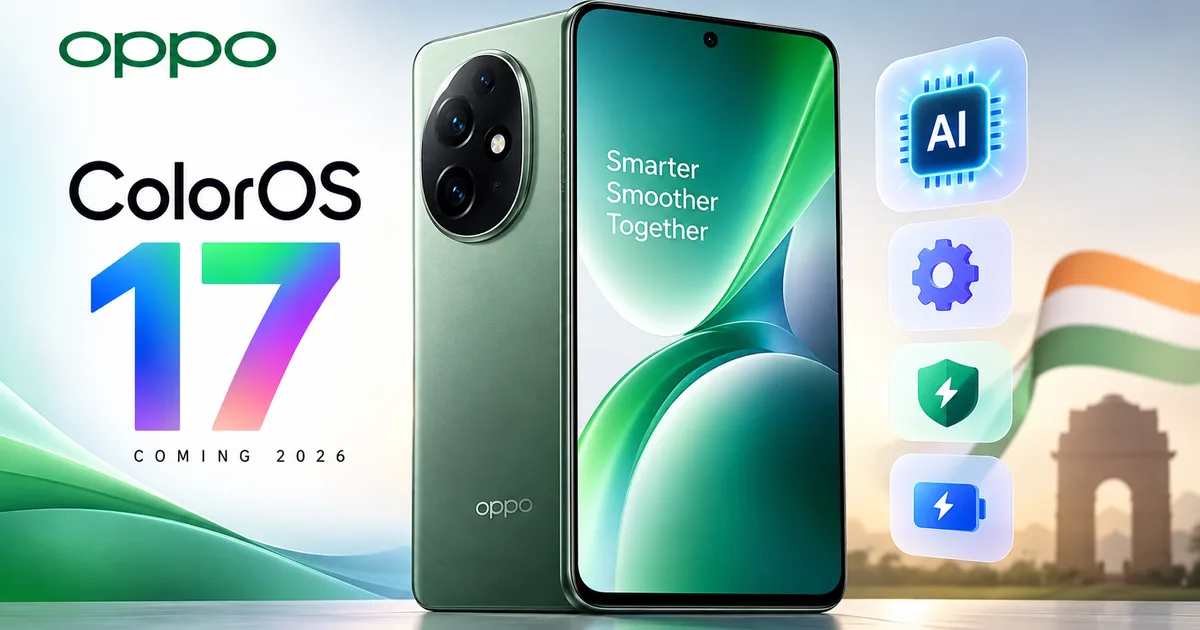
So your phone keeps bothering you about software updates. I get it. Most of the time they just move your favorite icons around and drain your battery faster. But the Oppo ColorOS 17 update 2026 is actually a big deal for millions of users in India. And it's not just for Oppo owners. If you use a OnePlus or a Realme phone, you need to pay attention to this one.
Let me explain what's going on behind the scenes. Every year, phone brands push out a new version of Android. Google makes the base software, which is Android 17 this year. Then companies like Oppo slap their own paint job on top of it, and that paint job is ColorOS.
(I know, sounds complicated. But think of Android as the engine of a car and ColorOS as the steering wheel and seats. You interact with ColorOS every time you unlock your phone.)
Why the software is changing for everyone
This year is weird. Oppo is essentially taking over, and the company is killing off OxygenOS for OnePlus and Realme UI for Realme devices.
Going forward, they're all just getting ColorOS 17. Honestly, this makes complete sense from a business side. Why pay three different software teams to build the exact same thing?
They confirmed this massive shift when closed beta testing started on August 6. It rolled out for select users in India, China, Indonesia, and Malaysia. The OnePlus 15 ColorOS 17 beta India rollout already kicked off alongside the Oppo Find X9 Pro and the Realme GT 8 Pro.
For OnePlus fans who loved the clean look of the old software, this might feel like a downgrade. But the reality is the code has been shared for years anyway. It's the same. I think they're just putting the same name on the box now.
Design changes you will actually notice
Most updates just change the shape of your app icons and call it a day. ColorOS 17 seems to actually care about how things feel under your thumb.
First up is the new translucent UI design. Oppo calls it a frosted-glass appearance. Basically, when you pull down your notifications, the background blurs out nicely with a soft glow around the edges. It looks expensive.
They've also tweaked the animations. Switching from your quick settings to your notifications now has this bouncy layered effect. I watched a few leaked videos of this and it looks incredibly smooth.
Then there's the control center. You know, the place where you turn on Wi-Fi and Bluetooth. They ripped out the old square buttons. Now they have fully circular controls. The volume and brightness sliders are much thicker. I appreciate this because I always miss the thin sliders when I'm walking or sitting in a bumpy auto rickshaw.
The volume slider now has a quick mute button at the very bottom and shows the exact percentage at the top. It even shows a tiny earbud icon when your wireless earphones are connected.
They also added something called capsule navigation. In core apps like the phone dialer and your notes, there's a transparent pill-shaped bar at the bottom. The voice recorder gets it too. You can just swipe left or right on it to jump between different tabs in the app. It takes a day to get used to it. But then you wonder how you lived without it.
And obviously, the lock screen is getting a massive upgrade. The Flux Themes system has new interactive effects. Tap on things on your lock screen. They'll bounce or shift around.
The AI features situation
Look, every company is cramming artificial intelligence into their phones this year. Most of it is completely useless garbage. You'll try it once and forget about it. Oppo is being a bit vague right now, promising a new generation of AI features. But in my experience, we can make some solid guesses based on what they added in the past.
We'll likely see better photo editing tools. The ability to remove that random guy walking in the background of your Diwali photos is getting much faster. They're also probably going to build text summarization right into the operating system. It saves time. Imagine getting a massive WhatsApp message from your family group and just pressing a button to get a short summary.
I also expect improvements to battery management. I'm not sure exactly why it took so long, but the AI is supposed to learn when you sleep and when you use your phone the most. It adjusts the power drain so your battery doesn't die by 4 PM.
If you're curious about what they've done recently with artificial intelligence, you can read our Oppo ColorOS 16 July update coverage to see the foundation they're building on.
Will your phone get the update?
This is the main reason you're reading this. You just want to know if your specific device is on the list. Right? The official list will drop around the September 17 launch event in China. But this is an expected list based on current support policies.
Here are the Oppo Find series phones expected to get it:
- Oppo Find N6
- Oppo Find N5
- Oppo Find N3 and N3 Flip
- Oppo Find N2 and N2 Flip
- Oppo Find X9, X9 Pro, X9 Ultra, and X9s
- Oppo Find X8, X8 Pro, and X8 Ultra
- Oppo Find X7 and X7 Ultra
- Oppo Find X6 and X6 Pro
Here are the Oppo Reno series phones on the radar:
- Oppo Reno 15, Reno 15 Pro, Reno 15 Pro Mini, Reno 15 Pro Max
- Oppo Reno 15 F and Reno 15 FS
- Oppo Reno 14, Reno 14 Pro, and Reno 14 F
- Oppo Reno 13, Reno 13 Pro, and Reno 13 F
- Oppo Reno 12 and Reno 12 Pro
- Oppo Reno 11 and Reno 11 Pro
And for the F and K series:
- Oppo F33 and F33 Pro
- Oppo F31, F31 Pro, and F31 Pro+
- Oppo F29 and F29 Pro
- Oppo K13, K13 Turbo, K13 Turbo Pro, and K13x
If you own an Oppo Pad 5 or Pad 3, those are also on the list. The Pad SE gets it too.
If your phone is missing from this list, it might be time to accept that it's getting too old. Phones usually get three or four years of updates before the company abandons them. (Which is a bit of a mess, actually). If you ask me, you can always browse our how-to tech guides to figure out how to keep an older phone running fast.
India rollout timeline explained
Don't panic if you don't see an update notification on September 17. The official unveiling happens in China first. It launches alongside the new Find X10 series. They always test the software in their home market before pushing it out globally.
The first stable updates for Chinese users will start rolling out in early October. That is pretty fast. For India, we're likely looking at late October or early November for the newest flagship phones like the Find X9 and the Reno 15 series.
The rollout happens in batches. They don't just press a button and update millions of phones at the exact same second. The servers would melt. They release it to a few thousand people, wait to see if any major bugs ruin the phones, and then push it to more users.
If you own an older phone like a Reno 11 or an F29, you might be waiting until January or February of 2027. Mid-range and budget phones always go to the back of the line.
Should you install it immediately?
Honestly, I usually wait a week or two. Big updates like jumping from Android 16 to Android 17 always come with bugs.
Sometimes your battery drains twice as fast. Sometimes your banking apps stop working because they don't recognize the new software.
You don't want to be stuck at a toll plaza unable to open your UPI app because you rushed to install an update. Let the early adopters find all the broken things. Wait for the first patch. Then update your phone.
When you do decide to install it, make sure you do a few basic things first. Connect to a solid Wi-Fi network. These updates are usually massive, sometimes over 5GB. You don't want to burn through your daily Jio or Airtel data limit in ten minutes.
Keep your phone plugged into the charger. If your phone dies in the middle of installing an operating system, it can turn into a very expensive paperweight.
And just to be safe, back up your photos to Google Drive and keep a copy of your important documents in DigiLocker.
ColorOS 17 looks like a very polished update. The decision to merge the software across three different phone brands is definitely going to upset some users. That is a given. But for most normal people, a smoother interface and thicker volume sliders are enough of a win.