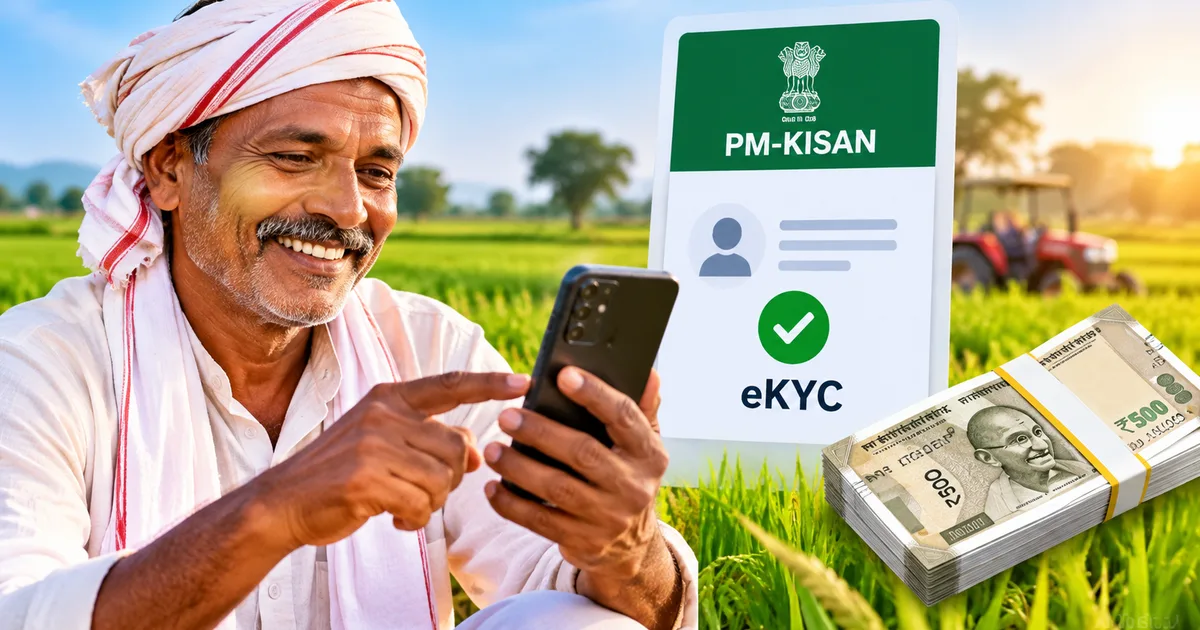
If you're waiting for your phone to ping with a bank deposit alert for Rs 2,000, you aren't alone. Millions of farming families across India are checking portal updates daily for news about the PM Kisan 24th Installment 2026. The previous tranche went out in June 2026, when the central government pushed Rs 18,880 crore into bank accounts for over 9.44 crore farmers through Direct Benefit Transfer. Now Diwali is coming up fast. People want to know when the next payment lands, and why some accounts get left behind.
In my experience, you see this happen in pretty much every village panchayat. Two brothers own land right next to each other. One gets the Rs 2,000 credit alert on his phone right away. The other brother spends three weeks running between the bank branch and the local agriculture desk asking where his money went. It's a mess. But sorting out these snags doesn't take days of running around government offices anymore.
You can check and fix almost everything directly on your smartphone.
Look, the Pradhan Mantri Kisan Samman Nidhi scheme has sent out twenty-three installments since 2019. It pays Rs 6,000 every year, split into three installments of Rs 2,000. And while the payout process is automated, the government has tightened verification rules to remove ineligible beneficiaries (which makes sense, actually). If a single detail doesn't match between your land records and your Aadhaar profile, the system simply skips you.
When to expect the 24th installment
The Ministry of Agriculture hasn't announced the exact payment date yet. That's standard for PM-Kisan payouts. Historically, this second installment of the financial year lands between October and November around festival season. Most state agriculture departments expect the funds to move in mid to late October 2026. If you ask me, that late October window sounds about right.
Thing is, you shouldn't wait until the Prime Minister formally releases the funds to check your profile. Once the payment run starts, portal traffic spikes and the servers slow to a crawl. If your profile has an uncorrected error on that day, you'll end up waiting for the next mop-up batch instead of getting paid along with everyone else.
If you tracked the previous release, our PM Kisan 23rd installment status guide showed how thousands of pending claims were cleared only after farmers fixed simple record errors. Taking ten minutes right now saves you from that headache.
Why payments get stopped in the system
Whenever someone tells me their Rs 2,000 didn't arrive, they assume the government ran out of funds. That's never the case. I'm not sure exactly why people jump to that conclusion, but the money stops because of specific verification flags on the central portal.
First comes land seeding. State revenue departments have to match your land survey numbers with digital land records. If your state's portal hasn't linked your plot record to your PM-Kisan registration ID, land seeding shows as 'No'.
Second is your Aadhaar electronic verification status. If you haven't completed your periodic biometric or OTP verification, the system pauses payouts until you confirm you're still the active beneficiary.
Third, and this is where most people get tripped up, is your bank account seeding with the NPCI mapper. Having your Aadhaar card linked to your bank account for basic branch KYC isn't enough. Your bank has to map that specific account to the National Payments Corporation of India system to accept government DBT welfare funds. If that mapping is missing, the payment bounces back.
The PM-Kisan portal requires green checkmarks on three items: land seeding, eKYC status, and Aadhaar bank account mapping. If any one of these three fields displays 'No' or red text on your dashboard, your payment batch automatically halts until you fix the record.
How to check your beneficiary status online
Checking your payment status on the official website takes less than two minutes. In my experience, doing it from your phone is easiest. Follow these steps on your mobile browser or computer:
- Go to the official portal at pmkisan.gov.in. Make sure you're on the genuine government website with the gov.in domain, not a third-party clone site.
- Scroll down to the 'Farmers Corner' section on the homepage and tap the box labeled Know Your Status.
- Enter your registration number and the captcha letters shown on screen, then click 'Get Data'.
- If you don't know your registration number, click the 'Know your registration number' link at the top right of the box. Enter your 12-digit Aadhaar number, type the captcha, and click 'Get Mobile OTP'. Enter the OTP sent to your phone, and the portal displays your registration number on screen.
- Go back to the status page, enter that registration number, fill in the captcha, and tap 'Get Data'.
- Review your status card. The screen displays three sections: Personal Details, Eligibility Status, and Latest Installment Details.
Click to expand that 'Eligibility Status' tab. You want to see green ticks and 'Yes' next to both Land Seeding and eKYC Status, with Aadhaar Bank Account Seeding showing 'Yes' too. If you see 'FTO Processed: No' under installment details, don't worry. That simply means the Fund Transfer Order hasn't been generated yet (which is completely normal before the official release date).
How to complete eKYC online using your phone
If your eKYC status shows 'No', don't panic. You don't need to pay some sketchy agent hundreds of rupees to get it done. If you ask me, that's just throwing good money away when the government gives you two clear ways to complete eKYC from home for free.
The fastest route is the OTP method on the website. Here is how you do it:
- Go to pmkisan.gov.in and click on 'eKYC' under Farmers Corner.
- Type your 12-digit Aadhaar number into the blank field and tap 'Search'.
- Enter your Aadhaar-registered mobile number and tap 'Get Mobile OTP'.
- Type the 4-digit mobile OTP into the box and tap 'Submit OTP'.
- Enter the 6-digit Aadhaar authentication OTP sent by UIDAI to your phone and click 'Submit For Auth'.
If the data matches UIDAI records, the screen flashes a green banner stating 'eKYC is successfully submitted'. That's basically all there is to it. Your profile updates within 24 to 48 hours.
What if your mobile number isn't linked to your Aadhaar card? You have two choices. You can download the official PM-Kisan mobile app along with the Aadhaar Face RD app from the Google Play Store. The app scans your face using your phone camera without needing an OTP. Alternatively, visit a local Common Service Centre (CSC) in your village. The operator will scan your fingerprint on a biometric reader for an official fee of around Rs 15.
For more walk-throughs on using official portals without getting stuck, check out our collection of step-by-step tech guides.
How to find your name on the village payment list
You can also check whether your entire village or gram panchayat is approved for payment. I think it's great. Basically, the portal has a public beneficiary list that lets anyone check village-level records without logging in.
Here is how to pull up your village list:
- Go to pmkisan.gov.in and find 'Beneficiary List' inside the Farmers Corner panel.
- Select your State from the first dropdown menu.
- Pick your District from the second list, followed by your Sub-District or tehsil from the third list.
- Select your Block from the fourth dropdown, and choose your Village name from the fifth dropdown.
- Click the green 'Get Report' button.
A table appears displaying the names of all approved farmers in that village in alphabetical order. Look through it carefully. If your name was on this list previously but is missing now, your account likely has a pending verification backlog or an unresolved land record issue.
Linking your bank account to the NPCI mapper
This is where hundreds of thousands of farmers hit a brick wall. Your passbook shows your Aadhaar number printed on the first page, but the PM-Kisan status still says 'Aadhaar Bank Seeding Status: No'.
Why does that happen?
Banks perform normal KYC to verify identity, but mapping your account to the NPCI DBT gateway is an entirely separate operation. When you ask a bank clerk to link Aadhaar, they often just update their internal branch records. That isn't enough. You must specifically ask for the 'Aadhaar Seeding and DBT Mandate Form'.
Fill out the mandate form, attach a photocopy of your Aadhaar card and passbook, and submit it to your branch manager. It takes two to four working days for the bank's back office to update the NPCI server.
Honestly, if your local bank branch takes weeks without resolving the issue, there is a much faster shortcut. In my experience, this saves days of headaches. Just walk into your local post office or speak to your village Gramin Dak Sevak. Ask them to open an India Post Payments Bank (IPPB) account. Postal staff can open an account on the spot using a handheld biometric device in five minutes. Tell the postal worker to enable DBT credit for PM-Kisan. IPPB accounts link to NPCI almost immediately, and upcoming installment money will flow directly into that postal account.
We saw similar paperwork issues trip up applicants when explaining PM Awas Yojana beneficiary list steps, so keeping your banking records active is always worth the effort.
Watch out for fake installment messages and APK files
Whenever a major welfare disbursement approaches, scammers try to cash in. Farmers across multiple states frequently report receiving SMS and WhatsApp messages claiming their Rs 2,000 payment has arrived.
These messages typically include a sketchy link or an attachment ending in '.apk'. The text reads something like: 'Your PM Kisan installment of Rs 2,000 is approved. Click here to download the claim app and receive money instantly into PhonePe or Google Pay.' (I know, it sounds obvious when you read it here, but plenty of hurried people click without thinking).
If you tap that link or install that APK file, malware takes control of your phone and drains your bank savings. It's a mess. And remember, the central government never sends payment approval notices as downloadable files on WhatsApp.
If you encounter one of these scam messages, don't forward it. Report the number on the National Cyber Crime Reporting Portal at cybercrime.gov.in or dial the national cyber helpline at 1930. You can also explore our coverage of common online scams to understand how these scams work.
Helpline numbers to get direct assistance
If you have checked your dashboard and finished eKYC, but your payment still remains blocked, you can take things up directly with scheme administrators. In my experience, calling early in the morning gets you through to an agent fastest.
Here are the official contact channels provided by the Ministry of Agriculture:
- PM-Kisan National Toll-Free Helpline: 155261 or 1800-115-526
- Central Landline Support Desk: 011-24300606
- Kisan Call Centre for agricultural assistance: 1800-180-1551
- Official Grievance Email Address: pmkisan-ict@gov.in
When you call or write to them, keep your 12-digit Aadhaar number and your PM-Kisan registration number ready. The support agent will look up your transaction trail on the Public Financial Management System (PFMS) and tell you exactly which department holds your file.