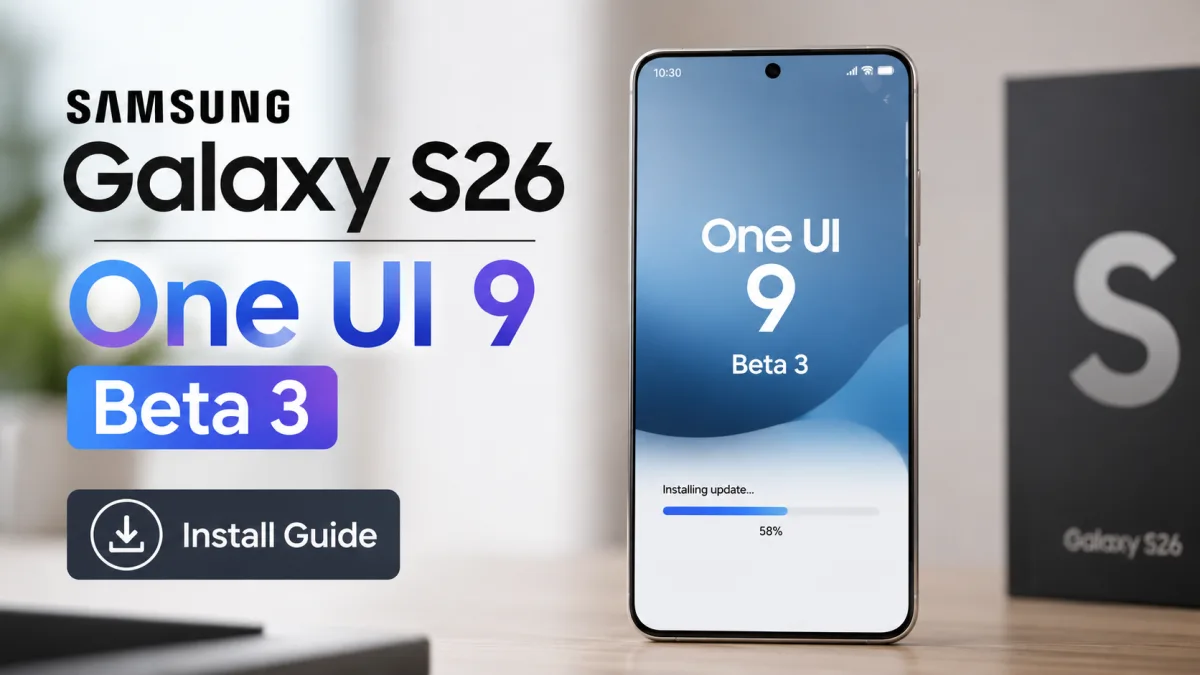
If you're using a Samsung Galaxy S26 in India, you're probably tracking the Android 17 updates closely. Samsung just dropped the Samsung Galaxy S26 One UI 9 Beta 3 update. It's a massive download, and it aims to fix a long list of bugs that made the earlier betas hard to use on a daily basis. I installed it on my device this morning to see if it's finally stable enough for regular users.
Look, beta testing is always a gamble. You get the latest features first, but your phone might crash when you're trying to make a UPI payment at a local kirana shop. In my experience, that's exactly what happened with the first two betas. The battery drained like an open tap, and the camera app froze if you tried to take a quick portrait shot. This third beta changes things. The patch is finally here, and it's got quite a few changes that affect how you use your phone every day.
Make sure to read our Android update guides to get the details. And keep an eye out for sketchy malware, which we covered in our report on online download frauds. Honestly, you'll also want to read our Android skin explainers for more context.
New Samsung Galaxy S26 One UI 9 Beta 3 features
This third beta's got some big changes for the interface. The main one's Google Gemini. Samsung calls this Gemini Intelligence, and it changes how your phone handles notifications. In my experience, the setup reads your message context pretty well. It suggests complete replies. You can use or throw them away.
Deeper Google Gemini integration
The AI is built right into the keyboard and your notes app. You just highlight some text. Then you ask the assistant to summarize the main action points, or draft quick replies in WhatsApp. Honestly, the results sound pretty natural.
Honestly, this's one of the best features they've added because it saves a lot of typing when you're commuting (which is a lifesaver, honestly). But this deep integration raises some real security questions. Forbes reported that some security researchers are worried about how much personal data the assistant reads in the background. Samsung claims all the processing happens right on the device. Still, you can turn it off. If you're uncomfortable, just go to settings. I think having that choice is the best way to handle it.
Visual updates and notification design
Samsung redesigned the notification cards in this build. They've now got a subtle glassmorphic look that blends into your wallpaper. The icons are also more colorful. This makes it easier to tell which app is sending you notifications at a glance. I think it looks a lot cleaner and more modern.
The quick settings panel is reorganized. Wi-Fi and Bluetooth toggles stay at the top, but you can customize the rest of the buttons freely. The new media player widget is cool too. It's got a wavy progress bar that matches the music beat. Best part? The notifications don't clutter the lock screen anymore, which fixes a major annoyance from the second beta.
Major Samsung Galaxy S26 One UI 9 Beta 3 bug fixes
Look, the previous beta was a complete mess. Banking apps stopped working entirely for many users. That's a massive issue in India because we rely on UPI for almost every transaction. If your banking app crashes, your phone is half useless. You can't pay the auto driver. And you can't check your account balance when you need to, either.
Samsung has addressed this in the third beta. SamMobile reported that this update fixes several frustrating quirks. These include app crashes and screen flickering. In my experience, the whole UI feels much more stable during daily tasks now. Here's a list of the main issues they've resolved in this build:
- Fixed a bug that caused Indian banking apps like YONO SBI to crash on launch.
- Resolved a screen flickering issue when switching between refresh rates.
- Fixed a camera app freeze when switching to the 3x lens.
- Resolved an issue with Android Auto dropping connections randomly.
- Fixed the fingerprint sensor lag during unlock.
Samsung's changelog for the third beta specifically mentions fixes for memory leaks and system stability. The company seems to be rushing these fixes because the stable Android 17 release is expected sooner than usual.
According to reports from GSMArena, the fourth beta's coming around June 30. If that schedule holds, the stable version of One UI 9 could drop in July. Honestly, that's much faster than Samsung's usual update cycle, which typically drags on until October or November. It shows Samsung's trying to match Google's own release schedule for Android 17 flagships. I think it's a smart move on their part.
Remaining issues to watch out for
While this update fixes a lot of problems, it's not perfect. It's still a beta, after all. I noticed the phone gets pretty warm when charging rapidly. Also, the update size is around 2.8 GB (which is huge, by the way). So you'll need a solid Wi-Fi connection unless you want to burn through your daily mobile data limit in minutes. If you use a hotspot, you might run out of data before it even finishes.
There's also a minor bug with Jio and Airtel 5G network switching. Sometimes, the phone drops to 4G and just refuses to connect back to 5G. You have to toggle airplane mode to fix it. In my experience, it's a bit sketchy.
How to install One UI 9 beta in India
If you're willing to risk some minor bugs, you can join the beta program. Samsung has opened the beta to Indian users as part of its second wave. You don't need special tools or computer connections to get it running. I think it's pretty straightforward.
Just make sure you back up all your data first. Use Samsung Cloud or Google Drive to save your photos and contacts. If things go sideways, you might have to factory reset (which is a massive pain).
Here's the step-by-step process to get the beta on your Galaxy S26:
- Download the Samsung Members app from the Galaxy Store.
- Log in with your Samsung account.
- Open the app and tap the Registration for One UI Beta Program banner.
- Read the terms and click register.
- Go to your phone Settings.
- Tap Software update, then Download and install.
- Tap download and wait for it to complete.
The whole installation process takes around twenty to thirty minutes. Your phone's going to restart a couple of times during this. So don't turn it off. Also, make sure your battery's at least fifty percent charged.
Should you install the beta on your daily driver?
Honestly, my advice is to wait. Even though this beta fixes banking app crashes, it's still pre-release software. If you ask me, if you've only got one phone for work and daily use, you should wait for the stable release in July. It's just not worth the headache.
But if you've got a backup phone and love testing new features, go ahead. The new animations make it feel brand new.
Samsung's update strategy in the Indian market
India's a massive market for Samsung premium devices. The Galaxy S26 is a popular choice for professionals here. That's why Samsung included India in the early waves of the One UI 9 beta rollout. In previous years, we had to wait weeks after the US and South Korea got their beta builds. If you ask me, this is a major change.
This shift shows Samsung's taking the Indian market seriously. With competitors offering fast updates, Samsung can't afford to delay. Plus, local Indian language support's much better now. Honestly, it's about time.
We've also got to consider the regulatory side under the Digital Personal Data Protection Act (which is a big deal in India). Samsung's built a privacy dashboard in One UI 9. This tool lets users see exactly which apps are accessing their sensors. So this agrees with the guidelines and gives users more control over their information. It really protects user privacy in India.
Performance and heat management on the Galaxy S26
The Galaxy S26 is powered by the Exynos 2600 in India. In the first beta, playing a graphic-heavy game like Battlegrounds Mobile India for fifteen minutes made the phone feel like a hot frying pan. Frame rates dropped. The game stuttered. I think it was a complete mess.
With this update, heat dissipation's much better. The phone still gets warm, but it doesn't throttle the processor as aggressively. Frame rates in games like Battlegrounds Mobile India remained stable during my testing sessions. Honestly, I think the performance's pretty solid now.
But the camera sensor gets warm if you record 8K video for more than five minutes. The beta software seems to make this worse. If you ask me, you're better off sticking to 4K resolution at 60 FPS for now. It keeps the phone cooler. And you'll save some storage space too.