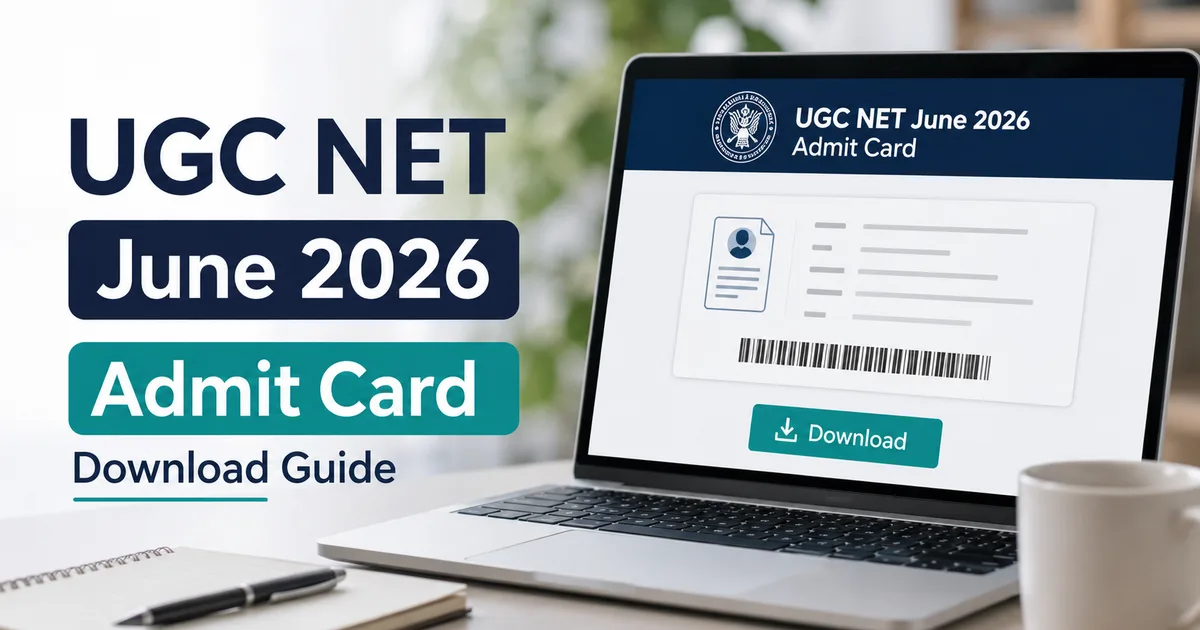
The wait is finally over, though it took longer than anyone wanted. If you're one of the lakhs of candidates appearing for the national eligibility test, the National Testing Agency has officially released the UGC NET June 2026 admit card on their website. The exams are scheduled from June 22 to June 30, 2026, so you've got very little time left to get your paperwork sorted. I know how stressful this period can be, especially when the official portal starts lagging under heavy traffic. But don't panic. This guide explains how to download your hall ticket without losing your mind.
Usually, the NTA releases these documents at least a week before the exam. Not this time. The delay kept students waiting until June 17, just five days before the first paper. The Times of India reported that technical sorting issues caused the mess. Naturally, people panicked on social media. In my experience, NTA always leaves things to the last minute. Many students were worried about their exam centres, especially candidates traveling from rural areas to cities. It's chaotic. But the links are active now.
You'll need a stable connection and your login details. If you're on mobile, use Chrome or Safari. Honestly, using a laptop is much easier because the government site isn't optimized for phones (which makes sense, actually).
What you need before downloading from ugcnet.nta.nic.in
If you ask me, you should do this right now. Before opening the NTA portal, make sure you've got your details ready. You can't search by name. The system needs the application credentials you got during registration. If you don't have these handy, check your inbox or SMS history. NTA usually sends a confirmation text. And don't forget to check your spam folder.
- Your registered application number.
- Your date of birth as entered in the form.
- A working printer connected to your computer, or a way to save the file as a PDF.
Steps to download your UGC NET hall ticket
The download page is a mess. It's because the NTA site lists multiple notifications and active links all at once. In my experience, following the correct path is the only way to make sure you don't end up on some outdated page.
- Go to the official website by typing ugcnet.nta.nic.in in your browser address bar. The homepage loads with a blue header and a side panel for public notices. You'll see a link titled 'UGC NET June 2026 Admit Card' under the candidate activity section on the lower left of the page.
- Click the link. This opens a new tab with the login portal. You'll see a login box with fields for your application number, date of birth, and a security pin. The security pin's a random green text shown right below the fields.
- Enter your application number. It's a twelve-digit number found on your confirmation page. If you've lost it, retrieve it from the portal using the 'forgot application number' link on the login page.
- Select your date of birth. Use the dropdown menus to select the correct day, month, and year. It must match your school certificate and the details you submitted during registration.
- Type the security pin exactly as shown. It's case-sensitive, so pay attention to capital letters and numbers. If the pin's hard to read, click the refresh icon next to it to generate a new one.
- Click the submit button. The page loads your student dashboard. On the screen, you'll see a button labeled 'download admit card' next to your profile details.
- Click the download button to save the PDF. A pop-up asks you to verify your health declaration before the download starts. Answer the quick questions about travel history and symptoms, then save the file to your device.
Aadhaar verification and login alternatives
For most Indian candidates, NTA uses Aadhaar verification during application. If they match, your download is quick. But if you used other ID like a passport or voter card, you'll probably need to verify via a mobile OTP. I think it's sketchy that they require this. Make sure the Indian phone number you registered with is actually active. If you're using a public cyber cafe to print the card, delete the PDF from their downloads folder before you leave. This'll protect your personal data from strangers.
Details to verify on your admit card
Once the PDF is open, don't just check the exam centre and close the file. You must check everything. In my experience, even a tiny typo in your name can cause huge problems. A tiny spelling error can block you from entering the hall. Honestly, the exam invigilators check everything against your physical ID very strictly.
- Your full name: Check for any spelling errors or initials that don't match your identity card.
- Application number and roll number: These must match your official records.
- Date of birth: Ensure the date, month, and year are correct.
- Category: If you applied under OBC, SC, ST, or EWS, make sure the category's listed correctly to avoid seat allocation issues later.
- Exam date and shift: The exam's conducted in multiple shifts, so make sure you've noted your exact shift timing.
- Subject: Verify the subject code and name for your specific paper.
- Exam centre address: Look up the location on Google Maps beforehand so you'll know how long the travel'll take.
Items to carry to the exam centre
The NTA has strict rules about what you can bring inside the examination hall. Don't go unprepared. If you ask me, being unprepared can lead to unnecessary delays or even get you kicked out at the gate. So here's a list of the things you must carry with you on the exam day.
- A printed copy of your admit card. Use a clear, high-quality printout on an A4 sheet. Black and white is fine, but a colour print is better for photo clarity.
- One passport-size photograph. This must be the same photo you uploaded with your application. You'll need to paste this on the attendance sheet inside the hall.
- A valid government-issued photo ID. You can carry your Aadhaar card, PAN card, driving license, passport, or voter ID. Digital copies on your phone aren't accepted. However, a physical copy verified via DigiLocker beforehand is allowed under specific conditions, though a physical original card is much safer.
- A simple transparent ballpoint pen. Don't bring fancy gel pens or metal pens.
- A transparent water bottle if you need one. Smart bottles or opaque containers aren't allowed.
- Personal hand sanitiser in a small transparent bottle.
Troubleshooting common download problems
Since lakhs of students are trying to access the server at the same time, the ugcnet.nta.nic.in portal can easily crash. It's a mess. But if you face issues, there are a few standard hacks that usually solve the problem.
If the portal's slow, try downloading during off-peak hours. I'm not sure exactly why, but late nights after 11 PM or early mornings before 7 AM work best. Server load is low then, so the page loads quickly. Another thing is the browser cache. If you keep getting errors, clear your browser history and cache, or try incognito mode. Sometimes, switching to Firefox or Edge helps.
If you're looking for more tech tutorials, check out our exam guides for other online portals. They're useful. Basically, we also track digital security topics in our news updates section to help you stay safe online.
How to correct UGC NET admit card errors
What if your photo is blurred or your name has a typo? Don't write corrections on the card. Any manual writing on the card'll invalidate it. Instead, get in touch with the NTA helpdesk right away. Honestly, they have a system to handle these mistakes.
Note that the admit card won't be sent by post to any candidate. You must download the digital copy and print it yourself. The NTA also states that no duplicate admit cards will be issued at the test centres.
According to official instructions, you can call the NTA helpline numbers at 011-40759000 or 011-69227700. Or email them at ugcnet@nta.ac.in. When you contact them, send your full name and application number. Don't forget to attach a screenshot of the issue (which is helpful, honestly, so they see the exact issue). In my experience, they actually respond to emails sometimes, so it's worth trying. If they can't issue a corrected card in time, they'll tell you what proof to carry to the centre so you can still write the exam.
If you want to know more about online safety and avoiding scams, check our scam alerts section. Lots of fake websites try to mimic the NTA portal. They do this to steal your details or charge extra fees for downloads.