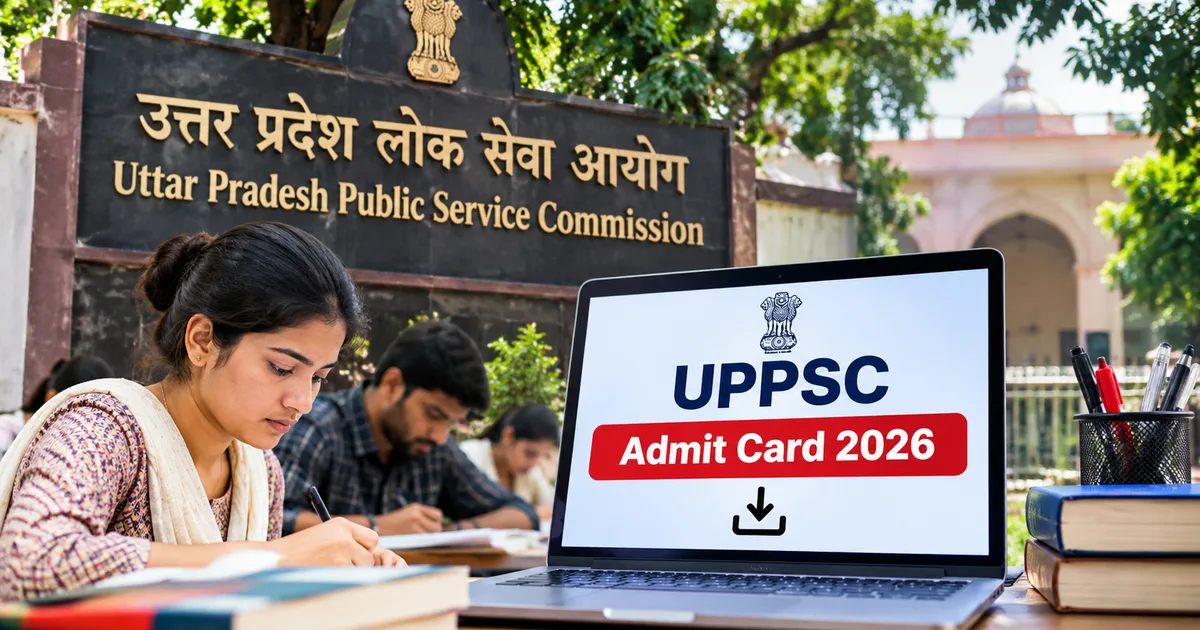
If you're among the roughly 8.90 lakh candidates preparing for the Combined State/Upper Subordinate Services Preliminary Examination, getting your UPPSC Admit Card 2026 is the next big milestone on your calendar. The Uttar Pradesh Public Service Commission already released the district intimation slips on November 27, 2026, and the final hall tickets are expected to go live on December 1, 2026, on the official portal.
Over 8 lakh applicants are chasing around 500 vacancies under Advertisement No. A-1/E-1/2026. You already know what happens to government websites on release day. They crawl. Sometimes the whole site is down for hours, and honestly, it's a mess every single year.
Look, downloading your admit card from uppsc.up.nic.in is actually pretty simple once you know where the links sit on that crowded homepage. I think most people panic just because the layout feels clunky. So let's go over the exact steps and keep the right details ready beside your keyboard, which means you won't be stuck hitting refresh on a dead tab at the last minute.
City intimation slip vs UPPSC PCS hall ticket 2026
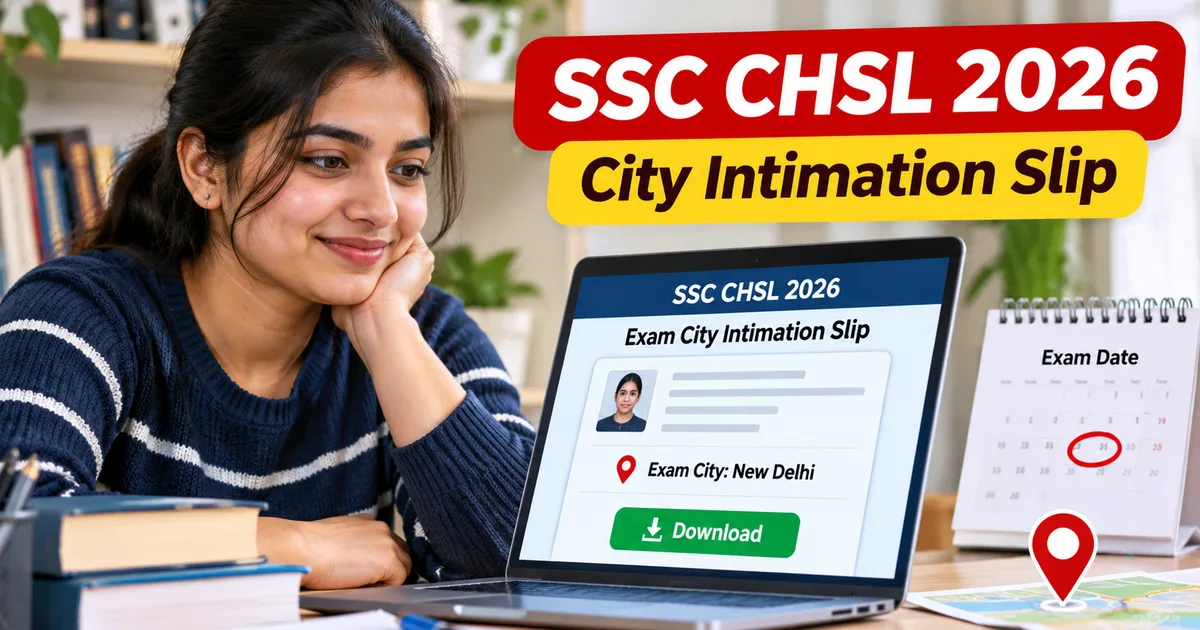
Let's clear up a big confusion before we look at the download steps. On November 27, 2026, UPPSC activated the link for the Examination District Information Slip across all 75 districts of Uttar Pradesh, and WhatsApp groups immediately started forwarding the wrong advice.
That slip is NOT your admit card.
I'm not sure why people mix them up every single exam season, though maybe it's because the district slip looks pretty official at first glance. Basically, that slip is just a travel planner. It tells you which district you got so you can book an IRCTC train ticket or grab an overnight bus before fares jump (which makes sense, actually). But you can't walk into a centre in Lucknow or Prayagraj (or Varanasi for that matter) holding only that sheet. The staff at the gate will send you straight back.
To get inside the hall on Sunday, December 6, 2026, you need the actual PDF admit card from the commission. If you've sat for central exams before, this is basically the same setup we wrote about in our RRB JE admit card download steps, where the city slip drops a few days early.
How to download UPPSC admit card 2026 at uppsc.up.nic.in
When the download link goes live on December 1, keep your OTR (One Time Registration) number right next to you. UPPSC dropped those old ad-hoc registration logins a while back, so your OTR ID is the main key to get into the Candidate's Help Desk.
Thing is, the UPPSC site looks like it's stuck in 2011 and hasn't had a real update since. In my experience, Chrome on a laptop works way better here. Use a desktop if you can. And if you're only using an Android phone, switch on the 'Desktop site' toggle in Chrome's three-dot menu first, because mobile screens love cutting off the captcha box on NIC portals (usually right when you're in a rush).
- Open your browser and type uppsc.up.nic.in directly into the address bar. Wait for the Prayagraj commission homepage to load, showing the blue header banner and several scrolling notification boxes.
- Look at the homepage layout and find the 'Candidate's Help Desk' section or the 'Important Alerts' box, usually positioned toward the center-left or right sidebar depending on your screen width.
- Click on the link titled 'Click here to Download Admit Card for Combined State/Upper Subordinate Services (Pre.) Examination 2026' (or the general 'Download Admit Card' button under Candidate's Segment).
- A new login page will open asking for your authentication details. Enter your 11-digit or 12-digit OTR Number carefully in the first box.
- Select your Date of Birth using the DD/MM/YYYY dropdown menus, choose your Gender from the list, and type the Verification Code (captcha) shown in the distorted image box right below.
- Click the 'Download Admit Card' button once. Do not double-click frantically if the wheel spins for ten seconds, because that sends duplicate requests and triggers a timeout error.
- When your UPPSC PCS hall ticket appears on the screen, click the Print or Save icon at the top of the page and choose 'Save as PDF' rather than taking a blurry screenshot.
Never enter your OTR number, date of birth, or Aadhaar details on unofficial third-party websites or Telegram bots claiming to offer 'fast server links' for UPPSC hall tickets. Always verify that the browser address bar ends in .up.nic.in before typing anything.
If you're doing this for a friend or cousin who gets nervous around government sites, save two copies of the admit card PDF. Put one on Google Drive. Keep another on your phone too, so you aren't scrambling if the local cybercafe guy asks for the file again on December 5.
UPPSC PCS prelims 2026 schedule and shift timings
The UPPSC PCS Preliminary Examination 2026 is a single-day affair on Sunday, December 6, 2026, split into two shifts. Both papers are objective-type. And yes, both are compulsory, even if you feel great about one and shaky on the other.
- General Studies Paper I runs in the morning shift from 9:30 AM to 11:30 AM.
- Civil Services Aptitude Test (CSAT) Paper II runs in the afternoon shift from 2:30 PM to 4:30 PM.
First-timers miss this detail sometimes, so pay attention. Your Mains qualification comes down to your General Studies Paper I score, whereas Paper II (CSAT) is just qualifying. You need at least 33% in CSAT to stay in the running. If you mess up Paper II, your Paper I score doesn't matter at all, and honestly, I think too many aspirants take that afternoon paper way too casually.
There's a three-hour gap between 11:30 AM and 2:30 PM. Early December gets chilly across Uttar Pradesh, and traffic outside big schools and degree colleges turns into a mess around noon. Pack a light snack and water from home so you don't have to wander far from your centre to hunt down lunch (and trust me, skipping lunch makes Paper II feel twice as long).
What to check on your UPPSC hall ticket after downloading
Don't just print the page and shove it in your bag. Government portals sometimes mix up photos or chop off long addresses when they spit out lakhs of PDFs at once (annoying, I know). Take two minutes to check every line on your sheet.
- Your full name and father's or husband's name matching your Aadhaar or PAN card.
- Your roll number and OTR registration number.
- Your uploaded photograph and signature, making sure neither box appears blank or smudged.
- The exact exam centre name, school code, and full street address.
- Your reporting time and gate closing time for both morning and afternoon sessions.
- Your candidate category and gender details.
What if your photo is missing or looks weird on the PDF? Relax. UPPSC puts instructions for this right at the bottom of the admit card. Usually, if your photo is blank or blurry, you just bring two passport-size photos, your original ID, and one photocopy to the centre on December 6. Still, read what's written on your own sheet. Call the UPPSC helpline numbers on the site if your name or category has a big spelling mistake. I'm not sure how fast they pick up on busy days, so call early.
If you like plain-English walkthroughs for tricky portals, bookmark our step-by-step tech guides page where we cover government and banking forms. Our SBI Clerk admit card guide might also help if you're sitting for a bunch of exams this winter.
Fixing server errors and OTR login issues on uppsc.up.nic.in
Let's be real about December 1. When 8.90 lakh people hit the exact same NIC server between 11:00 AM and 4:00 PM, you're going to run into '504 Gateway Time-out' or 'Service Unavailable' errors. It happens. And no, it doesn't mean your form got rejected.
Try these fixes first before you start panicking:
- Download during off-peak hours, ideally between 5:30 AM and 7:30 AM, or late at night after 11:30 PM when traffic drops sharply.
- Clear your browser cache or open a fresh Incognito window in Chrome so old session cookies don't clash with the new admit card link.
- Switch networks if your home broadband hangs, because sometimes a Jio or Airtel 5G mobile hotspot routes around a stuck local DNS server faster.
- Use the 'Know Your OTR Number' link on the Candidate's Help Desk if you lost your registration slip, which lets you recover the number using your registered Indian mobile number and email OTP.
Here's another annoying bug on older NIC sites: the captcha says you got it wrong even when you typed every letter right. If that happens twice, reload the whole page instead of tapping that tiny captcha refresh icon (I've watched it freeze right at 2 PM myself). Most of the time, your session quietly timed out in the background while you were digging through your WhatsApp saved messages for your OTR number, if you ask me.
Exam day guidelines and fake admit card scam warning
December mornings in North India come with thick fog and late trains, plus you'll probably run into last-minute road diversions near big exam hubs. Get to your allotted district by Saturday evening if your centre isn't in your hometown. Give yourself at least a 60-minute buffer before the gate closes on Sunday morning.
Pack a printed copy of your UPPSC Admit Card 2026, your original government-issued photo ID such as Aadhaar card, Voter ID, Driving Licence, or Passport, a photocopy of that ID, and two black ballpoint pens. Leave smartwatches, Bluetooth earbuds, fitness bands, and calculators at home or in your hotel room. Most UP centres don't have safe lockers outside the gate (learned that the hard way from reader emails).
Also, watch out for sketchy stuff on Telegram and WhatsApp this week. Scammers always push fake 'revised admit card' PDFs or sell paid 'centre change' scams to candidates who want to switch districts after seeing their city slip. Nobody can move your UPPSC exam centre for cash. If you install random APK files pretending to be admit card apps, that scam can drain your UPI bank account in seconds. We log these tricks in our online scam alerts hub, and I think it takes maybe five seconds to check any link against the real uppsc.up.nic.in site.
If you're juggling a few competitive exams right now, the drill here is pretty close to our UGC NET hall ticket download guide. Print two clean copies of your admit card and check that your ID matches your form. Then put your head down and spend your last few days revising GS Paper I and working through CSAT passages.