So, you're trying to log into WhatsApp on a new phone, and you wait for that SMS OTP. You wait. And wait. Maybe you get it. Maybe the Jio or Airtel network is acting up. Or worse, maybe a scammer just intercepted it. This whole OTP routine is outdated. The biggest messaging app in India is finally doing something about it. The WhatsApp Login Update 2026 is rolling out now, and it focuses heavily on ditching those six-digit codes. They want you to use passkeys instead. Honestly, I think this is the most practical security feature they've pushed in years, especially given how common SIM swap and OTP forwarding scams have become in our country.
We all know someone who clicked a bad link and lost access to their account. Just last week, a bank executive's family faced over 200 threat calls after an OTP scam, which led to a police FIR being registered in Mumbai. That happens constantly now. Scammers trick people into sharing an OTP under the guise of a courier delivery failure or an electricity bill update. They take over the WhatsApp account. Then they message family members asking for urgent UPI transfers. I've seen the messages myself. They ask for Rs 10,000 or Rs 20,000 for a medical emergency, usually providing a random QR code to scan. By the time the real account owner realizes what happened and manages to reinstall the app, the money is gone. Their contacts are blocked. You can read more about this in our recent coverage of UPI fraud.
Why OTPs are failing Indian users
For a long time, the six-digit SMS code was the standard for proving you owned a phone number. But SMS is basically plain text. It isn't encrypted. Scammers use tricks like SIM cloning, where they convince your telecom operator to issue a duplicate SIM in your name. Or they use malware apps that quietly read your incoming messages and forward them to a remote server. (Which makes sense, actually, given how easy side-loading is). You might remember the fake LPG subsidy apps floating around earlier this year that did exactly this.
Once a scammer has your OTP, they have your WhatsApp. And since WhatsApp is tied to our identities now, losing it is a nightmare. It's work groups. It's family updates and official documents from DigiLocker shared over chat. Basically, it's a mess.
Enter passkeys: the WhatsApp login update 2026 explained
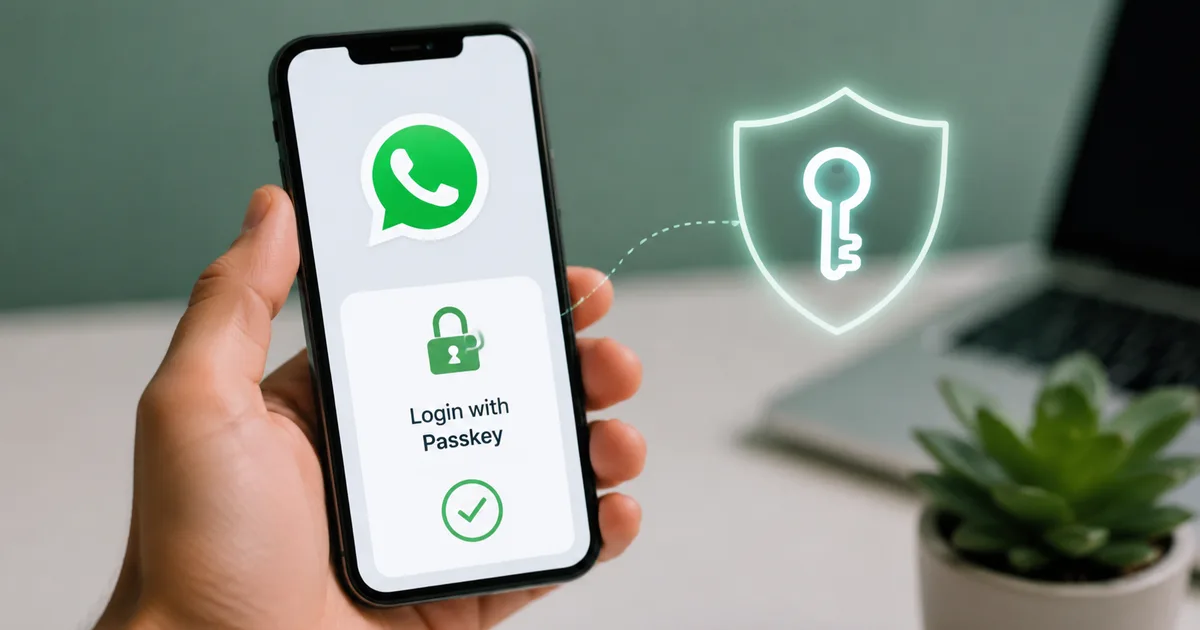
Passkeys are different. Instead of sending a code over a network, a passkey uses the security hardware already built into your phone. When you set up a passkey, your device generates two cryptographic keys. One stays on your phone, locked inside a secure chip. The other goes to WhatsApp's servers.
To log in, the server asks your phone to solve a math puzzle. Only the key on your phone can solve it. But to access that key, you have to prove you're the owner. You do this using your fingerprint or a face scan. A screen lock PIN works too. That's it. No codes sent through the air. No SMS to intercept.
This means a hacker sitting in another city can't log into your WhatsApp, even if they somehow steal your phone number. They'd physically need your phone and your fingerprint to get in. It completely kills the remote OTP scam model.
How to setup passkeys and secure your account without OTPs
You probably want to turn this on right now. The process takes about thirty seconds. Make sure your phone software is updated.
For Android phones
Make sure you have the latest version of WhatsApp from the Google Play Store.
- Open WhatsApp and tap the three dots in the top right corner.
- Go to Settings, then tap Account.
- Tap on Passkeys.
- Hit the Create a passkey button.
- Your phone will ask you to authenticate using your fingerprint or screen lock.
That's all. The next time you install WhatsApp on a new Android phone, it'll ask for your fingerprint instead of sending an SMS.
For iPhone users
Apple users get this feature too. It's integrated directly with Face ID and iCloud Keychain.
- Open WhatsApp and tap the Settings gear at the bottom right.
- Tap Account and select Passkeys.
- Tap Create a Passkey.
- Face ID will scan your face to confirm.
Your passkey is saved to iCloud. If you buy a new iPhone, your iCloud account pulls the passkey, scans your face, and logs you right into WhatsApp. No typing numbers.
What this means for WhatsApp Web and companion devices
Using WhatsApp on a computer has always been a bit clumsy with the QR code scanning. The 2026 update makes this smoother but also brought some temporary bugs. I'm not sure exactly why it broke, but recently, many users found themselves redirected to Facebook when trying to scan a passkey for WhatsApp Web. Meta is fixing this backend issue. The goal is clear though. They want you to approve Web logins with a fingerprint on your phone rather than relying entirely on QR codes.
And there's good news for tablet owners. You can finally use an iPad as your primary device. This ties into the new Meta Account infrastructure. It's meant to be a simpler way to access your apps across their ecosystem. If your phone battery dies, your iPad or Android tablet can keep running your main WhatsApp account independently. It's secured by its own local passkey.
The username update and spam prevention
Along with passkeys, WhatsApp is slowly rolling out usernames. This means you won't have to share your phone number with a local shopkeeper or a delivery driver just to send them a location. You can just give them a username. But there's a catch. If anyone can message your username, you might get flooded with spam.
To fix this, there's a new feature you need to know about. If you're using a WhatsApp username, turn on the specific privacy key to prevent spam from strangers. This setting ensures that people who don't have your actual phone number can't initiate a voice or video call with you. Their messages get filtered. I think this is a smart move. Without it, our inboxes would look exactly like our SMS spam folders. Just full of fake job offers and loan scams.
Google adds new Android controls for backups
Security isn't just about logging in. It's also about your chat history. You probably back up your chats to Google Drive. Historically, those backups weren't end-to-end encrypted by default. Google is adding new Android controls for WhatsApp backups and password transfers. This makes it much easier to manage your encryption keys directly from your Google account settings. (Annoying it took this long, I know).
If you switch from a Samsung to a OnePlus phone, the transfer process is smoother now. You scan a QR code between the two devices. The chats transfer over Wi-Fi. It's faster than downloading a 5GB backup from the cloud. And it's entirely local. Your data never touches a server during the move. This local transfer combined with passkeys makes setting up a new phone far less stressful.
Vi and Meta's password-less push
Telecom operators are also involved in this shift. Vi (Vodafone Idea) recently partnered with Meta to bring more password-less authentication to WhatsApp and Facebook, plus Instagram. This matters because telecom networks have historically been the weak link in security. By pushing passkeys, Vi reduces the load on their SMS infrastructure. It cuts down on customer complaints about delayed or stolen OTPs. I expect Jio and Airtel will announce similar deep integrations soon.
The true SIM binding debate
You might wonder why WhatsApp can't just check if the physical SIM card matches the account, the way UPI apps like PhonePe and GPay do. This is called true SIM binding. For a deeper dive into telecom security, visit our explainer on true SIM binding.
The government and cybersecurity experts have debated this for years. A recent report highlighted that true SIM binding for messaging apps is technically infeasible right now. UPI apps can do it because they interface directly with Indian banks and the National Payments Corporation of India under very strict, localized regulations. The NPCI dictates exactly how the device fingerprinting and SMS verification must happen.
WhatsApp, on the other hand, is a global platform used by billions. Building a backend system that verifies physical SIM presence across hundreds of different telecom operators worldwide, from Jio in India to Vodafone in the UK, is a massive engineering hurdle. Different telecom operators have completely different APIs and security standards. Plus, there are privacy concerns about giving an app constant, low-level access to your SIM hardware. Passkeys offer the same or better level of security without requiring direct access to telecom network data. They rely on the phone hardware. Apple and Google already secure this at the operating system level.
What happens if you lose your phone?
This is the first question everyone asks when they hear about hardware keys. If your passkey lives on your phone, what happens when you leave that phone in an auto-rickshaw? Do you lose your WhatsApp forever? The short answer is no.
Because your passkey is backed up to your Google Password Manager on Android or iCloud Keychain on an iPhone, it isn't trapped on the physical device. When you buy a replacement phone and log into your Google or Apple account, your passkeys sync automatically. You just open WhatsApp, scan your face or use your new fingerprint, and you're back in. You still retain control. But you must make sure your main Google or Apple account is secure. If a scammer hacks your Gmail, they could theoretically access your synced passkeys. Always use strong security on your primary email.
What about older devices?
There's a reality check here for a large chunk of Indian users. Passkeys require relatively modern hardware. Your phone needs a secure enclave chip. If you're using a very old Android phone running a version from six years ago, you might not see the passkey option in your settings. For those users, the standard SMS OTP system remains active as a fallback. Meta isn't shutting off SMS completely tomorrow. But the writing is on the wall. The industry is moving away from text messages for security. Eventually, older phones will struggle to support the latest security protocols. If you're using a device that no longer receives security updates, it might be time to consider an upgrade.
Other security settings you still need
Passkeys are great, but they don't solve everything. You still need to lock down other parts of your account. In my experience, relying on just one feature isn't enough. Check out our guide on setting up two-step verification for more details.
- Turn on Two-Step Verification. This adds a custom PIN that WhatsApp asks for randomly. Even if someone bypasses the passkey, they cannot guess this PIN.
- Silence Unknown Callers. Go to Settings, Privacy, and Calls. Turn this on. It stops international spam rings from ringing your phone at 3 AM.
- Use Chat Lock. For sensitive conversations, like sharing your Aadhaar number or bank details, use the Chat Lock feature. It hides the chat behind your fingerprint.
- Turn off automatic media downloads. Scammers sometimes send malicious files disguised as images. Make sure you manually tap to download photos from people you do not know.
Why hardware security matters now
Passwords and OTPs are slow and incredibly vulnerable. The move toward hardware-backed security is necessary. As more banking apps and government portals like DigiLocker start adopting passkeys, we'll see a massive drop in basic phishing scams. The numbers here are a bit fuzzy, but the impact is real.
If you haven't set up a passkey yet, do it today. It takes less than a minute. It's the single best way to protect your account right now. Check your settings. Update your app. Stop relying on text messages to keep your data safe. If you see anything sketchy, remember you can always report cyber fraud to the national helpline at 1930 or via the cybercrime.gov.in portal.
Using passkeys is the most effective way to eliminate OTP interception and secure your primary communication apps against remote takeover attempts.