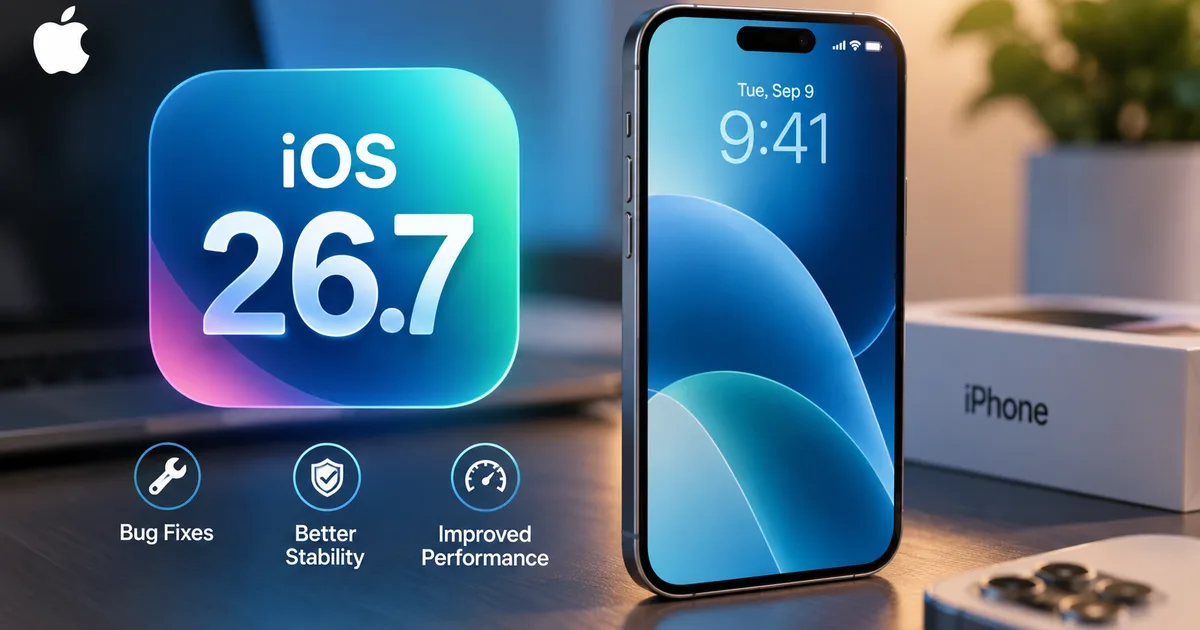
The Apple iOS 26.7 update 2026 is here, and honestly, it's the most important boring patch you'll install this year. You woke up today, September 15, saw the notification on your iPhone, and probably thought it was the big iOS 27 release. After all, the internet is flooded with talk about the new Siri AI and Apple Intelligence. But when you opened your Settings app, the default download waiting for you was iOS 26.7, with iOS 27 tucked away at the bottom of the screen.
I see this happen every year. Apple drops a massive new operating system. But they also drop a minor patch for the older system on the exact same day. They do this because jumping to a brand new OS on day one is risky (which makes sense, actually). Many of us use our iPhones for everything from scanning UPI QR codes at the local kirana store to managing our entire business. You can't afford for your banking apps like SBI YONO or HDFC to just crash. They aren't optimized for iOS 27 yet. So Apple gives you a choice.
Here's the deal with iOS 26.7. It has zero new features. You won't find a new wallpaper or any AI tricks. What it does have is security fixes. And a lot of them. MacRumors reported that iOS 27 and iOS 26.7 fix more than 100 security bugs combined. In my experience, this is an essential update for anyone who wants to keep their data safe but isn't ready to deal with version 1.0 bugs.
What exactly is inside the Apple iOS 26.7 update
Like I said, this is purely about security. Over the past few weeks, security researchers and attackers found vulnerabilities in the iOS 26 framework. Apple has patched these holes. This is standard procedure. We often see the Indian government's cybersecurity agency, CERT-In, issue high-severity warnings for Apple devices. They usually recommend updating to the latest software immediately. This prevents hackers from executing arbitrary code on your device.
The specific release notes are brief.
This update provides security fixes for your iPhone and is recommended for all users.But digging into Apple's security support documents reveals a massive list of patches. CERT-In hasn't issued a specific bulletin for this exact patch today. Still, the sheer number of fixes included makes this a mandatory install in my book.
When you're dealing with financial apps and DigiLocker for your Aadhaar and PAN cards, security isn't something you ignore. Apple states clearly that these updates fix issues that could allow apps to access user-sensitive data. Or they could execute code with kernel privileges. You don't want that. If you decide to stay on iOS 26 for the next few months, iOS 26.7 is what protects you.
Why you are seeing two updates on your screen
If you go to Settings, then General, and then Software Update, you'll see a slightly weird layout. At the top, in the main section, iOS 26.7 is the primary update. Down at the bottom, there's a separate section that says "Also Available" with iOS 27. Apple designed it this way on purpose.
They know that major updates like iOS 27 often have teething problems. Battery drain is usually terrible for the first few days as the phone re-indexes your files. Some third-party apps might stutter or freeze. Look, for a lot of people in India who rely on their phones for daily wages or business communication on WhatsApp, a day of bad battery life is a total mess. By putting iOS 26.7 front and center, Apple is offering a safe harbor. You get the security benefits of the new patches without the risks of the new architecture.
I honestly think this is a smart move.
It allows early adopters and tech enthusiasts to scroll down and grab iOS 27. Regular users who just want their phone to work exactly how it did yesterday can tap the main button and get iOS 26.7. If you want to know more about the big features in the new OS, you can read our Apple iOS 27 Beta India Rollout: Top Features Explained post. But I'm focusing purely on the safe route here.
List of supported iPhones for iOS 26.7
The good news is that if your phone runs iOS 26 right now, it will run iOS 26.7. Apple hasn't dropped support for any devices with this specific point release. Here is the full list of compatible devices.
- iPhone 15, iPhone 15 Plus, iPhone 15 Pro, and iPhone 15 Pro Max
- iPhone 14, iPhone 14 Plus, iPhone 14 Pro, and iPhone 14 Pro Max
- iPhone 13, iPhone 13 mini, iPhone 13 Pro, and iPhone 13 Pro Max
- iPhone 12, iPhone 12 mini, iPhone 12 Pro, and iPhone 12 Pro Max
- iPhone 11, iPhone 11 Pro, and iPhone 11 Pro Max
- iPhone XS and iPhone XS Max
- iPhone XR
- iPhone SE (2nd generation) and iPhone SE (3rd generation)
If you have an iPhone X or an iPhone 8, you're out of luck. Those devices stopped receiving major updates a while ago. They are stuck on older iOS versions. But for everyone else, the update is ready.
How to decide between iOS 26.7 and iOS 27
This is the question everyone asks me on update day. Should you take the plunge or play it safe?
Here's my honest advice. If you have an older device like an iPhone 11 or iPhone 12, stick with iOS 26.7 for now. Major new operating systems are heavy. They need more RAM and processing power. Apple optimizes them well. Still, you'll almost certainly notice a slight dip in performance and battery life on a four-year-old phone. Give it a month. Let Apple release iOS 27.1 or 27.2 to iron out the bugs. Then upgrade.
If you have an iPhone 15 Pro or a new iPhone 16 series device, you might want to consider iOS 27. The big selling point of iOS 27 is Apple Intelligence and the new Siri AI built with Google Gemini. According to AppleInsider, Siri can now use your personal context, like pulling up photos from a specific trip. But here's the catch. Those AI features require the newer processors. If you have a standard iPhone 15 or anything older, you don't get Apple Intelligence anyway. So rushing to iOS 27 on those devices gives you a few visual changes but none of the headline features.
For most Indian users, iOS 26.7 is the smart choice today. Especially if your life revolves around a few main apps that must not break. You can always upgrade to iOS 27 next week or next month. There's no rush. You can keep an eye on our Latest Tech News section to see if people are reporting major bugs with iOS 27 before you make the switch.
Step by step guide to downloading the update in India
Updating is straightforward. Doing it wrong can cause headaches, though. The file size for iOS 26.7 will vary depending on which iPhone you have and what version you're currently running. Just expect it to be around a few hundred megabytes.
Here's how you do it safely.
First, back up your phone. I can't stress this enough. Even minor updates can fail. If the power goes out and your Wi-Fi drops halfway through, you could lose data. Go to Settings, tap your name at the top, select iCloud, then iCloud Backup, and tap Back Up Now. Or you can plug it into your Mac or PC and back it up locally.
Second, check your battery. Apple requires you to have at least 50 percent battery to install an update, or 20 percent if the phone is plugged into a charger. I always recommend plugging it in. We all know how unpredictable power cuts can be in India. Relying on a worn-out battery during a system update is sketchy at best.
Third, connect to a solid network. You can download this over a good Jio or Airtel 5G connection if you have enough daily data allowance. The update isn't huge. But if you're on a 1.5GB per day plan, it might eat up a chunk of it. Wi-Fi is generally safer.
Once you're backed up and plugged in, follow these steps. Open the Settings app. Tap on General. Tap on Software Update. The screen will refresh. You'll see iOS 26.7 listed prominently. Simply tap Download and Install. You'll need to enter your passcode. After that, just leave the phone alone. It will download the file, prepare the update, and restart. You'll see the Apple logo and a progress bar. The whole process usually takes about fifteen to twenty minutes.
Will iOS 26.7 drain your battery?
Every single time Apple releases an update, my WhatsApp is flooded with messages asking if it will ruin battery life. We saw this with the Apple iOS 26.6.1 Update Rollout in India last month. People are asking it again today.
Here's the truth. Right after you install any update, your iPhone does a lot of background work. It re-indexes files for Spotlight search and cleans up caches. This process uses the processor heavily. That uses the battery. For the first 24 to 48 hours after you install iOS 26.7, your battery might drain a bit faster than normal. Your phone might even feel slightly warm.
This is completely normal. Don't panic. And don't start disabling all your background app refresh settings. Just use your phone normally. After a day or two, the background tasks will finish, and your battery life will return to what it was before. Since iOS 26.7 is just a security patch and doesn't introduce new background services, it won't have any long-term negative impact on your battery life. In fact, if you've been holding off on updating for months, installing this might actually improve things. It can fix older bugs that were secretly eating your power. So plug it in tonight and let it do its thing.
What to do if the update fails to install
Sometimes things go wrong. If your phone gets stuck on "Preparing Update" for more than an hour, don't panic. Or if it throws an error message saying the update can't be verified, just breathe.
The most common reason for this in India is network fluctuation. The phone downloaded a corrupted file because the connection dropped for a split second. The fix is simple. Open Settings, go to General, then iPhone Storage. Scroll down the list of apps until you find the iOS 26.7 update file. Tap it, and hit Delete Update. Once it's deleted, restart your phone. Then go back to Software Update and try downloading it again from scratch.
Another common issue is lack of storage space. Even though the download might only be 500MB, the phone needs space to unpack the files and install them. If you have less than 2GB of free space, you'll run into problems (annoying, I know). You might need to delete some old WhatsApp forward videos or uninstall a few games to make room. If you're struggling with storage, you can check out some of the AI Tools & Software that help clear duplicate photos. Honestly, just deleting large videos from your gallery is the fastest way.
This update cycle is interesting. It shows Apple acknowledging that not everyone wants the newest software immediately. By providing iOS 26.7 alongside the major release, they offer a practical solution for people who value stability over new features. I'm not sure exactly why they started doing this so consistently, but it works. It's a smart approach to software management. I highly recommend you take advantage of it if you rely heavily on your phone for daily tasks. Install iOS 26.7 tonight. Go to sleep. And wake up with a more secure phone tomorrow.