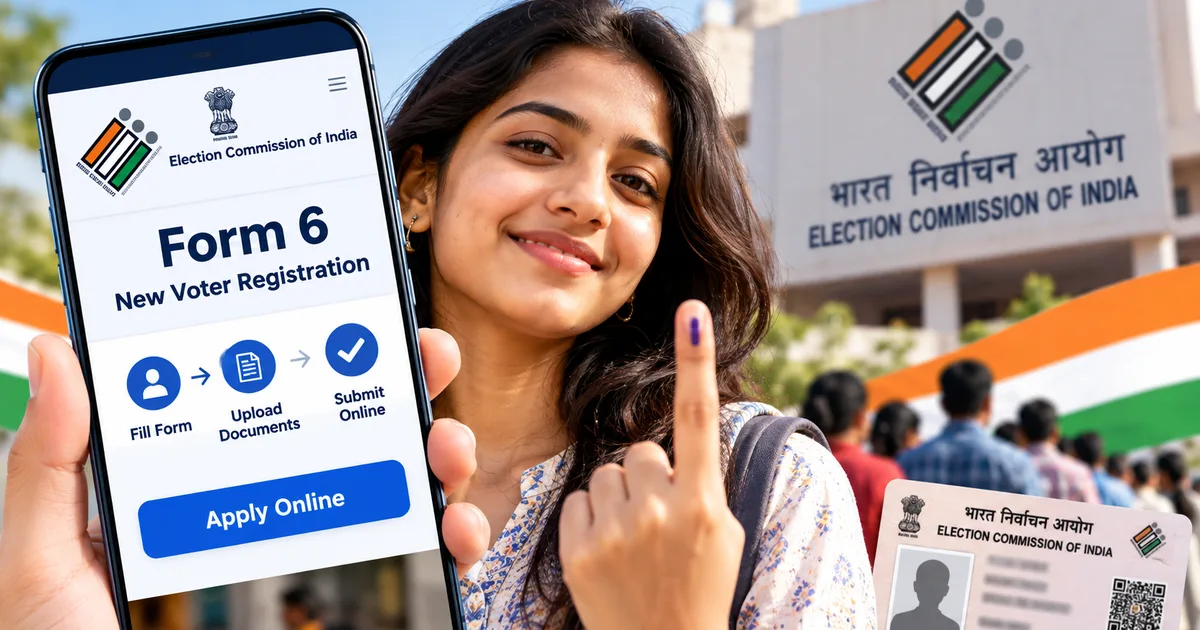
Sorting out your voter ID card used to involve tedious paperwork and slow visits to government offices. While the process moved online, recent administrative updates caught many first-time voters off guard. The ECI Form 6 voter registration 2026 workflow on the official Election Commission portal now has updated verification prompts and family mapping questions. Knowing how to navigate these fields saves you from unnecessary rejections.
I helped my cousin finish this exact screen workflow last week. It was a headache. What used to take twenty minutes dragged on because of new questions about family roll mapping (annoying, I know). In my experience, once you know what the portal wants, finishing up is pretty simple.
What changed in the revised Form 6 for 2026
Here's the deal: back in July 2026, the Election Commission changed the standard Form 6 declaration on its ECINet portal. Under the new declaration, you face questions asking whether you or your parents were included or mapped in earlier Special Intensive Revision (SIR) electoral rolls. That single update sparked intense debate across the country. And people are still arguing about it.
In fact, the dispute went straight to the Supreme Court. On October 12, 2026, a bench heard a petition filed by Priya Mishra. Chief Justice of India Surya Kant sat on that bench with Justice Joymalya Bagchi, plus Justice V Mohana. The court clarified it hadn't approved or rejected the revised Form 6 alterations. Justice Joymalya Bagchi pointed out that when the May Bihar SIR verdict came down, the new Form 6 didn't exist yet, so the court hadn't ruled on its legality. The bench set a detailed hearing for October 27, 2026.
The Supreme Court clarified on October 12, 2026, that it has neither approved nor rejected the modified Form 6 declarations, keeping the legal question open for examination on October 27.
The changes caused friction inside Nirvachan Sadan, too. The Indian Express revealed that Election Commissioners Sukhbir Singh Sandhu and Vivek Joshi recorded 14 objections over ten months to decisions under Chief Election Commissioner Gyanesh Kumar. I'm not sure why top leadership pushed it, but both warned against centralising database control in Delhi away from state election officials. It was a mess behind closed doors. If you follow our latest tech news, you know how often architectures shift when centralized systems replace decentralized setups.
So what does that actually mean for you sitting in front of your laptop? Basically, you'll run into extra declaration checkboxes about your family residency history. Don't panic. You can still get your registration done cleanly, provided your standard residential documents match your actual address.
Documents you need before opening the portal
Before you sit down to fill out the form, get your digital files ready. Hunting for papers midway causes browser timeouts, and starting over is annoying. If you ask me, keeping your scans in one folder beforehand saves real time. You only need three items here, all saved as JPG or PDF files under 2 MB each.
Here's what the portal accepts for verification:
- One clear passport-size photograph with a white background, saved in JPG or JPEG format under 2 MB.
- One valid proof of age or identity, such as your Aadhaar card, Indian passport, PAN card, driving licence, or Class 10 board passing certificate.
- One valid proof of ordinary residence, such as your electricity bill, water bill, gas connection receipt, bank passbook, or registered rent agreement.
If you upload your Aadhaar, make sure the printed address matches where you live right now. Living in rented flats in Bengaluru or Pune while your Aadhaar shows a hometown address happens all the time (annoying, but true). Just use a registered rent agreement or utility bill instead. Much like our RRB JE registration guide notes, clean scans prevent verification delays.
Step-by-step guide to apply for voter ID card online using Form 6
The Election Commission runs voter services through one unified portal. No agents needed. You don't have to hire anyone or use sketchy apps when you can finish the whole application right from your browser.
-
Step 1: Create your account on the official portal
Head to voters.eci.gov.in in your browser. Click 'Sign-Up' in the top right corner. Enter your 10-digit Indian mobile number with your email address, then solve the captcha. You'll get a 6-digit OTP on your phone. Type that OTP in, pick a password with a special character, and hit submit.
-
Step 2: Open Form 6 from the service dashboard
Log in using your mobile number and password. On the main dashboard, you'll spot a blue card that says 'New registration for general electors (Form 6)'. Click 'Fill Form 6'. The portal pulls up the application right away, showing section tabs from A to L running down the left panel.
-
Step 3: Select your state, district, and assembly constituency
Section A covers geographic details. Pick your state and district first, then choose your Assembly Constituency from the dropdown menus. If you're unsure which constituency covers your street, check your municipal ward boundary. Honestly, in my experience, picking the wrong assembly seat is why forms get stuck for months. Double-check your booth area before moving on.
-
Step 4: Enter your personal and contact details
Sections B and C cover your identity. Type your first name and surname in English, plus any middle name. Once you hit Tab, the portal automatically transliterates your name into your state's official language in the box beside it. Check that regional spelling carefully (spelling slips happen constantly). In Section C, pick your relative type and enter their full name. Add your mobile number for status alerts, and optionally enter your Aadhaar number.
-
Step 5: Fill your residential address and upload documents
Section E asks for your complete residential address: house number, street, locality, town or village, post office, PIN code, tehsil, and district. Section F is where you attach your address proof. Click 'Choose File' beside the upload box, pick your file, and select the matching document type from the dropdown menu. Next, upload your passport photo under Section D. Make sure your face is clear without sunglasses or caps.
-
Step 6: Complete the declaration and SIR ancestry prompts
Section L contains the revised 2026 declaration. State how long you've lived at your current address. Next, answer the prompts about whether your parents were mapped in earlier Special Intensive Revision rolls. If applying from your family home, give your parent's EPIC number if you have it. If you moved out on your own, state your old address honestly. Enter your place of application and solve the captcha. Then click 'Preview and Submit'.
Once you hit submit, a pop-up window shows a read-only preview of your whole Form 6. Scan every line. Seriously, don't rush this part. If you spot a typo in your birth date or flat number, click 'Keep Editing' to fix it. If everything looks right, click 'Submit'.
How to track Form 6 application status online
The second you submit the form, the portal generates an official acknowledgement. A pop-up right on screen shows your 14-digit reference number, and the system shoots an identical SMS to your mobile phone. Save it. Take a quick screenshot of that pop-up or write the reference number down in your notes immediately.
To track where your form stands over the next few weeks, here's what to do:
- Visit voters.eci.gov.in and click the green 'Track Application Status' tile on the homepage.
- Enter your 14-digit reference number in the search field.
- Select your state from the dropdown menu and click 'Submit'.
The screen shows a timeline with four stages: Submission, Appointment of Booth Level Officer (BLO), Field Verification, and Accepted or Rejected. Field verification is where your local BLO might call your mobile or stop by your house to check you live there (which is standard procedure, really). Have paper copies of your address proof and Aadhaar ready. In my experience, tracking your voter status works just like our UP scholarship registration guide, where a unique reference code lets you monitor verification without visiting government desks.
Once the final stage turns green and reads 'Accepted', the portal generates your unique 10-character EPIC number. That's your voter ID. From there, you can download your official digital card right away using the 'e-EPIC Download' button on the same dashboard.
Watch out for voter registration fee scams
Look, let me be blunt: applying for Form 6 is completely free. Zero rupees. The Election Commission never asks for cash for submitting your form, nor do they charge for card delivery.
Yet cyber fraud rings across India exploit first-time applicants. The numbers here are a bit fuzzy, but scam complaints keep rising. Fraudsters set up sketchy clone sites that look like the official portal, running paid search ads to trap people. Once on these pages, fake screens demand ₹150 to ₹300 through UPI for express verification or plastic card printing. Other applicants get WhatsApp messages claiming their Form 6 was frozen over missing SIR papers, complete with a shady payment link.
Don't pay a paisa. Official voter ID work never involves fees. If you accidentally sent money, report it right away at cybercrime.gov.in or dial the 1930 emergency helpline. To stay ahead of traps like this, check our regular cyber scam alerts coverage.
Practical tips to ensure your application gets approved
Rejections usually come down to small clerical oversights rather than eligibility issues. In my experience, helping family and neighbours register taught me that three simple mistakes cause most rejections.
A few quick checks before submitting save you headaches:
- Ensure your name spelling matches across both your photo ID and your school certificate. If your Aadhaar has an abbreviated middle name while your birth certificate spells it out in full, enter the exact format recognized on your primary identity paper.
- Do not upload blurry mobile photos of your paperwork. If an election official cannot read the street name on your electricity bill, they will reject your Form 6 without second thought. Use a free mobile scanner app to generate flat, readable scans.
- Answer your phone if an unknown landline or mobile calls within two weeks of your application. That is usually your local Booth Level Officer attempting to schedule your in-person address verification. Missing that call often results in a status update marked 'Applicant unavailable at address'.
If you need help with other digital portals, check out our practical tech guides covering public services across India.