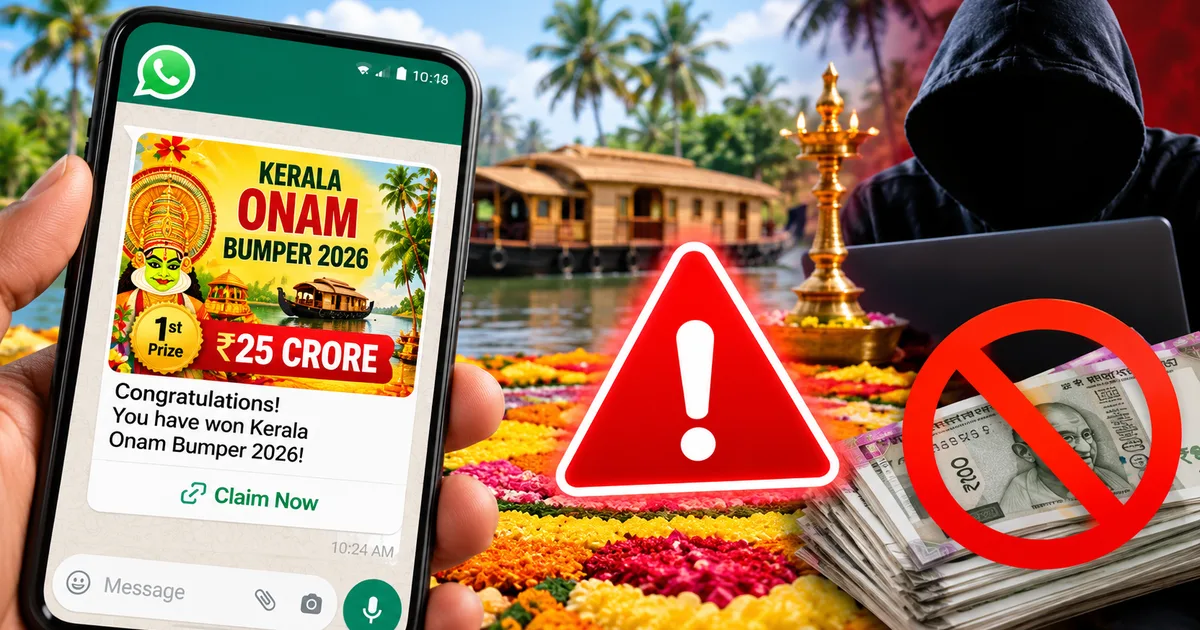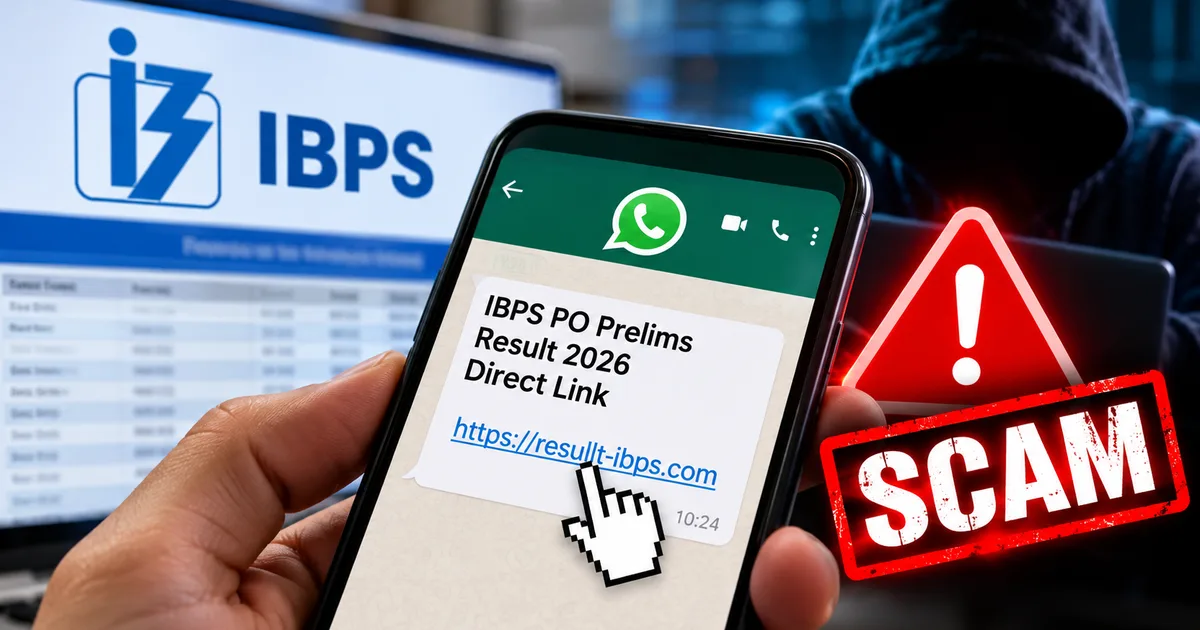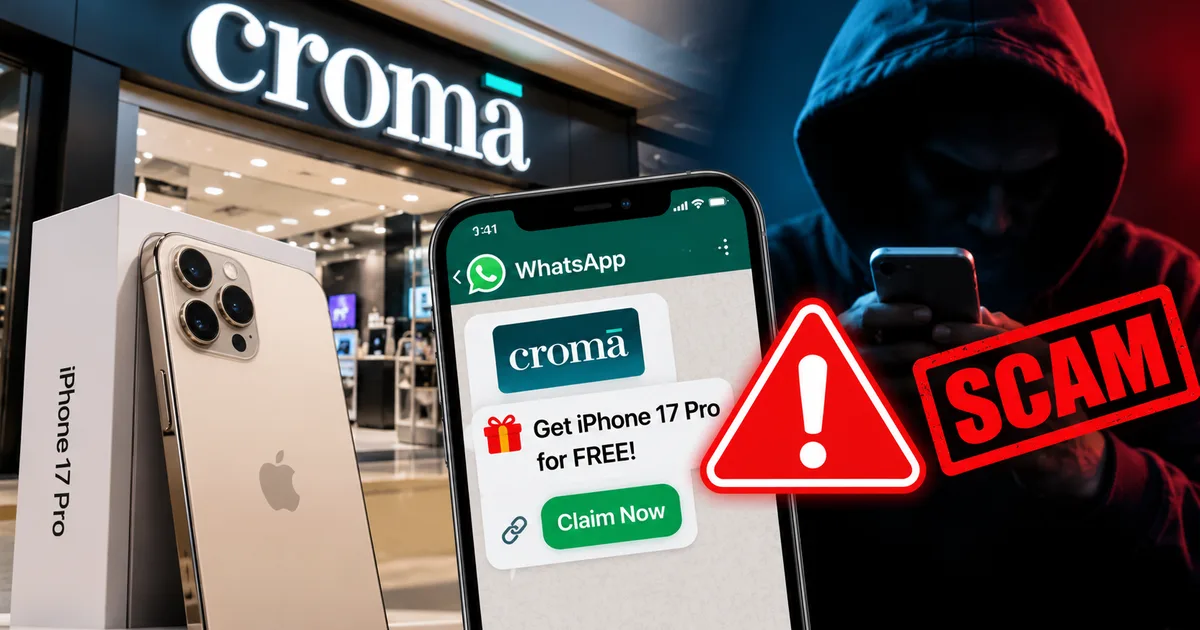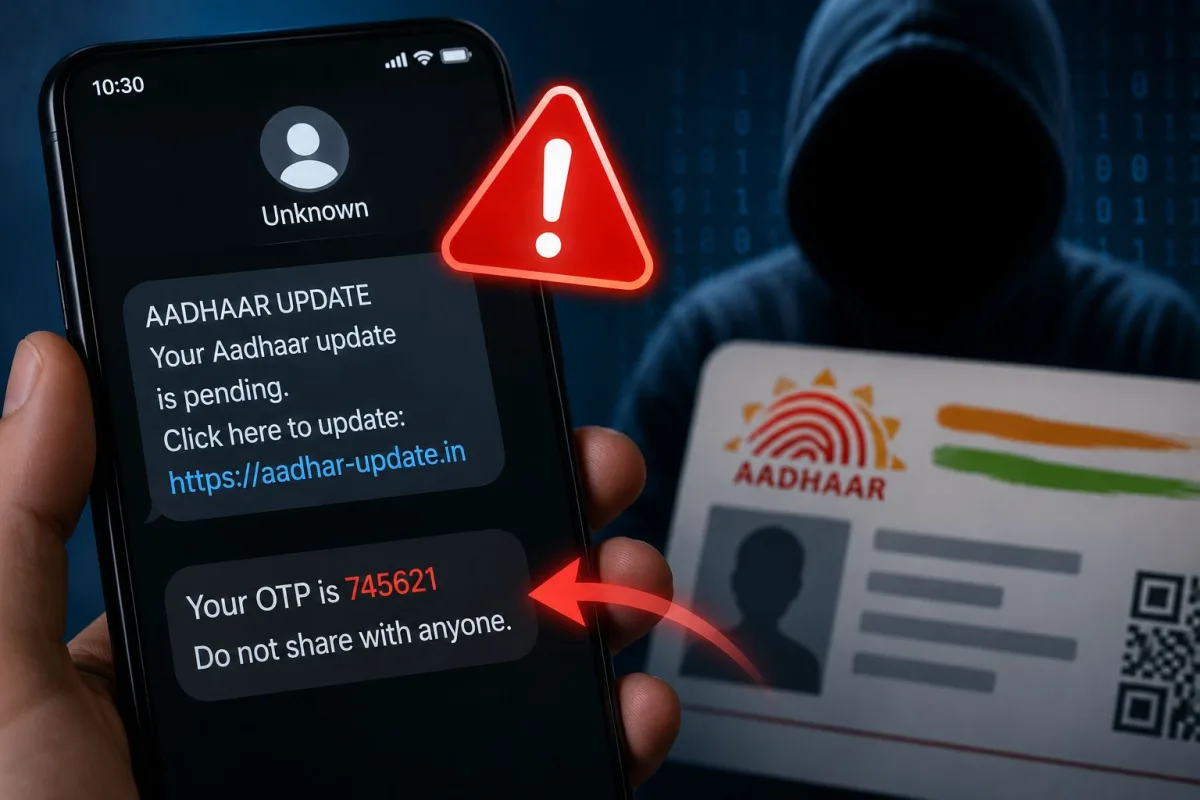
Your phone buzzes. "Your Aadhaar is not linked to your SBI account. Update immediately or your account will be blocked." The message looks official. There's a link. This is a fake Aadhaar update SMS scam, and in 2026, it's become one of the most effective ways fraudsters are draining bank accounts across India.
The Times of India reported that police busted an AI-enabled Aadhaar fraud racket in early 2026, arresting four people who used exactly this type of social engineering to steal from hundreds of victims. Business Standard separately flagged a government advisory warning about the SBI YONO version of this scam. And PM Modi, addressing rising digital fraud, warned citizens: "Do not share OTP or Aadhaar details with anyone."
None of this is abstract. These SMSes are landing on real phones right now.
What the fake Aadhaar SMS actually looks like
The message typically claims to be from UIDAI, SBI, your mobile operator, or just "Government of India." The wording varies but the urgency never does. Some versions being circulated:
- "Your Aadhaar card has not been updated. Your bank account will be suspended within 24 hours. Click here: [link]"
- "UIDAI: Your Aadhaar OTP has been requested. If this wasn't you, call [fake number] immediately."
- "Dear Customer, your SBI YONO app will be blocked. Update Aadhaar KYC now to avoid disruption."
- "The SIM card purchased using your Aadhaar ID has been misused. To protect your account, verify now."
That last one is particularly nasty because it triggers genuine panic. The claim is completely false. UIDAI has explicitly said Aadhaar is not invalidated based on SIM card misuse. But fear makes people click before they think.
Many of these messages now arrive via WhatsApp too, complete with a UIDAI logo and official-looking formatting. The scam has spread well beyond SMS. If you want to understand how WhatsApp-based fraud works more broadly, the scam alerts section has several related guides worth reading.
How the OTP phishing scam works, step by step
This isn't random. There's a predictable sequence once you engage.
- The hook: You get the SMS with a link or phone number. The link usually goes to a fake site copying the look of myaadhaar.uidai.gov.in or a fake SBI YONO page. The design is almost pixel-perfect.
- Personal data collection: The fake site asks for your Aadhaar number, name, date of birth, and mobile number. You think you're "verifying" your identity. You're handing over your personal details to a criminal.
- OTP phishing: The site says "an OTP has been sent to your registered mobile." What's actually happening: the fraudster is using your Aadhaar number on a real service, maybe a loan app or a UPI registration, and triggering a real OTP. When you type that OTP into their fake site, they use it instantly on the real platform.
- Account takeover or loan fraud: With your Aadhaar OTP verified, they can register new UPI handles, take out instant loans through AePS or NBFC apps, or complete KYC on lending platforms in your name.
- SIM swap follow-up: In more sophisticated attacks, the Economic Times has documented this pattern, fraudsters also attempt a SIM swap with your mobile operator after getting your Aadhaar details. Once your SIM is swapped, every OTP goes to them. Your bank account is effectively open at that point.
The entire sequence from first SMS to money gone can happen in under 30 minutes. That's not an exaggeration.
Warning signs of an Aadhaar SMS scam
Some of these are obvious in hindsight. Less obvious when your heart rate is up because a message just told you your bank account is about to be blocked.
- The SMS sender ID looks slightly off. "VM-UIDAIX" instead of "VM-UIDAI", or an unfamiliar alphanumeric code.
- The link doesn't end in .gov.in. Real UIDAI URLs end in uidai.gov.in. Real SBI URLs end in sbi.co.in. Anything else, "uidai-update.in", "sbi-kyc.com", "verify-aadhaar.net", is fake.
- Urgency language: "24 hours", "immediately", "account will be blocked today."
- You're asked to enter an OTP you didn't request yourself.
- Someone calls after the SMS claiming to be from UIDAI, SBI, or your telecom company, asking you to "confirm" the OTP over the phone.
- The message asks you to download an APK file to "update your Aadhaar." This is almost certainly malware.
CERT-In has repeatedly flagged that fraudsters are using APK-based malware delivered through fake government service links to gain remote access to devices and intercept OTPs in real time. Full advisories at https://www.cert-in.org.in/
And honestly, the tell I find most reliable: UIDAI never asks you to update Aadhaar via an SMS link. That's just not how it works. Aadhaar updates happen at an Aadhaar Seva Kendra, on myaadhaar.uidai.gov.in (that you type yourself, not click to), or through the mAadhaar app. Full stop. Our explainers section has a plain-language breakdown of how Aadhaar-based authentication actually works if you want the technical side.
How to actually protect yourself
Lock your Aadhaar biometrics. This doesn't get said enough. UIDAI lets you lock your biometric data so it can't be used for authentication without you unlocking it first. Go to myaadhaar.uidai.gov.in or the mAadhaar app, find "Lock/Unlock Biometrics." Once locked, even if someone has your Aadhaar number, biometric authentication is blocked. It takes about two minutes.
Use a Virtual ID instead of your real Aadhaar number. UIDAI's 16-digit Virtual ID works for one-time verification and can be regenerated anytime. Your real 12-digit number stays out of the hands of whoever's running that database you just verified on.
Never follow links from SMS messages for any government service. Type the URL yourself. Bookmark uidai.gov.in, sbi.co.in, incometax.gov.in. Honestly, this one habit alone gets rid of most phishing risk.
Check your Aadhaar authentication history. You can see every service that has used your Aadhaar on myaadhaar.uidai.gov.in under "Aadhaar Authentication History." If you see authentications you don't recognize, especially recent ones, someone may already have your details. Act immediately.
Register on Sanchar Saathi and check all SIMs registered against your Aadhaar. If there are numbers you don't recognize, report them right away. It's the early warning system for SIM swap fraud. You can find a full walkthrough in our step-by-step guides.
Set a UPI daily transaction limit. Most banks let you cap daily UPI transfers. If yours is at the default Rs. 1 lakh, consider dropping it to Rs. 10,000 or Rs. 25,000. Also enable SMS alerts for every transaction above Re. 1. Yes, it's a little annoying (I know, I know). Yes, it works.
The RBI, in new digital payment rules effective April 2026, pushed for stronger device-binding and step-up authentication for high-value transactions, because OTP alone isn't holding up anymore. Worth knowing the system is trying to adapt. But right now, your behavior is the only defense that actually works.
If you've already clicked or shared your OTP
Don't wait even ten minutes. Act right now.
- Call your bank's 24x7 helpline and ask them to freeze your account or block your debit card. SBI: 1800 1111, HDFC: 1800 202 6161, ICICI: 1800 1080.
- Call 1930, the National Cyber Crime Helpline. Available 24 hours. They can coordinate with banks to freeze fraudulent transactions if you report fast enough.
- File a complaint at cybercrime.gov.in. Select "Report Financial Fraud." Keep screenshots and transaction details ready.
- Lock your Aadhaar biometrics immediately via the mAadhaar app.
- Contact your mobile operator to check if a SIM swap was attempted or completed.
- Change your UPI PIN and net banking password from a completely different device, not the one that received the suspicious message.
Speed is everything here. Cyber crime cells have managed to recover funds when complaints were filed within a few hours. After 24 hours, recovery chances drop sharply.
Where to report Aadhaar-related fraud in India
- 1930 helpline: National Cyber Crime Helpline, 24/7, for financial cyber fraud
- cybercrime.gov.in: Online complaint portal for all cyber crimes
- UIDAI helpline: 1947: Specifically for Aadhaar misuse and unauthorized authentication
- Your bank's fraud cell: Ask for the fraud cell specifically, not just general customer care
- Local police cyber crime unit: File an FIR if significant money was lost; you'll need this for insurance claims
One last thought. If someone you know almost fell for one of these messages, don't make them feel foolish. These scams are built by people who do this professionally and test what triggers panic in humans. The language and design are specifically put together to shut down logical thinking. Knowing the pattern is the defense. Now you know it.