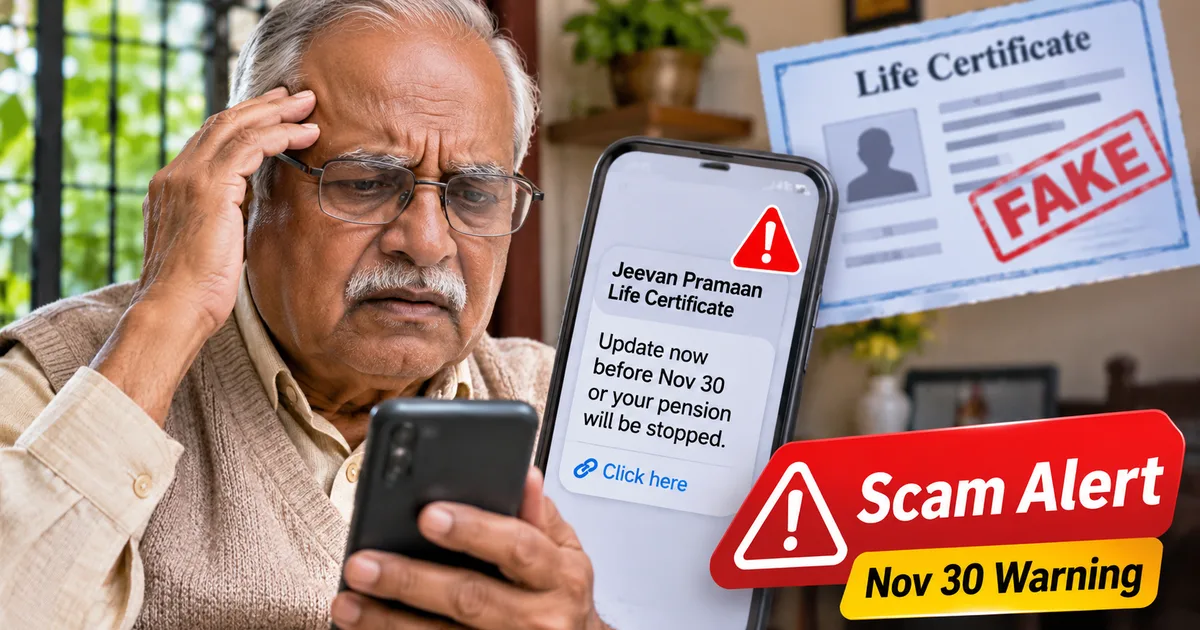
Tomorrow is November 30, and millions of Indian pensioners are rushing to finish their annual verification before banks pause their monthly payouts. Right on cue, scammers are flooding WhatsApp groups, SMS inboxes, Facebook ads, and other social feeds with the fake Jeevan Pramaan life certificate scam. Honestly, the timing isn't an accident.
Look at the recent cases piling up across the country. It's ugly. The Times of India reported a retired bank officer losing Rs 22 lakh in a life certificate scam. Another retired banker lost nearly Rs 13 lakh, according to The Hindu. Upstox covered an Indore pensioner who lost Rs 2 lakh after clicking a sketchy Facebook ad for home collection, and Moneycontrol reported a retired police officer losing Rs 2.40 lakh in a similar scam.
Why do these gangs go after retirees so hard? Because a single pension account often has decades of savings and gratuity money sitting in one spot. If you ask me, it's one of the cruelest scams around. One wrong tap tonight can wipe it out.
What the fake Jeevan Pramaan life certificate scam is
First, let's separate the real system from the scam. Jeevan Pramaan is India's real Aadhaar-based Digital Life Certificate service for central and state pensioners (and EPFO retirees too). Super senior citizens aged 80 and above get an early window starting October 1 every year. Everyone else submits between November 1 and November 30. According to The 420.in, nearly 40 lakh Digital Life Certificates were issued in five days as face authentication caught on.
Thing is, the scam feeds right off that deadline panic. Scammers pretend to be bank managers or pension treasury officials, and sometimes they act like doorstep agents. They tell seniors their certificate is stuck or rejected. Then they push sketchy Android app files, fake login pages, paid home-visit bookings, and whatever else works to steal banking details and drain the account.
The numbers here are a bit fuzzy on how many people got targeted on WhatsApp and Facebook this month, since failed attempts rarely reach a police station. I think the real count is way higher than what makes the news. What's clear is that seniors rushing for the November 30 cutoff are the main target right now.
How the digital life certificate fraud works step by step
Scammers rarely break into Aadhaar servers. Why bother? Basically, they use human panic instead, and the playbook is simple:
- The victim receives a WhatsApp message, SMS, phone call, or sees a sponsored Facebook ad offering instant Digital Life Certificate renewal from home without visiting a bank branch.
- The caller creates panic by claiming the pension will stop on December 1 unless verification happens within the next 15 or 30 minutes.
- Instead of pointing the pensioner to the official portal or Play Store, the scammer sends a malicious Android APK file (often named something like JeevanPramaan_Update.apk) or a lookalike phishing link, a pattern we also flagged in our fake Jeevan Pramaan WhatsApp scam alert.
- Once installed, the fake app asks for permissions to read SMS messages, view contacts, and monitor screen activity, while collecting the pensioner's Aadhaar number, PPO number, date of birth, and bank account details.
- Using the captured OTPs and banking data, the fraudsters quietly transfer funds out via UPI or net banking, often in rapid back-to-back transactions before the victim checks their balance.
This scam is active in big cities and small towns. Hyderabad Cybercrime Police recently stepped in just in time to save a pensioner from a Rs 10 lakh APK scam. Even crazier, Mumbai Police arrested a developer from Indore tied to 2,805 malicious Android apps built to steal money from phone users.
Honestly, search results are a mess right now too. I helped an uncle check his phone last week after he searched for life certificate help online, and in my experience, those top links are a trap. Three sponsored ads and random download buttons sat right above the real government site (annoying, I know), so it's way too easy for someone in their 70s to tap the wrong link.
Warning signs of a fake Jeevan Pramaan call or link
You don't need technical training to spot this scam. Check your phone or your parents' phone for these warning signs, and hang up right away if you see one:
- Someone sends an APK file over WhatsApp, Telegram, or SMS and tells you to tap 'Install anyway' after turning off Google Play Protect.
- A caller demands an urgent processing fee, a Rs 10 token payment, or service charges to activate a free government life certificate.
- You see a Facebook or Instagram ad advertising 'life certificate at home' through a personal 10-digit mobile number instead of an official bank or India Post Payments Bank channel.
- A website asks for your UPI PIN, debit card CVV, ATM PIN, or internet banking password to verify your pension status.
- The caller threatens immediate pension suspension today unless you read out an OTP or install screen-sharing software like AnyDesk or TeamViewer.
- The web link uses a strange domain ending in .com, .in, or .xyz instead of the official .gov.in portal.
Never share an OTP or UPI PIN, and never install a WhatsApp APK file for pension verification. That part's simple. No bank clerk or treasury officer needs to watch your screen remotely to approve a certificate. Anyone asking for screen access is trying to rob you, if you ask me.
How to submit safely and protect your pension
Look, submitting a real Digital Life Certificate from home is easy, and it's completely free if you do it yourself. Based on guidelines from The Times of India and Moneycontrol, all you need for face authentication is an Android phone with internet and a working front camera.
You have to download two official apps straight from the Google Play Store: AadhaarFaceRD and the Jeevan Pramaan Face App. Never get them from a forwarded WhatsApp file. If you want a simple walkthrough before tomorrow's deadline, read our guide to submit Digital Life Certificate online without relying on unknown callers.
Critical safety rule: No bank or government office sends Jeevan Pramaan software as a WhatsApp APK attachment. Official Aadhaar and pension apps are only distributed through verified app stores or jeevanpramaan.gov.in.
And if smartphone face scanning gets frustrating, just skip it.
Poor room lighting on older phones can make the scan fail three times in a row (which makes sense, actually). Go to your bank branch or a nearby Common Service Centre (CSC) instead. You can also book India Post Payments Bank's doorstep service through their official helpline or the postman you already know.
Spend five minutes tonight locking down your parents' phones too. Open Android Settings and turn off 'Install unknown apps' for WhatsApp and Chrome, then make sure Google Play Protect is on. I think checking their phones once a month helps, and you can also browse our Scam Alerts & Safety section or our how-to tech guides to walk through common UPI and KYC traps over chai.
Where to report fake pension scams immediately
If you or someone in your family already clicked a sketchy link, installed an APK file, shared an OTP, or gave out a PIN, every minute counts. The first 30 to 60 minutes matter most. That's when banks still have a real shot at freezing stolen money before scammers pull it out of mule accounts.
Do these four things in order right now:
- Call the national cybercrime helpline at 1930 immediately to log a financial fraud freeze request.
- File a full written complaint at cybercrime.gov.in with screenshots of the WhatsApp chat, caller phone numbers, bank transaction IDs, and the fake website URL.
- Call your bank's official customer care number printed on the back of your debit card to block net banking, UPI, and card transactions on that account.
- Switch off Wi-Fi and mobile data on the affected phone, uninstall any suspicious APK or remote-access app, and run a security scan (or factory reset the device after backing up photos).
So watch advisories from CERT-In (the Indian Computer Emergency Response Team) when new Android banking trojans circulate, since these APK gangs tweak their file names every few weeks. I'm not sure why more people don't report near-misses. Even if you caught the scam before losing a rupee, don't stay quiet. Reporting that number and link at cybercrime.gov.in still helps police shut down the network before another retiree loses their savings.