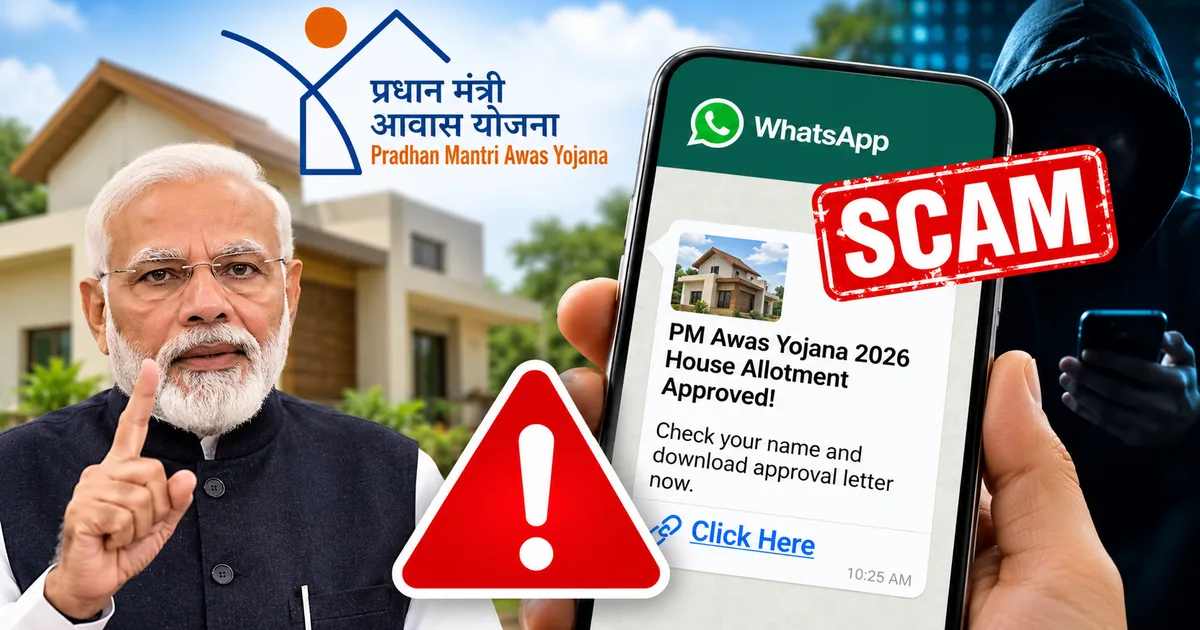
I read a report recently about a 67-year-old accountant in Ahmedabad who lost ₹3.20 crore. That isn't a typo. Over three crores were wiped out from three different bank accounts because of a single WhatsApp message about the Fake PM Awas Yojana (PMAY) 2026 House Allotment Approval WhatsApp Link Scam. Honestly, this is one of the most destructive financial frauds circulating in India right now.
The scammers aren't just sending phishing links anymore. They're sending malicious files disguised as government approvals. People think they're getting a house under the Pradhan Mantri Awas Yojana. But instead, they're handing over complete control of their smartphones to criminals.
I know, you might think you'd never fall for something like this. But the messages are very convincing. They often come from numbers you already know. And the setup is designed to make you act quickly out of excitement (which makes sense, actually). I think you need to understand exactly what this scam is and how these malicious files operate on your phone. You also need to know how to protect your money.
What exactly is the PM Awas Yojana WhatsApp APK scam
This fraud relies entirely on a deceptive file format known as an APK. Basically, an APK is simply an Android application package. It's the exact file format used to install apps on Android phones. Usually, you download apps directly from the Google Play Store. The Play Store handles the APK installation safely behind the scenes. But scammers are bypassing the Play Store entirely. They're sending these APK files directly through WhatsApp.
They rename the file to look like an official document. You might see a file named "PMAY_Allotment_List_2026.apk" or "PM_Awas_Approval_Letter.apk".
The text message with the file usually claims your name is approved for a house allotment. Or it says you got a subsidy under the government's housing scheme. They tell you to open the attached file to view your official approval letter or check the allotment list.
This isn't a new trick. We've seen similar tactics used in the Fake Pradhan Mantri Awas Yojana (PMAY) 2026 Subsidy Approval SMS Scam: Protect Your Bank Account. But this specific 2026 variant using WhatsApp APKs is far more dangerous. It bypasses normal banking security entirely. You don't even have to enter your PIN on a fake website.
If you click the file, you aren't opening a PDF. You are actively installing a hidden, sketchy app directly onto your phone.
The real-world impact: Crores lost in days
This isn't a theoretical threat. Real people are losing their life savings to this exact trick right now.
Take the case of Dilipbhai Chinubhai Shah. He is the 67-year-old accountant from Ellisbridge in Ahmedabad. According to a complaint filed with the Cyber Cell of the Ahmedabad Crime Branch, he got a WhatsApp message on September 10, 2026. The message came from a person he knew (a local garage owner). It contained an APK file claiming his name was on the PM Awas Yojana list.
He opened the file. He told the police that nothing appeared on his screen. So he assumed the file was broken and simply closed it.
That was all it took. Between September 10 and September 22, the fraudsters executed hundreds of IMPS transactions. They didn't just empty his Punjab National Bank account. Because his mobile number was linked to other accounts, they also drained his wife's Bank of Baroda account. They drained his friend's Bank of India account too.
He only discovered the theft on September 19 when two cheques bounced due to insufficient funds. When he finally checked his banking apps, he found around ₹10,000 left in his account. His wife's account had a mere ₹635. A total of ₹3.20 crore was gone.
If you follow our Latest Tech News coverage, you know this is happening across the country. The Nagaland Police recently had to issue a state-wide alert about a similar malicious APK file. That one masqueraded as a PM Kisan Yojana app.
The State Police stated that the file is being distributed at the district and block levels through various individuals and groups. The police cautioned that once the APK file is clicked and installed, the affected user will lose control over their mobile device.
In Bhopal, police have reported a sharp spike in cybercrime cases linked to these APK files. Scammers there are hiding the malware behind fake e-challans or wedding invitations. They're exploiting routine communications.
How the fraud works step by step
The mechanics of this scam are terrifyingly simple. Here's exactly what happens from the moment you get the fraudulent message.
- You get a WhatsApp message claiming you have been allotted a house under PMAY. The message includes the malicious APK file. Sometimes the message comes from an unknown number. Other times, it comes from a friend or relative whose phone has already been compromised by the same malware, just like the garage owner in Ahmedabad.
- You tap the file to open it. Your Android phone will likely warn you about installing apps from unknown sources. But the scammers include instructions in their text message explicitly telling you to "Allow installation from this source" so you can view your government document.
- Once installed, the app hides itself. It will not show up on your home screen or in your regular app drawer. This is why victims think the file simply failed to open.
- In reality, the app immediately goes to work in the background. It requests permissions to read your SMS messages, monitor your screen, and access your contacts. If you clicked "allow" during the installation process, it has everything it needs.
- With SMS access, the scammers can silently intercept your bank OTPs.
- They initiate IMPS transfers or UPI payments from their end. When your bank sends an OTP to your phone to verify the transaction, the hidden app reads the OTP, forwards it to the scammers, and then deletes the SMS from your phone instantly. You never even see the alert.
- Finally, the app accesses your contact list. It uses your WhatsApp account to send the exact same deceptive message and APK file to everyone you know. This is how the malware spreads so aggressively, creating a chain reaction of compromised devices.
Clear warning signs you should not ignore
You can spot this scam before it does any damage if you know what to look for.
The biggest red flag is the file extension. Government documents and official letters are almost always PDF files. They end in .pdf. They never end in .apk. If someone sends you an APK file on WhatsApp and claims it's a document, it's absolutely a scam. Don't tap it.
Another sign is unexpected messages from acquaintances containing strange files. If your local shopkeeper suddenly sends you a link about a housing scheme out of nowhere, be suspicious. Their phone is likely infected. Call them on a normal voice call to ask if they actually sent it.
Look, you might also notice your phone acting strange. If your battery drains unusually fast, a hidden app might be running constantly in the background. The numbers here are a bit fuzzy, but in my experience, a hot phone is another bad sign.
And obviously, if you start receiving bank alerts for transactions you didn't make, you have a serious problem. The same goes if you completely stop receiving bank OTPs when you try to log into your net banking. It's a mess.
How to protect yourself from WhatsApp APK scams
You have to change how you handle incoming files on WhatsApp. Trusting the sender isn't enough anymore.
Never download or install APK files sent through WhatsApp or SMS. This is the single most effective way to protect yourself. Only install apps from the official Google Play Store or Apple App Store.
Disable the "Install Unknown Apps" permission on your Android phone immediately. Go to your phone settings and search for "Install unknown apps". Make sure this permission is turned completely off for WhatsApp and Chrome.
Be highly skeptical of government schemes shared on social media. The government doesn't send PM Awas Yojana house allotment approvals via WhatsApp APK files. Official information and beneficiary lists are always available on official government websites ending in .gov.in.
Keep up with regular security warnings. CERT-In is the Indian Computer Emergency Response Team, and they frequently issue advisories about these exact types of malware campaigns. You can check their official portal for updates on current threats facing Indian internet users.
If you want to read more about how these specific frauds operate, we cover many of them in our Scam Alerts & Safety section. For instance, you should read about the Fake PM Kisan Maandhan Yojana 2026 Pension Approval WhatsApp Link Scam: Protect Your Bank Account. That scam operates using the exact same malware distribution method.
What to do if you clicked the file
If you realize you've downloaded and installed a sketchy APK file, you need to act immediately. Every minute counts. The longer the app is on your phone, the more money you stand to lose.
- First, turn off your internet connection immediately. Put your phone in airplane mode or manually turn off Wi-Fi and mobile data. This severs the scammer's connection to your device. They cannot initiate new banking transactions or receive your OTPs without internet access.
- Second, call your bank using a different phone. Inform them that your device has been compromised by malware and ask them to temporarily freeze your bank accounts, block your debit cards, and disable your UPI access and net banking.
- Third, you need to remove the malware entirely. Finding a hidden app can be incredibly difficult because scammers are good at disguising them. You can try going to Settings, then Apps, and looking for any application you don't recognize, especially one without an icon. But honestly, the safest and most reliable option is to back up your photos and important files to a computer, and then perform a complete factory reset on your phone. A factory reset will wipe the entire device clean, guaranteeing the removal of the malicious app.
Where to report financial cyber fraud in India
Time is your enemy when dealing with financial cyber fraud.
If money has been deducted from your account, immediately call the national cybercrime helpline at 1930. Don't wait until the morning. The faster you report the unauthorized transaction to the authorities, the higher the chance they can freeze the funds in the banking system before the scammers withdraw the cash.
After calling 1930, you must file a detailed official complaint on the National Cyber Crime Reporting Portal at cybercrime.gov.in. Provide all the relevant details. This includes screenshots of the WhatsApp message and the sender's phone number. You also need to provide your bank statements showing the fraudulent transactions.
You should also report the specific WhatsApp message within the app itself. Long-press the message containing the APK file and select "Report". This helps WhatsApp identify and block the scammer's phone number.
These scams are devastating. The people behind them are organized and highly motivated. They're constantly inventing new ways to trick Indian internet users. I'm not sure exactly why it's so easy for them to bypass telecom filters, but they do. So the only real defense is to be aware of their methods. Just flatly refuse to install unknown files on your phone, no matter how official they look.