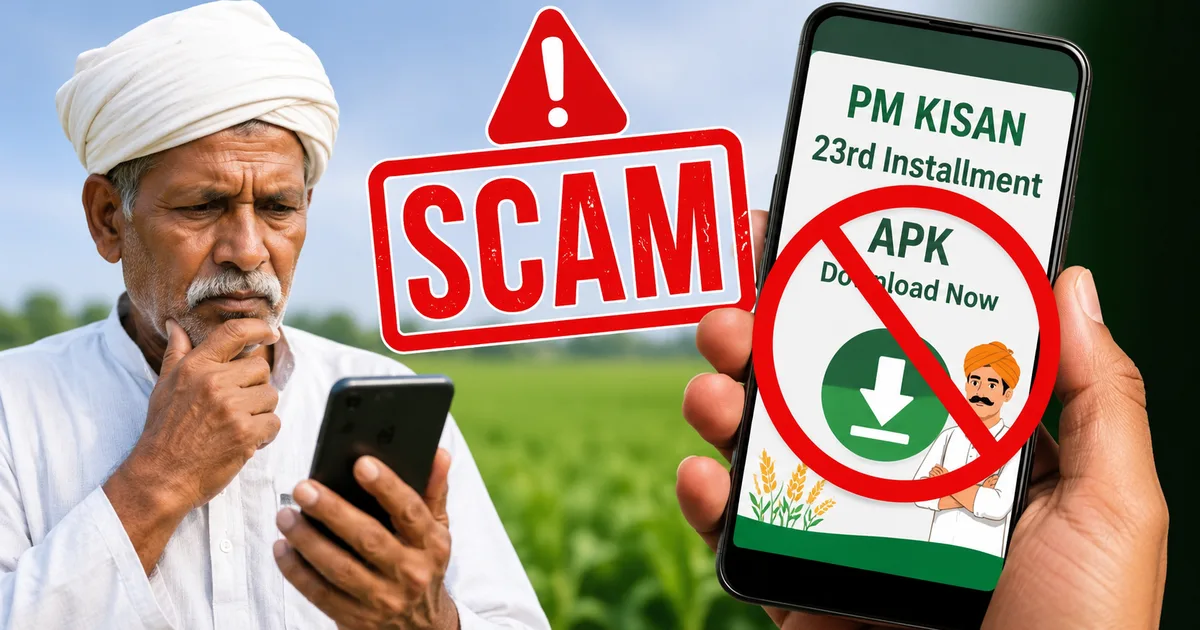
Many Indian farmers are looking forward to receiving their bank deposits this week, but bad actors are already planning to exploit the situation with Fake PM Kisan 23rd Installment APK Scams. If you get a WhatsApp message with a link to verify your account or download an app for your payout, delete it immediately. The central government never uses unofficial links to distribute benefits. And clicking these messages could drain your bank account in seconds.
Look, this scheme's a lifeline for rural families. That makes it a target for online scammers. Since the government requires updated records, scammers use e-KYC as their favorite tool. They pretend your payout's blocked. And they offer a simple download link to fix the issue. Honestly, it's a trap.
I've tracked Indian payment fraud for years. If you ask me, this specific campaign is one of the most dangerous attempts to compromise phones in rural areas. (It's a mess, really). You don't want to lose your hard-earned money. Let's walk through how this works and how to stay safe.
The official PM Kisan 23rd installment date 2026
According to reports from CNBC TV18, the government's scheduled the release of the PM Kisan 23rd installment for June 20, 2026. I think that's a huge deal. That means that over nine crore farmers'll receive a direct transfer of 2,000 rupees. The process works through the Direct Benefit Transfer system. Money moves straight from the government treasury into your bank account.
But there's a catch. If you haven't completed your e-KYC verification, the government might hold back your transfer. That's a real rule. And it's exactly what fraudsters use to scare you. They send panic-inducing alerts and claim your account's suspended. Don't fall for the trick.
You don't need any special tools to check your beneficiary status. The official status check's completely free. It only takes a couple of minutes on the government website. If you aren't sure how to do it, read our verification guide for a step-by-step walkthrough. And remember, you don't have to download any software files to check your status.
How fraudsters distribute fake PM Kisan e-KYC links
The scam starts with a simple SMS or a forwarded message on WhatsApp. It usually says that your PM Kisan payment's ready but blocked. The sender asks you to complete your e-KYC immediately and click a link. Honestly, I'm not sure exactly why people still fall for this, but they do.
But if you look closely at that link, you'll see it's fake. Official government portals always end with ".gov.in". The scammers use addresses like "pmkisan-kyc-check.net" or "pmkisan-june.info". (These URLs look official at first glance, which is sketchy). Once you click, it opens a page that's exactly like the official site. It's got government logos and pictures of leaders.
Basically, the fake site's a clone designed to trick you. If you ask me, this clone is really clever. Instead of updating your details through secure systems, the site prompts you to download a mobile app. That's the main threat. The government never asks you to download applications from random links to complete your e-KYC. If you want to know more about how malware operates on phones, visit our Android security explainer.
The step-by-step mechanics of the APK scam
Let's look at how the scammers actually pull off this theft. In my experience, it's a highly coordinated process. It relies on you making a few mistakes. Here's how it works:
- You get a WhatsApp message or SMS claiming your 2,000 rupee installment's pending.
- The message includes a link that takes you to a fake website matching the government portal.
- The website prompts you to download an application file ending in ".apk".
- To install the app, the website asks you to change your phone settings to allow apps from unknown sources.
- The app asks for permission to read and manage your text messages.
- The scammers initiate a transfer from your bank account using your mobile number.
- The installed app automatically forwards the banking OTP directly to the scammers.
- The thieves use the OTP to clear out your bank account.
It's shockingly simple. They don't need to hack your bank's servers. You give them the access they need when you download the app and grant those permissions. The app runs quietly in the background and reads every SMS you receive. I think this is the scariest part. By the time you notice your money's gone, the scammers've already transferred it to other bank accounts. That's a common method that we cover extensively in our cyber safety section.
Warning signs of a fraudulent message
You can spot these fake messages if you pay attention to the details. Honestly, scammers always leave clues. Here's what you should look out for:
- The message comes from a normal ten-digit phone number instead of a verified government sender ID.
- The link doesn't end in ".gov.in" but uses other domain extensions.
- The message creates panic, warning that you'll lose your benefit if you don't act today.
- The website forces you to download a file ending in ".apk".
- The app requests access to your contacts, SMS, or call logs during installation.
Government notifications're sent through official channels. In my experience, they use sender IDs that consist of short letters, not standard mobile numbers. If a message comes from a personal number, it's a scam. So, don't trust it.
How to protect your bank account and mobile phone
Protecting yourself doesn't require advanced technical knowledge. It's all about habits.
First, never install apps from links sent in messages. Android devices block these installations by default. If a website tells you to disable this security setting, don't do it. That security warning's your phone's main defense. I think it's there for a reason, so keep it enabled.
Second, always use official platforms. The official portal's pmkisan.gov.in. If you want to use the mobile application, search for the official "PMKISAN GoI" app directly on the Google Play Store. (This is much safer, honestly). Never download it from a web browser link.
Third, keep your financial details to yourself. No government official'll call you to ask for your UPI PIN or banking passwords. e-KYC's simply an identity check. It isn't a financial transaction.
Critical warning from CERT-In: Government departments do not distribute software applications via SMS, chat apps, or third-party file-sharing sites. Downloading unauthorized applications can lead to complete device compromise, identity theft, and unauthorized financial transactions.
If you're having trouble with your status, visit a local Common Service Centre. The operators there'll complete your e-KYC safely using your fingerprint. It's cheap and secure. You can also look at our guide on malware scanning tools to make sure your phone's clean.
Where to report PM Kisan online fraud in India
If you've already clicked a link and installed one of these apps, you'll need to act fast.
Disconnect your phone from the internet immediately. Turn off your Wi-Fi and mobile data. This stops the app. It can't send your banking OTPs to scammers. Then, go to your phone settings and uninstall the fake app. If you want to be safe, perform a factory reset. In my experience, that's the only way to be sure.
If you've lost money, every minute matters. Call the national cybercrime helpline at 1930 immediately. The police'll work with banks to block the transaction before scammers withdraw cash. You should also register a formal complaint on the government portal at cybercrime.gov.in.
Next, contact your bank. Explain that your device's compromised. Ask them to block your debit cards and net banking services. This'll prevent the scammers from stealing more money while you clean your phone. Share this info with your family and neighbors. Many farmers aren't familiar with these tricks. A quick conversation'll save their savings.