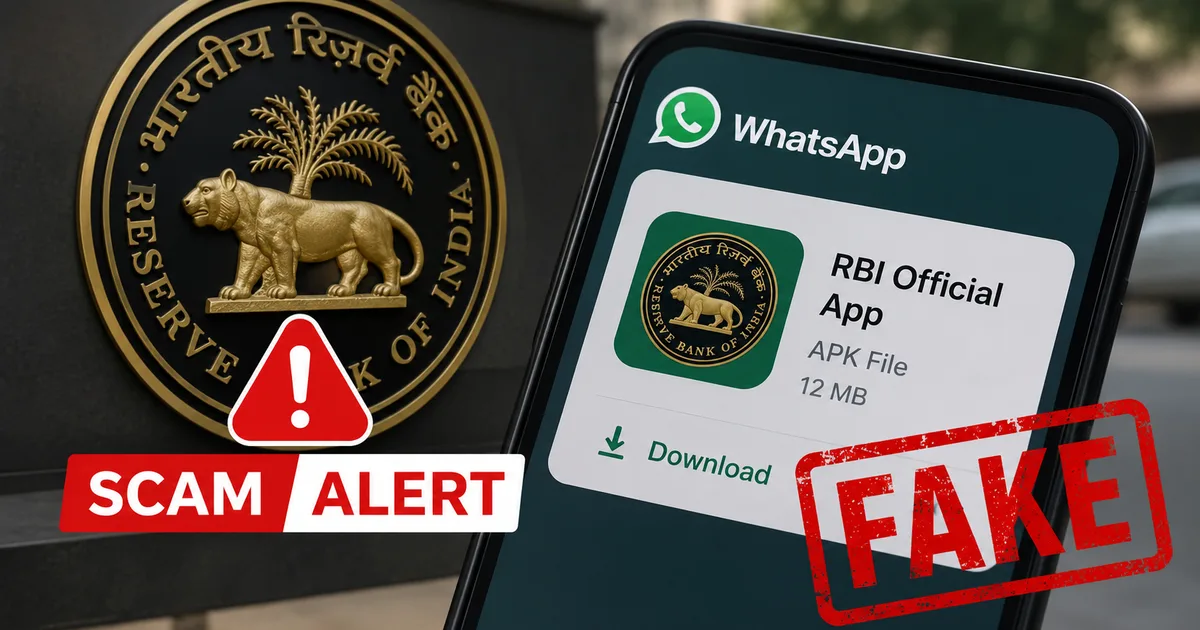
Imagine waking up to a WhatsApp message that looks like an official alert from the Reserve Bank of India. It warns that your bank account is suspended due to verification issues, and there's a convenient Android application package file attached to fix it. Don't tap that file. The Fake RBI WhatsApp APK Scam 2026 is currently making rounds across India, and the Press Information Bureau has just issued a critical warning. Tapping that download button could empty your entire bank account in minutes. It's that serious.
Honestly, in my experience, India is facing a massive surge in mobile banking scams right now. It's wild. Fraudsters use the central bank's name to bypass our natural skepticism. They send messages that look professional and even display the official RBI logo. If you get one of these alerts, delete it immediately. Don't reply to the sender. And definitely don't download any files.
What is the fake RBI WhatsApp APK scam?
Basically, this scam is a phishing attack targeting Android users in India. The attackers send WhatsApp messages claiming to be from the Reserve Bank of India. But here's the thing. I think many people forget that the RBI isn't a normal retail bank. Scammers exploit this. The messages claim your account is blocked because of KYC issues. To fix this, they tell you to install the attached file. This file is an APK (which is the format for Android apps). It's what people use to install software outside the official Google Play Store. It's a massive security risk.
The RBI is a regulator, not a commercial bank. It doesn't manage individual savings accounts. I'm not sure why scammers love the RBI angle so much, but they have no reason to message you about personal accounts. If your bank needs a KYC update, they'll contact you directly. Never on WhatsApp. Our scams database lists similar banking frauds that you should check out.
Installing any random APK file bypasses Google Play Store security. The official store scans apps for malware. Files sent through chat apps, however, lack that protection entirely. They can easily hide sketchy code that takes over your device, which is a total mess. PIB Fact Check recently flagged these WhatsApp messages as fake.
How the scam works step-by-step
To understand the danger, you need to know how these criminals operate. In my experience, the scam unfolds in a very calculated sequence of events.
- The initial message: You receive a WhatsApp message from an unknown number claiming to represent the RBI. The profile often shows the central bank's logo to look official.
- The APK attachment: The message includes an attached file ending in .apk, with a name like RBI_Verification.apk. The sender urges you to download and install this file.
- The security bypass: Android will warn you that installing apps from unknown sources is blocked. The message instructs you to bypass this warning in your settings.
- The hidden installation: The installed app shows a fake loading screen and vanishes from the screen. It is now running silently in the background.
- Data theft: The malware gains permission to read SMS, track your screen, and log keystrokes. It captures bank logins and UPI credentials as you type them.
- The financial drain: Attackers initiate bank transfers. The malware intercepts the OTP, forwards it to the scammers, and deletes the SMS. You lose your money without knowing.
This isn't just some theoretical threat. A recent Delhi case involved a chartered accountant who lost seventy-five thousand rupees in a credit card fraud that started with a similar WhatsApp APK file. The scammers managed to intercept credentials and empty the entire card limit within an hour. It shows how quickly these attacks succeed once the malware is on your phone (which is a scary thought). You can read more about recent tech incidents in our news archive.
Warning signs of a fake RBI message
You can protect yourself by recognizing the common signs of these fraudulent messages. They follow a predictable pattern. I think the threat of account suspension is what makes most people panic and click before they think.
- Unverified mobile numbers: Official alerts use registered sender headers, not standard ten-digit mobile numbers. International country codes are an immediate red flag.
- Requests to install APK files: No Indian bank or government agency sends APK files via chat apps. They only direct you to official app stores.
- Typos and formatting errors: Look for spelling mistakes, poor grammar, or strange spacing in what should be an official notice.
- Urgent threats: Scammers demand immediate action, threatening account suspension or legal action to make you panic.
- Requests for sensitive data: The app asks for passwords, PINs, or card details that real banks never request.
Security researchers at CERT-In point out that scammers regularly change file names. Today it's an RBI alert, and tomorrow it's a traffic challan or reward point claim. The name changes, but the trap is the same. Just avoid all APK files from unknown sources. Our digital safety guides cover managing app permissions safely.
How to protect your phone and money
Protecting yourself is pretty simple if you follow a few basic rules. If you ask me, you don't need to be a tech genius to keep your money safe. You just have to be disciplined about what you install on your phone.
First, don't ever install apps from links or files sent on chat apps. Stick to the official Google Play Store or Apple App Store. Those platforms have security teams that scan apps for malicious behavior. But even then, you should check reviews and developer names before downloading anything.
Second, check your phone settings. Go to security settings and search for Install unknown apps. Make sure this permission is turned off for all apps, especially WhatsApp, Chrome, your file manager, and other browsers. If you accidentally tap a bad link, your phone will block the install. That's your second line of defense.
RBI never sends APK files or suspension notices via WhatsApp or email. The central bank operates as a regulator and does not manage personal bank accounts or conduct KYC verification for individuals.
Third, keep your phone's software updated. Manufacturers release regular patches to fix security holes. Outdated systems are much more vulnerable to malware (which makes sense, actually). Also, a trusted security app helps scan for hidden threats.
If you've already installed the app, turn on airplane mode immediately. This stops the malware from transmitting your data. Go to settings and look at your apps list. Delete anything you don't recognize. Then, back up your files and factory reset the phone to wipe all traces. Change your banking passwords and UPI PINs using a different, clean device.
Where to report cyber fraud in India
If you've lost money or got a fake message, report it immediately. Reporting helps cyber police block those accounts quickly.
You can report the fraud online at the National Cyber Crime Reporting Portal at cybercrime.gov.in. The Ministry of Home Affairs manages it. You should provide the WhatsApp number, the file you received, the transaction screenshots, and any other evidence if you lost money.
You can also call the national helpline at 1930. The helpline helps freeze fraudulent transactions if you act fast. Honestly, the recovery numbers are a bit fuzzy, but speed is critical before scammers withdraw the funds.
For updates, visit the Indian Computer Emergency Response Team site at https://www.cert-in.org.in/. They publish regular advisories on mobile malware threats. Stay safe by verifying alerts independently. And never let urgency override common sense.