If you're building apps in India right now, you know the drill. Clients want AI features yesterday. They want chatbots, document summarizers, automated workflows and fast search. And they usually want it done on a budget that barely covers your server costs. Enter the Firebase Genkit AI Update 2026. I've spent the last three weeks testing this new framework, and it fixes a lot of the headache that comes with adding LLMs to an existing application.
Until now, stringing together prompts and managing context windows felt like taping together a leaky pipe. Genkit is Google's attempt to give us a proper set of plumbing tools. It's an open-source framework specifically designed to help you build agentic full-stack apps without losing your mind. If you're confused about what an agentic workflow actually is, don't worry. We'll cover that below.
What actually is Firebase Genkit?
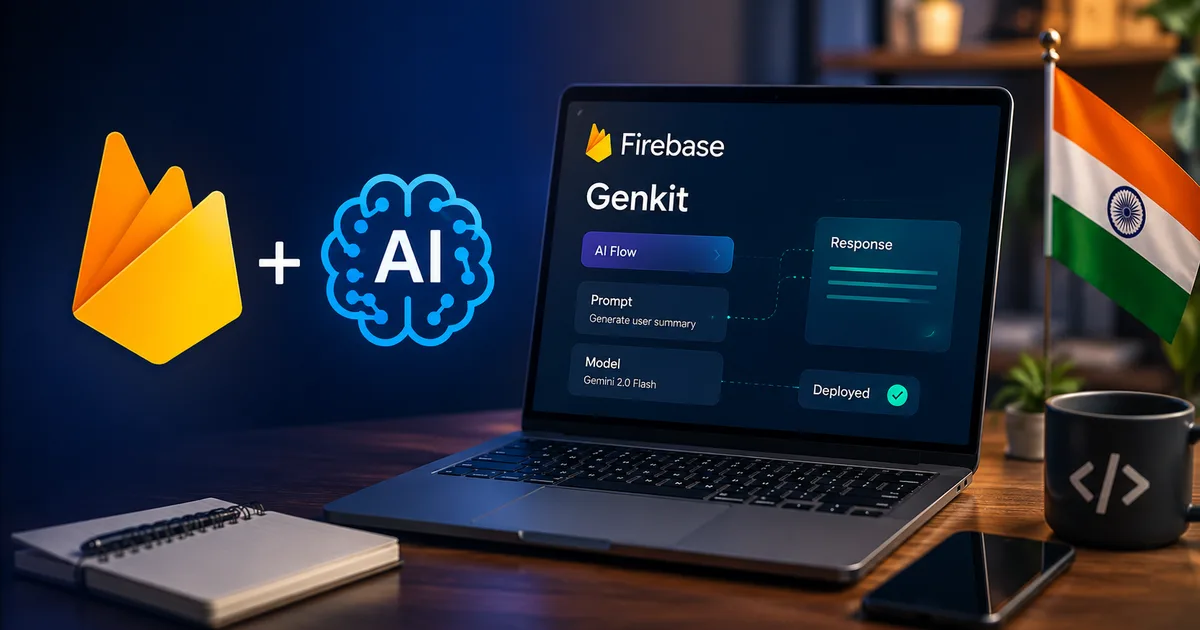
Genkit is a bridge. It sits between your app code and AI models like Gemini or Claude. Look, instead of you writing fetch requests that end up a mess, Genkit gives you a structured way to handle the whole flow. You define a Flow.
Think of a Flow as a heavily monitored, strongly-typed function. It takes an input, runs it through an AI model and returns a reliable output.
It comes with a local UI called Firebase Studio. Honestly, I can't overstate how useful this is for testing. You can run your AI flows locally. Test different prompts. See exactly what the model is returning and debug trace errors right in your browser before you deploy anything. No more guessing why the bot suddenly decided to reply in Spanish to a user asking about their Flipkart order.
The 2026 updates you need to care about
Google recently pushed a massive update at Firebase Demo Day '24 and refined it heavily into 2026. The product lineup at Google can get confusing. But this one deserves your attention. In my experience, these tools actually solve real problems.
1. Genkit Go 1.0 is finally here
If you work in a backend shop in Bengaluru or Pune, you probably write Go. Up until now, most AI dev tools heavily favored Python or TypeScript. Genkit just hit version 1.0 for Go. This means you can build incredibly fast, concurrent AI microservices without switching to JavaScript. I tested a basic RAG setup in Go. The latency drop compared to my old Python setup was noticeable.
2. Local NVIDIA RTX optimizations
Running models locally for testing used to cook my laptop (annoying, I know). The new update includes optimizations for NVIDIA RTX GPUs. If you have a decent Windows machine with an RTX card, you can supercharge your generative AI development. It offloads a lot of the heavy lifting. This means your local testing in Firebase Studio feels snappy instead of like waiting for an SBI bank website to load during peak hours.
3. Better agentic workflows
An agentic app goes beyond a simple chatbot. It's an AI that can actually execute tasks. Like checking a user account balance or querying your database. Genkit makes building these tool-calling agents way easier. Basically, you give the AI a list of functions it can use. And Genkit handles the messy part of translating the AI intent into actual code execution.
Why you should care about the cost
Thing is, cost is everything. When you deal with Indian clients or build a SaaS for a price-sensitive market, a massive cloud bill will end your project fast.
A recent breakdown by tech-insider.org showed a massive $1,478 cost gap when comparing different serverless AI stacks over a year. Firebase is incredibly forgiving when configured correctly with the free tier. Genkit itself is open-source. You don't pay a premium just to use the framework. You only pay for the Google Cloud or Firebase resources you actually consume, and the API calls to the LLM. If you test locally using Firebase Studio and local models, your development cost is effectively zero rupees.
Step-by-step: building a smart support bot
Let's walk through how you would actually use this. Imagine you're building a customer support bot for an Indian food delivery app. The bot needs to handle complaints about missing items and initiate UPI refunds. Check out our detailed developer guides for more advanced examples later.
First, you initialize your project. You'll need Node.js installed. Run this in your terminal:
npm install -g firebase-tools
firebase login
npm install @genkit-ai/core @genkit-ai/googleai
You don't have to use Google AI. Genkit supports OpenAI, Anthropic, Cohere and local models through Ollama as well.
Next, you define your flow. You write a function that takes the user complaint as input. Inside this flow, you give the AI access to a tool called check_order_status.
- The AI reads the complaint: "My biryani hasn't arrived, I paid 350 rupees via UPI."
- The AI decides it needs to check the order status, so it triggers your function.
- Your function hits your database, sees the order is delayed, and returns that data to the AI.
- The AI formulates an apology and asks if they want to wait or get a UPI refund.
You can test this entire interaction locally in Firebase Studio. You just run the start command, open the local web UI, type in the biryani complaint and watch exactly how the AI processes it. You see the trace. You see how long the database lookup took. You see the exact prompt sent to the LLM.
Setting up the vector database for RAG
If you build an app that actually knows things about your business, you need a Vector Database. Let's say you want a bot that can answer HR questions based on your company PDF manuals. This requires a process called Retrieval-Augmented Generation, commonly known as RAG.
In the past, you'd have to parse the PDF, run it through an embedding model, save the vectors to a database like Pinecone, and then write separate logic to query it when a user asks a question (which makes sense, actually). But it was a sketchy setup. Especially for solo developers who just wanted a quick prototype.
Genkit streamlines this significantly. They have built-in retrievers. You configure a retriever block in your code, point it at your data source and Genkit handles the plumbing. When the AI needs context, it automatically hits the retriever, fetches the relevant text chunks and injects them into the prompt window before sending it to the LLM.
For Indian startups, this is huge. You don't need a dedicated machine learning engineer to build a functional RAG pipeline. A competent full-stack developer can hack together a working prototype in a weekend. And since it integrates smoothly with Cloud Firestore, which now supports vector search, you don't even need to pay for a separate database provider. You keep everything inside the Google Cloud ecosystem. This simplifies billing and access management immensely. It's one less vendor to worry about when you scale.
Comparing the big three: Genkit vs LangChain vs raw APIs
When developers ask me how to build AI apps, the conversation usually turns into a debate about frameworks. LangChain has been the default choice for the past year. But is Genkit better? I'm not sure exactly why developers get so religious about this stuff, but it's worth a look.
| Framework | The Good (Pros) | The Bad (Cons) |
|---|---|---|
| Firebase Genkit | Incredible local debugging with Firebase Studio. Native Go support. Strong typing makes it harder to break things. | Heavy bias towards Google ecosystem. Documentation can be dense. Smaller community. |
| LangChain | Massive community. Connectors for every database and AI model. Tons of tutorials available. | Can feel bloated. Breaking changes in updates are common. Abstracts too much away. |
| Raw API Calls | Zero bloat. Complete control. No framework lock-in. You know exactly what data is going where. | You have to build your own retry logic, tracing, and parsers. Gets messy fast. |
A serious security warning for Indian devs
I need to add a massive warning here before you push AI apps to production. You must be aware of the latest tech scams targeting infrastructure.
Just recently, the Indian government ordered Google to shut down hundreds of Firebase accounts. Scammers were using poorly secured Firebase databases to run massive bank fraud operations. They set up fake apps, stored stolen data on Firebase and routed traffic through it.
Please double check your Firebase Security Rules before deploying anything. A misconfigured database is an open invitation for trouble.
If you build an app that handles user data, especially Aadhaar, phone numbers, email addresses or UPI details, you must lock down your rules. By default, Firebase sometimes leaves read and write access wide open during testing.
Never deploy with allow read, write: if true. Ever. And never leave your API keys exposed in your frontend code. Someone will scrape them and run up a massive Gemini API bill on your account before you wake up. Use backend functions to handle the actual LLM calls. Genkit makes this easy, so there's no excuse.
The final verdict
If you just call an LLM API once to summarize a block of text, Genkit is overkill. Just use standard fetch requests or the basic SDK.
But if you build an app where AI makes decisions, calls tools and handles complex user flows, you need a framework. You can try building your own. But you'll spend weeks building tracing tools and debuggers. Genkit gives you all that out of the box. For a small team of developers in India trying to ship a product before the funding runs out, it's a massive time saver. The local Firebase Studio alone is worth the effort to learn it.
Start small. Build a simple internal tool first. Maybe a script that automatically tags your incoming freelance emails or categorizes your expenses. Get a feel for the tracing UI. I think you'll find it hard to go back to debugging AI apps via console logs. You can also explore our AI tool reviews or read the latest tech news updates to stay informed on what else is launching this year.