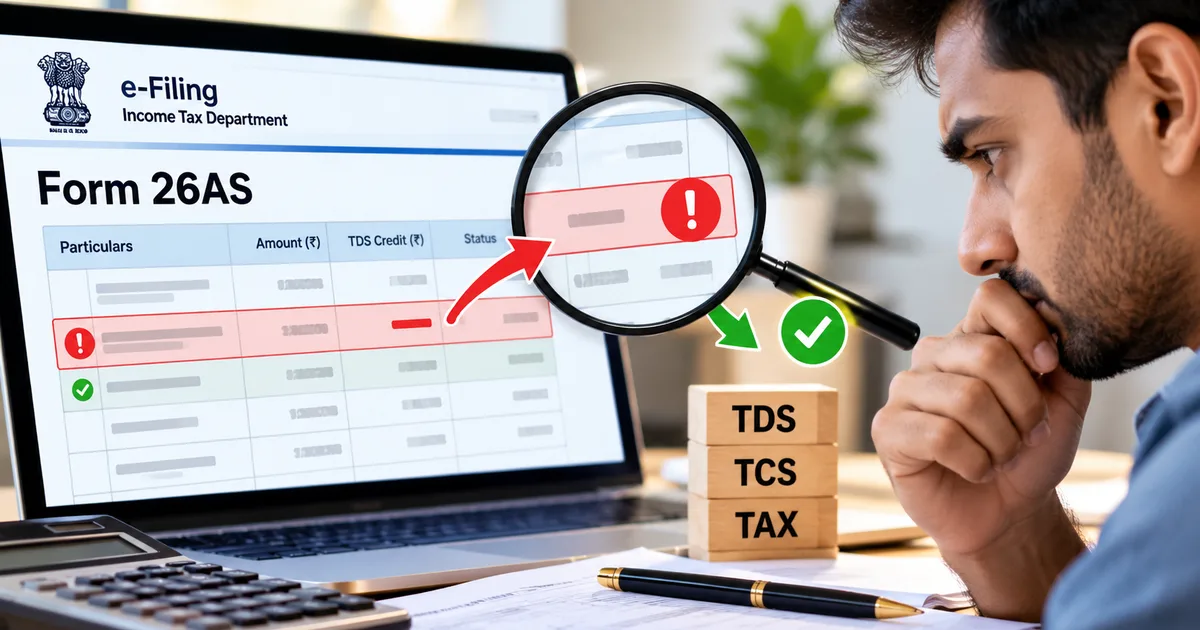
You open your email on a lazy Tuesday, and there it sits: a notification from CPC Bengaluru informing you that an Income Tax Form 26AS mismatch has slashed your refund to zero or created a sudden tax demand. Your heart skips a beat. You filed your return honestly and claimed the exact tax your employer deducted. Yet the tax portal insists you owe money. Honestly, getting a tax demand for money you already paid hurts, but you don't need to panic. Most tax mismatches happen because of simple clerical errors or missing quarterly filings by deductors.
It happens every single assessment year.
In my experience, the Centralised Processing Centre processes millions of returns without any human intervention at all. The servers don't care that your company HR promised your tax was deducted, or that your bank manager swore your fixed deposit TDS was credited. If the numbers on your return don't match the central tax ledger, the system automatically rejects your credit claim. So you're left holding an outstanding demand with interest ticking under section 234B and section 234C.
why an income tax form 26as mismatch triggers sudden demands
To understand why this happens, look at how the Income Tax Department checks your return. When you submit your ITR, the CPC computers cross-reference your claimed tax deductions strictly against Form 26AS, which is your consolidated annual tax statement under section 285BB of the Income-tax Act, 1961. Even though the Income-tax Act, 2025 took effect on 1 April 2026, returns for Assessment Year 2026-27 still follow the 1961 Act rules for income earned during Financial Year 2025-26. If your deductor collected Rs 60,000 from your payments but forgot to file their quarterly statement by 31 May, that money simply doesn't exist in the department's system (annoying, I know). The computer assumes you made up the credit and slashes your claim. Then it fires off a Section 143(1) intimation ordering you to pay the difference plus interest.
Sometimes a mismatch runs way bigger than a few thousand rupees. Things get ugly fast.
Take the case reported by The Times of India involving a cook at a five-star hotel in Delhi. In 2024, he received a tax notice demanding nearly Rs 4 crore with penalties for alleged cash sales worth Rs 24.62 crore through a packing materials company. His salary wasn't even taxable. Someone had stolen his PAN details and entered them into corporate filings. I'm not sure exactly how the scammers got their hands on his data, but the fallout was brutal. Because challenging a demand normally requires depositing 20% in advance (around Rs 78 lakh in his case), he had to approach the Delhi High Court for relief after lodging complaints with the Greater Kailash Police and Saket Cyber Cell. ITAT Chandigarh had to rescue a small trader hit with an erroneous Rs 26.69 lakh demand when commission income was misreported.
According to tax procedure rules under section 143(1), credit for tax deducted at source is granted strictly on the basis of entries appearing in Form 26AS. If the credit claimed in your return exceeds the amount reflected in government records, the portal restricts your claim to the recorded figure and raises a demand for the shortfall.
the three-way check: your records, form 26as, and ais
Before you start firing off angry emails to your accounts department, you need to spot where the numbers broke down. That means matching your personal paperwork with Form 26AS, and checking both against the Annual Information Statement (AIS).
Start with your records. Gather your salary slips and Form 16 from your employer, alongside any Form 16A from banks and your regular bank statements. If you manage records digitally, storing your salary records in DigiLocker helps you access verified tax documents quickly. Next, download your Form 26AS via TRACES. Thing is, if you downloaded your statement in April, it was incomplete. Deductors have until 31 May to file fourth-quarter TDS returns, and the updates here can be a bit fuzzy through early June. If you ask me, filing early on an outdated statement almost guarantees a mismatch.
Now pull up your AIS and Taxpayer Information Summary on the e-filing portal. The AIS captures a much wider net of financial activity, including savings account interest and stock trades, along with dividend payouts or mutual fund redemptions. When your Form 26AS shows less credit than your Form 16, or when your AIS lists income that never touched your bank account, you've found your mismatch.
step-by-step guide to rectify form 26as mismatch errors
Fixing these errors is about following a clear sequence, because you can't directly edit Form 26AS yourself. Basically, the correction has to come from the deductor who filed the faulty information. If you ask me, people waste weeks trying to fix things on their own when only the deductor can push the amendment. Here is the exact path to get your tax ledger cleared up:
Log in to the e-filing portal using your PAN and password. Head over to 'e-File' and pick 'Income Tax Returns'. Then hit 'View Form 26AS'. The portal redirects you to the TRACES website. Choose the assessment year and select 'HTML' view. Then download your statement.
Compare each entry against your Form 16 or TDS certificates. Verify the deductor's Tax Deduction Account Number (TAN) and the tax amount deposited. Check the section code as well, like 192 for salary or 194J for professional fees. Look closely to see whether your deductor mistyped your PAN or credited tax to the wrong assessment year.
Contact the deductor in writing. Email your employer's payroll desk or your client's accounts team with your salary slips or payment advice. Ask them to file an e-TDS correction statement on TRACES (Form 24Q for salary, Form 26Q for vendors). (I know, waiting on accounts teams tests your patience, but only the deductor can legally correct deposited TDS).
Submit feedback in the AIS tab if an entry is incorrect. On the portal dashboard, select 'AIS' from the top menu. Find the disputed transaction under 'TDS/TCS Information'. Click feedback, then choose 'Information is not correct' or 'Income belongs to other PAN'. Submit your response to register a formal objection in the department's automated system.
Track the update and file a Rectification request under section 154. Check Form 26AS after seven to ten business days. Once the revised credit appears, head to 'Services' on the e-filing portal and click 'Rectification'. From there, choose 'Income Tax' and request recomputation. For more filing walkthroughs, our step-by-step income tax guides cover the details.
how to respond to an outstanding tax demand on the portal
If you already received an intimation under section 143(1) demanding payment, ignoring it is the worst thing you can do. The department gives you a 30-day window to respond. If you stay silent, the automated system can adjust your pending demand against any refund due in future years. And interest keeps piling up every single month (which hurts, obviously).
Here is how you handle the demand notice on the portal without paying money you don't owe:
Log in to your e-filing account and head to 'Pending Actions'. From there, click 'Response to Outstanding Demand'. The dashboard displays a table showing your Assessment Year and the section involved, plus the demand reference number and the outstanding rupee amount.
Click 'Submit Response'. The portal presents choices for 'Demand is correct' and 'Demand is partially correct', alongside 'Disagree with demand'. If your demand stems entirely from missing TDS credits already deducted from your earnings, choose 'Disagree with demand'. If only part of the demand is mistaken, select 'Demand is partially correct'.
Select your reason from the dropdown menu. Choose 'TDS/TCS credit mismatch'. Enter the deductor's TAN and the disputed amount, then confirm whether the deductor has filed a correction statement. Add a concise note in the remarks box confirming that your deductor initiated a TRACES revision.
Upload supporting documents. Attach PDF copies of your Form 16 and salary slips, plus bank statements showing net receipts and email confirmations from your deductor proving a correction return was submitted. Keep individual file sizes under 5MB.
Verify your submission online. Use Aadhaar OTP or net banking to generate an electronic verification code. Once verified, download the PDF acknowledgement receipt for your records.
what if your pan was misused or stolen?
What happens when the mismatch has nothing to do with your actual earnings? It's a complete mess. In digital finance, identity theft happens more often than people realize.
If you notice massive sales or shady corporate contracts tied to your PAN, treat it as fraud. Don't wait for an assessment notice to freeze your bank account. File an FIR at your local police station immediately, and lodge a complaint on the National Cyber Crime Reporting Portal at cybercrime.gov.in or via the 1930 helpline. For broader advice on financial safety, read our cybercrime and PAN fraud alerts.
Next, submit a formal letter to your jurisdictional Assessing Officer with your FIR copy and filed tax returns, alongside recent bank statements and a sworn affidavit denying any link to the bogus transactions. Upload this through the portal's grievance cell under 'CPC-TDS'. The courts have repeatedly ruled that honest citizens can't be penalized for demands born out of fraudulent PAN misuse.
Tax notices look terrifying when they land in your inbox, but they're just automated ledger entries waiting on a correction. Keep your paperwork handy and verify Form 26AS after May each year. Most importantly, submit your formal disagreement before the 30-day portal timer runs out.