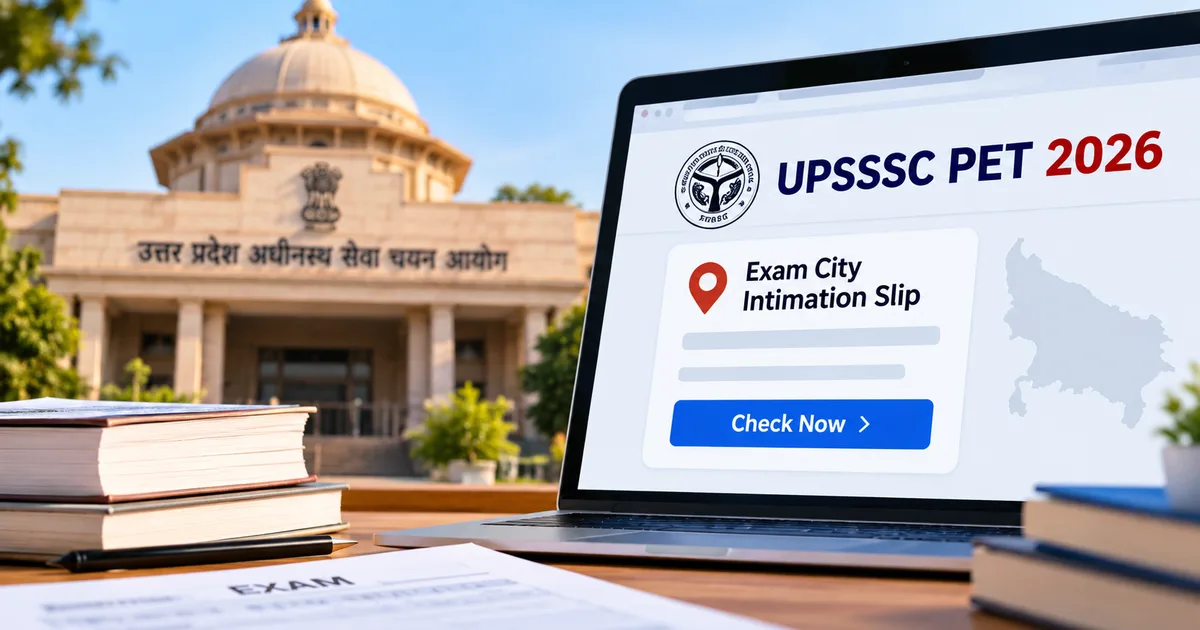
If you signed up for the Uttar Pradesh Preliminary Eligibility Test, the wait for your travel details is over. The Uttar Pradesh Subordinate Services Selection Commission has officially released the UPSSSC PET 2026 exam city intimation slip on its portal. You can log in right now and see which district you need to travel to for your test. That gives you enough time to book your bus or train tickets without rushing at the last minute.
Every year, over twenty lakh candidates apply for this test across Uttar Pradesh. That's a huge crowd. When that many people try moving on the exact same weekend, public transport turns into an absolute mess. Knowing your exam city early helps you dodge panic at local bus stands and railway platforms.
Here's the thing. This slip only tells you the district where your exam centre is. It won't tell you the college name, and it won't give you your roll number yet. But honestly, getting that district name ten days early is one of the most practical things the commission does each cycle (which makes sense, actually, given the rush).
I checked the portal myself this morning around 9 AM right when the links went live. The main homepage was already crawling under the traffic load. But the direct download link worked fine once the captcha code went through.
What the UPSSSC PET 2026 exam city intimation slip actually tells you
Look, a lot of first-time applicants get confused between a city slip and an admit card. They look similar on a small phone screen. But they're completely different papers.
Your city slip is just advance information. It shows your basic identity details along with your allotted district and exam date. In my experience, people often miss checking their shift timings right away. The commission scheduled the Preliminary Eligibility Test across several dates: October 25, October 30, and November 1, 2026. And because shifts run in both morning and afternoon slots, you have to verify both your exact date and your shift time alongside the town.
Just don't forget that the city intimation slip is not your admit card. Gate staff won't let you inside with it. Period. You still need the official hall ticket, which the board releases around a week before exams start. Basically, think of this slip as your travel planner instead of your entry pass.
The city intimation slip tells you the district where you'll write your test. You can't use it to enter the exam hall on test day.
Why does UPSSSC do this? Simple logistics. If you live in Gorakhpur and get a centre in Varanasi or Prayagraj, you need time to sort out your trip. Booking a train berth on IRCTC or grabbing a seat on a UPSRTC Janrath bus on two days' notice is nearly impossible during peak festival season. Getting this district info early saves you cash, and it keeps you sane.
Details you must check on your city slip after downloading
Once the document opens on your screen, don't just glance at the city and close the tab. Take a minute. Check every single line printed on it.
Make sure you verify these details right away:
- Your full name and spelling matching your official matriculation marksheet.
- Your father or husband name as registered in the initial application database.
- Your category status such as General, OBC, SC, ST, or EWS.
- Your assigned test date and the designated morning or afternoon time slot.
- The exact district name and district code printed at the bottom of the slip.
If you catch a spelling typo or the wrong category, write it down immediately. You can't fix errors on the city slip itself online. But catching mistakes today gives you room to flag them with the UPSSSC helpdesk before final admit cards come out. If you ask me, sorting this out early beats arguing with exam superintendents on test morning. You can reach out through the grievance portal or call the helpline numbers down in the site footer.
Information you need before checking your examination centre online
Before opening the website, get your details together. Seriously. Sitting in front of a spinning loader while hunting through dusty folders for an old printout is a pain you can easily avoid.
You only need three items to pull up your slip:
- Your eleven-digit UPSSSC application registration number from your original submission form.
- Your date of birth entered in the standard day, month, and year format.
- Your registered gender as selected during your profile registration.
What if you lost your registration number? Don't worry. Go to the commission homepage and click 'Know Your Registration Number' in the candidate help section. You can recover your number by entering your full name and parent name, plus your date of birth. The portal finds your file and puts your registration number on screen in seconds.
You can also check your SMS inbox or Gmail. Just type 'UPSSSC' or 'PET 2026' into your search bar. The commission always sends an automated text and email when you submit your form and clear the exam fee. Honestly, I always tell people to save digital backups of these confirmation receipts (annoying, I know, but it saves trouble), similar to what we suggest in our UP scholarship 2026 registration guide for state portal users.
Step-by-step guide to download UPSSSC PET exam city slip online
Downloading the slip takes under two minutes when the server behaves itself. Follow these steps on your phone or laptop.
- Open your web browser and navigate directly to the official commission website at upsssc.gov.in. Avoid clicking random links on social media groups or messaging apps that redirect through suspicious ad networks.
- Look at the homepage notice board or the live advertisement ticker at the top. You'll see a notification titled 'Click here to download your Exam City Intimation Slip for PET 2026 under Advertisement 16-Exam/2026'. Tap that link.
- The browser will load a clean login form. You'll see text boxes asking for your candidate registration number, your date of birth selected through drop-down menus, and your gender. Fill each field carefully.
- Look at the verification code box below the credentials. The system displays an alphanumeric captcha image consisting of five or six letters and numbers. Type those characters exactly as they appear in the adjacent input box (I know, dealing with government captchas on a small phone screen is annoying, but stick with it). If the letters look blurry, tap the refresh icon next to the image to generate a cleaner code.
- Click the green button labelled 'Download Examination City Slip'.
- Your exam city intimation slip will load on your screen. You'll see your photo, signature, registration number, father name, exam date, assigned shift timing, and the allotted district name.
- Tap the print button at the top right corner of the page. Save the document as a PDF file on your device. We recommend sending a copy to your personal WhatsApp chat or saving it inside Google Drive so you can pull it up whenever you need it.
If you've taken other government tests, this setup will look familiar. It works almost exactly like the workflow we walked through in our NEET PG exam city allotment tutorial earlier this season. Nothing fancy here.
How to check UPSSSC examination centre online if the website crashes
State portals crash all the time under heavy traffic. You've got over twenty lakh candidates trying to load one webpage inside three hours, so of course things grind to a halt. We see the exact same mess with railway recruitments and state police exams every single year.
If you get a '504 Gateway Timeout' or a connection reset screen, don't panic. Your application is safe. I'm not sure why their infrastructure team still doesn't scale servers for launch day, but the server is just overloaded right now.
Here are a few practical ways to bypass the server traffic:
- Try accessing the portal during off-peak hours. Traffic drops significantly between eleven at night and seven in the morning. If you try at midnight, the pages load much faster.
- Switch from your mobile browser to a desktop browser if possible. Mobile browsers sometimes struggle with caching older versions of heavy government portal scripts.
- Use an incognito or private browsing tab. This forces your browser to pull fresh files directly from the UPSSSC host server instead of loading broken temporary files saved on your phone.
- Clear your browser cookies and site cache if you repeatedly encounter an invalid session error message.
- Wait thirty minutes between attempts rather than rapidly tapping the refresh button. Rapid refreshing only adds to server strain and might trigger an automated temporary IP block on your internet connection.
If you want help with other state digital portals, check our collection of step-by-step tech guides. We regularly cover fixes for portal glitches like this.
Travel planning and exam day preparations across Uttar Pradesh
As soon as you see your allotted city, sort out your travel plans. Don't wait. Uttar Pradesh is massive, and travelling from western districts like Meerut over to eastern districts like Ghazipur can easily take twelve hours or more on the road.
Train tickets on busy routes like Lucknow to Prayagraj or Kanpur to Varanasi sell out days before big exams. Open the IRCTC app right away to check seat availability. If reserved berths are gone, look for unreserved express trains or check UPSRTC bus schedules. State Roadways buses run regular trips between major district hubs, but you'll definitely run into crowded buses on exam morning.
If your exam town is more than four hours away from home, reach there the night before. I think spending ₹400 to ₹800 on a basic lodge or staying over at a relative's house is much smarter than risking a missed test because of a highway traffic jam or a delayed train.
While you wait for the admit card, get your ID documents together. Gate invigilators will ask to see your printed hall ticket along with an original Aadhaar card or another valid photo ID like a voter ID or PAN card. Keep two passport-size photos handy as well. Cyber cafes usually charge ₹10 to ₹20 to print documents, so having the downloaded PDF on your phone saves you time standing around at the shop.
For quick updates on test dates and hall ticket releases, follow our latest government tech updates where we track official notices from state boards.