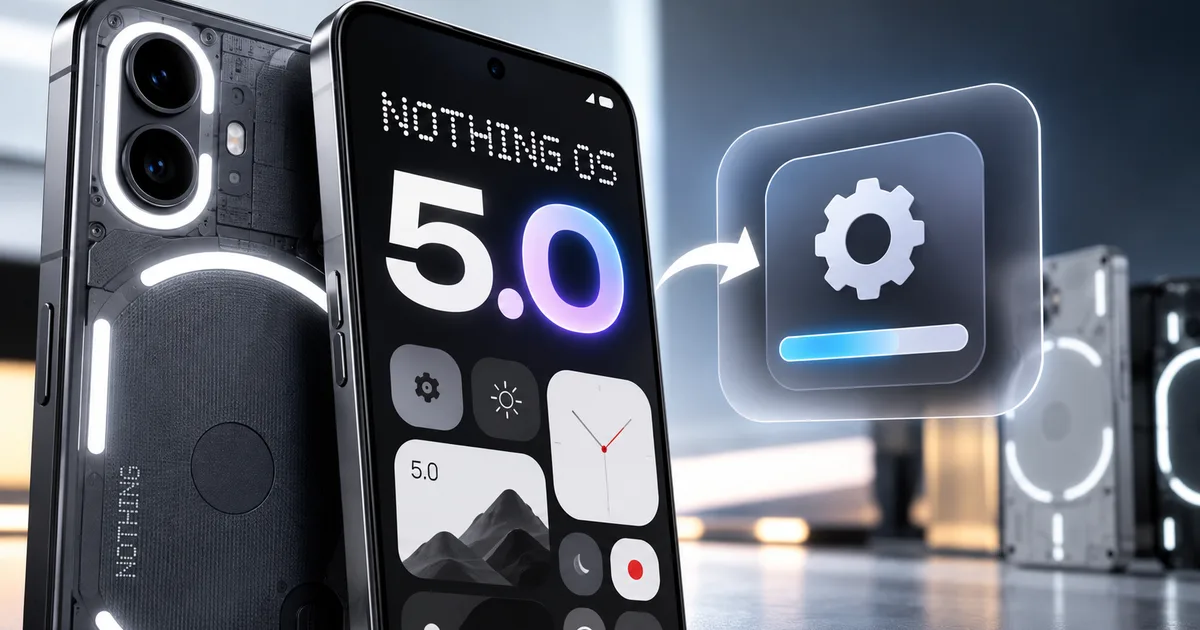
You bought a Nothing Phone for a reason. You probably wanted hardware that looked different, or you were just sick of the endless bloatware and full-screen spam notifications on other Android skins. Clean, minimal software was the big sales pitch. Now, the Nothing OS 5.0 update is here in open beta, giving users their earliest peek at Android 17. Carl Pei announced the roadmap earlier this year, and rollout kicked off first with the Nothing Phone (3) in India.
I loaded the beta build on a test handset earlier this week to see how it handles daily Indian conditions. The animations look really fluid, and the revised lock screen type is quite sharp. The whole phone feels snappy. But before you dive in and flash this preview software on your personal phone, there are a few practical trade-offs you've got to consider. In my experience, jumping on an early beta always comes with a few headaches. (I know, flashing custom builds sounds complicated, but the offline installer makes it painless if you follow the right steps).
Beta testing is exciting if you love fresh features. But it isn't always kind to everyday essentials like UPI payments or metro QR ticketing. Let's walk through the device roadmap and the exact process to get it running safely.
Eligible devices for the Nothing OS 5.0 update
Basically, Nothing staggers its software releases across different device tiers rather than pushing a blanket update to everyone at once. Flagship phones get the first beta and stable builds. Mid-range models and budget sub-brands like CMF follow over the next few months. According to reporting from The Hindu, the Nothing Phone (3) in India is the first model to get the Nothing OS 5.0 update. Both early beta access and stable releases are rolling out in waves.
Here's how the rollout schedule breaks down across the current lineup:
- Nothing Phone (3): Active now in India for both open beta testers and the initial stable staged rollout.
- Nothing Phone (2): Open beta planned for late November 2026, with stable release arriving by January 2027.
- Nothing Phone (2a): Open beta scheduled for December 2026, followed by a public release in early 2027.
- Nothing Phone (2a) Plus: Joining the beta program alongside the standard 2a in December 2026.
- CMF Phone 1: Scheduled for beta enrollment in the first quarter of 2027.
- Nothing Phone (1): Excluded from Android 17, receiving regular security maintenance patches only.
Dropping Android 17 support for the original Nothing Phone (1) stings a bit, especially if you picked one up back in 2022 for ₹32,999 on Flipkart. If you ask me, that was bound to happen eventually. Nothing originally promised three major Android version upgrades for that debut device, a promise they wrapped up with the older Nothing OS 3.0 rollout schedule last year. And if you're curious about how other smartphone makers handle major operating system transitions across their lineups, take a look at our Samsung Android 17 beta update tracker to see how Galaxy devices compare.
What is new in Android 17 on Nothing phones
Nothing didn't just slap a custom font onto stock Android 17 and call it a day. They expanded their signature dot-matrix visual identity and added over 80 system-level refinements. It's fast. And the big focus here is on speed and glanceable information.
The lock screen redesign is the headline attraction. The new Micrographics lock screen clock lets you resize and move individual widget blocks with precision. You can cluster local weather and battery percentages for your Nothing Ear earbuds into compact monochrome tiles. It looks remarkably clean. Best of all, it doesn't create the messy visual clutter that ruins so many other Android interfaces.
Multitasking also gets a sensible upgrade. You can now run two floating windows side by side while keeping a third application open in full screen behind them. On a tall AMOLED panel, this makes copying OTP strings from your text messages into web forms significantly more convenient. Nothing also introduced on-device audio transcription inside the voice recorder app. It processes speech right on your phone without sending audio files to external servers (which, if you ask me, is a massive win for privacy). You can explore our deep dive into the Nothing OS 5.0 launch features and details to learn more about the updated quick settings layout and custom icon pack enhancements.
What to check before you install the beta
Running beta software on your main smartphone is always a gamble. It really is. Preview builds exist specifically so developers and community enthusiasts can discover crashes and heavy battery drain before the public build reaches everyday consumers.
Look, the single biggest headache for Indian smartphone owners on beta firmware involves digital transactions. When Google updates core Android frameworks, security checks like SafetyNet and the Play Integrity API often fail to certify early preview software. I'm not sure exactly why Google flags these builds so aggressively, but it happens all the time. If that certificate fails, payment applications like PhonePe and Google Pay won't open or will throw unexpected security warnings when you try to pay a shopkeeper.
Don't install this preview build on your primary smartphone if your daily routine depends on instant UPI transactions, train bookings through IRCTC, or accessing verified government documents via DigiLocker. Wait for the stable public OTA instead.
If you decide to go ahead on a secondary device, take time to prepare your handset properly:
- Run a manual cloud backup through Google One in your device settings to secure your contacts, photos, and app list.
- Back up your WhatsApp conversations directly to Google Drive over home Wi-Fi so your chat history doesn't disappear.
- Ensure your battery level is above 65 percent so the device doesn't power down during the installation process.
- Clear at least 12 GB of internal storage to accommodate the update archive and subsequent cache files.
- Ensure you've got a reliable Jio or Airtel 5G mobile connection or broadband Wi-Fi ready to download future bugfix patches.
In my experience, taking these quick steps prevents unnecessary panic later. It really does. If a bad bug forces you to wipe your handset, having your data safely stored in the cloud means you'll be back up and running within an hour.
Step-by-step guide to install Nothing OS 5.0 beta
Installing the open beta on your Nothing Phone doesn't require connecting to a desktop computer or unlocking your bootloader with ADB commands. Nothing has a convenient local update method that runs entirely from your handset. We provide similar walkthroughs in our step-by-step tech guides section, but be sure to read each instruction below before tapping any buttons.
Here's the exact installation procedure:
- Download the official Nothing OS 5.0 beta package directly onto your phone from the Nothing Community forums. The package is a single zip file roughly 3.2 GB in size. Once the download finishes, leave it in your phone Downloads folder.
- Open your default Phone dialer app and enter the dialer code *#*#682#*#* to trigger the hidden update menu. If your dialer clears the input without launching the menu, download and install the official Nothing Offline OTA tool APK directly from Nothing support.
- Open the Files app on your device, locate the downloaded beta zip archive inside the Downloads folder, and move it directly to the root folder of your Internal Storage. The root folder is the primary storage screen where default folders like DCIM, Documents, and Music are displayed.
- Launch the Offline Update utility screen. You'll see a clean monochrome interface featuring an empty file path field and a prominent Browse button.
- Tap the Browse button, scroll through your internal storage directory, and select the Nothing OS 5.0 zip package. The utility will verify the package signature and display the version number along with an installation summary.
- Tap the Apply Update button located at the bottom of the screen. A progress bar will appear on screen. The flashing process takes approximately 12 to 18 minutes. Don't lock the screen, switch to other apps, or hold down the power button during this time.
- Once the progress bar reaches 100 percent, the screen will display an Update Complete notification alongside a Restart Now button. Tap Restart Now to initiate the system reboot.
The initial boot sequence after an operating system upgrade takes longer than normal. Don't panic (it's totally normal). In my experience, your screen can sit on the Nothing boot animation for four to six minutes while the system compiles application packages. Just be patient and let the phone finish loading without interrupting the power.
How to roll back if your daily apps break
What happens if your camera app stutters during video calls or your banking apps refuse to authenticate your fingerprint? If the beta experience feels too sketchy for your liking, you can downgrade back to Android 16.
Thing is, returning to stable software requires a mandatory factory reset. There's no way around it. Android security guidelines prevent users from downgrading to an older version of the operating system while retaining encrypted user data. All your offline photos and saved songs will vanish, along with every document and custom app setting.
To roll back, head over to the Nothing Community support section and download the specific rollback package designed for your phone model. Move that rollback zip package to your internal storage root folder, open the offline update tool using the *#*#682#*#* dialer shortcut, and select the rollback file. The utility will ask you to confirm that you understand all local data will be wiped. Once confirmed, the phone flashes the previous Android 16 build and restarts into the default setup wizard (annoying, I know, but completely necessary).
After restarting, you'll need to enter your Google account credentials and re-authenticate your mobile number through SMS verification for your UPI apps. In my experience, setting up your banking apps from scratch is a real chore, but you can then re-download your cloud backups. Keep tabs on our latest mobile software news hub to see when Nothing publishes subsequent beta updates that address early bugs.
Should you install Nothing OS 5.0 today?
Honestly, the answer comes down to how you use your phone every day. If you carry a secondary Nothing Phone (3) and enjoy experimenting with fresh interface designs, testing Android 17 right now is genuinely fun. The new lock screen widgets are slick, and the multitasking feels modern and responsive.
If this is your only phone, hold off.
You don't want to get stuck when you're catching early morning auto rides or scanning QR codes at local shops. The stable public rollout is already expanding across India. In my experience, waiting a few short weeks for the polished over-the-air update will save you countless headaches and spare you the trouble of setting up your phone from scratch.