If your family group on WhatsApp just received a message offering a downloadable file to check the fake PM Awas Yojana Gramin 2026 beneficiary list WhatsApp APK scam, stop right there. Don't tap it. Cybercriminals in India are actively targeting people looking for updates on rural housing grants under Pradhan Mantri Awaas Yojana-Gramin (PMAY-G). They send an Android application package file that secretly gets full control over your phone, reads your private messages, and drains your bank account through unauthorized UPI transactions.
Honestly, this is one of the nastiest phone scams doing the rounds right now in India. It doesn't just trick you into filling out a fake web form on some site. It installs real malware on your Android phone. I spent some time checking how these attackers operate, and if you ask me, the speed at which victims lose their money is terrifying.
What is the fake PM Awas Yojana Gramin APK scam?
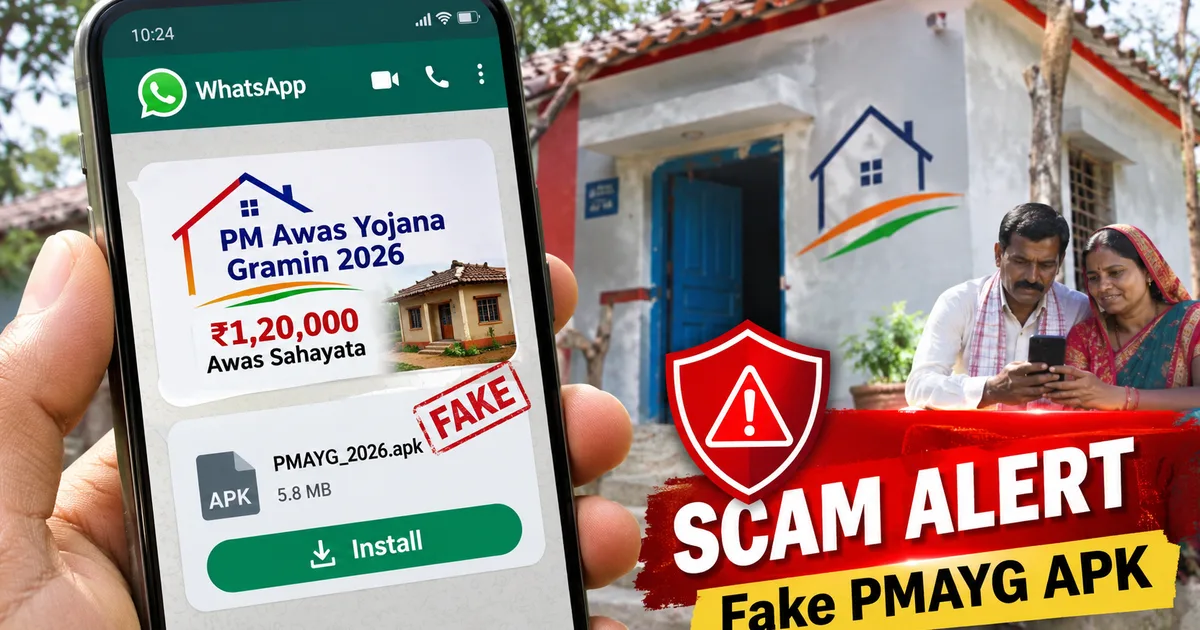
Here's the setup. You get a text or a forwarded message on WhatsApp from an unknown number. Or sometimes it comes from an infected phone belonging to a friend or relative. The message says the Ministry of Rural Development has released the updated PMAY-G housing allotment list for 2026. Attached to the text is a file ending in .apk. Usually, it's named something like PM_Awas_Gramin_List_2026.apk or PMAY_Beneficiary_Approval.apk.
Scammers build huge panic fast. They warn that if you don't open the file and check your name right now, your government house allotment of Rs 1,20,000 for plain areas or Rs 1,30,000 for hilly states will get cancelled. Then they claim it goes to someone else. For families waiting months for housing approval, that warning causes instant panic.
Critical Warning: Government departments like the Ministry of Rural Development never send official beneficiary lists as downloadable .apk files on WhatsApp. Official documents are published as PDF files on state government web portals like pmayg.nic.in.
We saw a similar trick recently with the Fake PM Awas Yojana (PMAY) 2026 House Allotment Approval WhatsApp Link Scam, but this APK version is way more dangerous. It doesn't just send you to a phishing site to grab your name and Aadhaar number. The sketchy file puts a background Remote Access Trojan right inside your Android system (which makes sense from the hacker's point of view, unfortunately).
And this isn't just happening in remote villages. In my experience, urban victims fall for it just as often. Recently in Gujarat, an accountant and his wife lost Rs 20 lakh after tapping an unverified PMAY APK file sent over WhatsApp. Ahmedabad Cyber Crime Police tracked the stolen money across several states. Fraudsters used quick online transfers to drain accounts before the couple even figured out what happened.
How the fake PM Awas Yojana APK steals your money
Look, Android phones have security features built in to block bad app installs. But scammers use clever tricks to make you bypass those protections yourself. I'm not sure exactly why people trust these random texts so easily, but here is how the attack works step by step on your phone.
Step 1: Pushing the fake update file
The scammer drops the .apk file into a WhatsApp group or sends it directly to your mobile number. It looks like an official housing subsidy update. So, people tap the file without thinking twice.
Step 2: Trick you into allowing unknown sources
When you tap an APK file inside WhatsApp, your screen shows a security prompt. It says your phone isn't allowed to install unknown apps from WhatsApp. The scammer writes step-by-step instructions right in the text message. They tell you to open Settings, switch on 'Allow from this source', and install the file. (I know it sounds obvious, but excited people ignore the popups).
Step 3: Stealing permissions during setup
Once you hit install, the fake PM Awas Yojana app asks for heavy phone permissions. It wants access to your SMS inbox, calls, contacts, and Android Accessibility Services. If you tap 'Allow', you give the malicious app total control over your device.
Step 4: Silent OTP interception and banking takeover
As soon as the app gets SMS permissions, it connects to a server run by the attackers. It hides its icon from your home screen right away. You end up thinking the install failed. But in the background, it reads every SMS you get. When scammers start banking logins or UPI transfers using your mobile number, the app grabs the incoming One-Time Passwords (OTPs) and sends them to the hackers. It even deletes the SMS notifications. Your screen doesn't even light up.
Before you finish your morning chai, your bank account linked to UPI is empty. Thing is, this isn't an isolated scam. If you want to see how big this malware mess is in India right now, check out our report on the Fake Mera Ration 2.0 Aadhaar eKYC WhatsApp APK Scam 2026. It uses the exact same trick on ration card holders.
Deadly warning signs to watch out for
Spotting these fake messages is easy once you know what real government messages look like. In my experience, you just have to watch for a few specific red flags:
- The file extension ends in .apk: Official lists are always on websites or shared as standard PDF files. Government departments won't ask you to install an Android package file to check a list.
- Sent from personal mobile numbers: Official SMS updates come from verified sender IDs like
AD-PMAYGorTG-GOVT. They don't come from random 10-digit mobile numbers or WhatsApp accounts. - Requests for Accessibility permissions: No real government app needs access to your system Accessibility settings or permission to control your screen.
- Urgency and scare tactics: Messages that threaten immediate cancellation of your housing benefits within 24 hours are almost always fake.
- Poor grammar and mixing languages: A lot of these scam messages have typos or weirdly formatted Hindi and English mixed together.
If you see any of these signs, delete the message right away. Tell the person who sent it to you, too. You can check out more fraud tactics in our dedicated Scam Alerts & Safety section so you can keep your family safe.
How to check your real PMAY-G beneficiary status safely
If you or someone in your family applied for a house under Pradhan Mantri Awaas Yojana-Gramin, don't rely on random WhatsApp texts. You can check the official 2026 beneficiary list straight from your phone. And you don't need to install any sketchy app to do it.
Here is how to check it safely, step by step:
- Open your web browser and go directly to the official PMAY-G portal at pmayg.nic.in.
- On the homepage menu, tap on the Awaassoft tab and select Reports from the drop-down list.
- Under the 'Social Audit Reports' section, click on Beneficiary details for verification.
- Select your State, District, Block, and Gram Panchayat from the selection filters.
- Enter the simple captcha code displayed on the screen and tap Submit.
The portal generates the official list of approved beneficiaries for your village right away. It shows sanction amounts, installment details, and construction progress. You can view it in your browser or download the PDF file directly from the government server. If you need step-by-step help for navigating government websites safely, read through our How-to Tech Guides.
What to do if you already installed the fake APK file
If you accidentally installed the fake PM Awas Yojana APK file on your phone, act fast. Every minute matters when dealing with SMS-stealing malware (it's scary how quick they operate).
- Turn on Airplane Mode immediately: Pull down your phone notification bar and turn on Airplane Mode. Or just pull out your SIM card. This cuts off the malware from its server and stops it from sending your OTPs to scammers.
- Call your banks to block services: Use another phone to call your bank's emergency line right away. Ask them to block your net banking, debit card, and freeze all outgoing UPI transactions on your account.
- Uninstall the app in Safe Mode: Restart your Android phone in Safe Mode (usually by holding the power button and long-pressing 'Power Off'). Open Settings, go to App Management, look for recent unknown apps, and delete them.
- Perform a Factory Reset: If you want to be completely sure the malware is gone, back up your photos and contacts, then do a full factory reset. This wipes out hidden scripts.
Where to report PMAY cyber fraud in India
If you lost money or ran into a fake PMAY APK file, report it. It helps police block the scammers' bank accounts and numbers fast.
First, lodge a complaint on the Indian Cyber Crime Coordination Centre (I4C) portal at cybercrime.gov.in. If money got debited from your account in the last few hours, call the national helpline at 1930 right away. Speed is everything here. If you report it within the first hour (the golden hour, as police call it), cyber crime officers can freeze the money before the scammers cash out.
Also, you can report suspicious Android malware directly to the Indian Computer Emergency Response Team (CERT-In) by emailing info@cert-in.org.in or visiting their site at https://www.cert-in.org.in/. CERT-In tracks digital threats across India and shuts down malicious command servers.
Basically, stay alert. Double-check every single file before tapping install, and don't let artificial panic drive your choices.