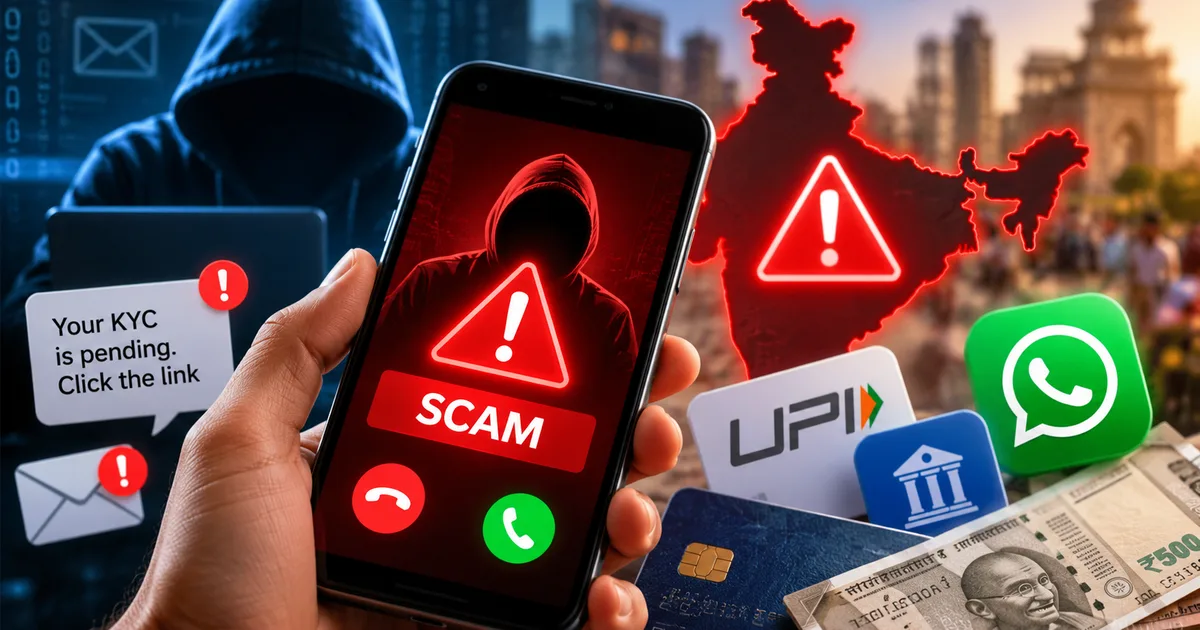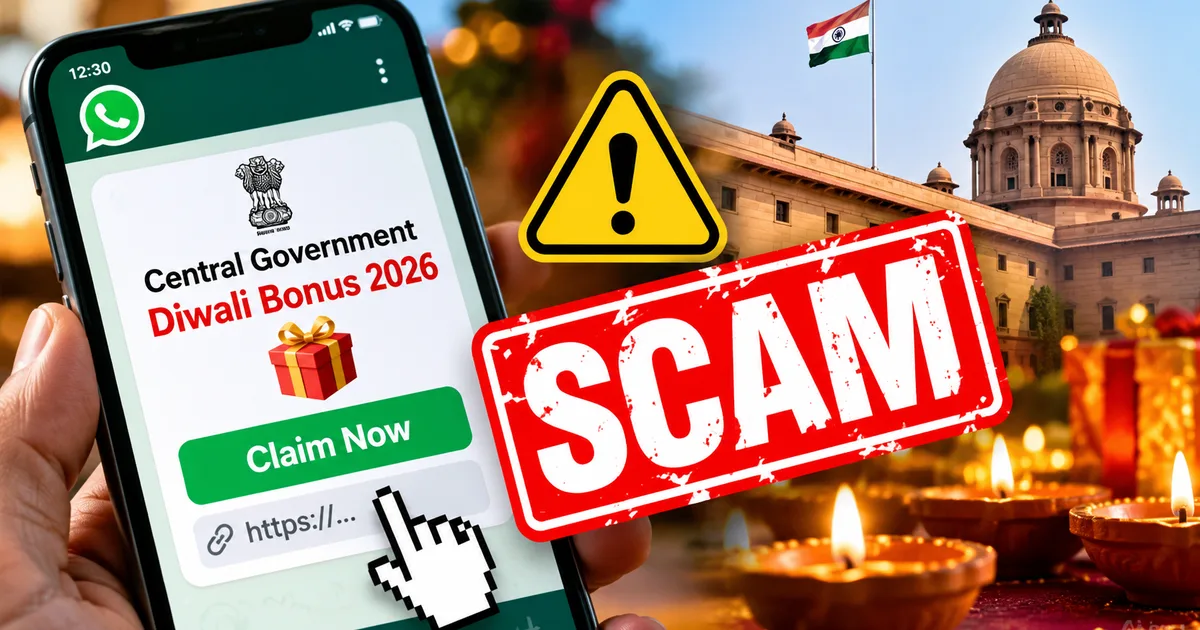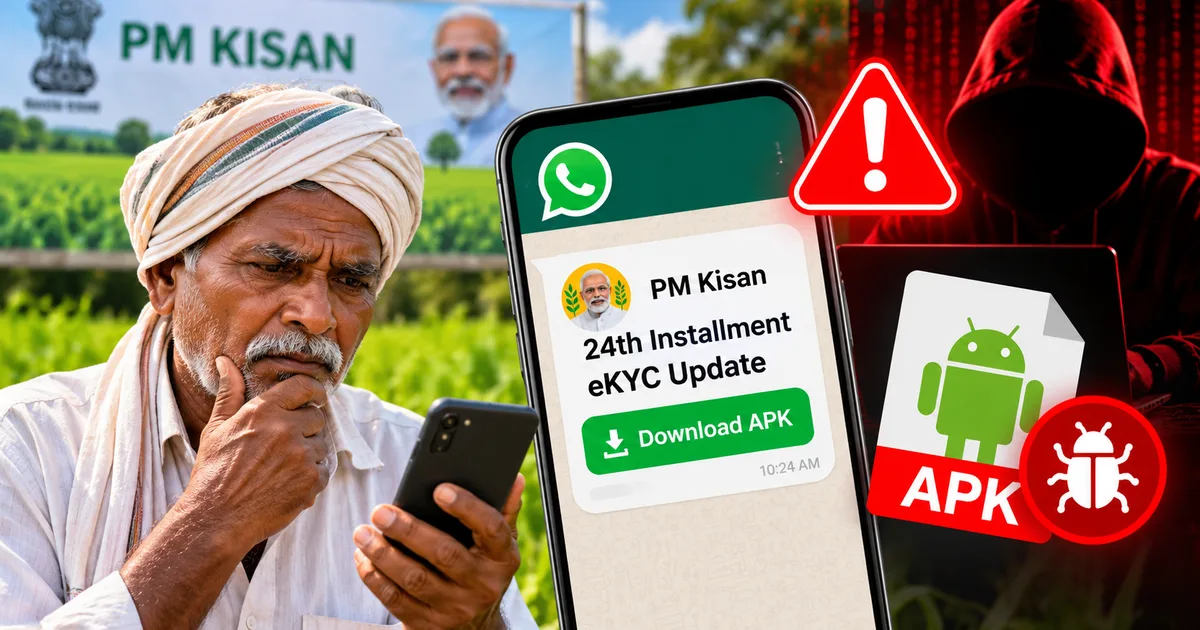
If you or your parents are waiting for the next direct benefit transfer under the Pradhan Mantri Kisan Samman Nidhi, watch your phone closely. Keep an eye out. A vicious fake PM Kisan 24th installment eKYC WhatsApp APK scam is currently spreading across family groups and private chats in India. Scammers know millions of families rely on that ₹2,000 credit every four months to buy seeds, get fertilizer, pay school fees, or clear electric bills. When money matters this much, panic sets in fast. And panic makes people tap things they shouldn't ever touch.
I saw one of these forwarded messages on a family WhatsApp group just two days ago. It looked shockingly real at first glance. It featured the official lion emblem and fake green checkmarks (which makes it super dangerous, honestly), along with urgent text warning that beneficiary accounts would freeze permanently without quick verification within 24 hours. Attached was a file named PM_Kisan_eKYC_Update_v24.apk. That file is digital poison. It's spyware built to quietly hijack your phone and transfer every single rupee out of your savings account before you even realize what hit you.
Honestly, targeting smallholder farmers and seniors who depend on welfare payouts is about as low as cyber criminals sink. It's disgusting. Understanding how this scam works and spotting the red flags will protect your hard-earned money.
What the fake PM Kisan 24th installment scam actually is
The PM-Kisan initiative sends ₹6,000 every year into bank accounts of eligible landholding farmer families across three equal installments of ₹2,000. To prevent fraud, the Ministry of Agriculture mandates periodic eKYC (which makes sense, actually). But here's the deal. The government never distributes updates or software packages through messaging apps. Ever. If you ask me, that simple fact alone should tip off any smartphone user.
Scammers love timing these attacks with the announcement cycle of the 24th installment. The moment agricultural news portals start discussing release dates, cyber syndicates operating out of regions like Jamtara and Deoghar quickly build sketchy Android apps. They pack a nasty Android Trojan inside an APK file. Then they disguise it as an urgent portal update. If you track our latest online scam warnings, you know this tactic is common. Combining it with direct benefit subsidies is particularly dangerous because it catches people when they're actively waiting on official announcements.
An APK, or Android Package Kit, is simply the file format used to install apps on Android devices outside Google Play. Think of it like a raw setup file. When you download an app from Google Play, automated systems scan the code for malware before letting it onto your device. Sideloading an APK from a WhatsApp chat wipes out every single safeguard Google built into Android. It's risky. You're basically opening your front door at midnight and inviting a complete stranger inside.
How the fake PM Kisan APK scam works step by step
This fraud doesn't rely on sophisticated hacking tools. It really doesn't. It relies on social engineering and tricky Android system permissions. Here's the exact playbook these fraudsters follow:
The initial WhatsApp message and fake urgency
It starts when you get an unsolicited WhatsApp message from an unknown number displaying an official ministry logo. The message looks urgent. The text claims your 24th installment failed because your Aadhaar-linked eKYC expired, warning that your beneficiary status gets cancelled permanently if you don't update today. Right below that warning, the sender provides the APK file with instructions telling you to install it immediately.
In many cases, the scammer calls you directly on WhatsApp. They speak politely in Hindi or your regional language, posing as a district agriculture officer while offering to guide you through setup. This mirrors the case of Renu Vishwanath, a 59-year-old retired headmistress from Delhi, who lost ₹47 lakh after fraudsters called her on WhatsApp and guided her to install an external APK under the pretense of pending KYC.
Alay Razvi, managing partner at Accord Juris, clearly explained the risk following that incident:
No Bank will ever ask any customer to verify KYC through WhatsApp or download external APK files. Cyber criminals often create an urgency to trick any user to extract personal information. With banks, the KYC verifications can be done through banking apps or websites. One needs to protect themselves from such scams.
Sideloading the malicious Android package
When you tap the downloaded file, Android blocks it by default and warns you about installing unknown apps. The scammer anticipated this barrier. Their caller calmly tells you this is an internal government file, instructing you to open Settings and enable Allow from this source. Following those instructions disables your phone's defenses in seconds.
Once installed, the fake app displays a dummy login form. It asks for your name, Aadhaar number, registered mobile number, and bank details. While you fill in those boxes, the app prompts you for system permissions: SMS access, phone calls, contacts, and notification listener services. Think about that. If you ask me, an agricultural verification app has zero business reading your private text messages. None at all. The moment an app requests permission to read SMS, alarms should sound.
Remote SMS interception and account draining
By granting SMS permissions, you basically hand spyware total freedom to read every incoming message on your phone. That includes one-time passwords sent by your bank and UPI registration codes. You don't even have to share your OTP. It's automated. The malware reads the OTP the instant it arrives and forwards it silently to a remote server run by criminals.
Meanwhile, the app just displays a spinning wheel saying verification is in progress for 24 hours. It's a fake delay. That pause gives fraudsters uninterrupted time to log into your net banking or set up rogue UPI handles. They drain savings accounts and sweep fixed deposits into overdrafts. In one case documented by The Hindu, a farmer lost ₹1.95 lakh within thirty minutes of installing a fake PM Kisan application. The numbers here are a bit fuzzy regarding how many accounts they touched, but thirty minutes was all it took.
Warning signs of a fraudulent eKYC message
Scammers frequently change file names, but their messaging patterns remain predictable. If you spot any of these red flags, treat the message as an active attack right away:
- The sender uses an ordinary ten-digit mobile number on WhatsApp rather than an official government SMS shortcode like AD-PMKISN or BV-GOVT.
- The message creates panic by setting a tight deadline, such as demanding compliance within 24 hours to avoid losing your ₹2,000 installment.
- The sender attaches a file ending in .apk or directs you to an unofficial web page hosted on free hosting platforms instead of the official gov.in domain.
- The app asks for invasive permissions that no welfare verification tool needs, especially access to SMS, phone calls, contacts, and accessibility settings.
- The caller or sender asks you to make a nominal test payment of ₹1 or ₹5 through UPI to verify your active account.
- The text contains grammatical mistakes or strange fonts meant to evade WhatsApp automated spam filters.
Look, the Indian government has strict communication protocols. Genuine agencies don't send installation files through WhatsApp chats. Ever. We saw the same pattern in fraudulent PM Kisan KYC messages earlier, and it recurs in other schemes like fake pension approval scheme messages.
How to protect your bank account and phone
Defending yourself against APK fraud doesn't require advanced technical expertise. Not at all. It just requires calm skepticism. Here are the practical rules you should follow every day:
- Never install any app delivered as an attachment in WhatsApp or Telegram. If an app isn't on the Google Play Store, it belongs nowhere near your phone.
- Keep the Install unknown apps setting toggled to Not Allowed for WhatsApp and Chrome on your Android device.
- Do your PM-Kisan verification exclusively on the official portal at pmkisan.gov.in or through the verified PMKISAN mobile app published by the National Informatics Centre on Google Play.
- If you prefer offline assistance, walk into your nearest Common Services Centre (CSC) or local post office where authorized operators use biometric fingerprint scanners for eKYC.
- Set up transaction limits on your bank accounts through mobile banking so that unauthorized transfers can't wipe out your life savings in one go.
- Lock your Aadhaar biometrics using the official UIDAI portal or mAadhaar app so nobody can misuse your Aadhaar-enabled Payment System credentials.
The Indian Computer Emergency Response Team, known as CERT-In (https://www.cert-in.org.in/), has repeatedly published advisories warning Indian smartphone users against downloading untrusted Android packages. In my experience, these gangs succeed simply because people don't talk about these risks at home. It's tragic. Following basic digital hygiene and reading practical digital safety guides is your best defense against these syndicates.
What to do if you already tapped the file
If you or someone in your family already downloaded and installed this fake PM Kisan APK, don't panic. But you need to act immediately because seconds matter.
First, turn on Airplane Mode right away. Turn off Wi-Fi and mobile data. This severs the connection between the malware on your handset and the criminal command server, stopping data theft in its tracks before OTPs get forwarded. Turn off your internet connection immediately to block remote access.
Second, borrow a family member's phone and call your bank customer care line to freeze your debit cards and net banking accounts. Tell the customer care executive clearly that your smartphone was compromised by an Android Trojan. Ask your bank to freeze all outgoing UPI and IMPS transactions instantly.
Third, don't attempt to just delete the app icon from your home screen. That won't solve it. Sophisticated banking malware hides its launcher icon or installs secondary background services. Back up your essential photos or contacts, and perform a full factory data reset on the compromised phone. Perform a complete factory reset to remove hidden spyware files from your device.
Where to report cyber fraud in India
Reporting fraud helps law enforcement map criminal rings and freeze scammer bank accounts before more damage is done. Honestly, it might save hundreds of other families from losing their savings.
The moment you suspect financial loss, dial 1930. That is the National Cyber Crime Helpline operated by the Ministry of Home Affairs. Don't delay. Dial 1930 immediately to report financial cyber fraud within the golden hour.
The first two to three hours after a fraudulent transaction are known as the golden hour. When you report unauthorized transfers quickly to 1930, helpline operators coordinate directly with recipient banks and payment gateways to freeze money in transit (which gives you a fighting chance). They can stop the money before scammers withdraw it from an ATM or convert it to crypto.
Next, file an official cyber crime report online at cybercrime.gov.in. File a formal complaint on the official portal at cybercrime.gov.in with all transaction proofs. Upload screenshots of the WhatsApp chat, the sender's phone number, the APK file name, and your bank statement showing transaction reference numbers.
You should also visit your local police station or district cyber crime cell to register an FIR. Under Reserve Bank of India (RBI) guidelines on customer protection, if you notify your bank of an unauthorized electronic transaction within three working days where fraud occurred due to third-party breach, your liability is substantially limited (though dealing with bank paperwork can test your patience). Keep your family informed, and never let an urgent WhatsApp message trick you into handing over control of your smartphone.